Check the acquisition promise
Read the store headline, screenshots and description. What problem is the app promising to solve?
Study the storefront ↗
Verizon Wireless · iOS
Explore the ad evidence, study the storefront, and build your next acquisition hypothesis.
01 / Creative research
Read the store headline, screenshots and description. What problem is the app promising to solve?
Study the storefront ↗Explore apps with direct store-link matches. Compare their hooks and formats without assuming the same approach works here.
Browse observed advertisers ↗Store rankings and revenue estimates describe market context. They do not establish ad spend, conversions or ROAS.
Review the market context ↗02 / Storefront & product
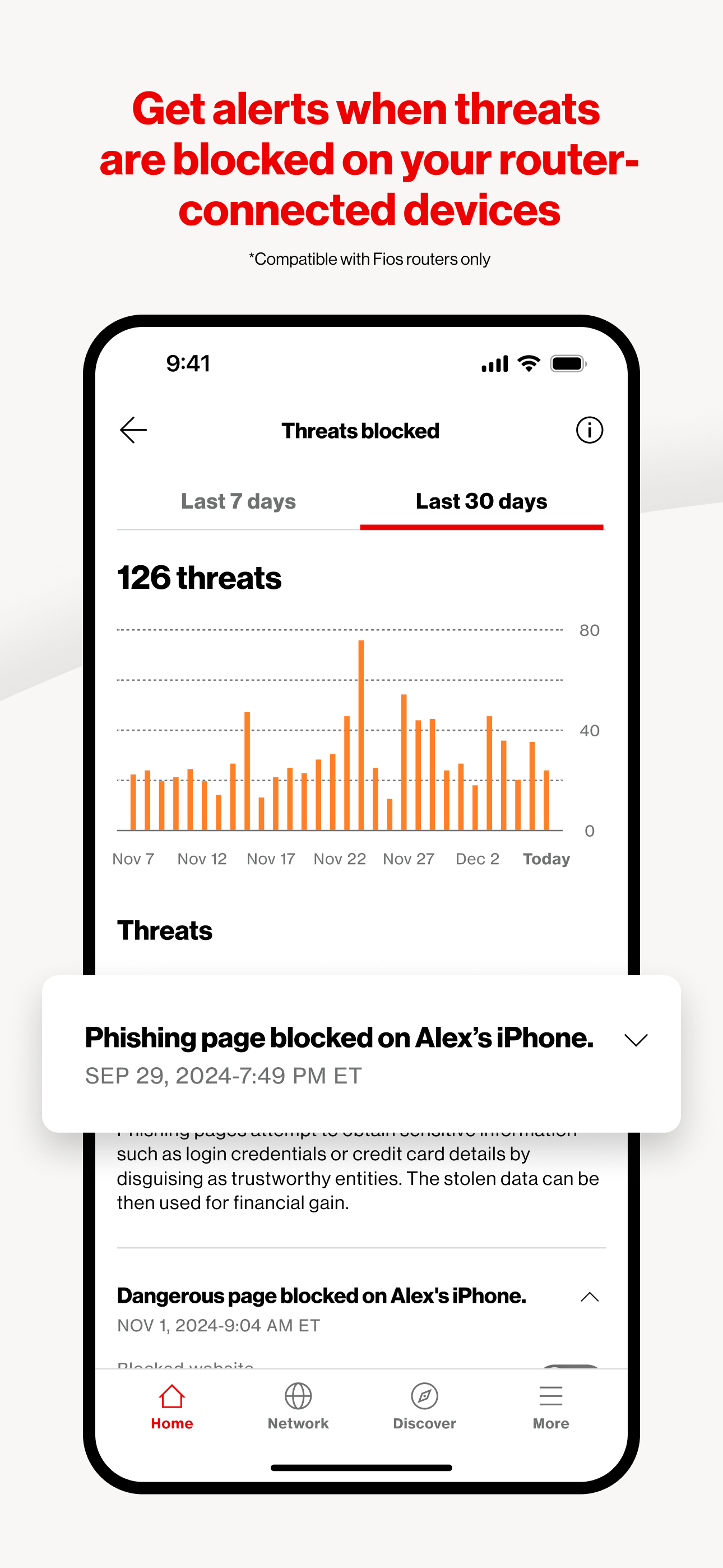
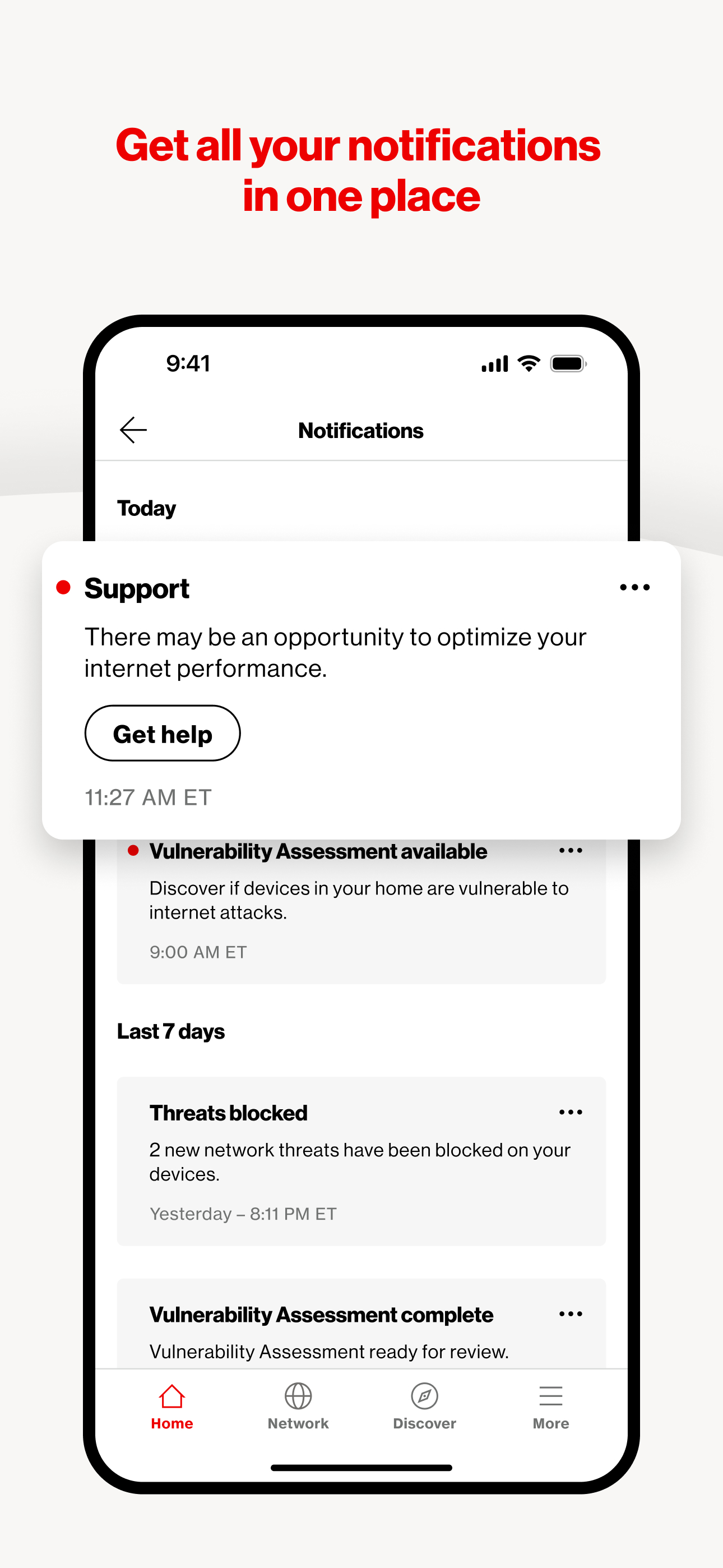
Study the product story and store experience behind the acquisition funnel.


03 / Market context
Keep revenue, downloads and store rankings separate from advertising performance.
This app claims to have downloaded on my iPhone, but has no icon and if I select it from the Apple Store, it takes me to a page blank except for “Sign In” and an arrow to the left, which takes me back to the Start page that says to follow the link to sign in. UNUSABLE. I have a T1 and have measurably miserable throughput if I use a VPN, which is a bad idea to go without (76 down/57 up on Verizon Speed Test with a capable VPN rated the fastest by many). Works well with no protection at all. BARELY USABLE. I have now even switched to another VPN: it runs slightly better, and I normally can connect at about 100MBps up and down…on a T1 WITH FIOS, which should be 1000MBps up and down! I can now reach the Verizon Home page sometimes. However, it often doesn’t connect AT ALL UNLESS I TURN OFF the VPN. I can do this only THREE FEET AWAY FROM THE EXTENDER in a direct line of sight. If I try to respond to the developer, which they have invited, I get only a general page connection with NO indications of how to reach the developer! I seriously have to question their competence here. GARBAGE GARBAGE GARBAGE. If I could give them LESS than one star, I would! ANY product that works remotely as advertised that only does so with NO SECURITY ON THE LINE is USELESS! And I’m not just talking about Verizon Home, I’m talking about Verizon ITSELF!
I’ve been using the Verizon Home app for the last several months. It’s a great straightforward utility app. With great features. There is one suggestion I would love to see on the app an ability to see data usage. Even though Verizon has no data caps on their internet plans. It’s always nice to see how much data you are pulling on the network and individual devices. I know you can see the data usage when login to your router. But it would be nice to have a shortcut to view in the app. When connected to your home WiFi.
Verizon Home has been pretty user friendly and cleaned up a lot from previous apps. It’s presented very nicely and is easy to navigate for your average user and also those who may not be very computer literate as well. I think presenting an app that’s easy for everyone to use is obviously any company’s intention and in this case, Verizon knocked it out of the park. What I would really like to see is a two factor authentication section where you can access your advanced network settings. Whether via text, call or even Microsoft Authenticator, I feel it’s something that should be done. The ability to change router settings, security, WiFi band and port forward should be available directly in the app rather than having to go to the website to manage those kinds of things. I also think Verizon should be doing a better job presenting or educating their customers on what these things are and how customers have access to these features. Providing free vulnerability assessments and filtering potential threats on the network is huge. And then allowing certain customers to have this for free based on plan is a huge step in the right direction. I think that’s great Verizon is providing that and it’s easy to read access in the app. But I still feel that access to advanced network settings should be incorporated in the app.
Manage and Optimize Your Fios, 5G Home, or LTE Home Network with Ease Verizon Home is your all-in-one solution for managing and optimizing your home...