
Check the acquisition promise
Read the store headline, screenshots and description. What problem is the app promising to solve?
Study the storefront ↗
General Motors Company · iOS
Explore the ad evidence, study the storefront, and build your next acquisition hypothesis.
01 / Creative research
Read the store headline, screenshots and description. What problem is the app promising to solve?
Study the storefront ↗Explore apps with direct store-link matches. Compare their hooks and formats without assuming the same approach works here.
Browse observed advertisers ↗Store rankings and revenue estimates describe market context. They do not establish ad spend, conversions or ROAS.
Review the market context ↗02 / Storefront & product
Study the product story and store experience behind the acquisition funnel.




03 / Market context
Keep revenue, downloads and store rankings separate from advertising performance.
This app functions to keep you at the dealer and upsell you on products you already have. On multiple occasions I’ve reported app readings to my dealer, to always be told they are wrong, inaccurate or unseen on their diagnostic machine. Tire pressure and gas levels significantly differ from the car to the app, and the auto start often fails. It also reads my key fob being in the car when it’s not. Ultimately, even being a proactive, tech savvy person, who performs updates and can troubleshoot effectively, this app malfunctions constantly. I only gave it two stars because the lock and unlock functionality usually works. In competitor apps, like my ford, I can schedule times for my car to autostart, I can see weekly reports, maintenance is easy to schedule with my preferred dealer, the mileage tracking is impeccable and any maintenance notices are accurate and verifiable. Unfortunately, for me, this app needs work. I’d suggest testing with patrons to make a more user friendly and customizable experience.
The app is handy when you need to unlock or lock the car even for remote start. However the function are way too slow specially when not on wifi. The delay for any function makes it undesirable to use for daily use. Example would be today trying to lock the car from the app it took about 3 minutes and the the same to unlock it. Now imagine yourself standing at the door of your vehicle waiting 3 minutes before you can open it. I received a response from the developer / GM and they talked a lot about remote start and how it will take up to a minute to work. Let me be clear my issues is not with remote start, my issue is with the delay of the functions specially unlock and locking of the vehicle. They said it would take up to a minute but most time it takes 2 some times 3 minutes. With technology today and keeping in mind I work in network engineering they can certainly make this app work / communicate a bit quicker. To compare similar functions my home automation lock and unlock of doors even on cellular connectivity takes about 30 seconds to some times 60 seconds to work. Once is a great while it could take 90 second but never 2 to 3 minutes. That process goes to a server in the cloud that then send the requested action to the controller in the home and then to the lock. Just like this app send request action to the server in the cloud and then down to the vehicle. I will end with saying this is a great app and definitely one you should have on your phone and ready to be use when need it but reaction time could be better. I will also add this experience will probably vary by vehicle and you may have a different experience than me.
Mybuick app used to be amazing. But ever since this UI update, I've have nothing but problems. It's very annoying to have to hold the button icon down so long in order to send a signal. It's weird. I didn't have to before. The thing that I hate.... Absolutely hate!... It's the UI screen lock and unlock buttons. They tend to be faded out. I can't lock or unlock my vehicle. Today my hands were full and couldn't get to my key fob. I figured I'd lock it with the app when I get inside. As of right now... The unlock is faded. Can't touch it. The lock button is bright but it says locked. But my door is unlocked. There is no way to lock it. I push it and nothing happens. At either time one or the other will be faded and unable to be pressed. This is common. I'll have to go to my car in order to lock the door. Major inconvenience because I'm in an apartment. It's a long walk to my car and I'm undressed. I pay a monthly full for this app I'm furious. But this has happened ever since the user interface update. It looks good but doesn't work good. I keep having to delete and reinstall the app just for it to happen again!
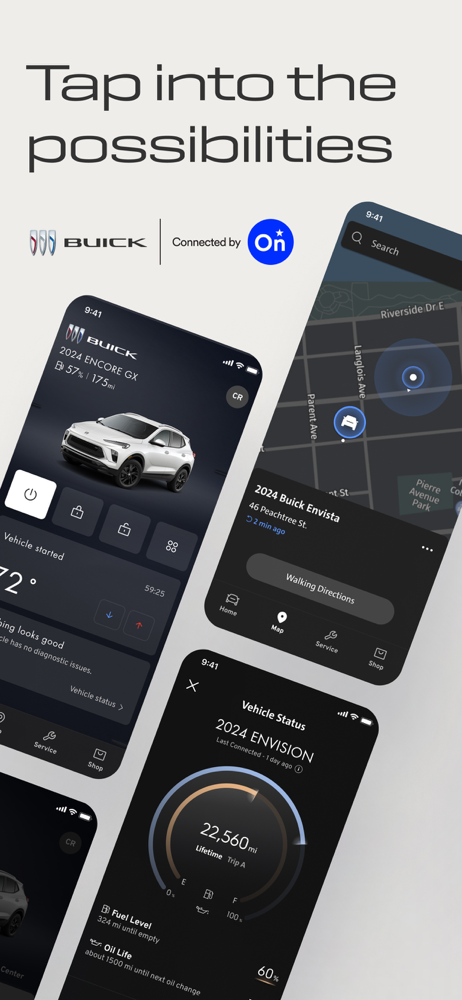
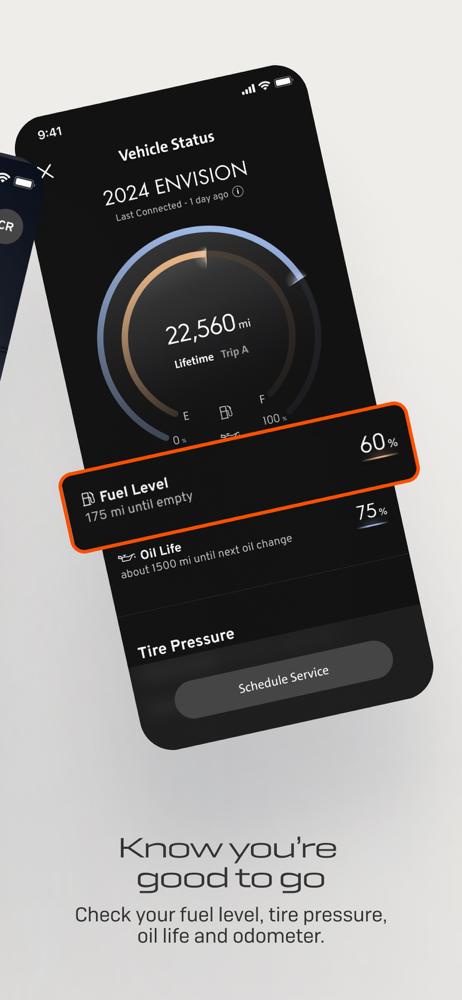
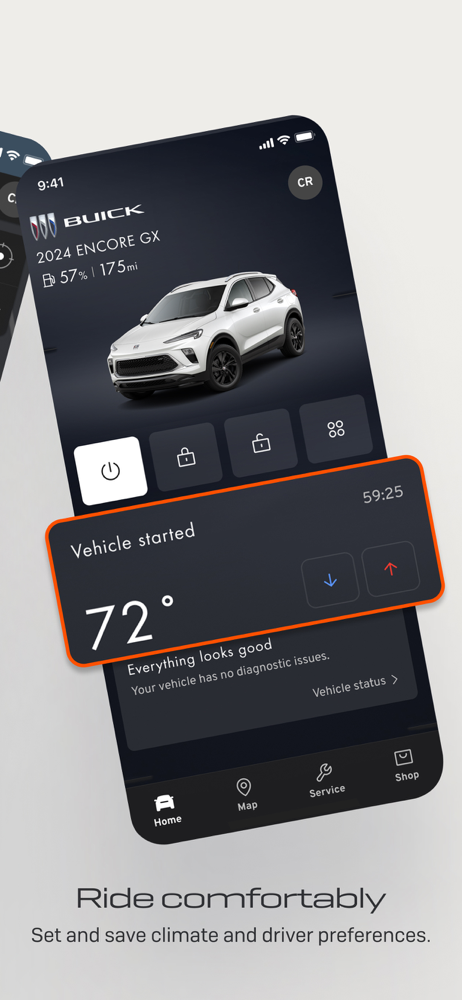
Vehicle control is at your fingertips with the myBuick app, connected by OnStar. Keep track of your fuel level, tire pressure, oil life/charge, odomet...


