
Check the acquisition promise
Read the store headline, screenshots and description. What problem is the app promising to solve?
Study the storefront ↗
Camelot Illinois LLC · iOS
Explore the ad evidence, study the storefront, and build your next acquisition hypothesis.
01 / Creative research
Read the store headline, screenshots and description. What problem is the app promising to solve?
Study the storefront ↗Explore apps with direct store-link matches. Compare their hooks and formats without assuming the same approach works here.
Browse observed advertisers ↗Store rankings and revenue estimates describe market context. They do not establish ad spend, conversions or ROAS.
Review the market context ↗02 / Storefront & product
Study the product story and store experience behind the acquisition funnel.



03 / Market context
Keep revenue, downloads and store rankings separate from advertising performance.
Approximately a month or two ago the app was “upgraded” and it went from a really great, super well functioning, user friendly app and became the worst app that I’ve had the displeasure of dealing with. Once the “upgrade” was installed I couldn’t log in at all and had to change my password because I couldn’t remember the old one and the thump print access was no longer letting me in. So I changed my password and since then I definitely don’t have the ease of use of my thump print access anymore and I can’t seem to find anyway to reestablish it. The other major flaw since the “upgrade” I have to actually reboot my phone at least once or twice a week to be able to successfully log in, the screen either goes to full white or it says “oops, it’s a 500” whatever that means? I have no idea other than it means to me that I have to reboot the phone again in order to do the simple task of logging in. I’m a daily player and this is beyond frustrating! I use many apps on my phone on a daily basis, this is the only one that is causing these sorts of problems.
Your new site and app are not good. They are very inconvenient and include unnecessary steps if someone is buying anything more than a single line on a ticket. I should be able to select or type in how many I want to buy and that I want them all to be quick picks, then pay for them. This is what I have to do: I have to select one line at a time, then tell it to do the quick pick. Then add another line, then select quick pick, etc., etc., etc... for EVERY. SINGLE. LINE. Then, I cannot buy more than ten tickets. I can't add them to a cart and buy another set. I have to complete my purchase for one set of numbers, then start that same laborious process again. And that is if I completed the set of ten after I logged on. Because if I click on the wrong thing at any point or find I didn't log in yet, or didn't add money to my account (which is also new and annoying that I can't just pay for them like any logical transaction), I lose all of the numbers and have to start it all over again. Then, I see the number in my account but there is a ridiculous delay in the confirmation emails and both the items in the account and the emails all come separately because I have to complete the transaction before I can buy more. I find it hard to believe that whoever designed this mess of a system actually tested it with real customers who went through the process of making a purchase larger than a couple lines. If you are trying to push people from buying online, you are doing great. If you are trying to make the site/app a way to increase sales, you really have a lot to change.
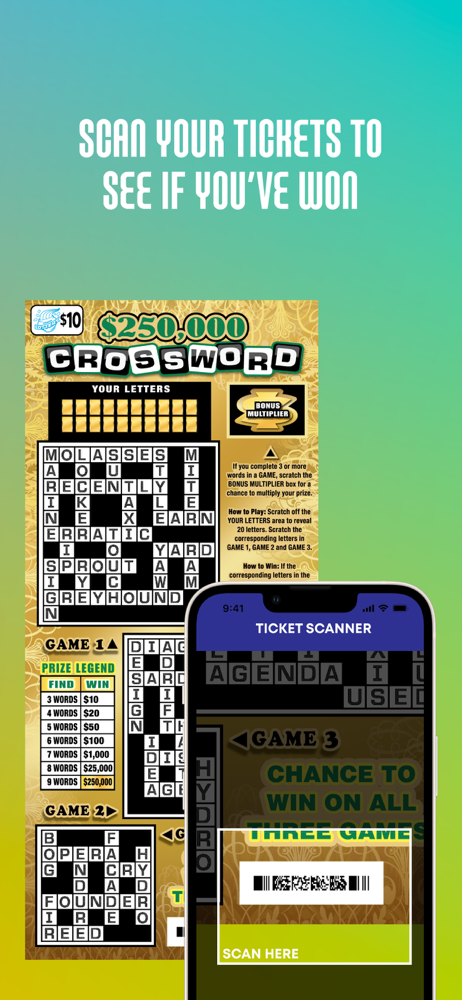
My previous rating was a 1-star, but I have since updated it to 5-stars after some troubleshooting. I read dozens of the reviews (all 1-star) with common problems. Most, if not ALL of these problems can be solved by changing your settings either on your phone or computer (browser settings) to allow the Illinois Lottery to access your location. On the iPhone go to Settings > Privacy > Location Services. Make sure you allow the Illinois Lottery app access (if you have the app) otherwise you will have to adjust your browser settings (use Safari or google chrome) and again make sure your browser isn’t blocking the Illinois Lottery website (on your iPhone; go to Settings and scroll down to your browser). Turn off “Ask Websites Not To Track Me.” You will be able to scan tickets, your numbers will not disappear and you will be able to play multiple lines and check out. Once your (location) settings are adjusted the app and website work without a hitch. I understand how frustrating it is and I hope this helps. By law the Illinois Lottery must confirm your location in the state at the time of purchase. P.S. the scanner will not work on any old lottery tickets only new tickets after the upgrade.
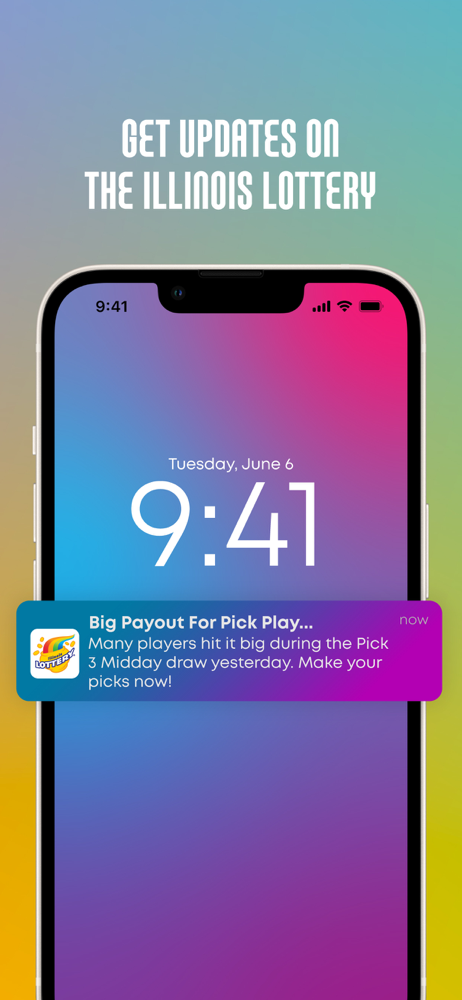
Download the Illinois Lottery app and play Powerball®, Mega Millions®, Lotto, Lucky Day Lotto®, Pick 3 plus FIREBALL™, Pick 4 plus FIREBALL™, or FastP...


