
Check the acquisition promise
Read the store headline, screenshots and description. What problem is the app promising to solve?
Study the storefront ↗
OnStar, LLC · iOS
Explore the ad evidence, study the storefront, and build your next acquisition hypothesis.
01 / Creative research
Read the store headline, screenshots and description. What problem is the app promising to solve?
Study the storefront ↗Explore apps with direct store-link matches. Compare their hooks and formats without assuming the same approach works here.
Browse observed advertisers ↗Store rankings and revenue estimates describe market context. They do not establish ad spend, conversions or ROAS.
Review the market context ↗02 / Storefront & product
Study the product story and store experience behind the acquisition funnel.


03 / Market context
Keep revenue, downloads and store rankings separate from advertising performance.
My Father added both myself & my Fiancé to his family service & OH MY GOODNESS WE ABSOLUTELY LOVE THIS APP! For some reason I couldn’t get my iPhone “Find My” App that my phone came with to ever let my family members/loved ones to be able to even see my location! So, my Father said “forget going crazy over that stupid thing, my car comes with this great Guardian OnStar App that I can add you to.” It worked automatically and was so easy to setup. Also, especially the fact that my Father is the one who owns the vehicle that comes with the OnStar but family members can also receive all these awesome additional added features/benefits too that this Guardian App comes with! This is absolutely the most amazing iPhone App I have ever had. I’m giving a 5 star review but I wish I could give more because this 100% deserves it!
Great app that really does give you a piece of mind on the road. I’m a new driver and don’t feel very confident that I can deal with an emergency situation where my car won’t start or I'd get a flat tire, etc. And of course, funnily enough, I was recently driving home from university and got flat mid-way through my trip. My dad’s got a GM sub and all the family members are included in the family plan. And thank god, haha! I was able to request assistance in a few minutes and it wasn’t long before help actually arrived, had to wait about an hour or so. The assistant I spoke on the phone with was very nice as well! He really made me feel safe while I was stranded in the middle of nowhere. Anyway, the team arrived, fixed my tire and got me back on the road as quickly as possible! I’m really glad I had OnStar to resolve this for me as I wouldn’t have known what to do otherwise. I would probably panic and start franticly searching for roadside assistance numbers, and then end up just calling my dad. Having access to the OnStar Guardian app gives me the comfort that, if I ever find myself on the side of the road again, I will be alright! I would definitely recommend it to any new drivers out there that feel like they wouldn’t know what to do if they suddenly ran into car trouble on the road. And the app is now open to non-GM users, which I think is pretty awesome as more people will be able to use the service.
I received the email from OnStar my service package would this new Guardian app where I can add my family, share locations with them and be protected in case of an emergency. Sounds great, right? After I downloaded and setup our family of four I started getting notifications for someone named ‘rielly’. No one in my family of 4 is named rielly, and I can see them all listed in the app. No extra people. Yet when Reilly’s battery gets low or the turn on and off permissions I kept getting a notification. So I called OnStar. They said they opened a ticket but there was absolutely no way whoever this Reilly person is could see my, or my family’s location. Fast forward a little over a week to today.. guardian app notification on my Lock Screen that Reilly has viewed my location! So now whoever this person is now knows WHERE I LIVE!!! Spent another hour on the phone with OnStar to get my account on the guardian app disabled completely and they still have no idea who this person is. Deleted all my family members and removed all location/microphone/tracking permissions. Made everyone else delete the app. Now at 1am, I get more notifications that Reilly’s phone is 7% and that “a family member has asked to view my location “. Yet everyone else in my house has completely deleted the app and I have turned off all permissions. This is awful - now I have to worry about someone stalking us. DON’T USE THIS APP!!!!
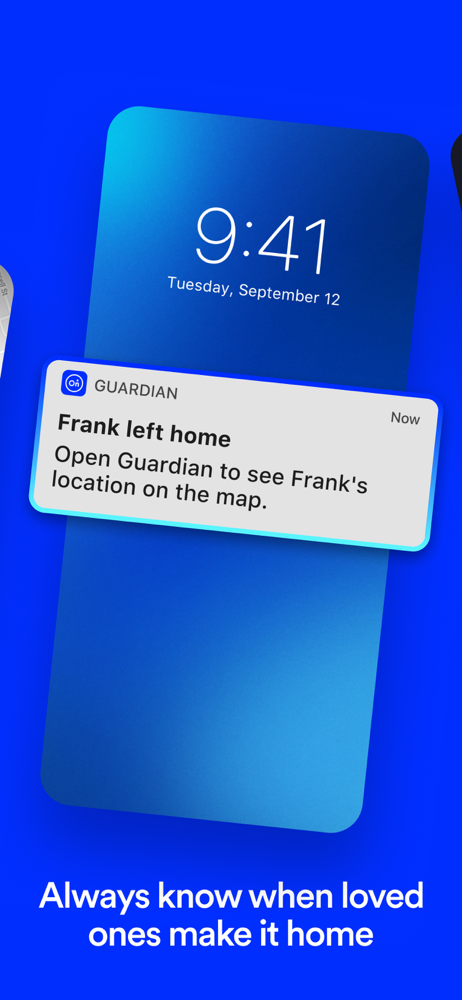
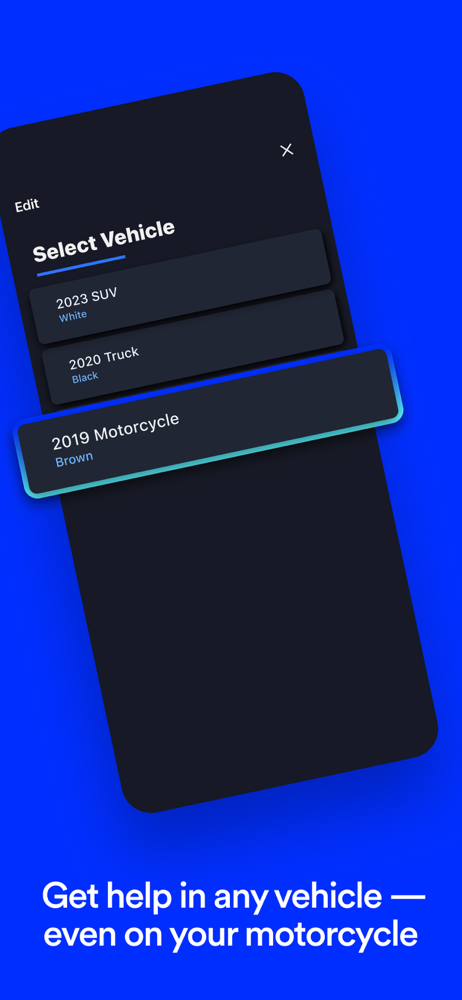
SAFETY SERVICES RIGHT ON YOUR PHONE Get family safety services — Roadside Assistance, help in a crash, family locator and Emergency Services — with...


