
Check the acquisition promise
Read the store headline, screenshots and description. What problem is the app promising to solve?
Study the storefront ↗
Oticon A/S · iOS
Explore the ad evidence, study the storefront, and build your next acquisition hypothesis.
01 / Creative research
Read the store headline, screenshots and description. What problem is the app promising to solve?
Study the storefront ↗Explore apps with direct store-link matches. Compare their hooks and formats without assuming the same approach works here.
Browse observed advertisers ↗Store rankings and revenue estimates describe market context. They do not establish ad spend, conversions or ROAS.
Review the market context ↗02 / Storefront & product
Study the product story and store experience behind the acquisition funnel.




03 / Market context
Keep revenue, downloads and store rankings separate from advertising performance.
Don’t you hate it when your behind-the-ear hearing aids get caught by your glasses? These in-the-ear hearing aids eliminate the problem. And they are more secure in my ears when I’m active outdoors. I thought I’d have to give up sound quality to have those options, but my Oticon Zeals give me far better speech clarity than my prior hearing aids. Plus when I go to a noisy environment like a restaurant I can adjust the program to reduce noise and enhance speech clarity even more. I’m hearing things that I have heard for years. Can’t say enough good things about them. For the first couple of days having hearing aids in your ear canal can be a little uncomfortable - they feel a bit tight and even irritating after a full day’s use, but give it two or three days and you’ll find you forget you even have them in like I did. These are a five star improvement.
As with most hearing aid apps, this app is unusable for Voice Over users for accessibility. For example, go to the Sound screen in the app, triple click the side button on the iPhone to turn on/off Voice over. Single finger swipe left and right to move cursor and hear what button or item you are on. Double tap to activate. As you will see on the Sound screen, only two controls are visible and those will not work either by swiping up and down to move the controls. There are supposed to be other buttons on the screen that is not visible to Voice Over such as the triple dot button that brings up a menu type screen. At the bottom of that is the Auracast item but I can't activate that. My Audiologist and I have been trying to get this to work with Voice Over so I know there are buttons there. Once my Audiologist got Auracast working and streaming to my hearing aids, and I turn on Voice Over, the streaming stops saying that additional sounds are playing. I could leave Voice over off but I have to be able to get to the pint of actually activating Auracast. So I'm asking, begging, pleading, please see what you can do to get this to work with Voice Over. I respectfully say that I am paying just as much as everybody else on these hearing aids and would love to be able to get the same use out of them. Also, Apple has made it easy for app programmers to initiate Voice Over into their apps. They have done all the hard work. It just needs to be initiated into the apps. Thanks you much for your attention to this.
Hmm, what to say? This is the only option I have been informed to control / monitor my hearing aids. So, it does what I need it to do without much fanfare or issue. That’s about all I need, right? My only observation is that the app does not always seems to recognize when I am wearing my hardware. It’s really odd too. I can change my modifiers from General to another setting, I have one called “Speech in Noise”, but even then the app may not acknowledge that I am wearing them for the “are you wearing your hearing aids” part of the app. This is not overly important for me because I wear them, but someone else may need or would like it to function constantly. I still give the app 5-stars because, like I wrote earlier, it truly does all I need it to function for me.
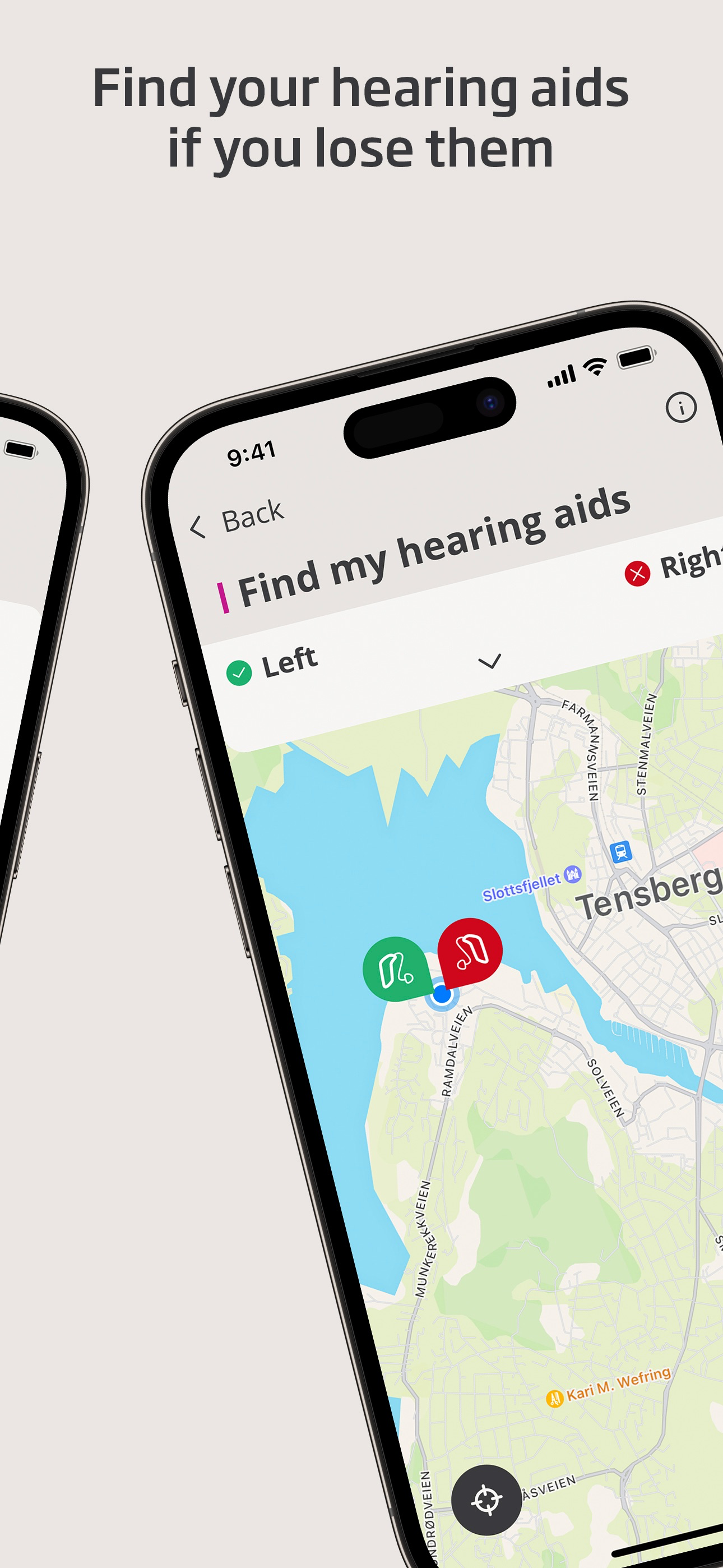
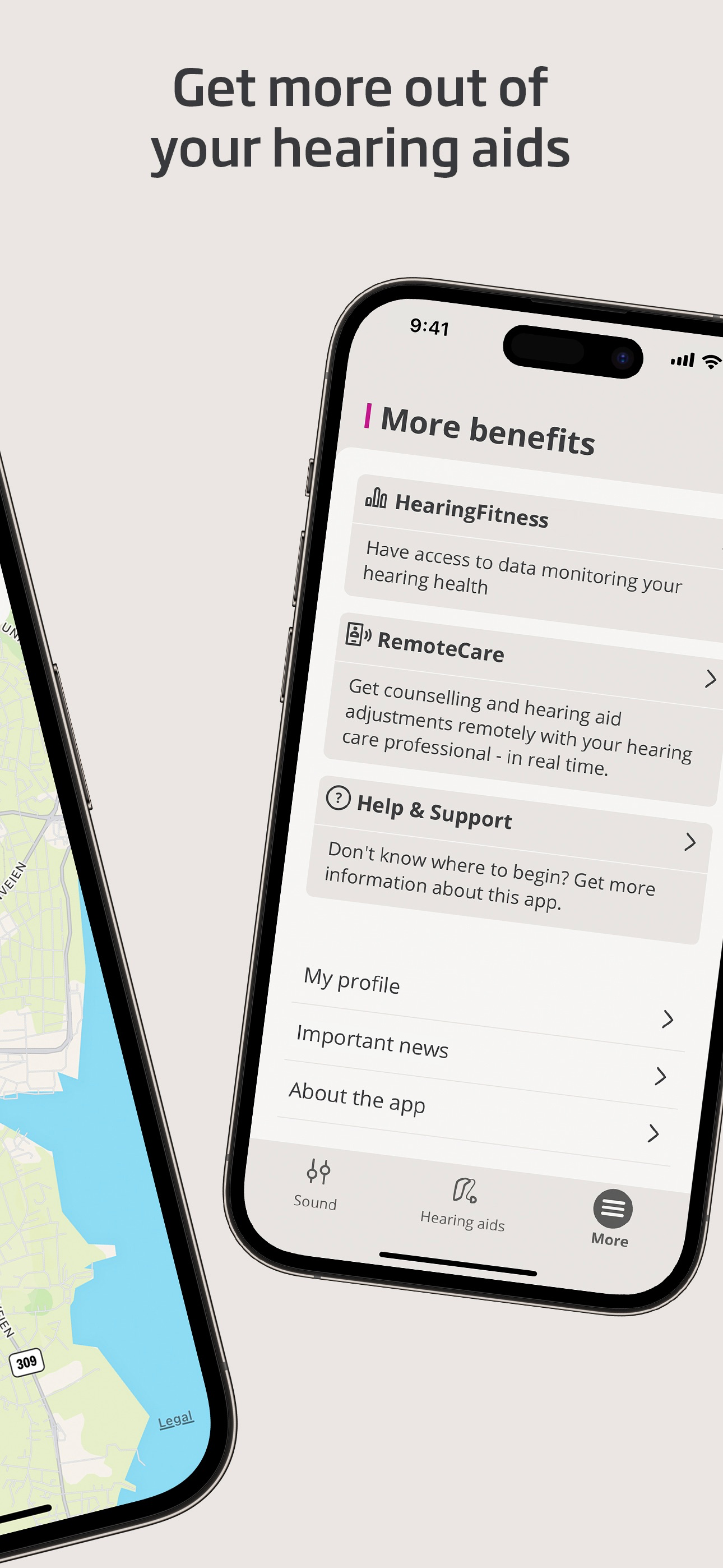
This app lets you control your hearing aids from your mobile device. It comes with an app for Apple Watch helping you discreetly change programs and a...


