
Check the acquisition promise
Read the store headline, screenshots and description. What problem is the app promising to solve?
Study the storefront ↗
hearingOS GmbH · iOS
Explore the ad evidence, study the storefront, and build your next acquisition hypothesis.
01 / Creative research
Read the store headline, screenshots and description. What problem is the app promising to solve?
Study the storefront ↗Explore apps with direct store-link matches. Compare their hooks and formats without assuming the same approach works here.
Browse observed advertisers ↗Store rankings and revenue estimates describe market context. They do not establish ad spend, conversions or ROAS.
Review the market context ↗02 / Storefront & product
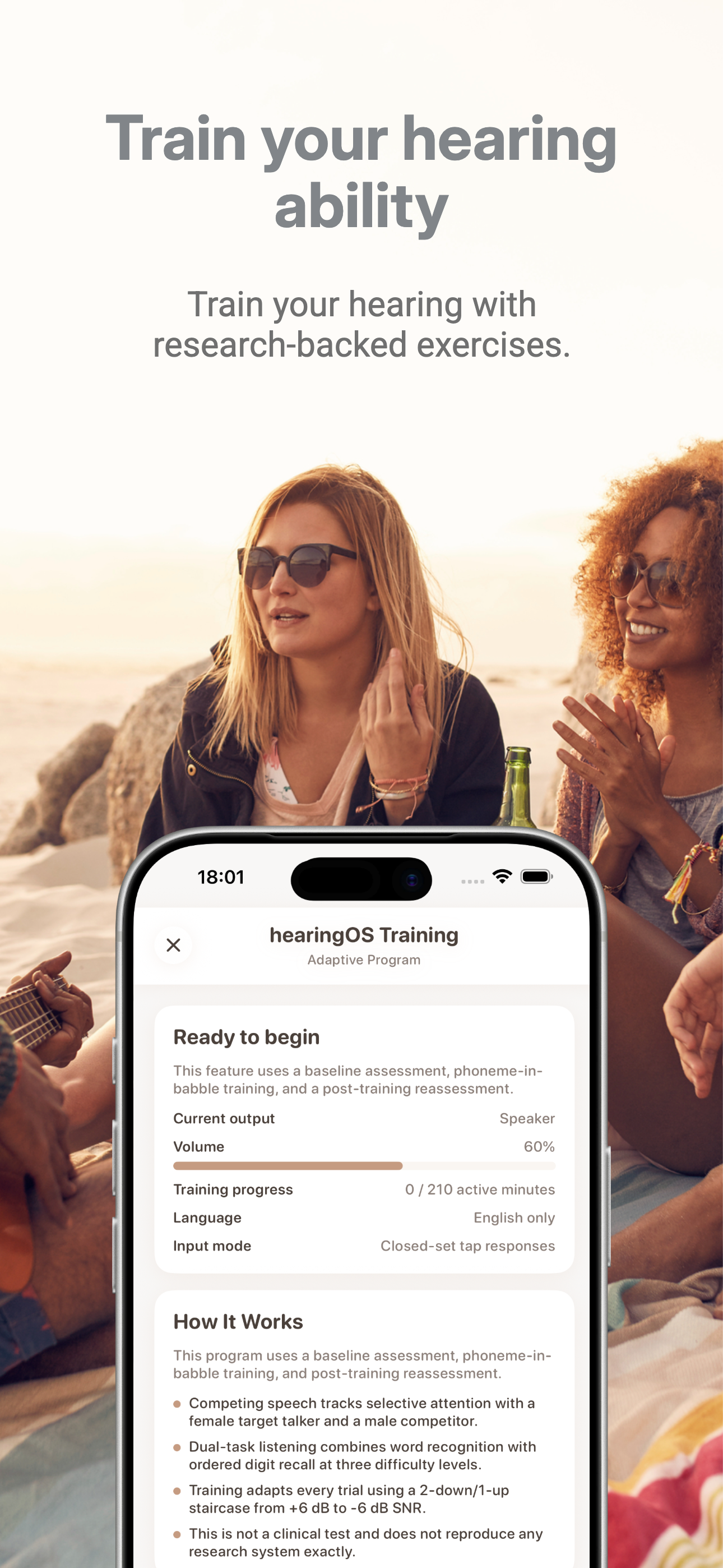
Study the product story and store experience behind the acquisition funnel.



03 / Market context
Keep revenue, downloads and store rankings separate from advertising performance.
When I was reading the apple ad for the AirPod Pro that could help as a hearing aid I did not see any where that you’d have to spend $99 a year for the app. If there was a disclaimer it was not noticeable. And the reality is it’s only going to be helpful in a sitting down or standing still setting. The microphone is on your phone so if your phone is moving you’re going to hear EVERY movement your phone makes. I tried it in my pocket and you can hear the phone sliding against the material. I tried it in my phone carrier attached to my hip and you hear all the bumping. I would not have bought the AirPods just for music, I bought it for help with hearing which is how it is presented in the ad. Oh and speaking of music, if you don’t have this app open and you turn the AirPods on it will automatically turn your music on. I realize it’s not meant to replace a real hearing aid completely, however that’s how Apple is portraying it. Shame on you Apple.
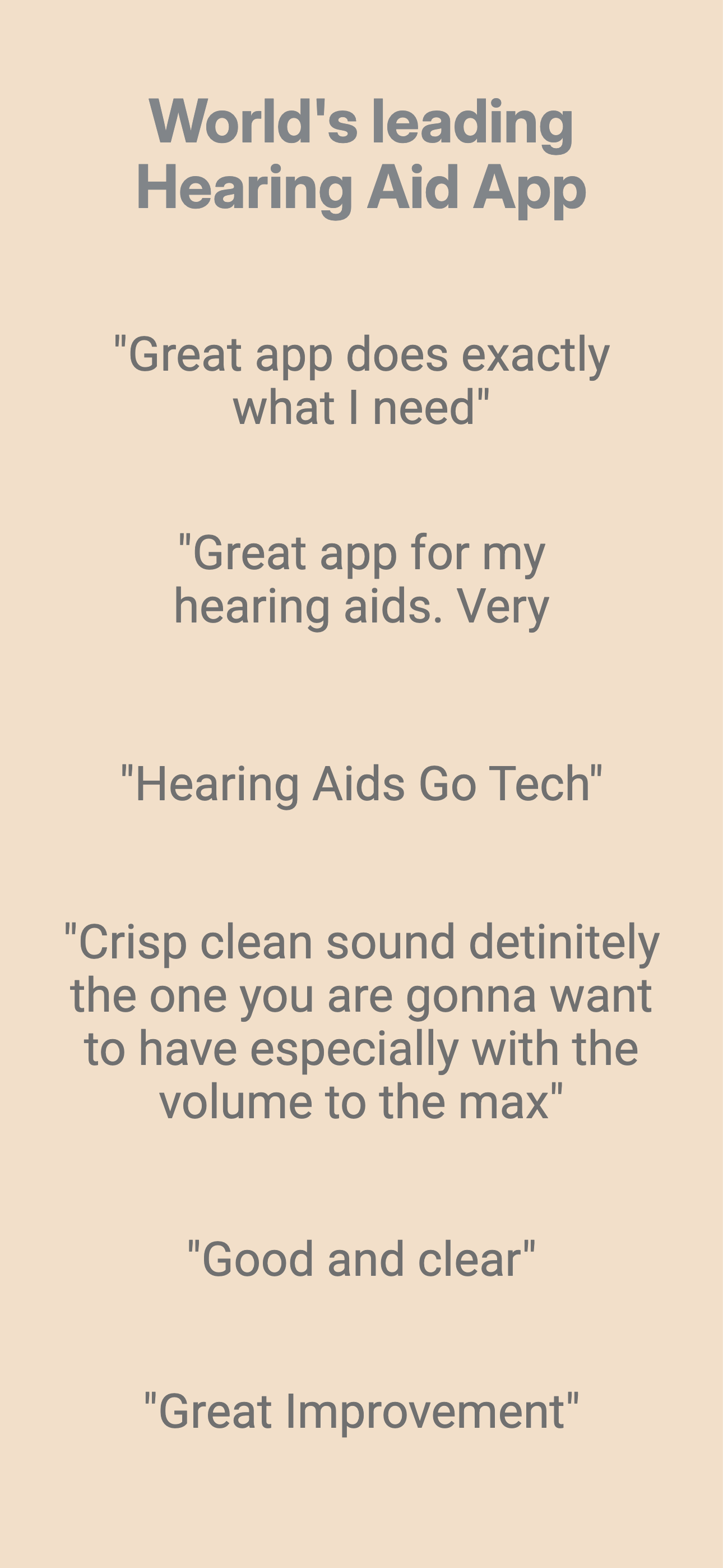
Crisp clean sound definitely the one you are gonna want to have especially with the volume to the max; you won’t have that feeling of throwing your phone as hard as you can and running your face through a plate glass window.
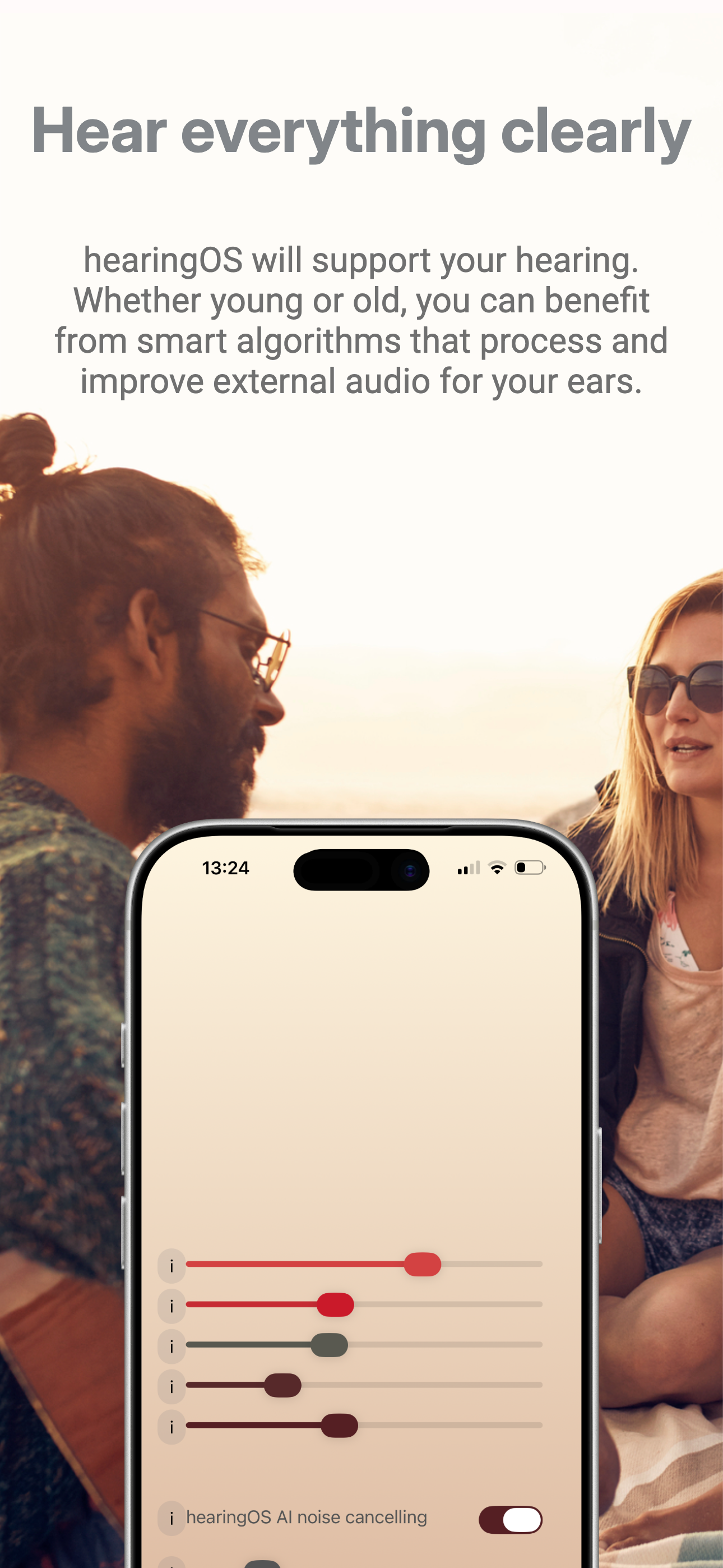
Wanted to see if this was a viable solution before my relative needs a full on hearing aid. It was not a very good experience and would drive me crazy I think. I tried playing with the “UI”. There is none basically. It’s just random sliders. EQ I guess on the top? On the bottom I found L/R balance. Point is that my use case... well there’s written instructions for the television remote, ya know? Hunting in the dark for settings isn’t fun for me either. I have two stars because I only tried with AirPod Pro and another Bluetooth headset. Maybe wired works better, but that’s not feasible on iPhone anymore, literally by design. Also, I’m looking for a solution without wires, if able without going to the aforementioned hearing aid.
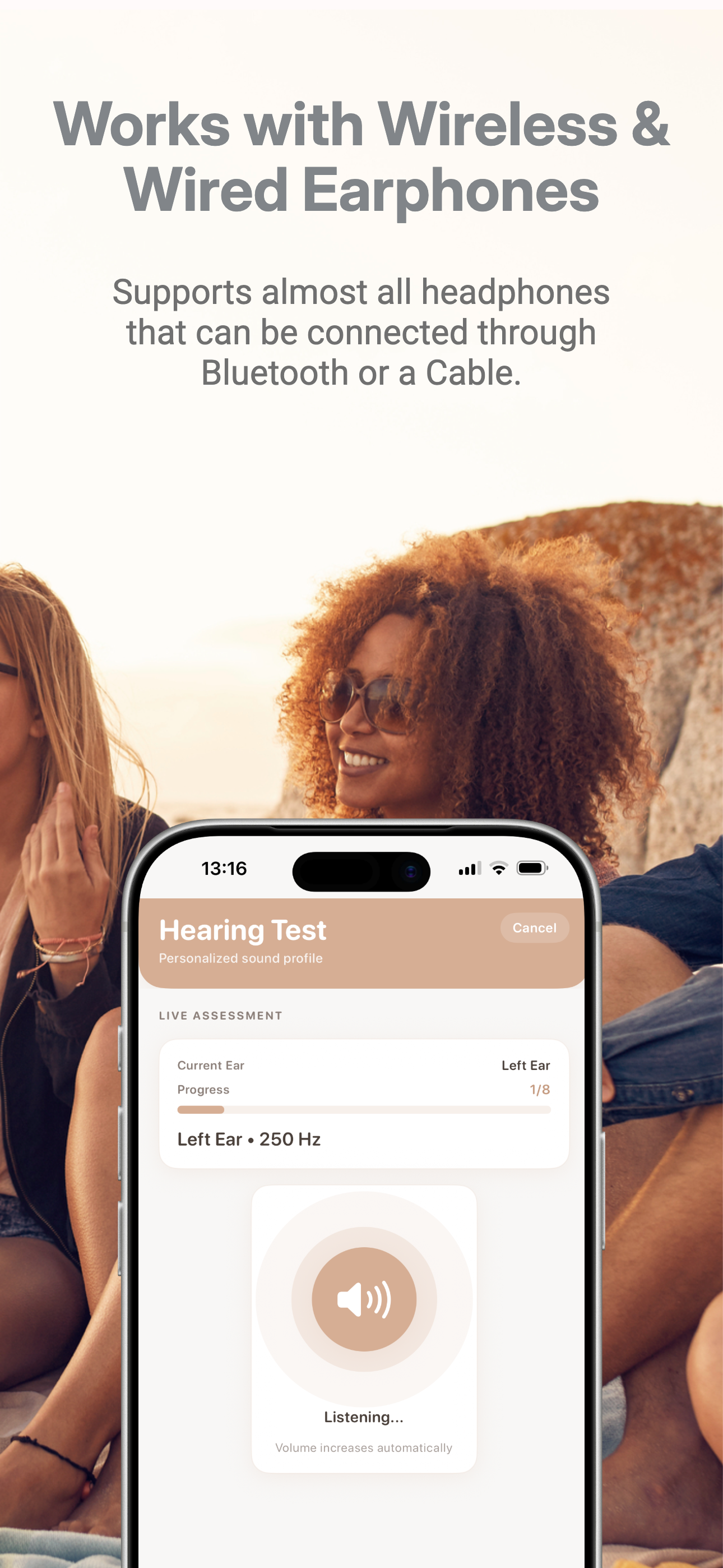
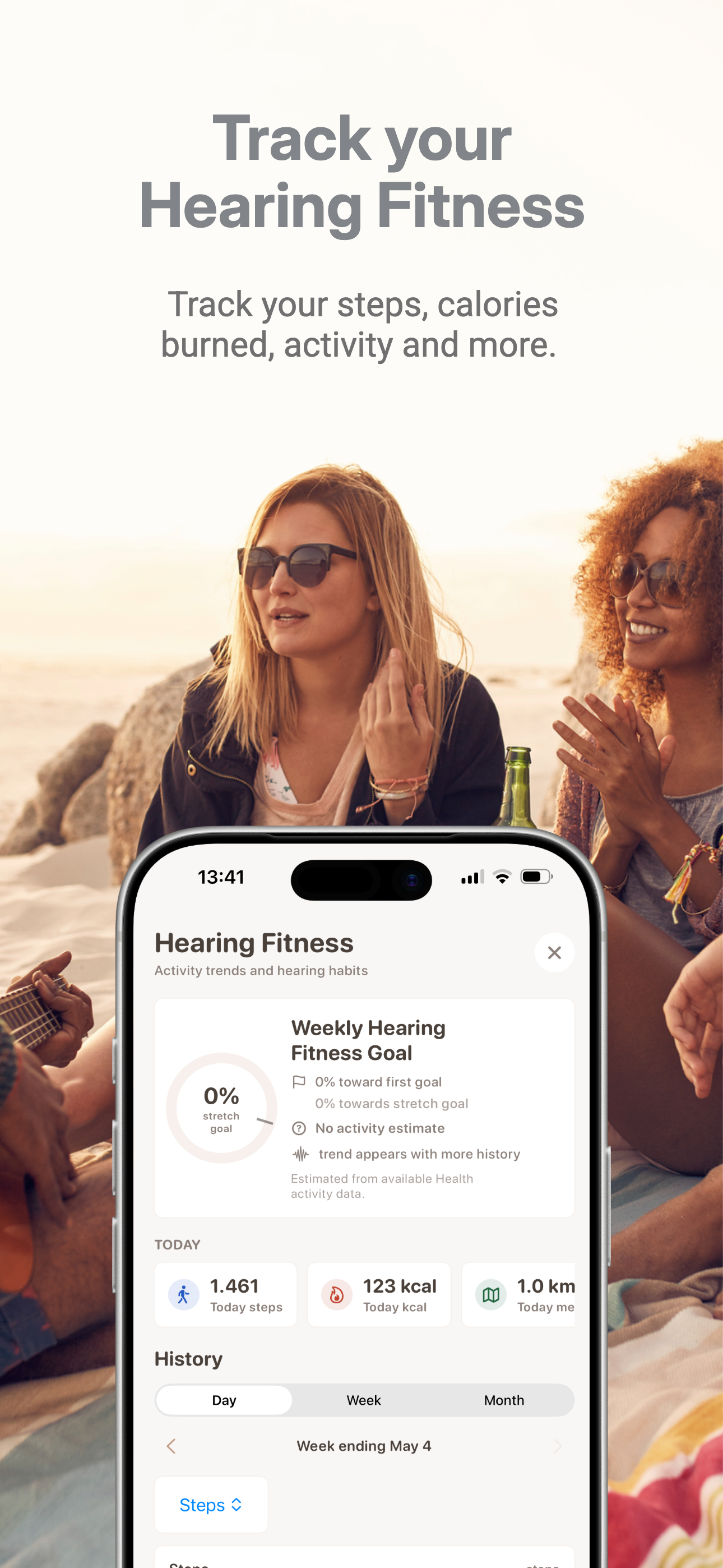
hearingOS is the world's leading Hearing Aid App Hear everything clearly -hearingOS will support your hearing. Whether young or old, you can benefit...
| Name | Price | Type |
|---|---|---|
| hearingOS Weekly Premium | $7.99 | Weekly |
| hearingOS Starter Subscription (Monthly) | $9.99 | Monthly |
| hearingOS Premium Subscription (Monthly) | $12.99 | Monthly |
| hearingOS Saver Subscription (Quarterly) | $23.99 | Quarterly |
| hearingOS Ultra Saver (Annual) | $99.99 | Yearly |
| hearingOS Annual Subscription | $134.99 | Yearly |
| hearingOS Super Saver (Annual) | $149.99 | Yearly |
| hearingOS Annual Subscription | $199.00 | Yearly |


