
Check the acquisition promise
Read the store headline, screenshots and description. What problem is the app promising to solve?
Study the storefront ↗
Canon Inc. · iOS
Explore the ad evidence, study the storefront, and build your next acquisition hypothesis.
01 / Creative research
Read the store headline, screenshots and description. What problem is the app promising to solve?
Study the storefront ↗Explore apps with direct store-link matches. Compare their hooks and formats without assuming the same approach works here.
Browse observed advertisers ↗Store rankings and revenue estimates describe market context. They do not establish ad spend, conversions or ROAS.
Review the market context ↗02 / Storefront & product
Study the product story and store experience behind the acquisition funnel.




03 / Market context
Keep revenue, downloads and store rankings separate from advertising performance.
The app is okay but lacks real features not worth paying for. it’s far too limited it should at least be compatible to Lightroom. You can’t copy editing settings and paste to other photos, too much to have to edit each photo individually on a mobile device. It seems counterintuitive to a quick workflow.
This software is a joke. Not nearly as powerful as the desktop software. No dodging and burning. No masks. Just the most basic raw conversion features and pretty much nothing else. You’re better off using the raw conversion built in your camera and or using any other photo editing software available in the App Store, which will be 10x better. Doesn't allow you to view or import from an sd card reader. Can only load files from camera roll, or cannon camera connect (which is also a joke). And on top of this all canon, have the audacity to charge money for this app!? What a joke. I have tried to use this software multiple times and paid the silly one dollar a month fee hoping that they had improved. But over the years it’s just the same old nothing burger. Two stars.
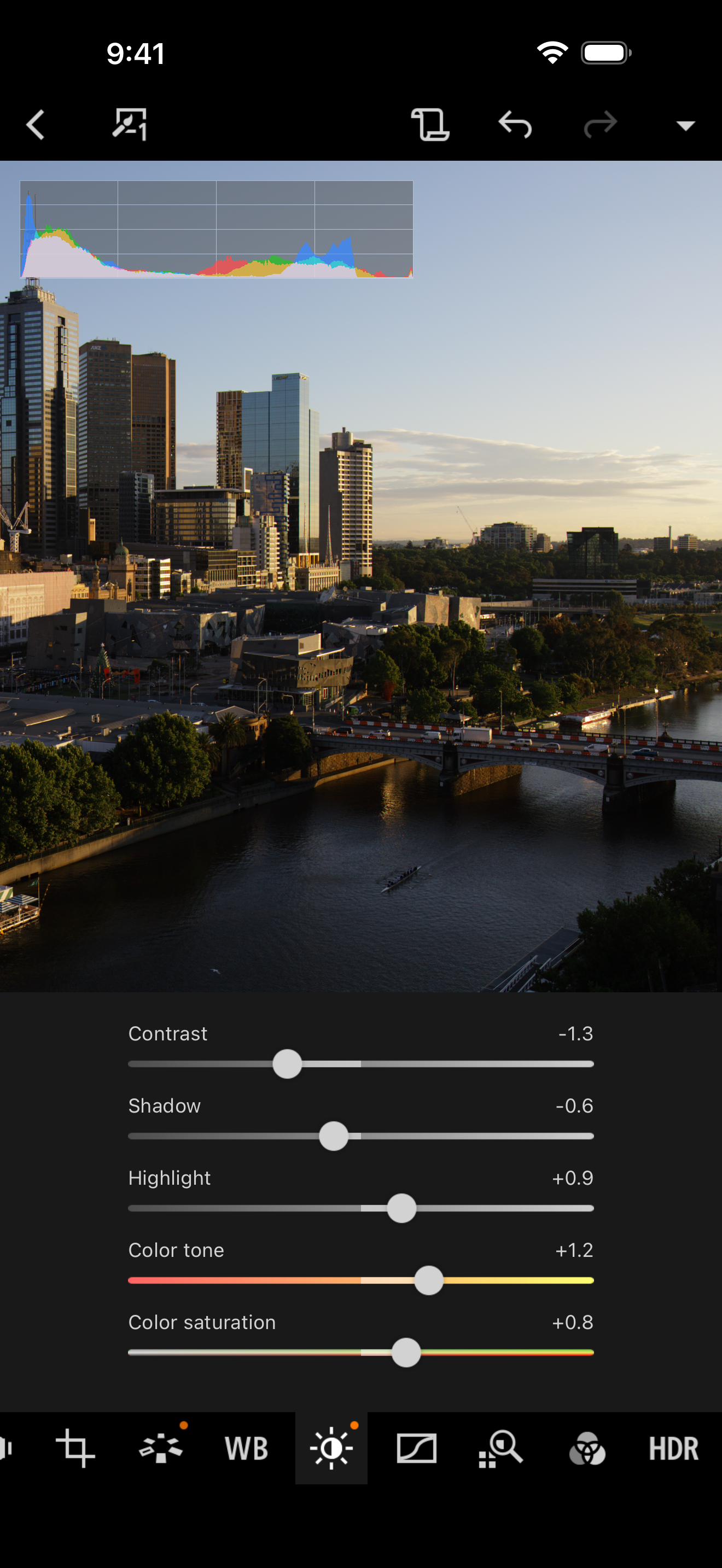
I have yet to find any issues using DPP Express with my SL3 and my iPhone. I usually stick to keeping edits to be as close to natural colors as possible, which makes DPP Express a great asset for me. The interface is much smoother than the desktop software. I also like that DPP Express can display histograms and focus points. The JPEGs that come from DPP are surprisingly easy to touch up further in iOS Photos. The end result is a much faster process to get photos ready for either social media or printing, with results that are much better than smartphone cameras are capable of. Similar results on my desktop could take 3 to 5 times longer. Much of that can be attributed to the efficiency of iOS and the power of the A13 chip.
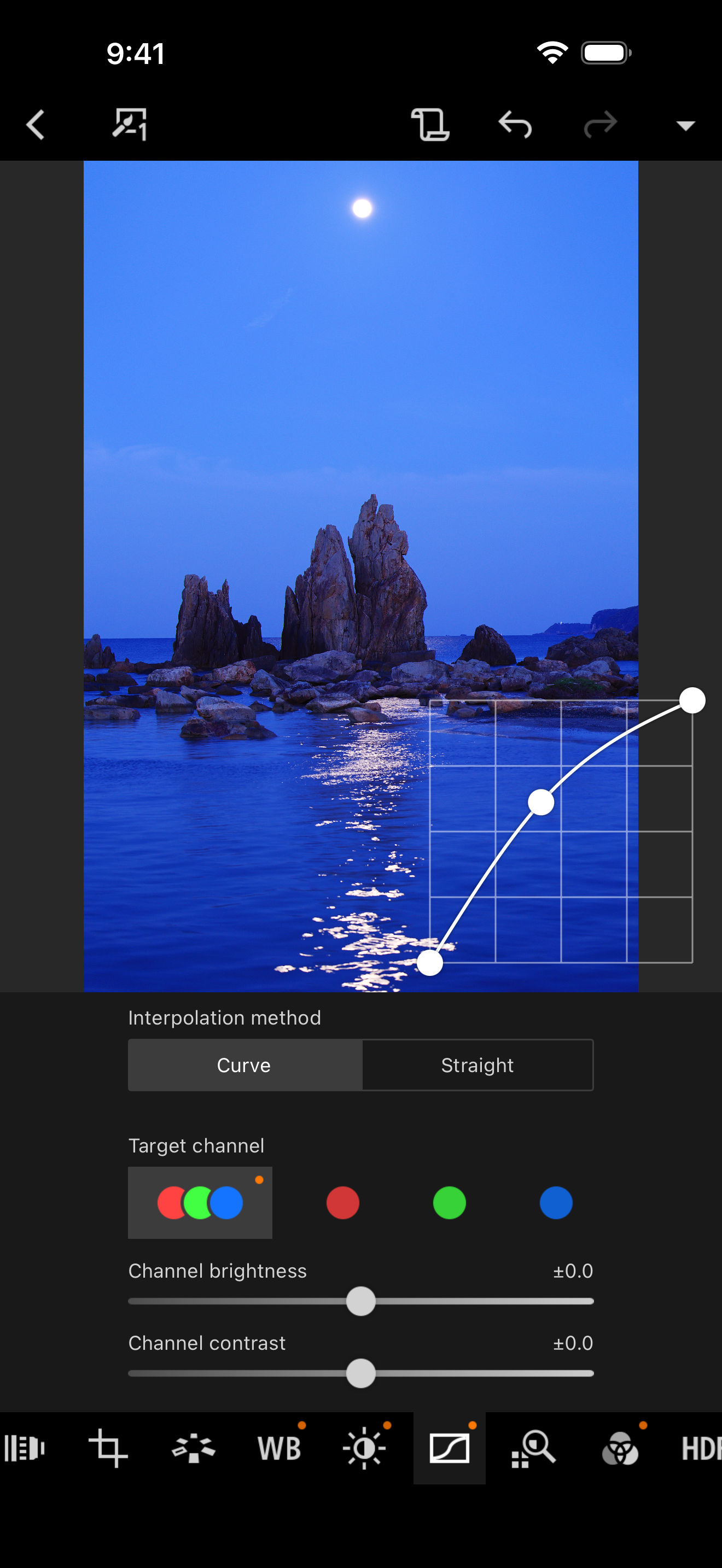
Canon Digital Photo Professional Express (Canon DPP Express) is an iPad/iPhone application to color edit RAW images with intuitive touch operation to...
| Name | Price | Type |
|---|---|---|
| DPP Express Full Functions (Monthly) | $0.99 | Monthly |


