
Check the acquisition promise
Read the store headline, screenshots and description. What problem is the app promising to solve?
Study the storefront ↗
Canon Inc. · iOS
Explore the ad evidence, study the storefront, and build your next acquisition hypothesis.
01 / Creative research
Read the store headline, screenshots and description. What problem is the app promising to solve?
Study the storefront ↗Explore apps with direct store-link matches. Compare their hooks and formats without assuming the same approach works here.
Browse observed advertisers ↗Store rankings and revenue estimates describe market context. They do not establish ad spend, conversions or ROAS.
Review the market context ↗02 / Storefront & product
Study the product story and store experience behind the acquisition funnel.




03 / Market context
Keep revenue, downloads and store rankings separate from advertising performance.
The one app that may have worked for me but it’s ‘only available for business printers, sorry! Well in case you thought Canon could make a printer or scanner that worked without spending hours upon hours and frustration after frustration, think again. Canon has really made an idiot of themselves and their customers once again in the printer suicide family of products it appears that Canon, much like every other printer manufacturer since the dawn of humanity, has also failed to create a printer/scanner which offers even a solitary working function. Wait there more. Not only will you waste your time and money purchasing a canon brand printer scanner combo but you can download a dozen or so FREE apps to failing alongside thd corresponding printer scanner. These Canon Failed Products complement themselves quite terribly together. They’ve lowered the bar to even greater heights or should hypes because they sure do promote their nonworking garbage. Now I get to take this pile of trash back to the store for eighty dollars or maybe I’ll just tie it to my ankle and throw it over the nearest bridge; that seems like the only actual solution that Canon has left me with on this amazing Friday night. Thanks a lot for making ten broken apps and a scanner printer which has the sole Unique feature of NON-WORKING. -10 stars all day.
This app is absolutely terrible. It’s hard to believe someone at Canon actually approved of the way the app functions with its business class printers. First of all the UI is not intuitive at all. The administrative functions of the printer are primitive at best. You can’t even select page orientation (port. Vs landscp.) before you print. It defaults everything to portrait for my BUSINESS PRINTER mind you. Other than selecting what pages and how many pages you want to print, there are no other print options to pick from. No sizing options. No orientation options. The business printers can’t print from universal drivers in IOS, instead you have to use this embarrassment of an app to send documents or use its “browser” to print. Absolute garbage. I will never buy a Canon business laser again solely because of this app. It’s a frustrating and limiting.
I've been struggling to get mobile printing to work with an iPad and a Canon ImageClassmf733c. The problem was that printouts came out unreadably light. Black text came out light gray and colors were either washed out or invisible. Canon support said to use this app instead of AirPrint, but it didn't help. I finally found that the problem is due to having Toner Save turned on. Toner Save seems to be incompatible with mobile printing. Turning it off solved the problem, and now both AirPrint and this app work. (If you search for "canon toner save" or look in your manual you'll find instructions to turn it on or off.) It's unfortunate that I can no longer use Toner Save, though.
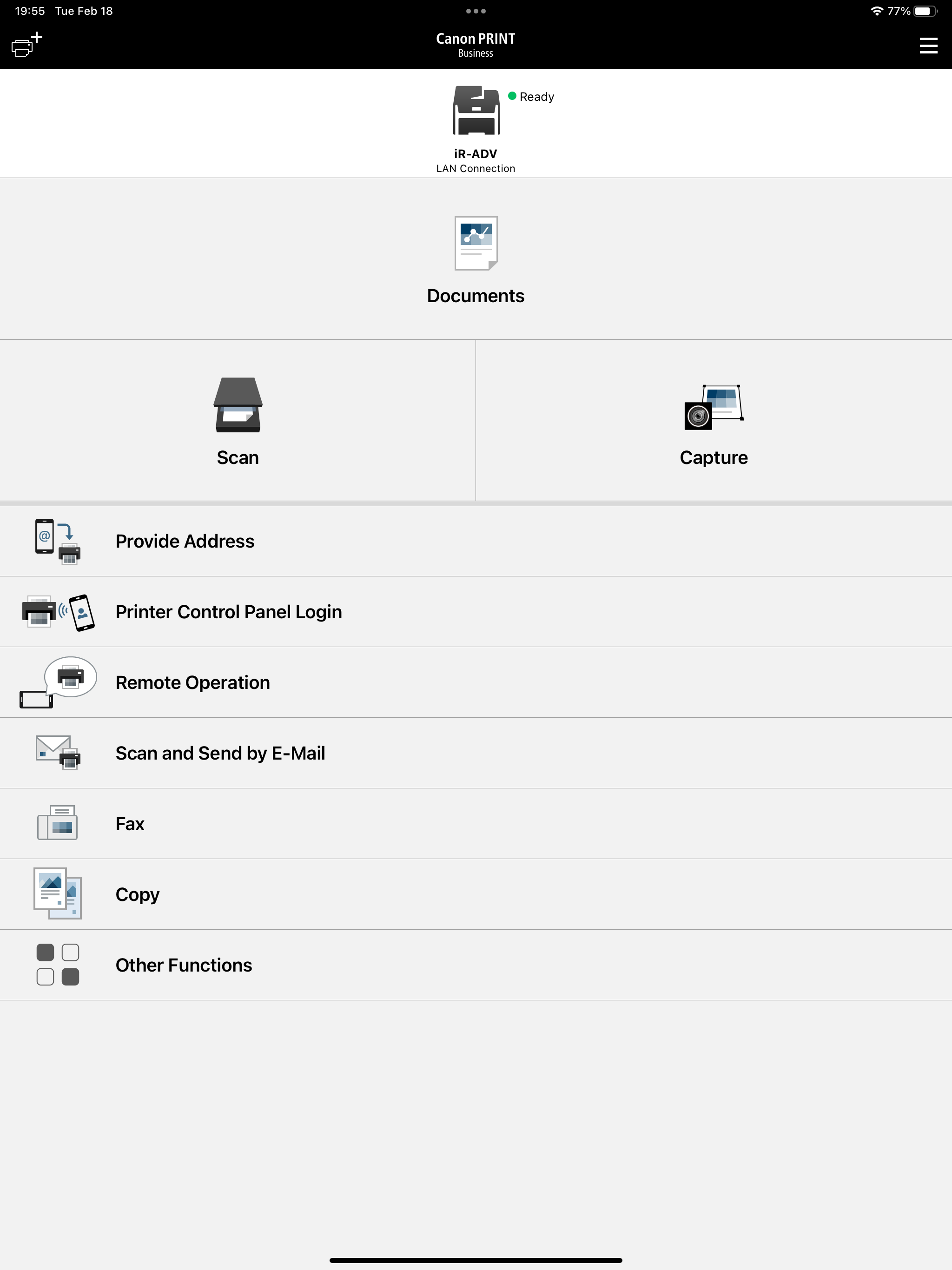
Canon PRINT Business is a free application that enables you to use a Canon laser multi-function device or laser printer to print photographs and docum...


