Check the acquisition promise
Read the store headline, screenshots and description. What problem is the app promising to solve?
Study the storefront ↗
Canon Inc. · iOS
Explore the ad evidence, study the storefront, and build your next acquisition hypothesis.
01 / Creative research
Read the store headline, screenshots and description. What problem is the app promising to solve?
Study the storefront ↗Explore apps with direct store-link matches. Compare their hooks and formats without assuming the same approach works here.
Browse observed advertisers ↗Store rankings and revenue estimates describe market context. They do not establish ad spend, conversions or ROAS.
Review the market context ↗02 / Storefront & product
Study the product story and store experience behind the acquisition funnel.



03 / Market context
Keep revenue, downloads and store rankings separate from advertising performance.
I’ve been using the SELPHY app for years with my Canon 1300 printer, and it used to be an absolute dream for my scrapbook projects. The N-up layout feature allowed me to print 4 photos per page automatically—quickly and effortlessly. It was perfect for creating albums and collages without wasting time. Unfortunately, the recent update has removed this essential functionality. Now, instead of selecting multiple photos and having them arranged automatically, I have to do it one at a time. Who has time for that? It’s incredibly frustrating and a major step backward for anyone who relies on this feature for creative projects like scrapbooking. I’ve tried every option in the updated app, but nothing replicates the simplicity and ease of the old N-up feature. Canon, please bring back the automatic multi-photo layout functionality. Until then, I’m left scrambling to find a workaround or considering alternative apps and printers. This app was once perfect—please fix it.
I don’t like the new update. Haven’t used this app in a bit, so I don’t know what it updated. However, it’s not nearly as good as it once was. It takes longer to print photos because I can’t pick the layout I want for my photos to automatically arrange into. I want to be able to print two photos on a page like I used to and did them all at once, but now I have to print 2 photos at a time. It’s super frustrating and I don’t even want to print photos anymore because I can’t be bothered to print all the photos I have to print in that way. It genuinely makes me want to buy a whole new set up because it’s so inconvenient.
This is not an app I use often, but when I do, sometimes I have difficulty getting it to connect to the printer. After a few tries I am usually successful. One thing I have learned however is that when a developer changes the design of the app icon, read the reviews before taking an update. Based on what I’m seeing here, I won’t be updating for now. The last thing I need is more trouble trying to connect to the printer. On another note, Dear App Developer, When your product is known by a specific name, that name NEEDS to appear on the app icon. Do NOT use your internal acronyms that make no sense to your users. It may be SPL to you all day long, but to me I can’t tell if this is an app I use for work with the same acronym or if I downloaded something I didn’t realize. I’m certainly not going to associate SPL with my little Canon printer. I’m looking for the app that says SELPHY. Why? Because that’s the name of your product associated with the app!
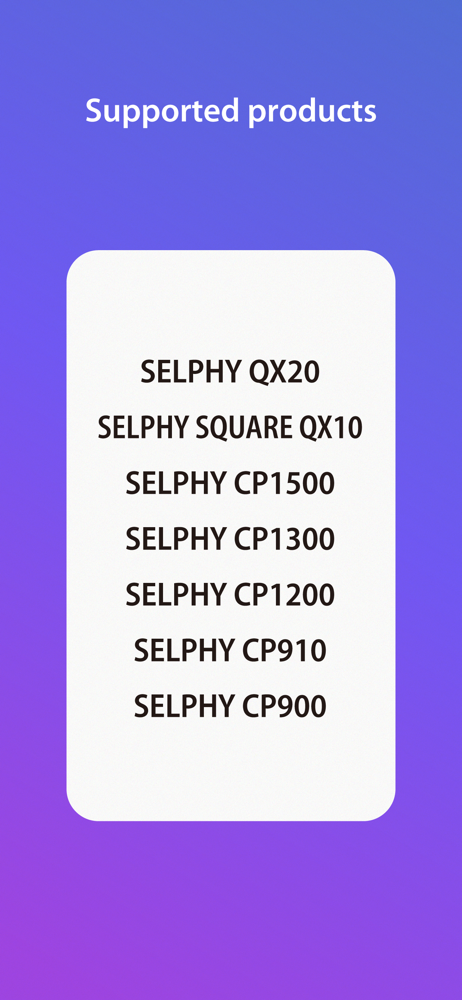
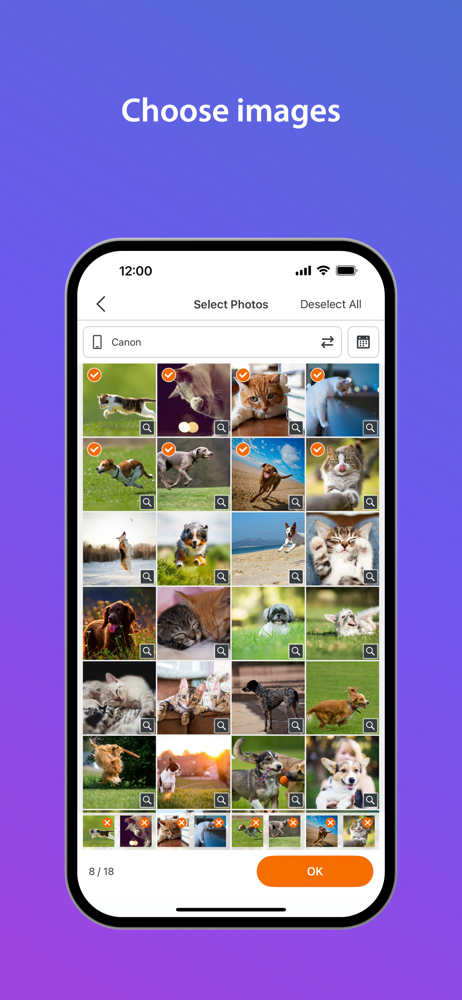
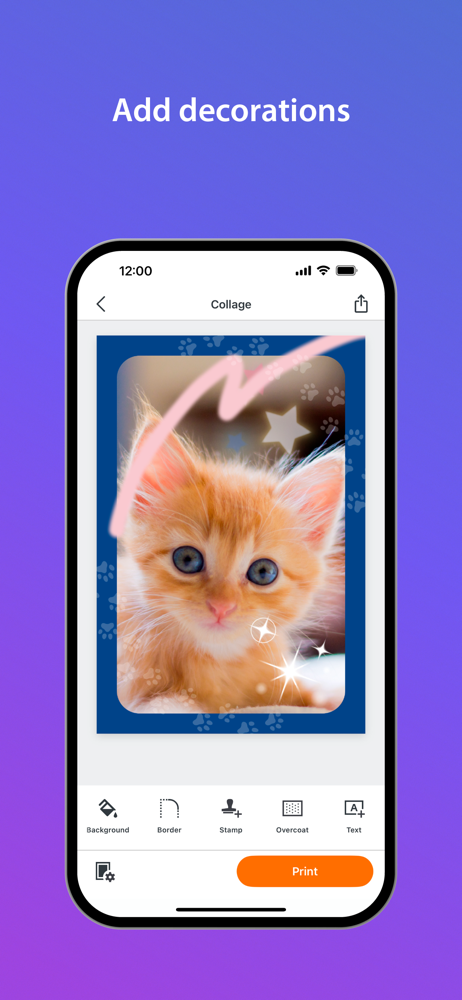
SELPHY Photo Layout is an application that allows you to create/save layouts of images to be printed with SELPHY using images stored on your smartphon...