
Check the acquisition promise
Read the store headline, screenshots and description. What problem is the app promising to solve?
Study the storefront ↗
TourBox Tech Inc. · iOS
Explore the ad evidence, study the storefront, and build your next acquisition hypothesis.
01 / Creative research
Read the store headline, screenshots and description. What problem is the app promising to solve?
Study the storefront ↗Explore apps with direct store-link matches. Compare their hooks and formats without assuming the same approach works here.
Browse observed advertisers ↗Store rankings and revenue estimates describe market context. They do not establish ad spend, conversions or ROAS.
Review the market context ↗02 / Storefront & product
Study the product story and store experience behind the acquisition funnel.


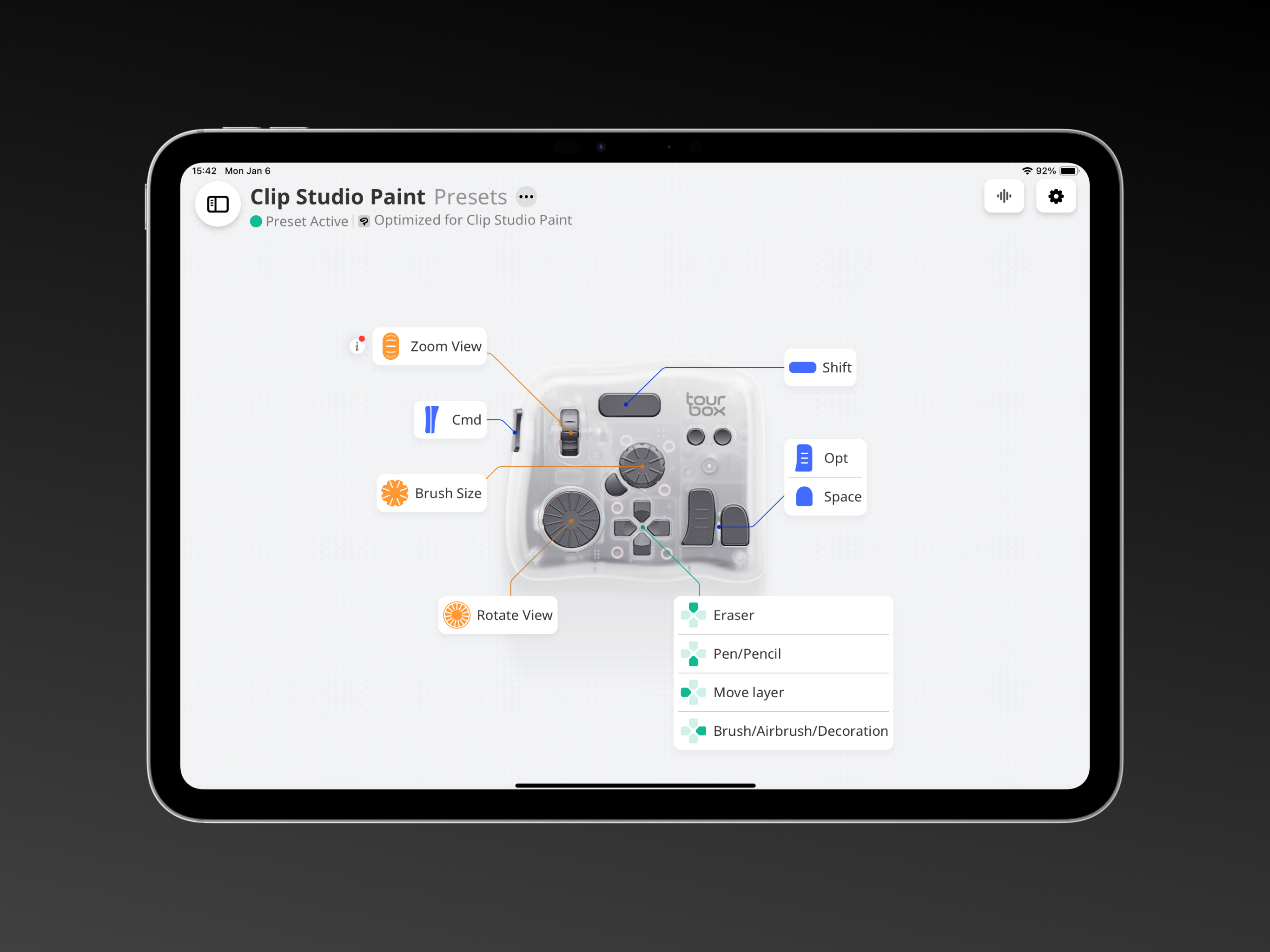
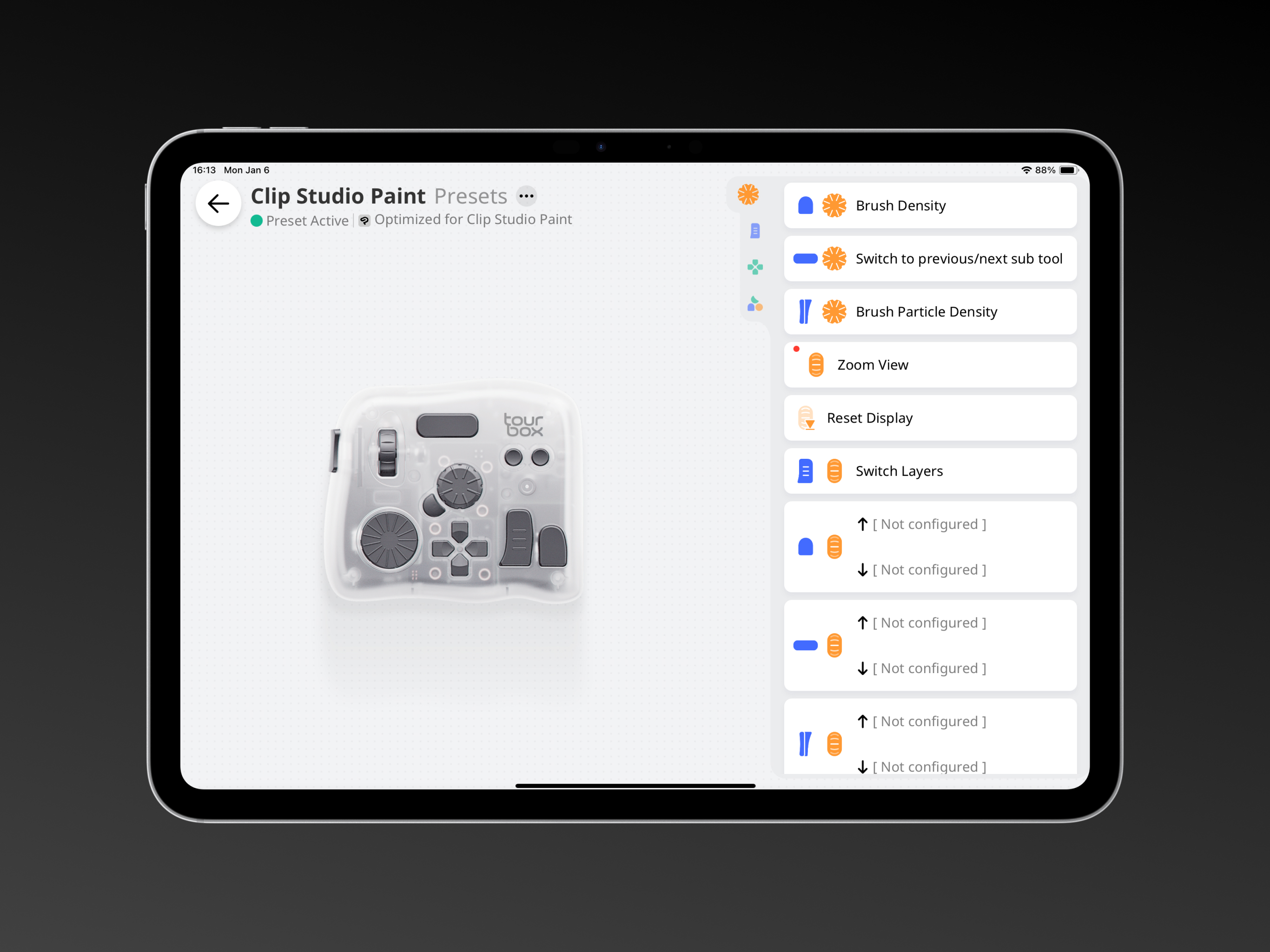
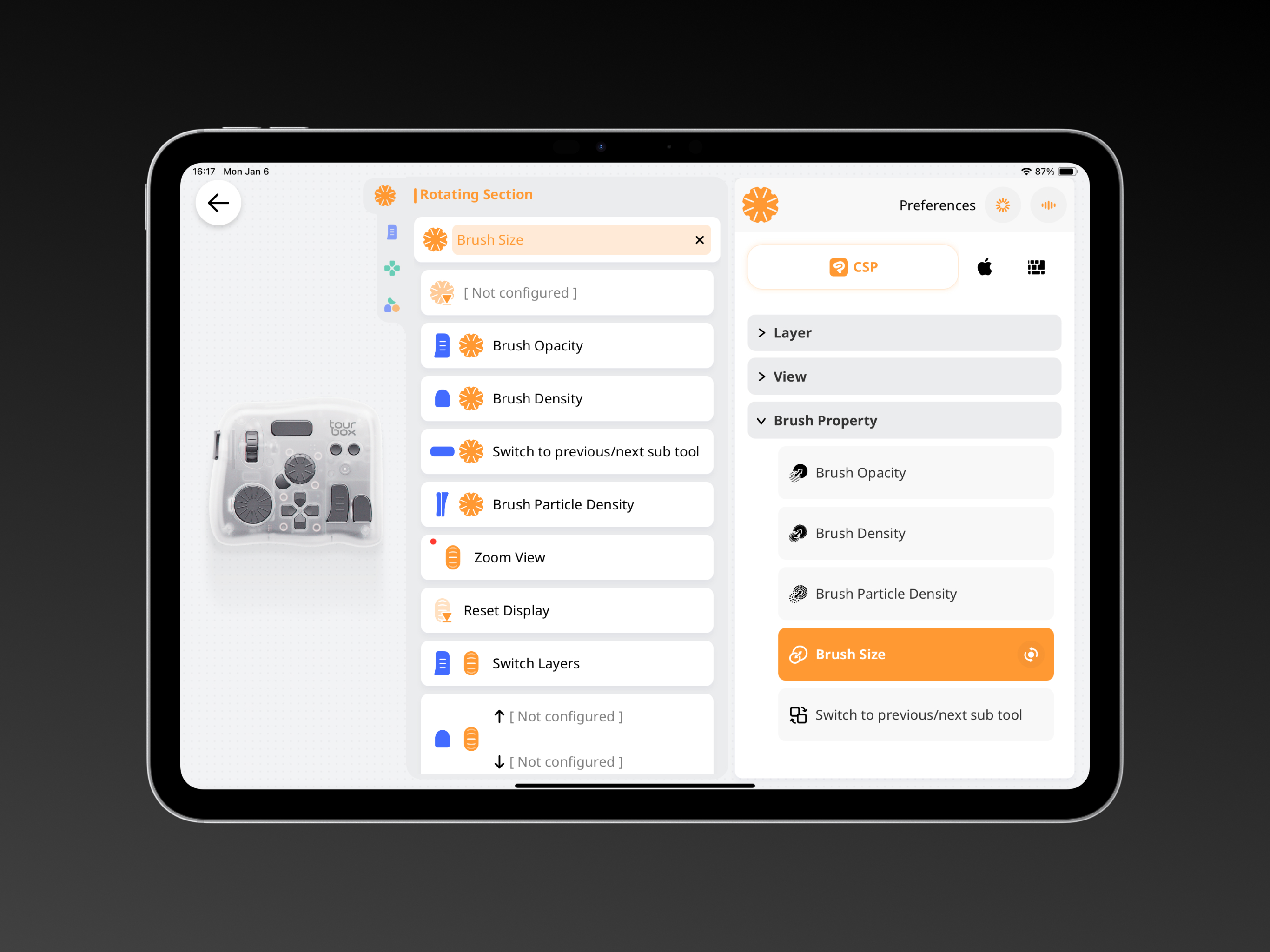

03 / Market context
Keep revenue, downloads and store rankings separate from advertising performance.
I use my TourBox on my pc in CSP mainly and expected the same level of functionality here on the iPad, that is after all why I bought the Elite that could connect to both. I was severely disappointed when I realized not only could you not directly transfer profiles but entire features are missing from the iPad version such as the TourMenu. This was a pointless upcharge by the devs and I feel like I was scammed buying the Elite when the functionality was oversold and not noted that it was heavily truncated compared to the pc version. Absolute waste learning a tool that functions differently depending on the platform.
I don’t know what the problem is with the app as when I mapped the left and right d-pad buttons to flip canvas vertical to flip canvas horizontal it was working 3 days ago. Now it’s not working, I’ve tried turning Bluetooth on/off, disconnecting/reconnecting the device entirely yet still the problem persists. It’s really annoying. Also mapping rotate left and right is an issue where only one way rotates. I don’t know what the issue is or if I’m missing something but I hope it gets fixed in a future update.
Tourbox Console for iPad is clearly early in its development. It connects my Tourbox Elite Plus nicely by Bluetooth to my iPad Pro. Unfortunately while it is advertised to work with DaVinci Resolve, the iPad version of Tourbox Console does not come with presets for DaVinci. If you have Luma Fusion, Final Cut Pro, Clip Studio Paint, and Procreate, there are presets for them. I had to manually enter in shortcut commands and program each button, dial, knob and combo keys into the Tourbox Console. It does work. However you can’t import or export presets yet. Also if a shortcut has more than two keystrokes you can’t program that to a button or a combo button. For example when trying to program a Unselect All button which is Up, CMD A, you can only choose two keys on the on screen keyboard. And there is still no way to run any kind of script or multiple keystrokes. Still, I got it to work for me but it just takes a lot of time to get it to where you want it to go. Definitely not plug and play for Davinci Resolve for iPad yet. Looking forward to further enhancements!
Multi-Scene Support, Cross-App Functionality Effortlessly use TourBox Elite Plus with apps like Procreate, Clip Studio Paint, Artstudio Pro, LumaFusi...


