
Check the acquisition promise
Read the store headline, screenshots and description. What problem is the app promising to solve?
Study the storefront ↗
Fengeon · iOS
Explore the ad evidence, study the storefront, and build your next acquisition hypothesis.
01 / Creative research
Read the store headline, screenshots and description. What problem is the app promising to solve?
Study the storefront ↗Explore apps with direct store-link matches. Compare their hooks and formats without assuming the same approach works here.
Browse observed advertisers ↗Store rankings and revenue estimates describe market context. They do not establish ad spend, conversions or ROAS.
Review the market context ↗02 / Storefront & product
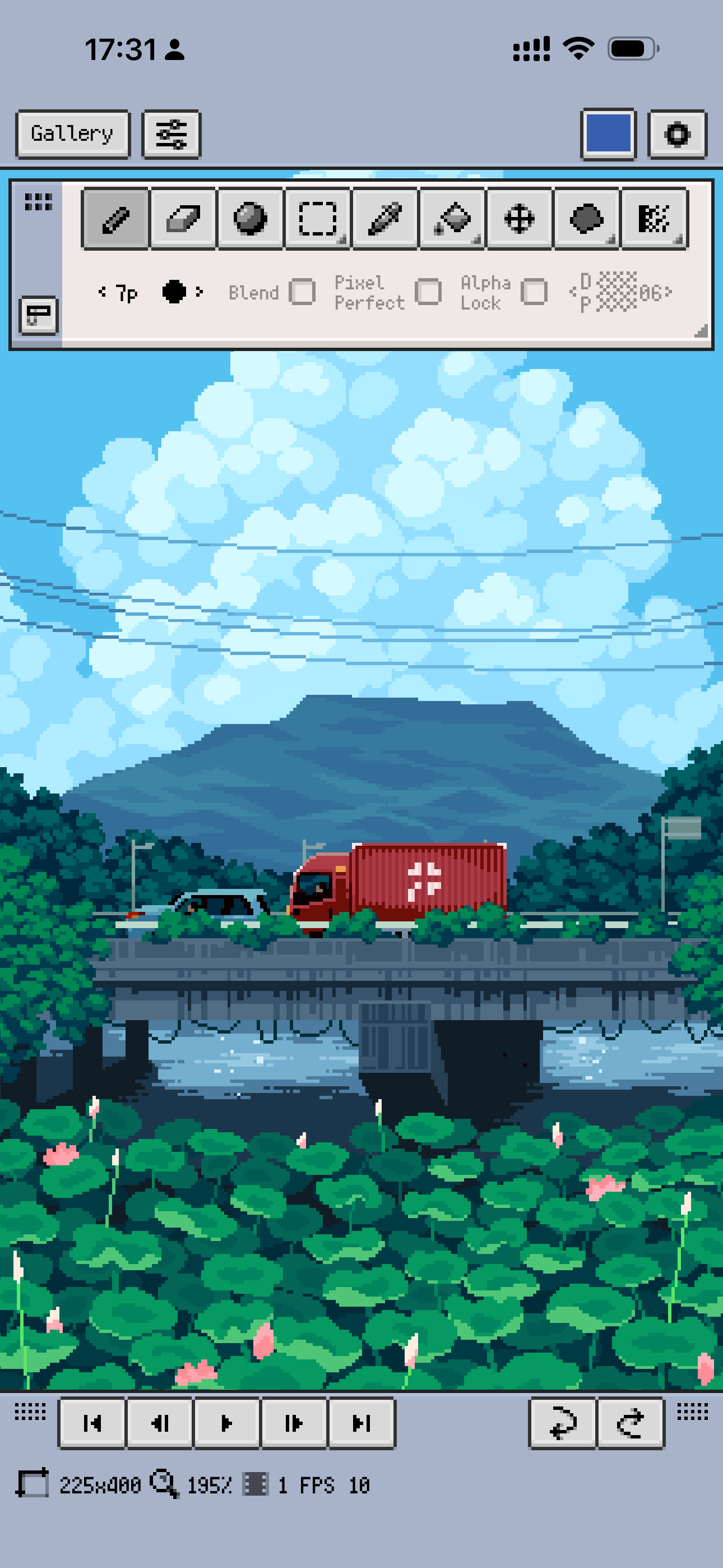
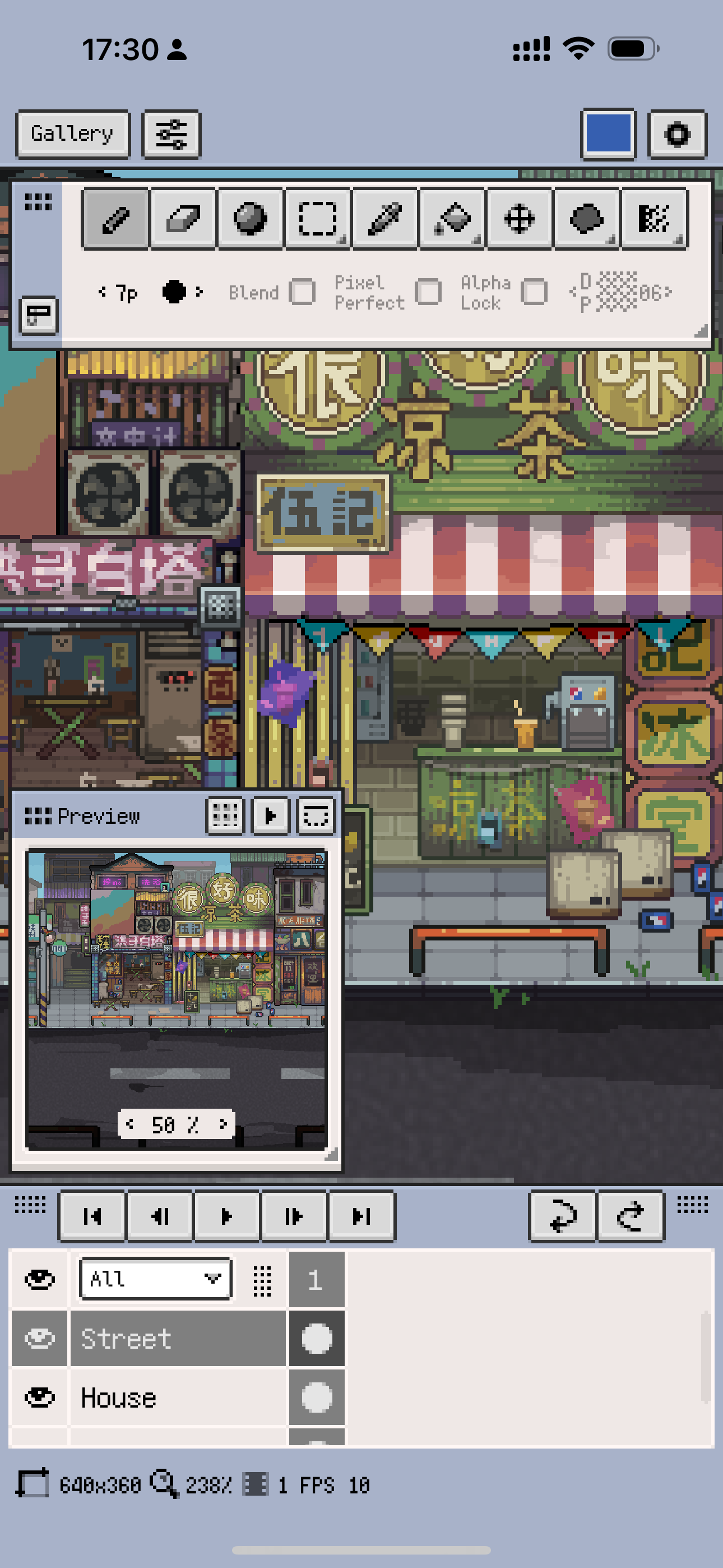
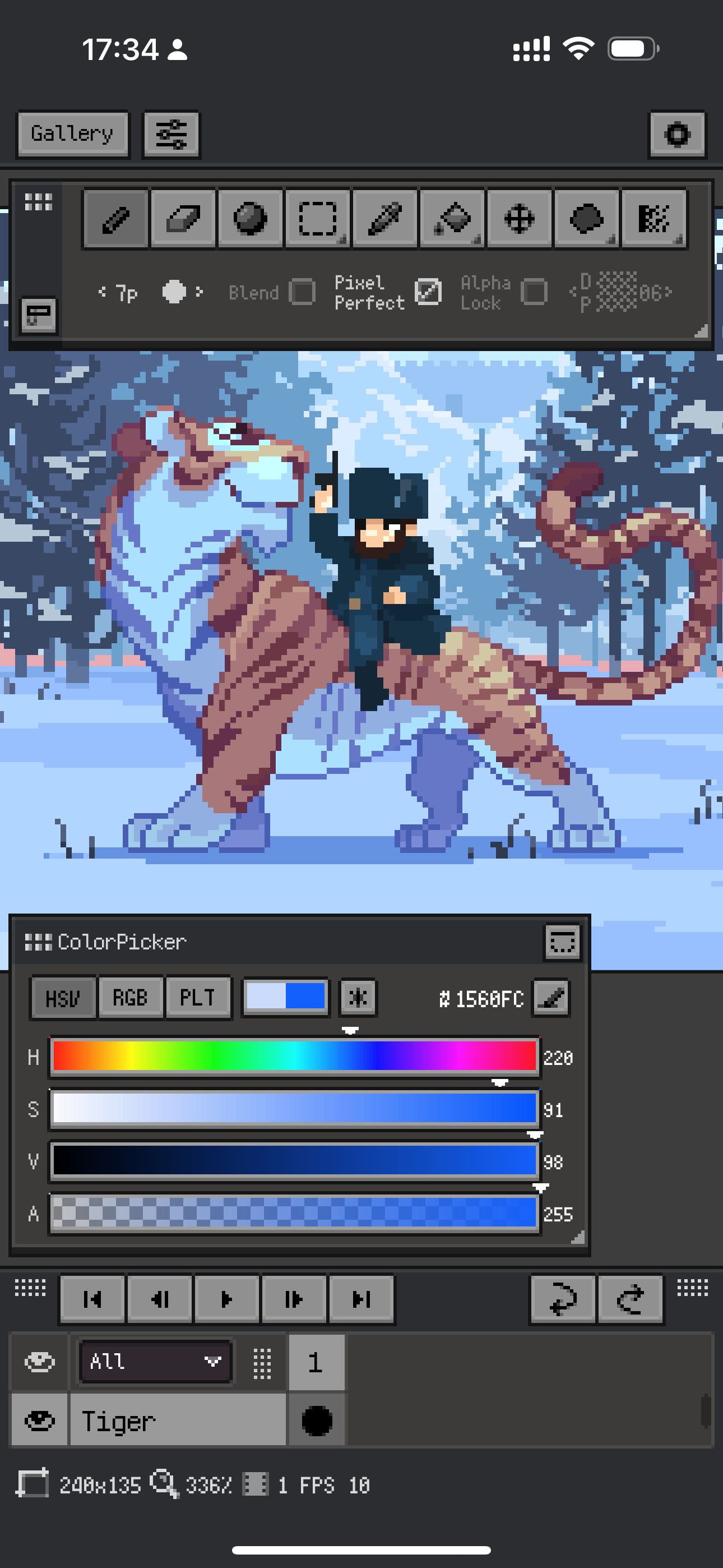
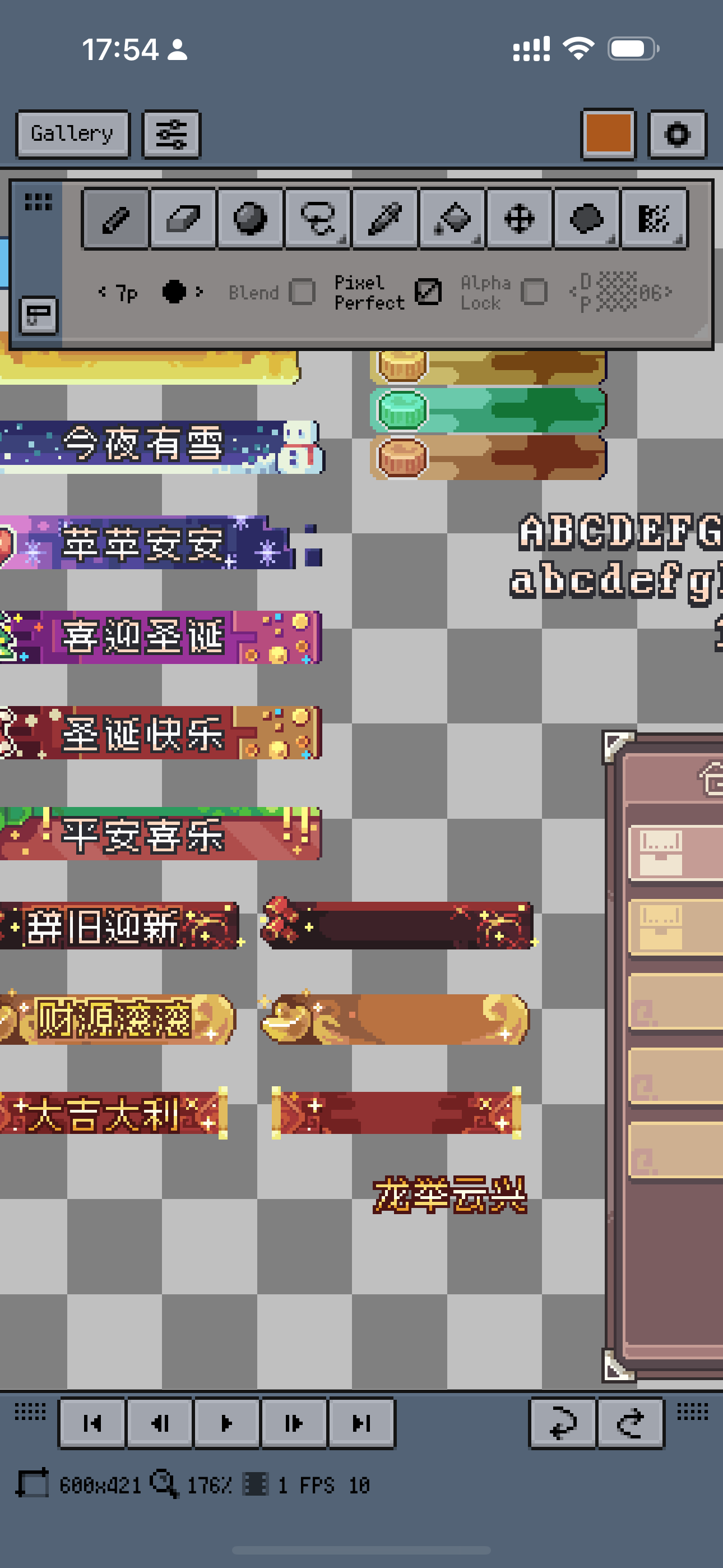
Study the product story and store experience behind the acquisition funnel.




03 / Market context
Keep revenue, downloads and store rankings separate from advertising performance.
This app really changed my life when it came to pixel art, and helped me through my journey of becoming a better artist. I started out being absolutely horrible at art, but one day I had a school project that essentially required us to draw aliens. I had quite a few friends that were quite skilled with colored pencil sketches, but of course I was not. Well, I had nothing to lose so I installed a digital sketching app. After doodling for a while I realized that I might be somewhat decent. What got me into pixel art though, I’ll have to blame that on Undertale and Deltarune. At first I was using a website called piskel, but I wanted something better for on the go with an iPad. This is it folks. This is the best pixel art program I have ever seen. This is the first app that has actually had me throwing money towards premium.
I've only been using this app for a few weeks now, but I absolutely love it! It's super easy to use, and quite intuitive given the space it has to fit all its features. It had a very helpful tutorial card at the beginning, and even after only half reading it, I was still able to quickly figure out all the things I needed to. The free trial is quite generous in allowing you to test everything and I was even able to make a few quick animations on it on my first day! When some of the free trial options ran out, it was a no brainer to purchase it for me. I appreciate how inexpensive the subscription options are and also that there is a lifetime purchase option. Happily gave my $20 to have the lifetime pass and I am very excited to keep using this app for my future projects!
I’ve been using this art app for a couple of months, but lately some of my tools like the size tool, and reverse tool have been disappearing from my options. Also, tools I don’t use keep appearing and I can’t get them off of my screen without stuffing them into the corner of my screen, leaving marks into my screen that are kinda hard to get rid of. If this can be solved or fixed, I’ll definitely change my review to 5 stars, because besides the tool situation, my experience with this app was incredible from day 1. Is this just a mobile bug? Or is it something fixable?? Update: Fixed my size tool, but I still can’t reverse mistakes like I used to Final update: This helped me a lot! I was able to find my tools again and get rid of the things I didn’t need, thank you for the response! Now I can get back to creating!
Resprite is a professional pixel art editor. Desktop-class features combined with touch/pen optimizations let you create efficiently anywhere. Respri...
| Name | Price | Type |
|---|---|---|
| 1 Month | $1.99 | Monthly |
| 12 Months | $14.99 | Yearly |
| Lifetime | $24.99 | One-time |
| Lifetime Standard | $29.99 | One-time |


