Check the acquisition promise
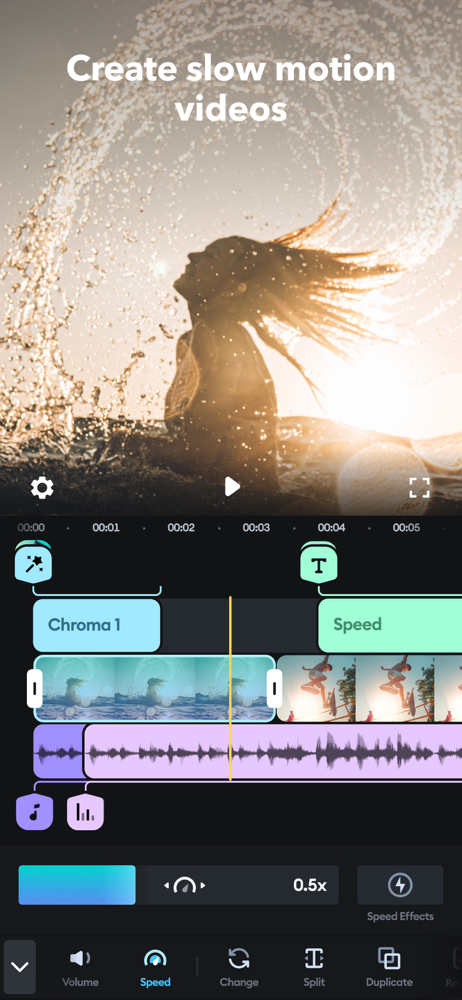
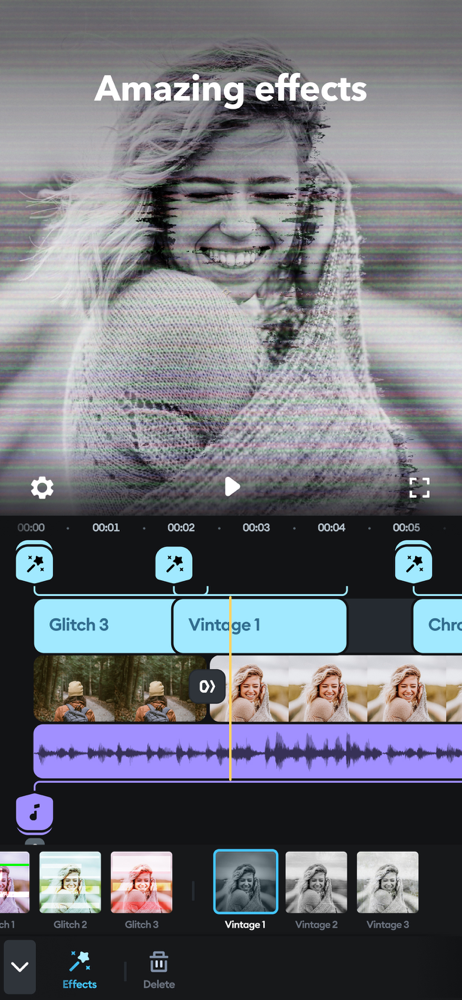
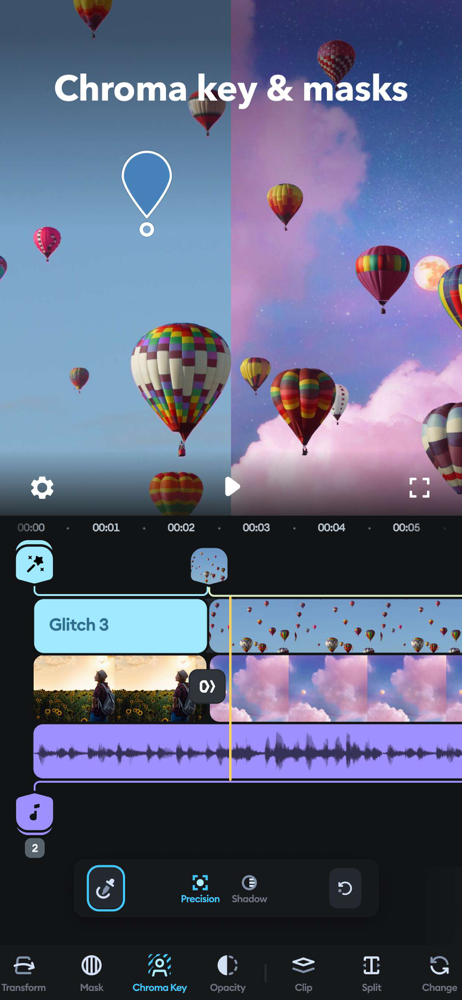
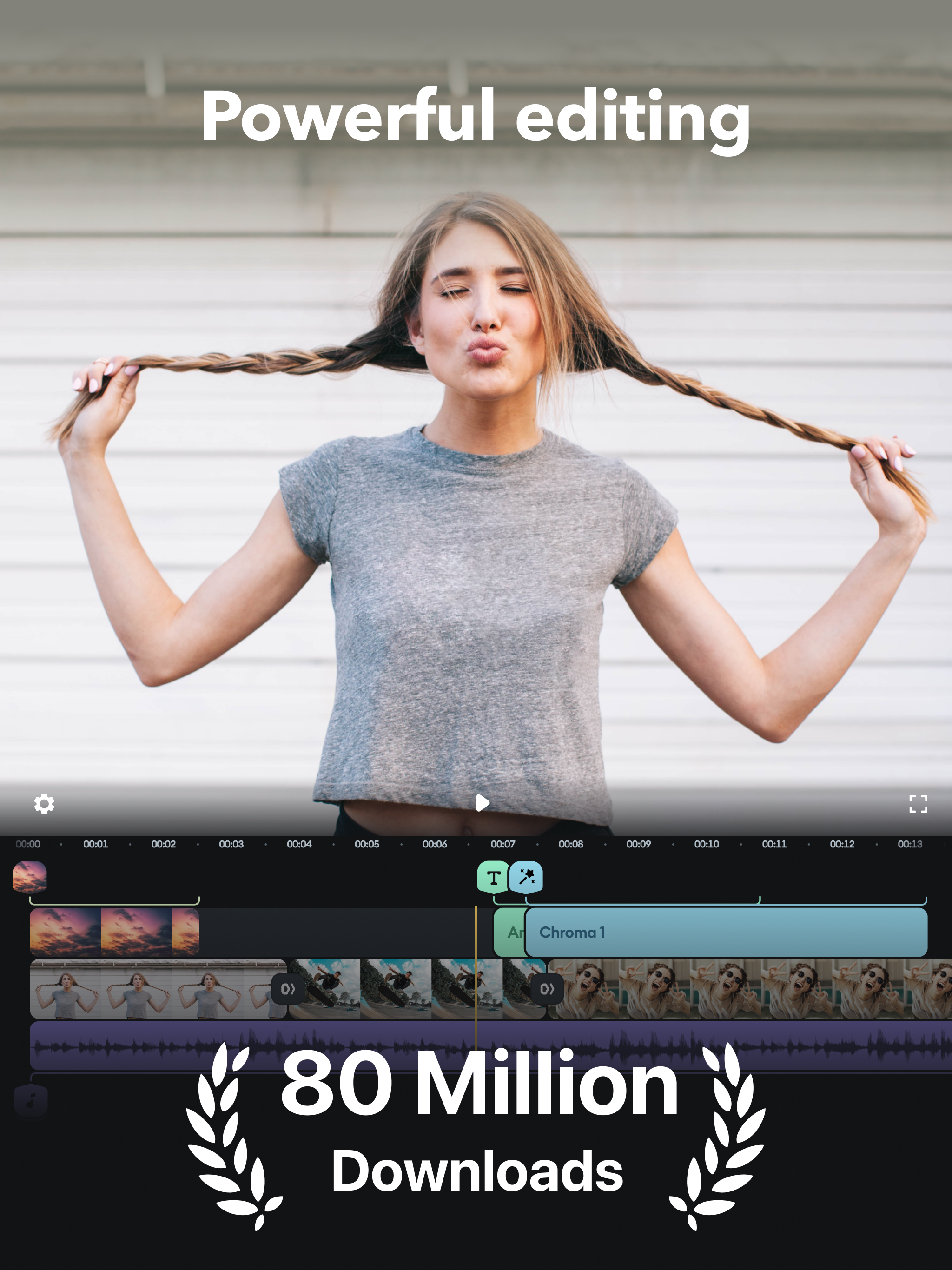
Read the store headline, screenshots and description. What problem is the app promising to solve?
Study the storefront ↗
Bending Spoons Apps ApS · iOS
Explore the ad evidence, study the storefront, and build your next acquisition hypothesis.
01 / Creative research
Read the store headline, screenshots and description. What problem is the app promising to solve?
Study the storefront ↗Explore apps with direct store-link matches. Compare their hooks and formats without assuming the same approach works here.
Browse observed advertisers ↗Store rankings and revenue estimates describe market context. They do not establish ad spend, conversions or ROAS.
Review the market context ↗02 / Storefront & product
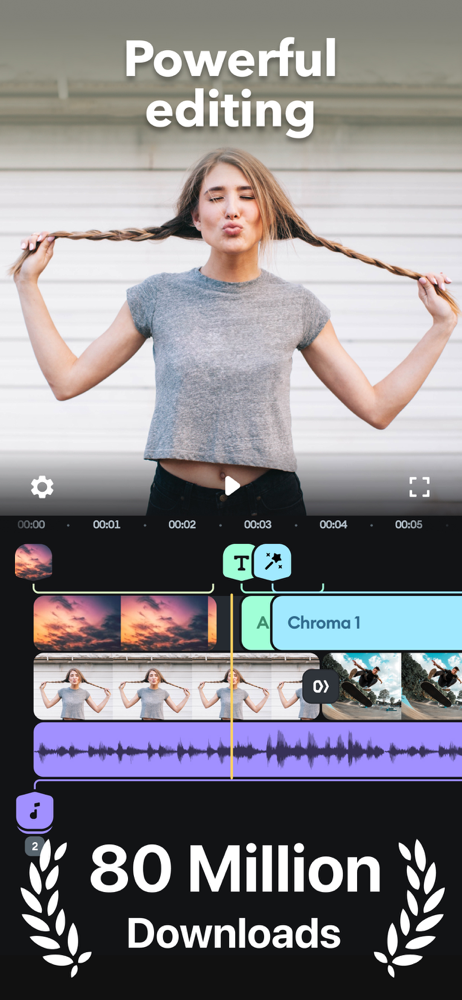
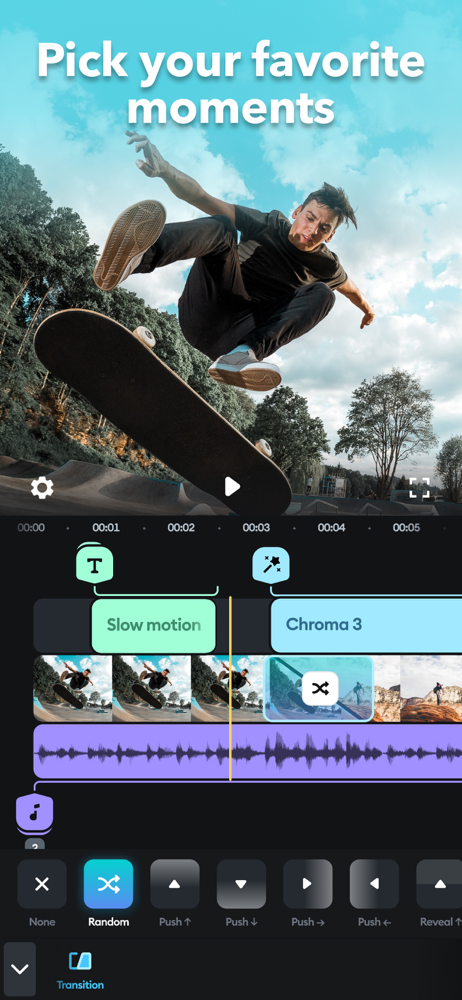
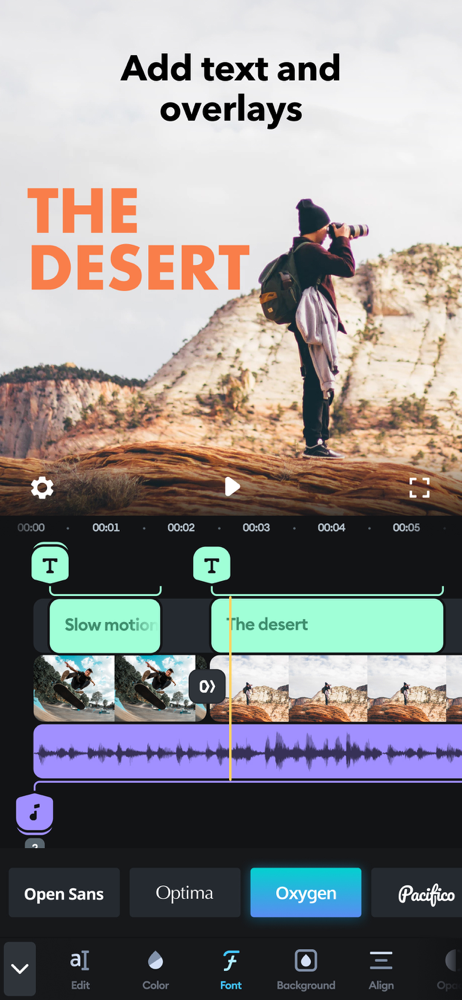
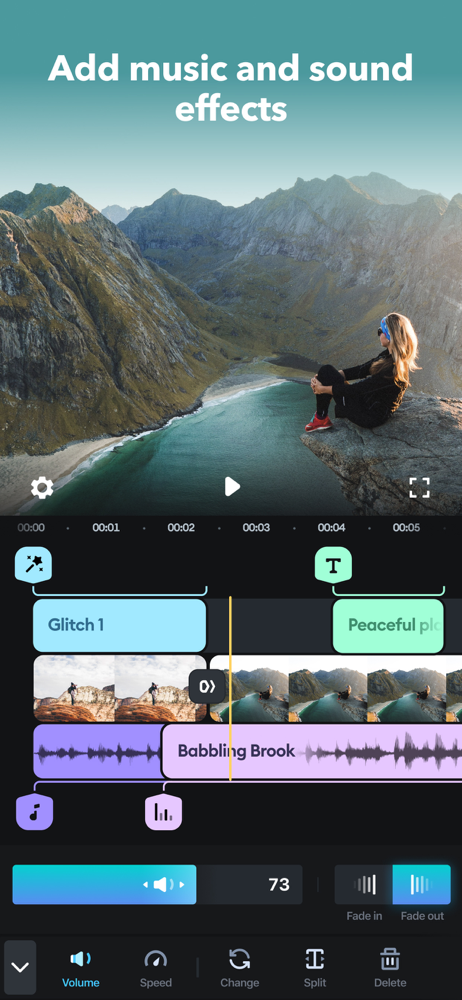
Study the product story and store experience behind the acquisition funnel.

03 / Market context
Keep revenue, downloads and store rankings separate from advertising performance.
Hi, I’m a regular user of splice and I loved this app and used it for almost 8 month now. I liked this app so much that I purchased yearly subscription but I’m really disappointed 🙁cause its not working fast and efficiently anymore. Media files I want to work on, they take forever to upload to splice from gallery to work on. It’s happening for past month now. Earlier I was able to quickly transfer large files ,more than 30 min clips within seconds to splice and edit them. Now even if I make 5-10 min videos and try to transfer them to app for editing they just don’t transfer… Secondly I was able to edit my iPhone 13 pro max 4K video earlier now after editing I have to reduce quality to 1080p so I can save my edited video to upload on my socials. Kindly fix these issues… guide me or I’ll have to cancel my yearly subscription. For all these reasons I would give Splice ⭐️⭐️ Thank you splice for resolving the matter. I feel splice has become better in past 2 months and I’m seeing some new features and music that i love. AI feature is Also great although i prefer to edit manually but hopefully I’ll get better with AI one day. Please increase music library and songs up to 3,4 minutes long. And make sure they can be used without any copyright infringements on all social media platforms.
Me, who’s trying to be a content creator from and editor really wants a free and reliable editing software for my videos. Since I’m more used to editing videos on mobile, I searched the Apple store for the best possible option for editing. I tried a whole ton of different editing softwares available and one of which is Splice, which I had high hopes for because of the large amount of positive reviews. To be very honest, I didn’t really have a problem with it except for some minor crashes for slightly longer videos that were on high frame rates and pixels, it overall it was completely fine for me. I chose Splice for most of my videos is because the other ones I used to use, like VideoLeap, added restrictions like limiting the time of each video to just 1.5 minutes which is absurd if I want to make a slightly longer video; And another which is PowerDirector, which to be honest can be sometimes be better than Splice by providing free Premium Experience if you use it a lot, but if you didn’t have any of those then it would be horrible since it leaves a watermark which looks a bit… odd. So splice is like the equal balance between the two. Just recently after some updates, I went back onto splice and made a video, and after pressing the create video button, it crashed my device, and it happened over and over again. I don’t know how to fix it and it’s just really finicky sometimes, but anyways it is a really good mobile editing software with just a few crashes.
I especially liked using the Ken Burns effect on still photos which worked much, much better - is far more versatile - and easier than its counterpart in iMovie. It’s relatively also easy to splice film clips together, too. Biggest complaint with upgrades made since summer 2019 is the loss of some of the holiday music (I had a hard time doing holiday video last Christmas) and other suitable music to use, and the loss of the feature which let you splice the free music together easily with fade-out options available at beginning and end. Also, most music supplied is too short (less than a minute) - my videos typically are 1-1/2 to 2-3/4 minutes in length. I now rarely use Splice’s music and have to import video clips I do here into iMovie or some other program to finish. Other complaint is not having special features with how text or titles displays such as the ability to have letters dropping down, or fading in and out, etc., like text features available on iMovie. However, I do like the colored text/type choices which can make text much easier to read on bright backgrounds. I also like the ease in selecting aspect ratio although it is limited to only 3 choices. Overall this is a nice, fairly easy to use editing package. I use it the most for animating static photos so they zoom in or out, move from side to side or even - on rare occasion - rotate, which is especially cool if done right.
This is a pretty amazing professional video editing app that has many of the features that you would expect from a professional video editing app! Even better, the app is so intuitive and so easy to use that you will feel like you are an expert of this app within just a few minutes of using it! It’s truly amazing! There is simply no comparison between this app and Apple’s iMovie. However, it could use a few small improvements, including more responsive technical support. We sent a few emails to technical support 4 or 5 days ago, and still haven’t heard back from them yet. Furthermore, the program makes some things more difficult than they need to be — for example, when you insert text onto a video clip, it ALWAYS makes the length of the text the ENTIRE LENGTH OF YOUR VIDEO CLIP with no quick way to change it. Other video editing apps insert text at just 5 seconds, and then you can quickly change it from there. There is also no way to pull the audio from a video clip and just use that audio as a narration track for other video clips. We also have continual difficulty trying to trim the end of a video clip by dragging the end of the video — this app often things that we are trying to MOVE the video clip. (We end up splitting and deleting to prevent this from happening.) Hopefully the team behind this app is listening and will continue to improve this app! It’s already an excellent app! :)
I’ve had this app for at least five years and it has never let me down. It’s very easy to experiment with, and has a down to earth format that can do some pretty great things considering the other apps in this genre. The audio settings, whether that be little sound effects or songs in numerous different genres, are all amazing. I can simply drag and slide to whatever time I want, and can crop sounds and even extend them if I want, as well. There is even an option to layer these and do a voice over if wanted—a very generous format for a video-maker’s creativity. I love the various video effects: Ken Burns motion, text effects, video speed, cropping, filters, and much more. Landscape or Portrait settings, transitions, are easy to use as well. All in all, I use this app to make 30 second videos to 5:00 videos. It’s good for all of it. I appreciate that it doesn’t rub it’s watermark all over the video. Splice gives you the option to turn on or off the watermark at the end of the video. It differentiates itself from other video apps in this way—and it inspires me to tell others about this app because they’ll ask what I used. I wish they would put more of the effects they already have though. I have never come across an instance that I needed any other effects, especially with the new update that the app has. The “split” option on the video editing is soooo nice. letting me crop videos but also leaving the aftermath of the video intact incase I wanted to do something with that part as well.
Simple yet powerful, Splice makes it easy to create fully customized, professional-looking videos on your iPhone or iPad. Imagine the performance of a...
| Name | Price | Type |
|---|---|---|
| Splice Weekly With Free Trial | $9.99 | Weekly |
| Splice Bundle (Weekly) | $9.99 | Weekly |
| Splice (Weekly) | $9.99 | Weekly |
| Splice (Weekly) | $9.99 | Weekly |
| Splice Bundle (Weekly) | $9.99 | Weekly |
| Splice Bundle (Weekly) | $9.99 | Weekly |
| Splice (Weekly) | $9.99 | Weekly |
| Splice (Weekly) | $9.99 | Weekly |
| Splice Weekly With Free Trial | $9.99 | Weekly |
| Movie creator and clip editing (Weekly) | $9.99 | Weekly |