
Check the acquisition promise
Read the store headline, screenshots and description. What problem is the app promising to solve?
Study the storefront ↗
1-800 CONTACTS, Inc. · iOS
Explore the ad evidence, study the storefront, and build your next acquisition hypothesis.
01 / Creative research
Read the store headline, screenshots and description. What problem is the app promising to solve?
Study the storefront ↗Explore apps with direct store-link matches. Compare their hooks and formats without assuming the same approach works here.
Browse observed advertisers ↗Store rankings and revenue estimates describe market context. They do not establish ad spend, conversions or ROAS.
Review the market context ↗02 / Storefront & product
Study the product story and store experience behind the acquisition funnel.




03 / Market context
Keep revenue, downloads and store rankings separate from advertising performance.
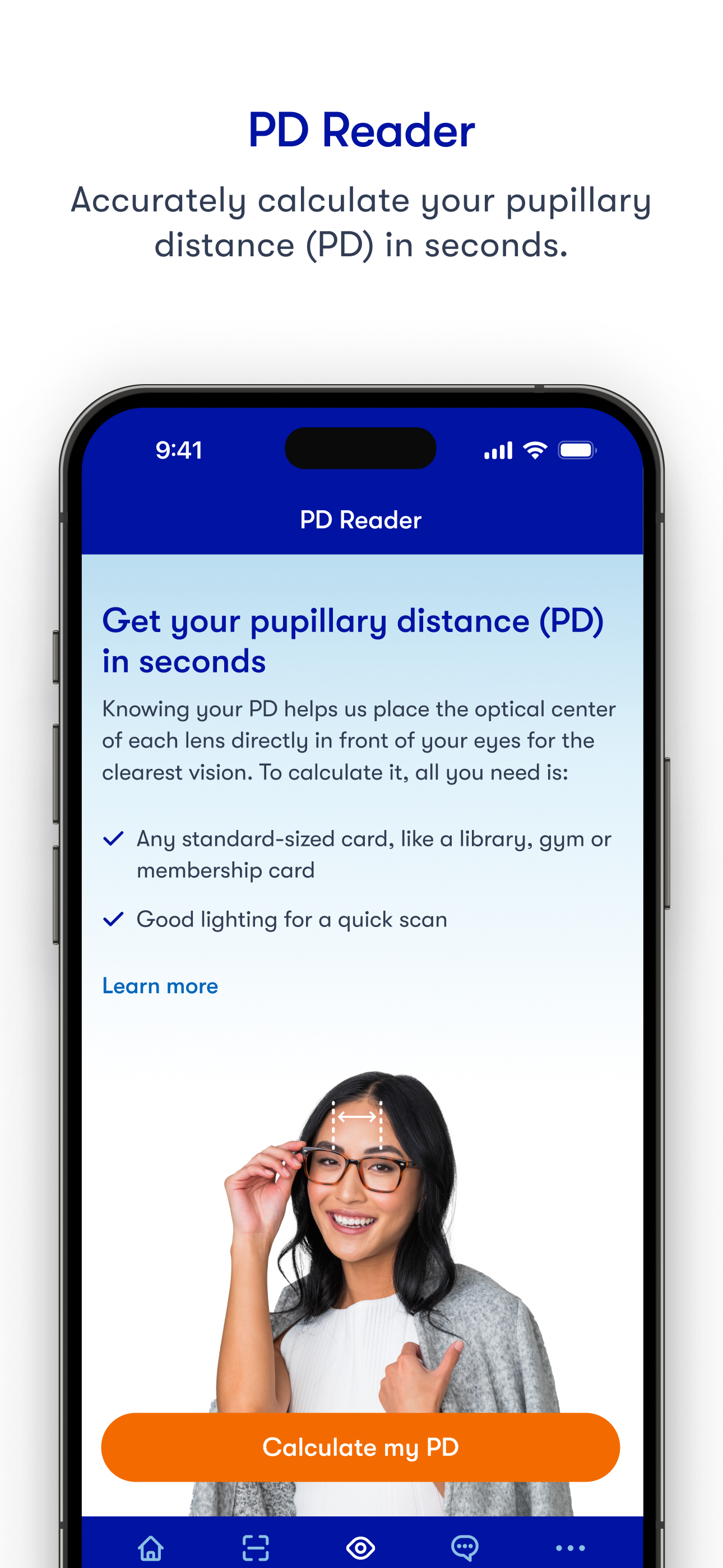
Omg, I did this 10 times in a row, same location, same lighting, everything! 5 of them said 63.0 and 5 of them said 62.5 so which one do I use! Haha Reading reviews some people were concerned about information issues or privacy issues! I used my drivers license because my state is one that has the magnetic strip on the back! I guess that I didn’t think much of it when I did it but honestly, all of the information on your drivers license except for the license number is public information anyway! But using the license number is only going to get you the public information anyway! I’m just glad that I didn’t use a credit/debit card! But the developers response to those reviews say that they don’t use that information anyway but if it’s a concern, use your drivers license if your state puts the strip on the back!
I downloaded 3 PD measurement apps. This was the only one that gave a consistent number no matter where I held my phone. For those of you thinking you need to use a credit or debit card to do this, you do not. You can use any standard *credit card sized* card with a magnetic strip on it (line it up with your bank card to make sure it’s the right size). You don’t show the front of the card only the back with the strip. I used my AAA card. It has zero personal information on the back. The instructions are very clear and say use *any* standard sized card with a magnetic strip on it so I’m not sure why anyone is freaking out about having to divulge sensitive personal info because you don’t.
To measure, the app requires a magnetic strip card. In most cases, people will use credit cards found in their wallets. By virtue of taking an image of the card, the app collects your credit card information, partially or fully. It is not clear if the images used are deleted or retained, and if the image scanned are used to extract additional information (e.g. name, card number, exp date, institution, etc) beyond distance/scaling measurements. Normally I would think about these issues before using any app, but now I am regretting having used it knowing a picture of my credit card is on their servers. EDIT: the developer policy states the company will make “reasonable efforts” to apply an obfuscation algorithm on the image for details. It is still not clear if the initial raw images are saved somewhere and how good this algorithm is. 2nd EDIT: developer response is reassuring.
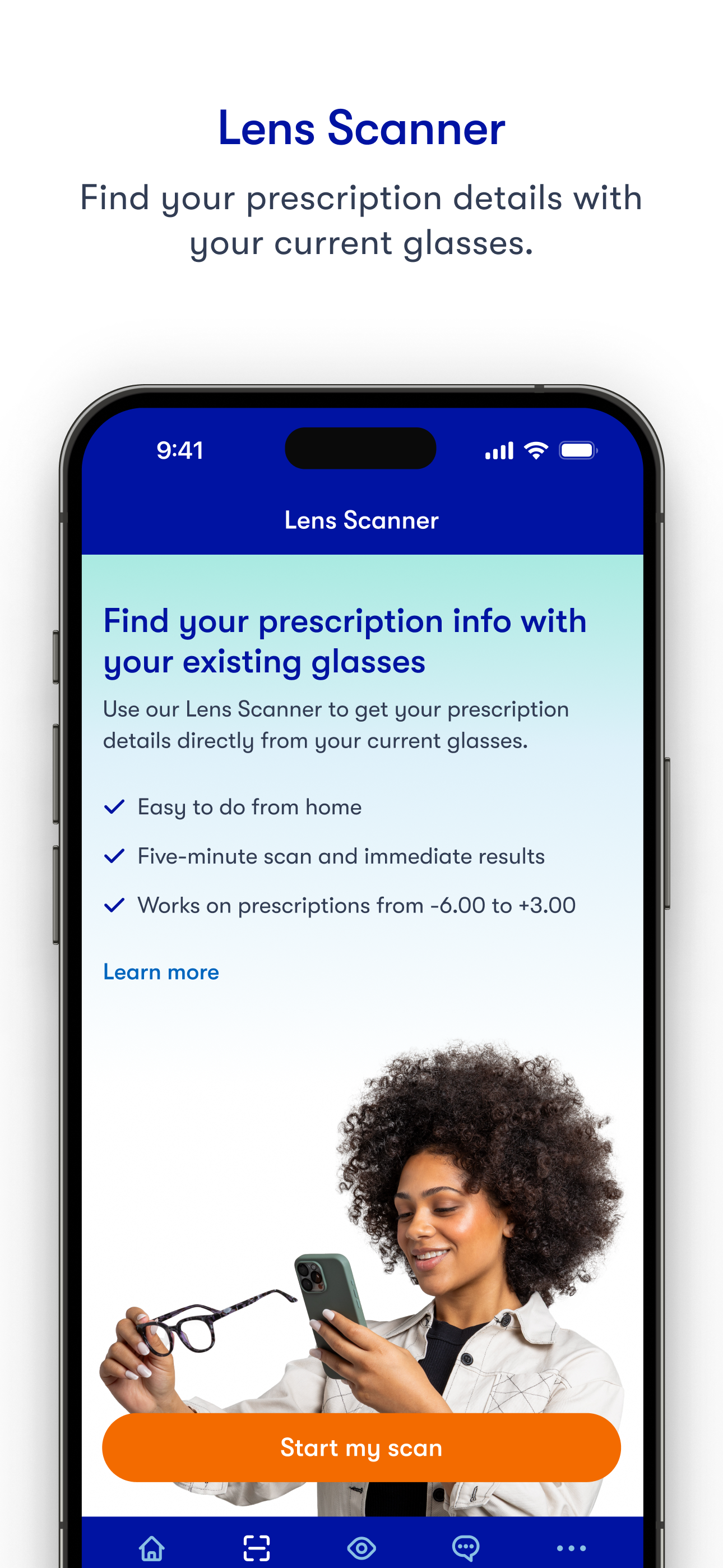
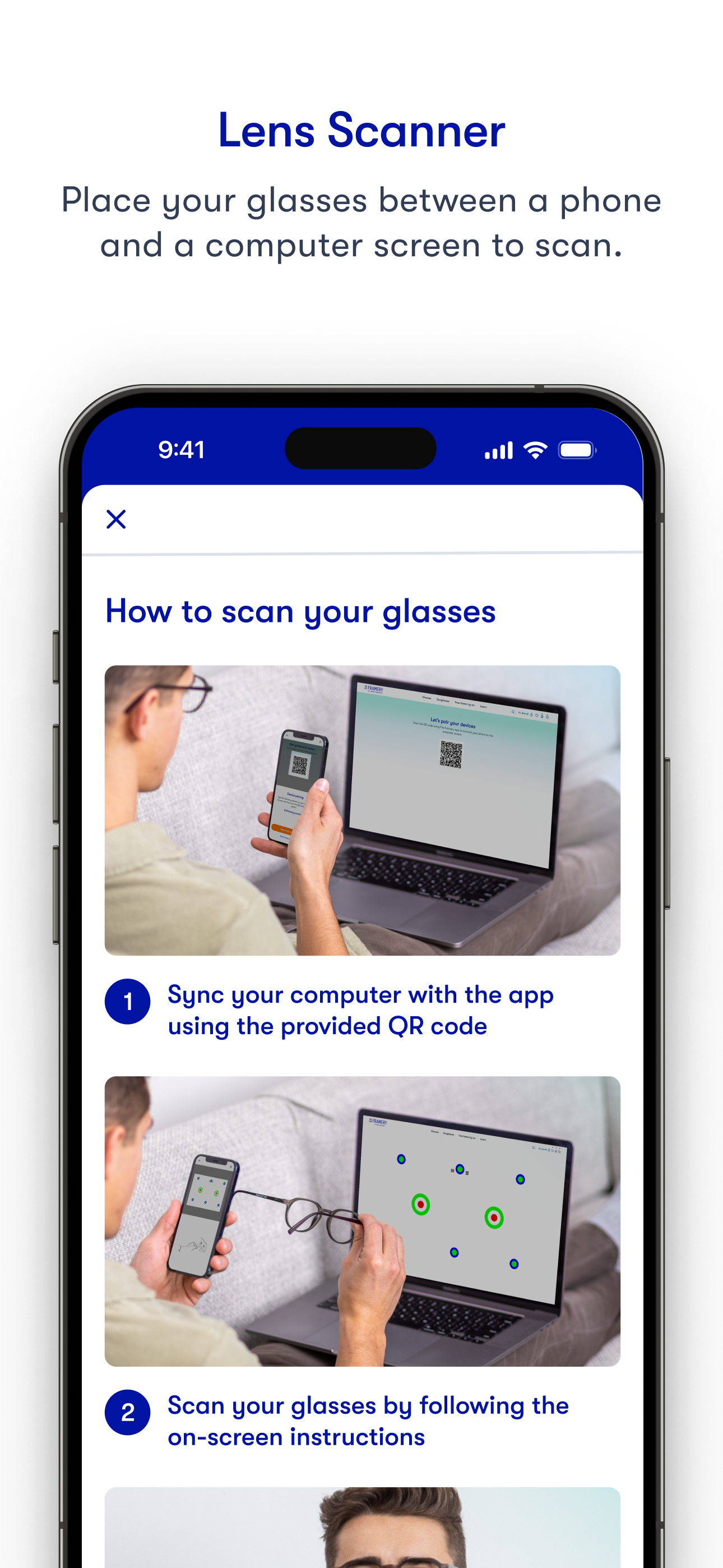
The easiest way to measure your pupillary distance (PD) and get your glasses prescription, right from your iPhone. Ready to buy glasses online but mi...


