
Check the acquisition promise
Read the store headline, screenshots and description. What problem is the app promising to solve?
Study the storefront ↗
Lumasoft LLC · iOS
Explore the ad evidence, study the storefront, and build your next acquisition hypothesis.
01 / Creative research
Read the store headline, screenshots and description. What problem is the app promising to solve?
Study the storefront ↗Explore apps with direct store-link matches. Compare their hooks and formats without assuming the same approach works here.
Browse observed advertisers ↗Store rankings and revenue estimates describe market context. They do not establish ad spend, conversions or ROAS.
Review the market context ↗02 / Storefront & product
Study the product story and store experience behind the acquisition funnel.



03 / Market context
Keep revenue, downloads and store rankings separate from advertising performance.
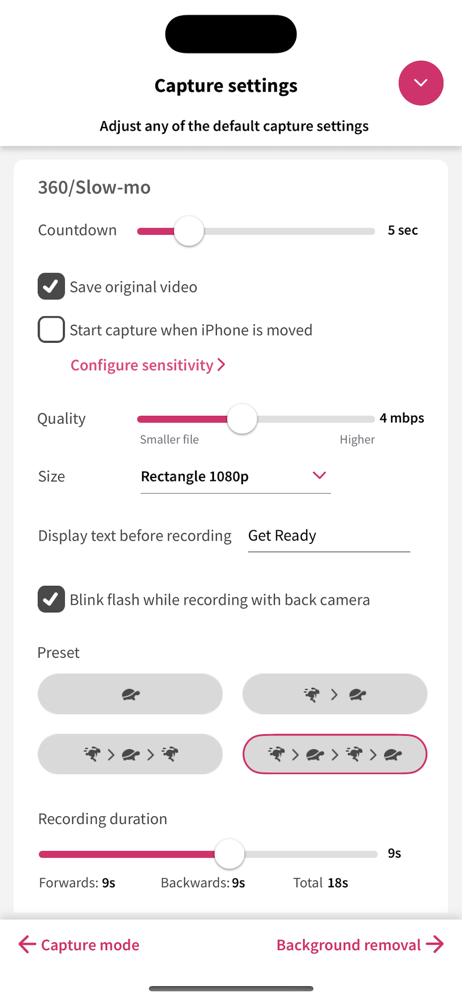
This was the perfect alternative to booking a photo booth at our wedding! I made my own overlays to go over the photos and our guests had options to choose from. It’s easy for guests to use on an IPad on a tripod with a ring light. You are able to do everything in the app besides take a photo without their watermark before paying for a subscription, so you can easily decide if you want to use this app or not before any payment. I was able to create and customize my event and preset all the settings beforehand before paying anything. All I had to do was pay for the subscription right before the event and it’s easy to cancel afterwards. You’ll have one month to use it after subscribing. I did not have a printer at my wedding so I can’t speak on how easy it is to connect. My guests were able to send the photos to themselves via text, email and even airdrop! Just need internet connection. You can go back and resend photos too if someone didn’t get theirs.
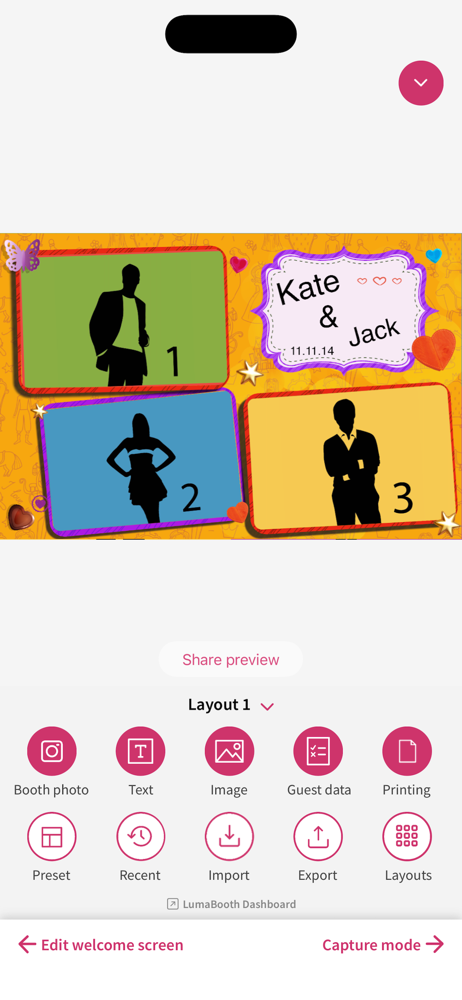
Downloaded this app to have a budget Photo Booth experience for a party of ~150 people, and it worked out perfectly. The app UI is kind of clunky, but you get the hang of it after about an hour of messing around, and it more than makes up for it with features. I ended up loading glossy 4x6 paper into my home printer and put instructions on how to use the app on the “welcome screen”, and I uploaded files designed in Canva onto the print layout screen. For $20/month, we used it once for our event and I thought that was a fair price. It’s also cool that you can test the app out before paying - all that happens is the watermarks are removed from the photos after subscribing. If I have another event, I’ll be subscribing again! My one complaint is that the print layout is extremely finicky (it’d be cool if resizing the photos “snapped” to the corners instead of having to carefully line them up, especially since it’s really easy to accidentally move them while editing other parts of the print layout. Great stuff, guys!
I have tried some other photobooth app in the ios appstore using my ipad and my dnpqw410 some are working as intended but not exceptional. I have noted this on my research online and had been suggested by peers as well. I would say the app is exceptional. Had some trouble but Christine from support was really helpful! Four suggestions to make the app better! First, An option for the welcome page for the uploaded image to be edited (like how you can edit the printlayout). Second, An option to click the uploaded images on a dropdown or a list as when it gets layered and takes space on the layout it gets hard to adjust and edit. Third, The QR sharing option, it pops out late (about 2sec after all sharing options pops out) after capturing the pictures (hopefully this is not intended). Fourth, an option to turn on and off the saving of single photo capture and printlayout on your device (this is going to be a life saver especially for users who are saving spaces on their devices.) Other than that its a good photobooth app.
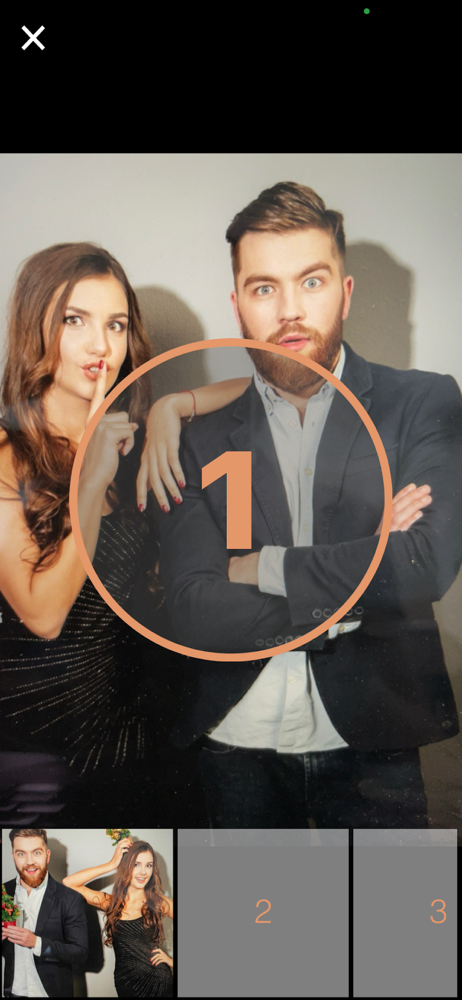
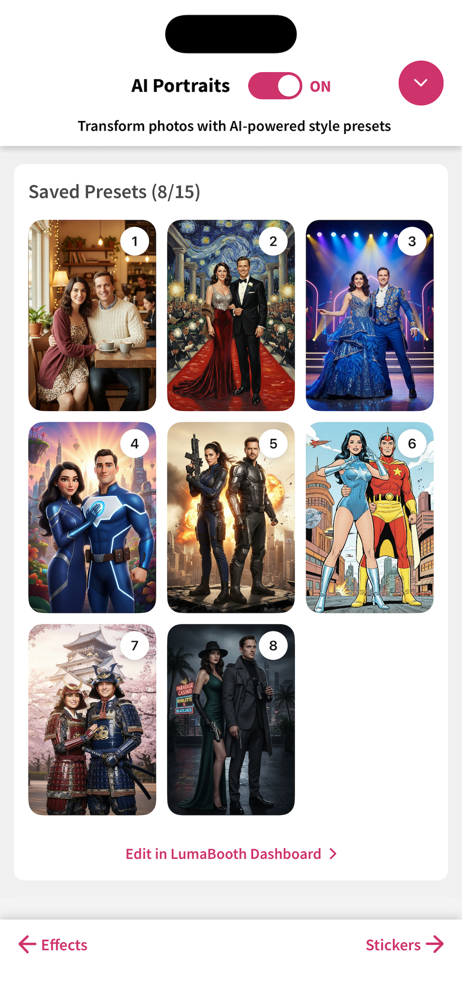
Every smile deserves its spotlight. The easiest way to run a professional photo booth at your next wedding, birthday, or event. Just download, set up...
| Name | Price | Type |
|---|---|---|
| Full Access (Monthly) | $19.99 | Monthly |
| Full Access (Annual) | $199.99 | Yearly |


