
Check the acquisition promise
Read the store headline, screenshots and description. What problem is the app promising to solve?
Study the storefront ↗
Juice Co · iOS
Explore the ad evidence, study the storefront, and build your next acquisition hypothesis.
01 / Creative research
Read the store headline, screenshots and description. What problem is the app promising to solve?
Study the storefront ↗Explore apps with direct store-link matches. Compare their hooks and formats without assuming the same approach works here.
Browse observed advertisers ↗Store rankings and revenue estimates describe market context. They do not establish ad spend, conversions or ROAS.
Review the market context ↗02 / Storefront & product
Study the product story and store experience behind the acquisition funnel.




03 / Market context
Keep revenue, downloads and store rankings separate from advertising performance.
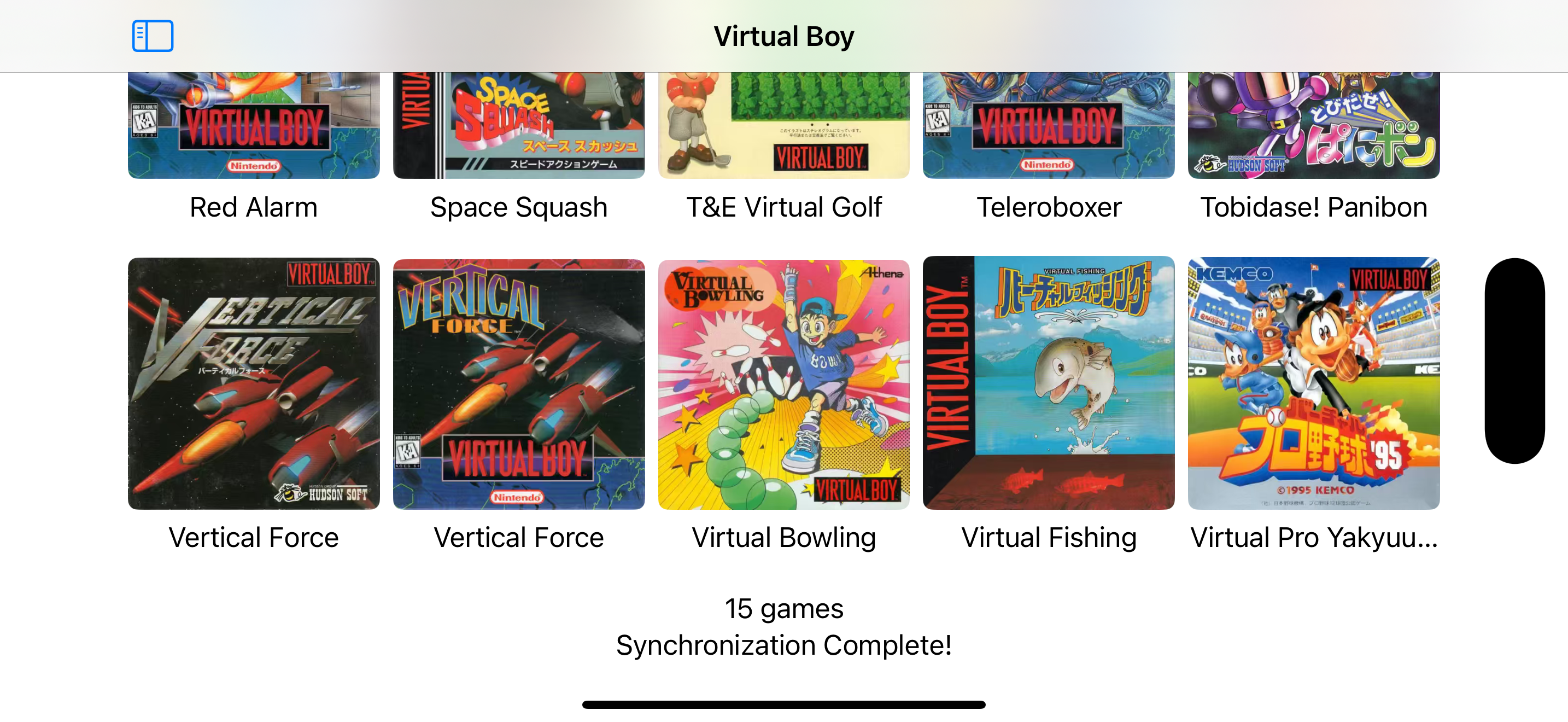
I downloaded it hoping to play some of the classic games I have collecting dust in storage and don’t want to dig out. Installed on my Mac and Apple TV, then on the Mac dragged a couple ROM files to the emulator of choice. It went well and I played a few games but the next time I went to load it I got “Download Failed” alongside checking my internet connection. My internet connection was fine so no idea why this happened. I’m troubleshooting again now and some games work while others don’t. Seems pretty random which will load and which won’t.
The emulator runs great. You don’t have to go through any of the weird setup hoops of most emulators, the sound and visuals are spot on, and the interface is excellent. The only problem is importing ROMS. If you try to import more than one or two roms at a time, the app crashes. It can be super tedious to have to navigate to your ROMs folder over and over just to add a single ROM. It really needs batch ROM importing. With that said, once you manage to get your roms imported, they work on all of your devices. It keeps the ROMs in iCloud, so you just start up the app on Apple TV, and all your ROMs are there. It’s the best emulator available!
Even though this is a young product on a young platform, I’m giving it 5 stars because of where I think it’s headed, and knowing that the developers are committed to constant iteration, updates, and features. I feel like retro gaming is a fantastic use case and killer app for AVP, and no one other than Consoles has jumped on it yet. Yes, I suppose you can run RetroArch as a “compatible” iPad app, but it’s nothing like seeing native visionOS app development, and the team behind Consoles seems committed to advancing the AVP version specifically in addition to adding new features and compatible systems. Consoles currently has a very sparse UI, but in a way that’s good; super easy to just launch it and jump into your favorite ROMs. I’m excited to see them continue to iterate on this app and the features they can bring to the visionOS version specifically. Maybe immersive environments, or the ability to place retro TVs and game consoles around your actual living room. (Personal wish list: Odyssey2 support!)
Consoles brings all your favorite classic gaming experiences together in one simple and convenient app. Relive timeless titles from beloved retro hard...


