
Check the acquisition promise
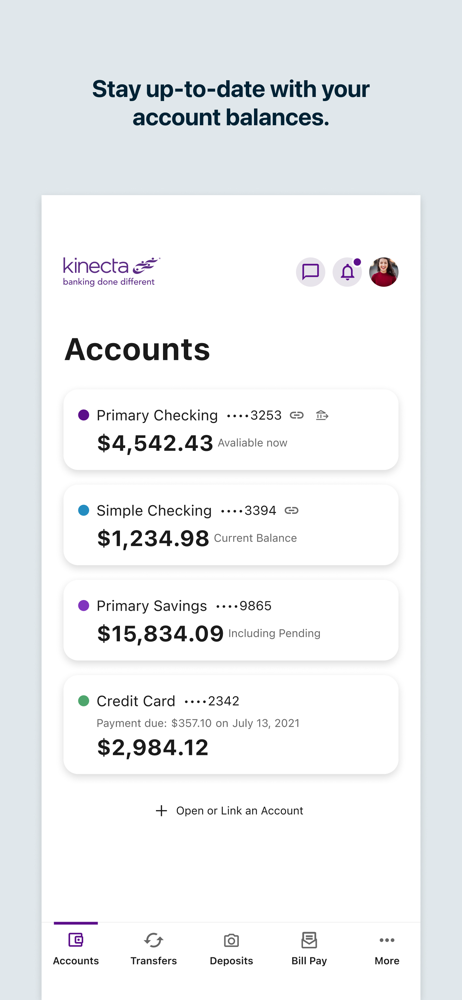
Read the store headline, screenshots and description. What problem is the app promising to solve?
Study the storefront ↗
Kinecta Federal Credit Union · iOS
Explore the ad evidence, study the storefront, and build your next acquisition hypothesis.
01 / Creative research
Read the store headline, screenshots and description. What problem is the app promising to solve?
Study the storefront ↗Explore apps with direct store-link matches. Compare their hooks and formats without assuming the same approach works here.
Browse observed advertisers ↗Store rankings and revenue estimates describe market context. They do not establish ad spend, conversions or ROAS.
Review the market context ↗02 / Storefront & product
Study the product story and store experience behind the acquisition funnel.





03 / Market context
Keep revenue, downloads and store rankings separate from advertising performance.
I’ve banked with Kinecta for the past 8 years. While their customer service has always been exemplary, their app and website needed a major update. Of course when that major update came around last year, I expected there to be kinks that got resolved over time. With that said, the app has trouble staying signed in/pushing notifications. I also experienced issues with the notification emails not getting delivered. I have to constantly open the app to make sure that I’m still signed in so I DO receive push notifications. It’s become more of a nuisance and I hope this gets sorted out.
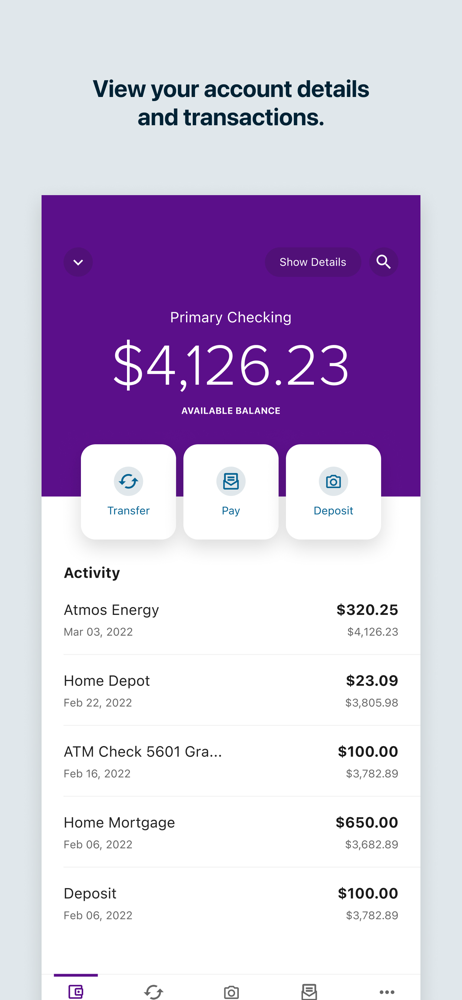
In my experience with it, this app has always been reliable and user-friendly… until this recent redesign that no one asked for. Now it’s harder to use and harder to read. The old version had expenditures/withdrawals in red and income/deposits in green. This new version has everything in black with a tiny, barely-visible minus (-) symbol next to withdrawals, which is a hard to read (at least for me) and less than ideal. Please fix this because the old version was working perfectly fine and I liked it. But this redesign made it demonstrably harder to use. It still technically works, but it adds a layer of friction and inconvenience that I never asked for and I’m not happy with it at all. Also, please, for the love of all that is holy in this or any other universe, *please* give us a dark mode. My phone is normally in dark mode everywhere, and I don’t enjoy being temporarily blinded by how bright this app is.
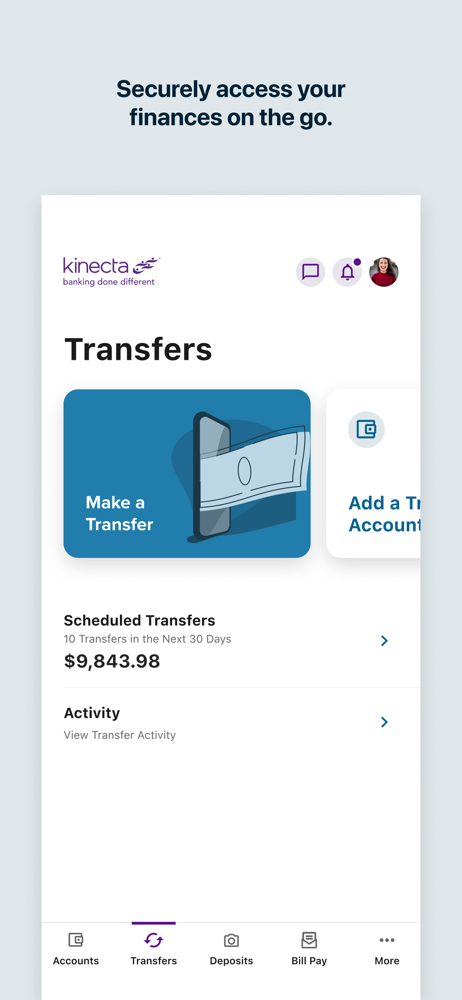
I really enjoy Kinecta mobile app, and now that they have upgraded, I can see all of my accounts. However, it can be confusing. I think, it would be better if I could rearrange how I view each account. I would like to see the checking and savings account for one member account listed together, and then the checking and saving for the next account listed together, etc. As it stands now, I have to go through all the checking accounts that I’m listed on, and then I can go to all the savings accounts. I’m just saying it’s not as pretty to look at and it’s more confusing than it was before. It’s just aesthetics. At least I can do Zelle, although, finding the Zelle button is more difficult than before, and I can transfer funds, and I can see all of my accounts at one place. I appreciate that.
Kinecta Mobile Banking About this app Download the Kinecta mobile app for an easy and secure way to: • Check account balances and transactions • Tr...


