
Check the acquisition promise
Read the store headline, screenshots and description. What problem is the app promising to solve?
Study the storefront ↗
Allocate Software · iOS
Explore the ad evidence, study the storefront, and build your next acquisition hypothesis.
01 / Creative research
Read the store headline, screenshots and description. What problem is the app promising to solve?
Study the storefront ↗Explore apps with direct store-link matches. Compare their hooks and formats without assuming the same approach works here.
Browse observed advertisers ↗Store rankings and revenue estimates describe market context. They do not establish ad spend, conversions or ROAS.
Review the market context ↗02 / Storefront & product
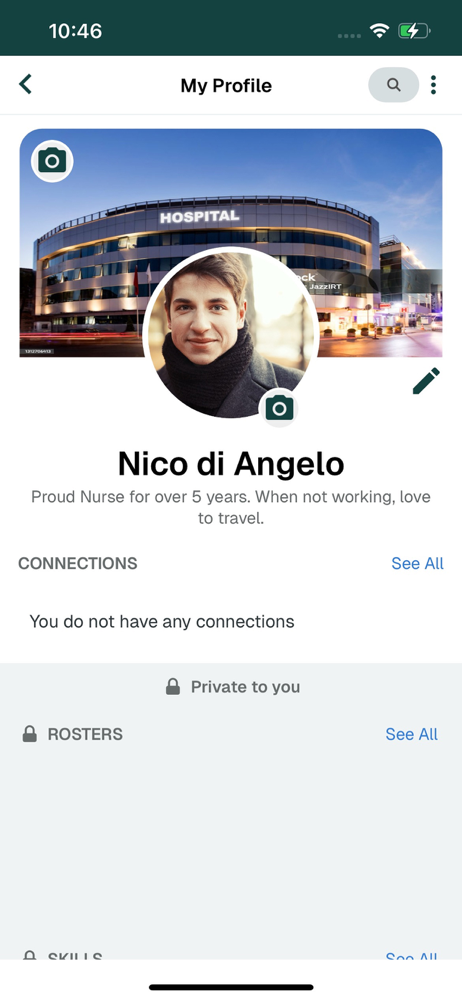
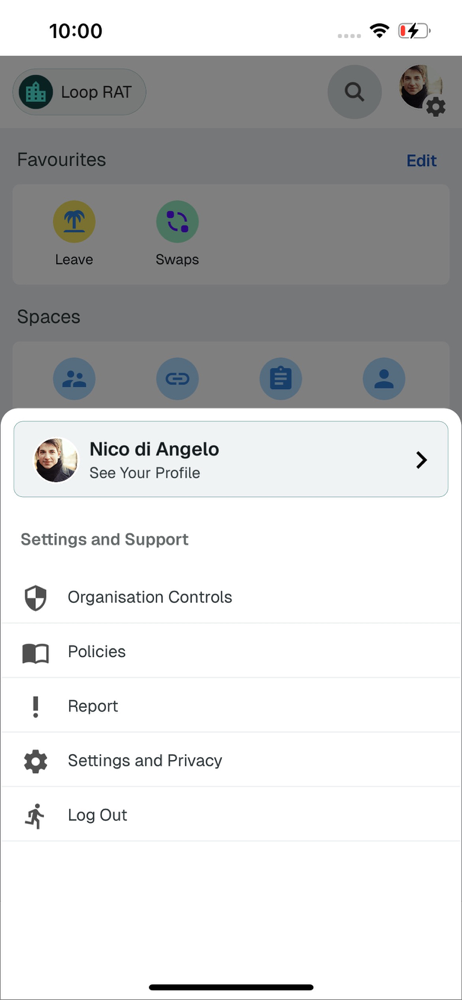
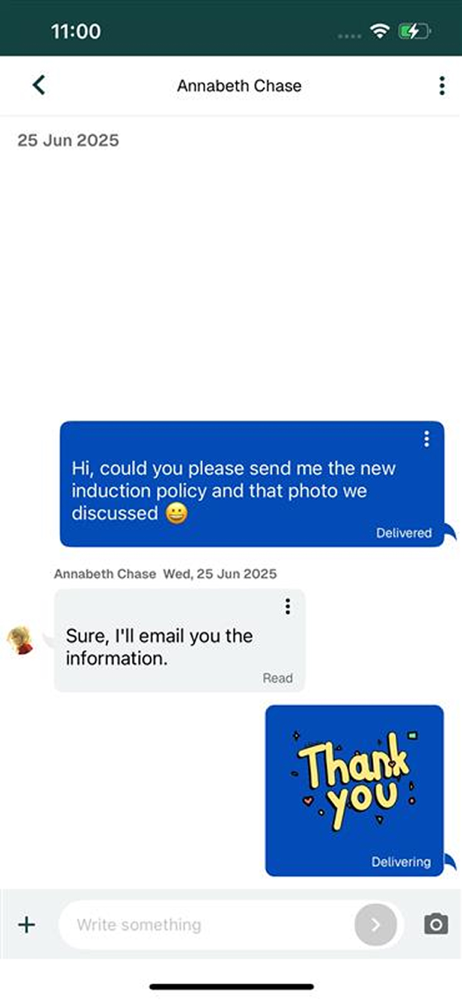
Study the product story and store experience behind the acquisition funnel.



03 / Market context
Keep revenue, downloads and store rankings separate from advertising performance.
I really wish the Loop app had better filtering options, such as being able to choose exactly which days I want to see, how many days I want to include, and which days I want to exclude. The current Sat, Sun, Mon etc. filter options are truly horrible! When you select specific days, the app doesn’t always show all the shifts available on those days. It also skip a lot of shifts for no apparent reason, even though those shifts are clearly visible when you scroll through the shifts normally without applying any filters! This makes the filtering feature completely unreliable, I never use them now. I hat change the date to look for every desired day I want. Can’t believe how many shifts I lost when I was using filters at first!
I will admit I was a bit apprehensive about having to use an app to view my rota, request annual leave and request days off, but can honestly say that after taking a bit of time to get to know the app, it works really well and has made organising my shifts so much easier. On the rare occasions I cannot get on, I accept that technology sometimes needs to update or systems glitch and have never had to wait for more than a few hours to get access again. Really good app.
Pushed to use this by my NHS employer. Initially it took a lot of messing about to actually get logged in to the app as it didn’t recognise my employee credentials. Once I was logged into the app it initially worked fine, however, recently when opening the app my whole data including rota and annual leave disappear! This has happened on more than one occasion, but it’s worse since the App update yesterday. I logged out of the App and then tried to log back in to see if this fixed it but the App wouldn’t let me log in for several hours. My rota disappeared again today and then miraculously reappeared. The app doesn’t instil confidence and I am concerned that if the website service is removed, then relying on this app to keep track of my shift rota and annual leave will be problematic to say the least! To the developers: There is clearly an issue with the latest App update and there are obviously a few bugs that you need to fix - keeping track of a changing shift pattern and annual leave entitlement is made more challenging with this app. I have raised the issue with my local eRoster team. Update: It also doesn’t work on my home WiFi network even though my internet connection is working and other iPhone apps are unaffected. I’m not sure if it’s because my iPhone is set up to use a private WiFi address to prevent cross network tracking (doesn’t affect other apps though). The app works better over a cellular data connection, which suggests a bug in the app. Unfortunately because my employer is going to stop using the allocate desktop based eRoster, I’ll only be able to manage my rota and annual leave when actually at work when using their computer network, because it’s just not reliable when using it at home.
Has your organisation signed up to Loop? Then download the app and ‘get in the loop’ today. Allocate Loop is the new app for the healthcare industry...


