
Check the acquisition promise
Read the store headline, screenshots and description. What problem is the app promising to solve?
Study the storefront ↗
Alexander Demurov · iOS
Explore the ad evidence, study the storefront, and build your next acquisition hypothesis.
01 / Creative research
Read the store headline, screenshots and description. What problem is the app promising to solve?
Study the storefront ↗Explore apps with direct store-link matches. Compare their hooks and formats without assuming the same approach works here.
Browse observed advertisers ↗Store rankings and revenue estimates describe market context. They do not establish ad spend, conversions or ROAS.
Review the market context ↗02 / Storefront & product
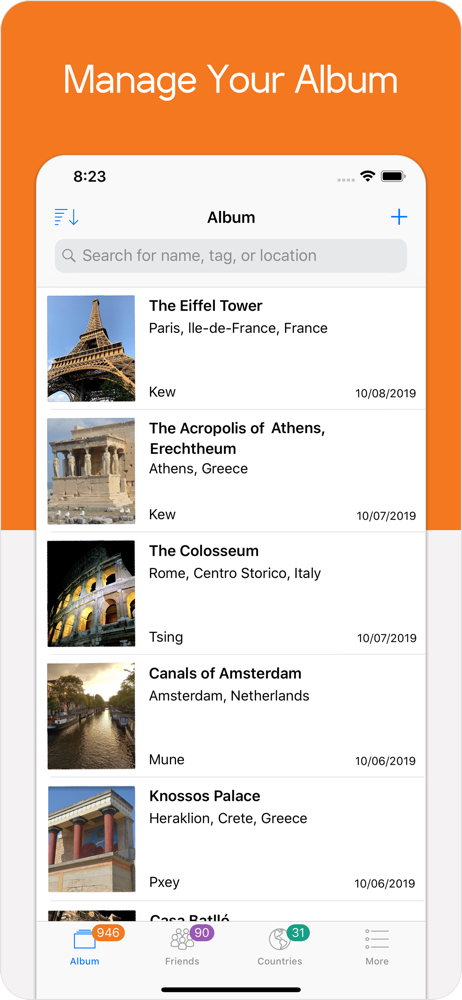
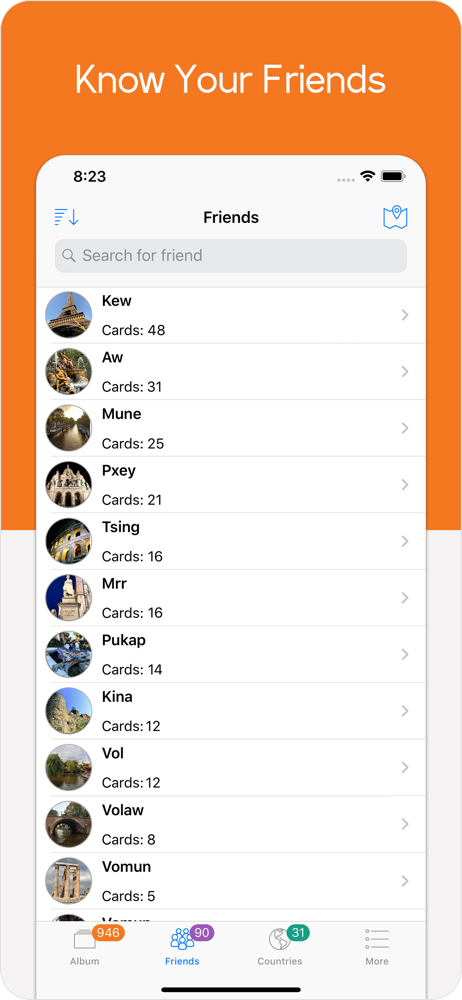
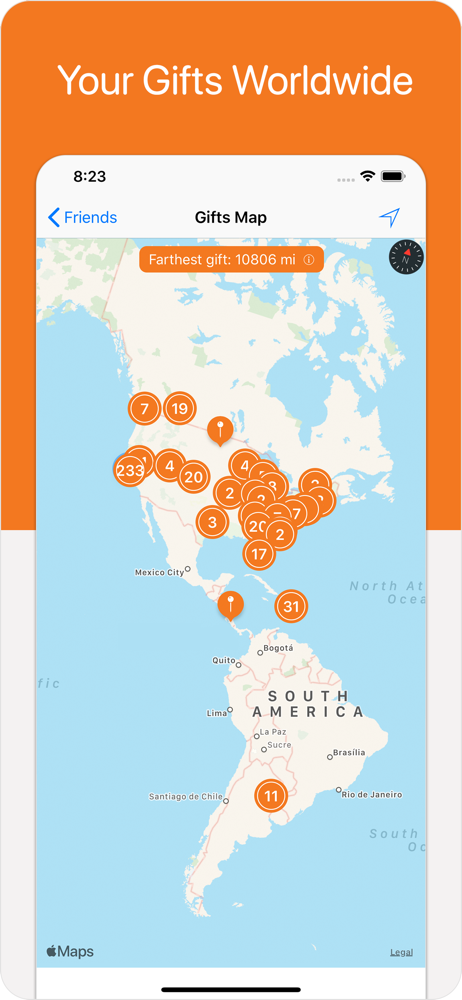
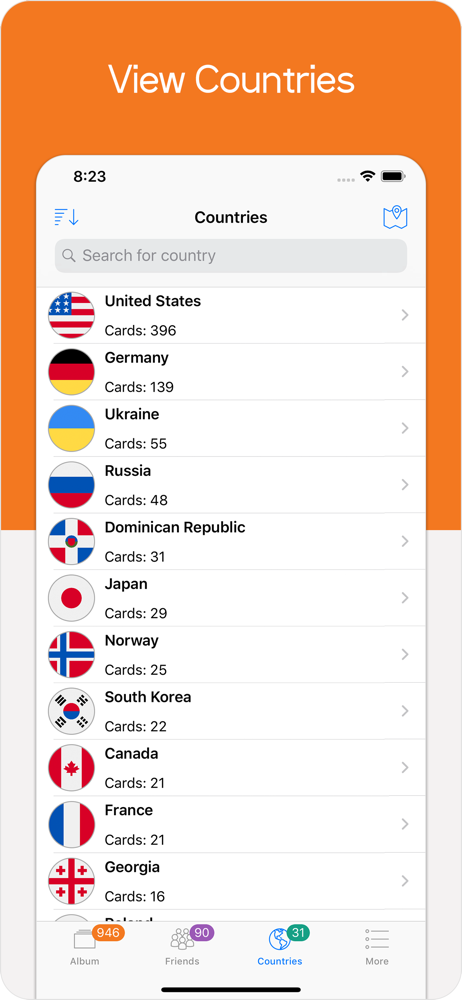
Study the product story and store experience behind the acquisition funnel.

03 / Market context
Keep revenue, downloads and store rankings separate from advertising performance.
As mentioned in the previous review scanning of postcards already in collection is a must. Still is worth using to save postcards and is the best app for this. Minor improvements should include: Alphabetical list of friends - should not have lower case and capital letters as separate. A and a should go together. Try to remove reading sticker text on scan. When scanning collected postcards (not gifts) sometimes it misses the last letter. Needs scan field enlarged? Sometimes, when scanning collected postcards (not gifts) if you scan the card twice it will add both if the dates and time scanned are different. Again with scanning collected postcards scan does not read location latitude and longitude. *** Still this app is a must for Pokémon go postcard collectors.
I downloaded this because I maxed out my postcard storage but didn't want to delete my old cards to pin new ones. It works great for unopened gift postcards, granted the OCR tech needs a little correction now and then, but I would really like it to have a more streamlined process to scan cards that I already opened and pinned. Currently I'm working on screenshotting and manually importing my pinned cards, and since it doesn't automatically recognize them as gift postcards I have to override it and force it to scan anyway and fill in the date and friend name data myself, which takes a lot of work but I can rest easy knowing my collection is getting backed up. I know its hard work to develop another scanning algorithm for a different layout, but this would be an awesome quality of life addition! I also found the Getting Started and FAQ pages lacking, like I still don't really understand why some of my cards have a little blue dot or why some of their titles are green and some are yellow. A tutorial walkthrough of all the features would be helpful. Awesome app, have already recommended it to my PoGo friends :)
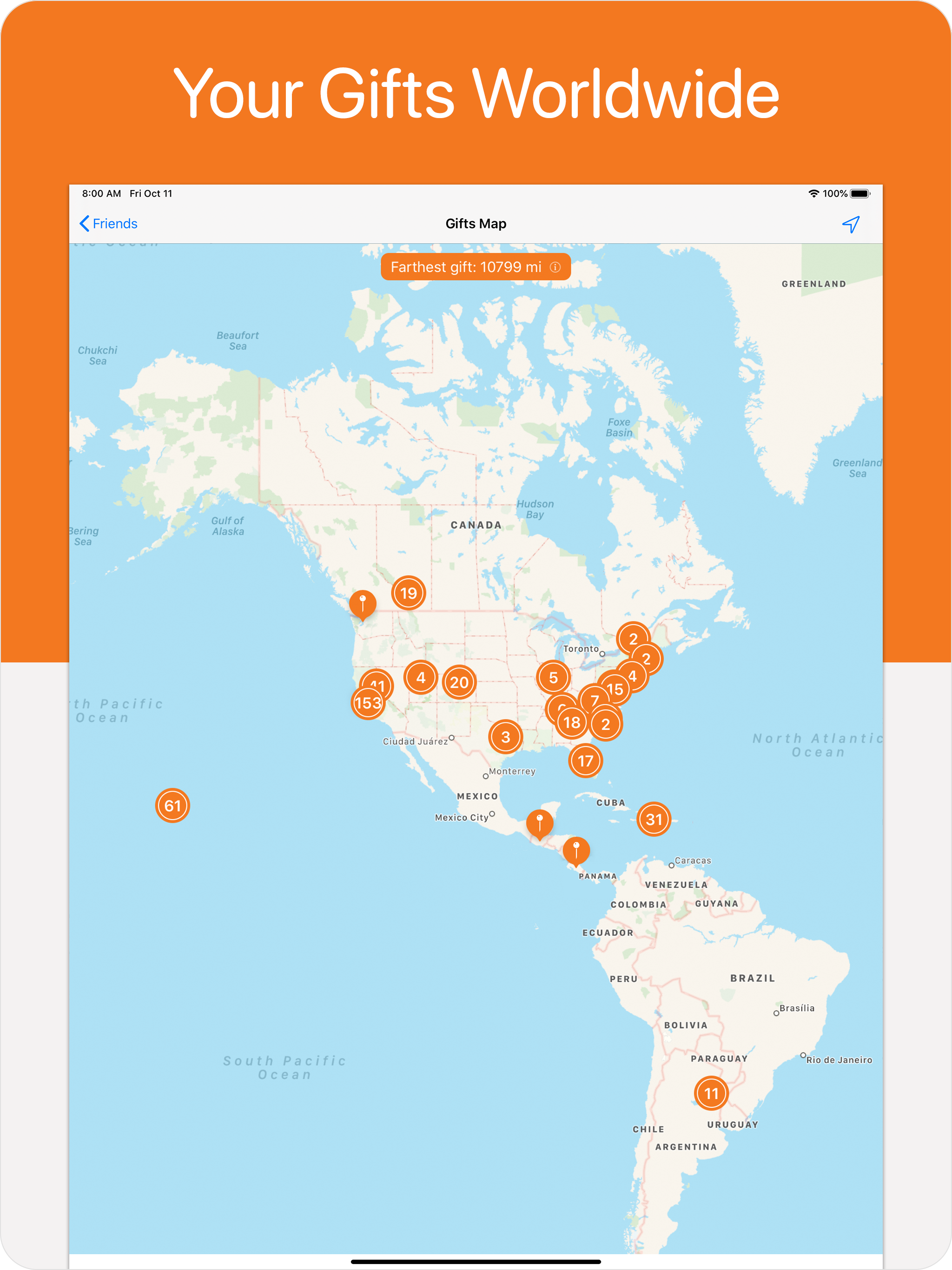
If you input the coordinates that most postcards are automatically assigned into Google Earth, you will find that many of the locations are incorrect. I usually then try my best to find the correct location coordinates so my gift map will be more accurate. However, there are many postcards where I am unable to pinpoint their correct location. There is a small bug where clearing the location to empty and saving will not actually save the new empty location. I had to input a period in order for the app to recognize that I wanted a null location. Postcards screenshotted from the in-game Postcard Book are NOT currently recognized. Trying to scan them in anyway will cause the postcard image to rotate 90 degrees. It would be helpful if there was some way to note what sticker each entry had. I collect sticker variations of the postcard locations as well. At the moment, I’m currently using a tag for the stickers, but it would be really great if there was a better way to implement this information. (Perhaps have a way to allow users to make their own collections?)There is a sort option in the Album and Friends tab, but there is no sort option after clicking on one of your friends in the friend tab. What if I want to see all of Friend A’s postcards chronologically? Or Alphabetically? Improvement suggestions aside, I’m really enjoying the app! My previous postcard collection method didn’t include a map, so it’s really nice to see all my collected postcards pinpointed on the map. The map alone makes the Pro version worth it!
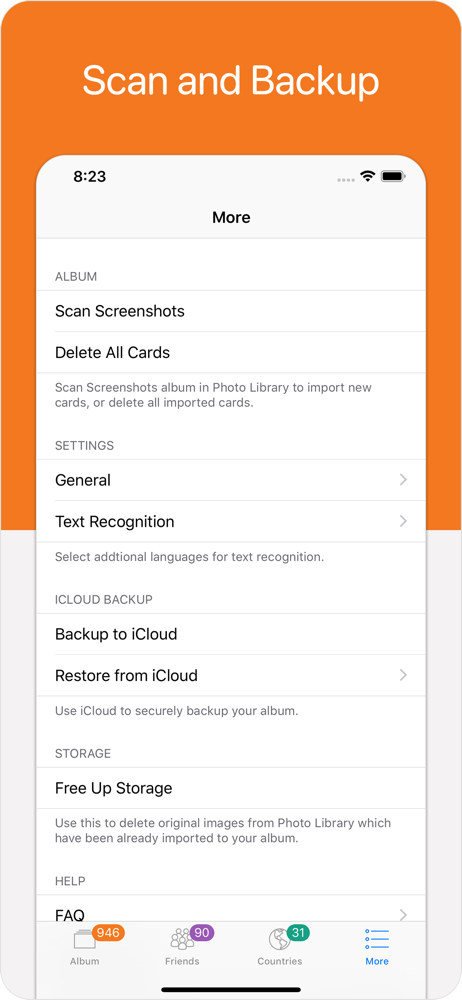
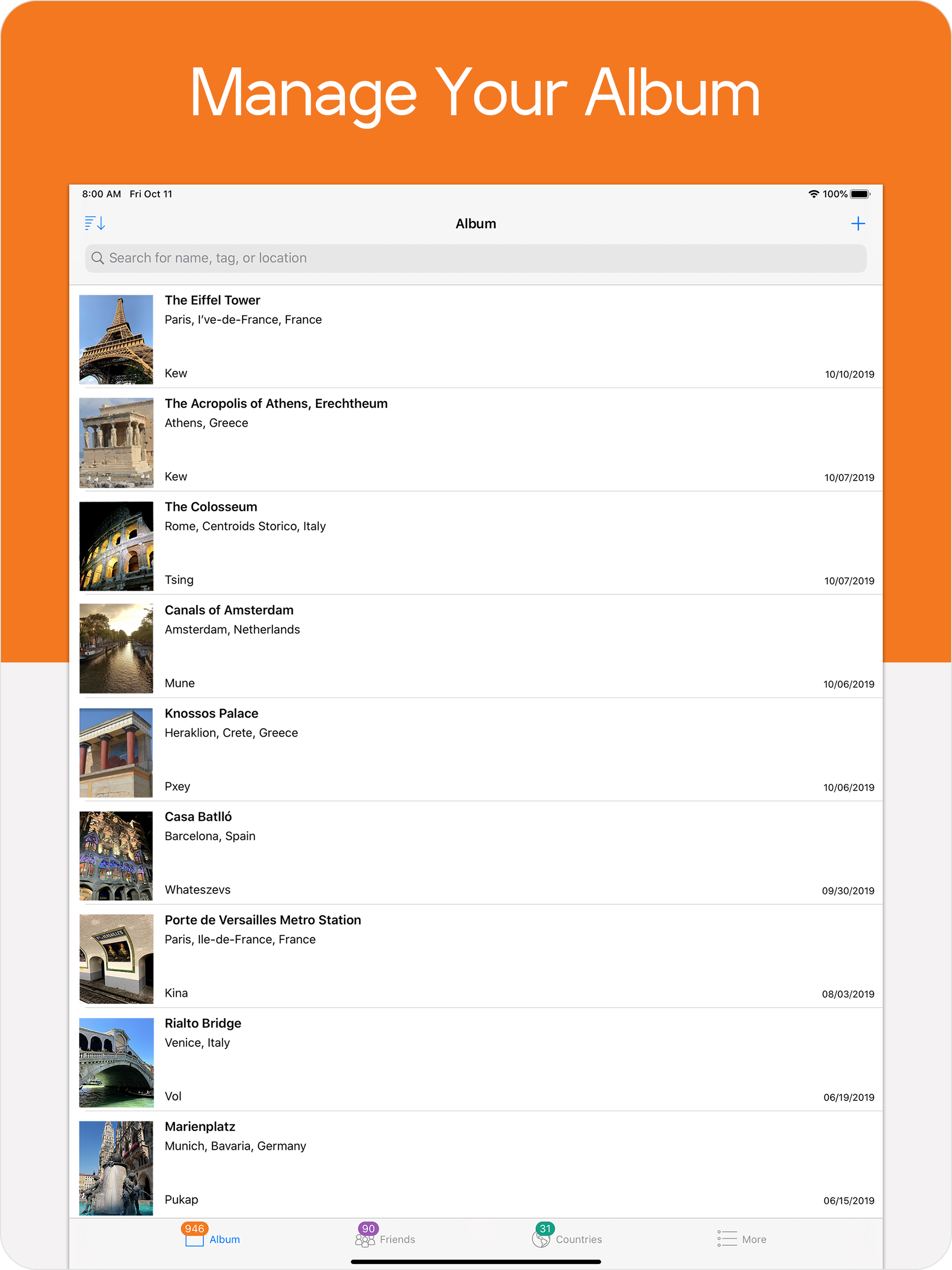
Poke Album helps you organize and manage your collection of the Pokemon Go gift postcards. Just take a screenshot and let Poke Album do the rest. Wh...
| Name | Price | Type |
|---|---|---|
| Pro Features | $2.99 | One-time |


