
Check the acquisition promise
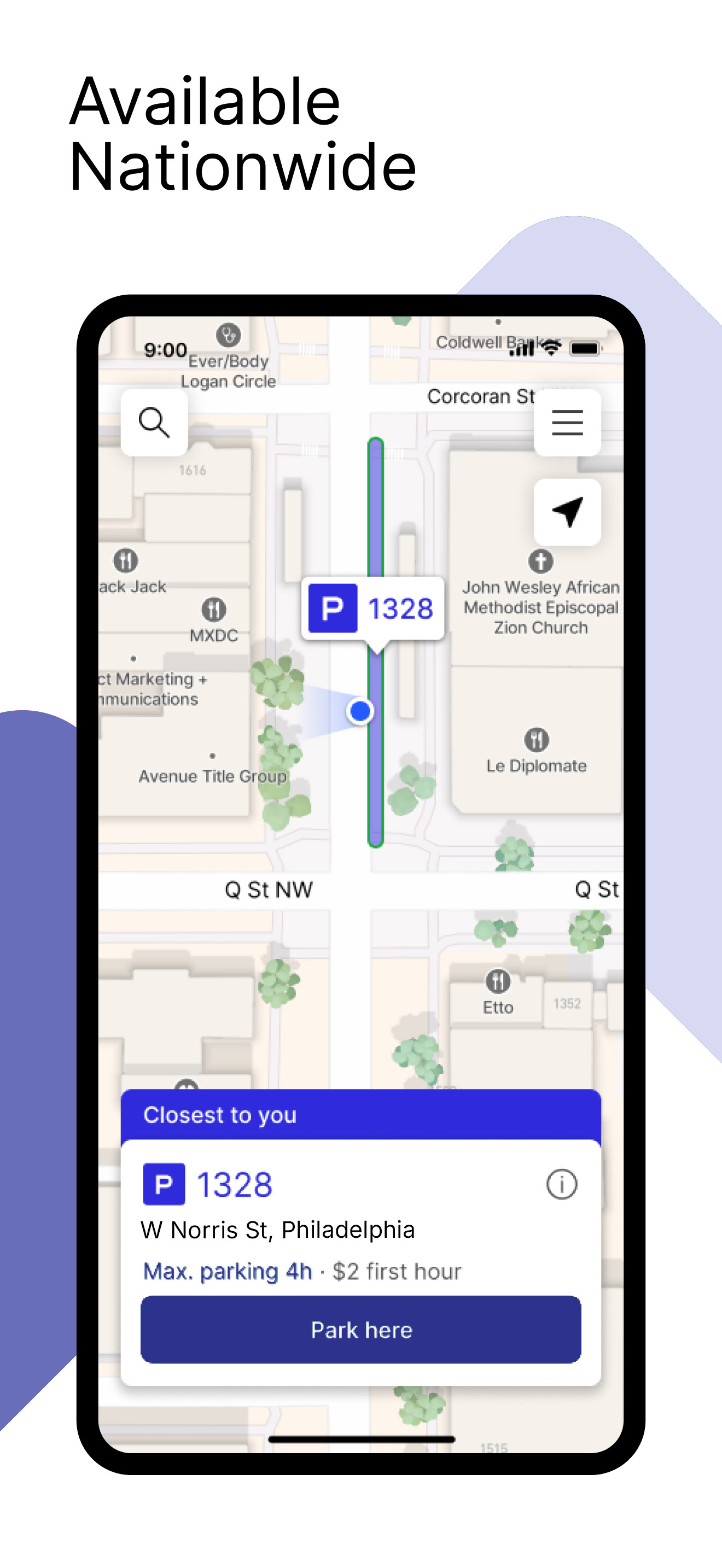
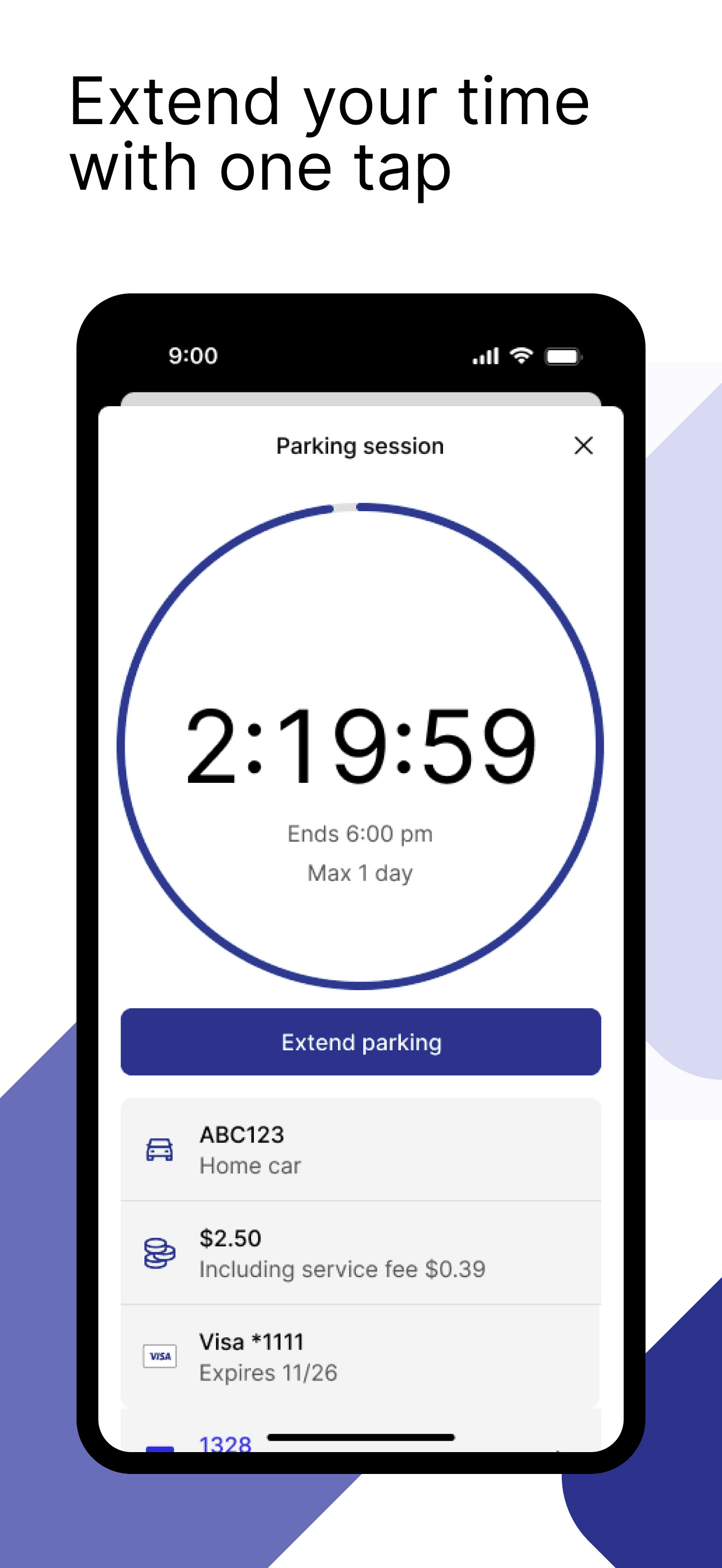
Read the store headline, screenshots and description. What problem is the app promising to solve?
Study the storefront ↗
Parkmobile USA, Inc. · iOS
Explore the ad evidence, study the storefront, and build your next acquisition hypothesis.
01 / Creative research
Read the store headline, screenshots and description. What problem is the app promising to solve?
Study the storefront ↗Explore apps with direct store-link matches. Compare their hooks and formats without assuming the same approach works here.
Browse observed advertisers ↗Store rankings and revenue estimates describe market context. They do not establish ad spend, conversions or ROAS.
Review the market context ↗02 / Storefront & product
Study the product story and store experience behind the acquisition funnel.





03 / Market context
Keep revenue, downloads and store rankings separate from advertising performance.
Very poor security on the app. My phone was locked in my pocket during a parking session. When I took my phone out a little later, I noticed there was a recent parking extension approved for +4 hours! I had plenty of time left on my meter and absolutely did not need an extension. When I contacted their support, they claimed they can’t do anything about it since they’re just a “pass through”for my city’s parking authority. I asked for at least a credit on my account to use for a future parking session, but their customer service just kept repeating how they can’t do anything and I should contact my city. They refused to take responsibility for the fact that their app is at fault. Getting in touch with any city’s parking authority is a huge pain. So they’re banking on customers just letting this go so they can keep the fees they’ve collected. What a scam.
The app charged my card, sent me notifications so I wouldn’t be late leaving before time expired, and I received a receipt via email. However, I still got a ticket. And when I contested the ticket with the emailed receipt showing I’d paid for parking the ticket was upheld because the lid ended plate number wasn’t entered into the machine on the street. That stinks. I won’t be using the app anymore.
This app used to be convenient and easy to use. Once you were set up it was then just a few quick taps to verify you had the right vehicle and amount of time selected and then, bingo, you were ready to go. But the current app is annoying and hard to use and has abandoned the smooth and easy to use design for some reason. I’d guess they tossed the native iOS app for a “common codebase” kind of thing that saves them from developing multiple version of the app, one native app for iOS and another for that other OS? A really poor decision, this is so slow, klunky, and annoying to use that it is only slightly better than using the parking machine on the street. I am constantly confused by what is selected or what will happen if I hit a button. Will it park me for 15 minutes or choose the wrong vehicle? I no longer think of the app as reliable, but as some kind of puzzle trap that might blow up on me. Brink back the old design/native iOS app! The one good addition has been the map with the machine numbers. For some reason the numbers are not very large and you often have to get out of your car to see them clearly. But the map allows me to check the number from inside the car. That helps a lot since I don’t always have to go looking for the machine in the weather and search for the relatively tiny numbers. Really, you’d think the city would print them as large as possible on all four sides!
The Go Mobile PGH app, powered by ParkMobile, gives you a smarter way to park in Pittsburgh. Easily pay for on-street and off-street parking right fro...


