
Check the acquisition promise
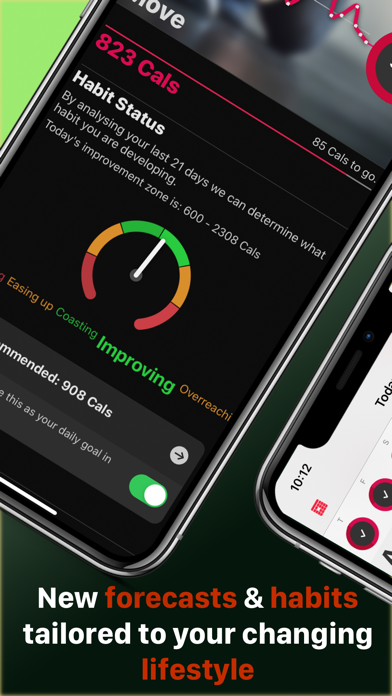
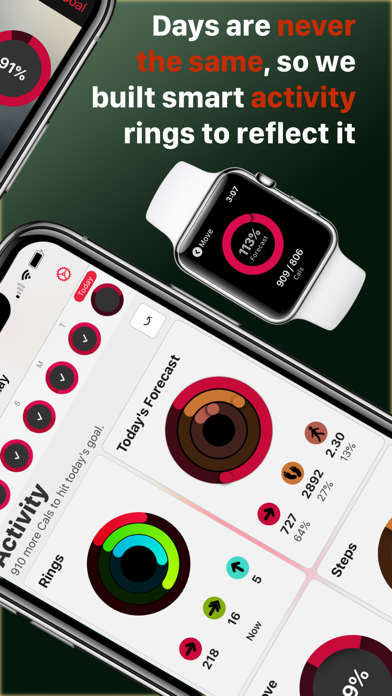
Read the store headline, screenshots and description. What problem is the app promising to solve?
Study the storefront ↗
Tantsissa · iOS
Explore the ad evidence, study the storefront, and build your next acquisition hypothesis.
01 / Creative research
Read the store headline, screenshots and description. What problem is the app promising to solve?
Study the storefront ↗Explore apps with direct store-link matches. Compare their hooks and formats without assuming the same approach works here.
Browse observed advertisers ↗Store rankings and revenue estimates describe market context. They do not establish ad spend, conversions or ROAS.
Review the market context ↗02 / Storefront & product
Study the product story and store experience behind the acquisition funnel.
The store evidence
US store price
$8.99
US rating
4.7 / 5
US rating count
13,634
Current version
4.10
2026-09-11 · Developer notes
Updated for iOS 27 and watchOS 27. Better support for dark and light modes. Various fixes and maintenance. Refer to our Whats New page for more detail: https://heartwatch.tantsissa.com/faq/whats-new
Store metadata collected 2026-09-22 UTC · US storefront · Source record. Free may include in-app purchases. Public data does not update revenue estimates.

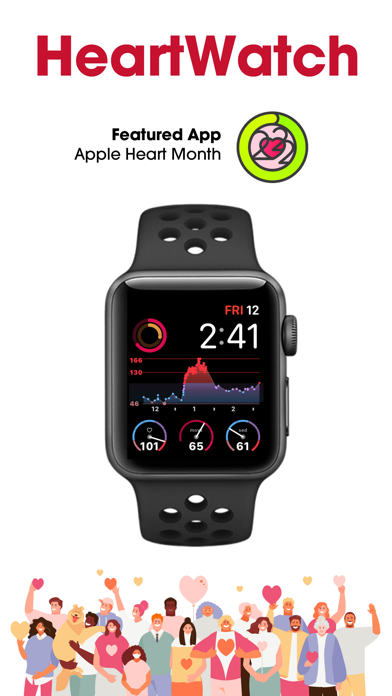
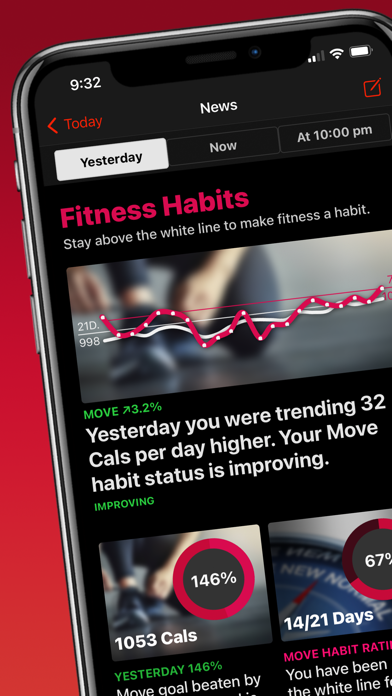
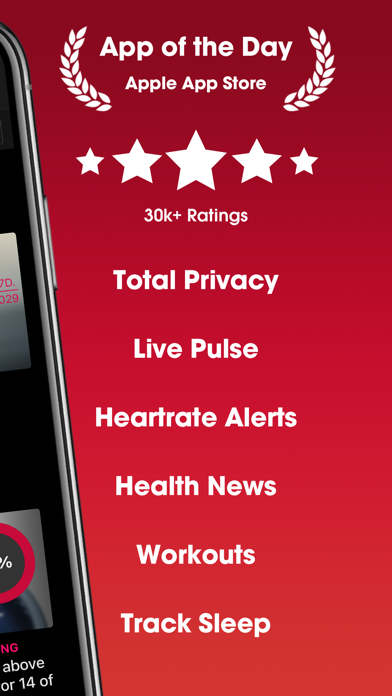

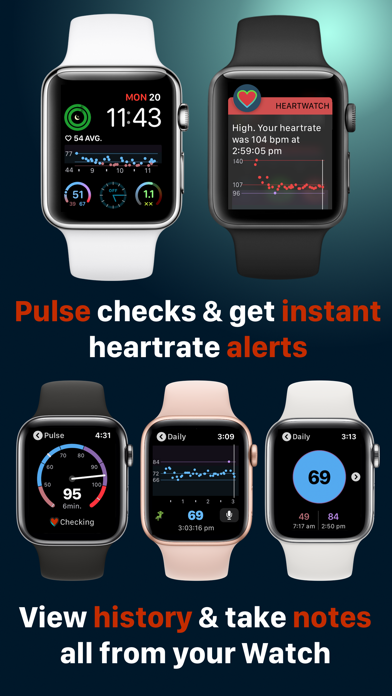

03 / Market context
Keep revenue, downloads and store rankings separate from advertising performance.
One of the biggest shortfalls of the Apple Watch is the inability to broadcast your heart rate to your iPhone in real time, natively. It’s annoying having to constantly look at your wrist during a cycling workout based on target heart rate metrics. I’m pretty shocked that we’re on Series 6 and this hasn’t been addressed yet... or if it has, it’s so unintuitive that I haven’t found a way to do it. There are a couple of other apps that allow this feature, but they’re either A) Clunky or B) Require a subscription. I’m really tired of subscriptions, and I know many people are... so it’s very refreshing to find an app that does what I need it to do, and doesn’t charge me monthly to do it (HeartWatch). Only thing I would change is to allow landscape mode for the app since the factory phone mount for Concept2 Erg monitors is landscape by default. Not a huge deal, as a work around, I just bought a cheap-o handlebar mount as a stopgap. Also, this feature was pretty hard to find in the app... I had to email the designer directly to find it. Honestly, that should be a “premier” feature since so few apps offer it. Beyond the heart rate broadcasting, the app is very full-featured, almost to a fault. I say that only because if the user doesn’t take the time to read the detailed documentation on their website, then a lot of feature and analysis will be missed over. This app, and AutoSleep (same designer), are my two most useful Apple Watch apps.
I contracted COVID in March when there was no medical support. This app is great for long haulers like me who have to treat themselves and even for ones who are getting some medical support. One of my biggest problems was/is my heart so I bought an Apple Watch in July to help monitor my heart rate. This app has been key to helping me manage my POTS symptoms. It helps me monitor trends and has allowed me to create my own physical therapy. One thing I love is the ability to write notes so I can go back to see what I was or wasn’t doing when I notice an improvement or decline in my health. It has definitely helped me manage my POTS. The only thing I wish it did, which would be key to helping people with POTS, is to have an alarm when heart rate gets too high while “exercising”. My heart rate can easily jump over a hundred opening a door or washing a dish. In order to help my heart, I need to lay down immediately when this happens but I don’t always notice it. I have to set my watch to ‘other exercise’ in order to monitor my heart rate while doing everyday things. It would be super helpful to have an alarm when it gets over a specified rate so I know to immediately lay down. Currently, i have to constantly be staring at my watch. With COVID cases on the rise there will be more and more people diagnosed with POTS who could benefit from that feature.
I love this app and all the detail it gives. Especially the notification warning. However, one of the main reasons I bought this app was for the fact that the complication for the Apple Watch shows your last recorded heart rate on the main screen, without having to click into anything....Well mine doesn’t do that. The tutorials and guides everywhere mention that the complication is supposed to refresh and show the most recently recorded heart rate. All mine does is show the last update from the point I actually clicked it and brought up the app. The complication is not auto refreshing like it’s supposed to. There is nothing addressing this issue on the FAQ or tips pages on Healthwatch’s site either, yet there are 3 or 4 forums I’ve found from the past few years where many have this issue but nobody has addressed how to fix it in any way. I’ve literally researched this for hours and tried everything you could think of, but got nowhere. Every complication I have on my Apple Watch face refreshes instantly EXCEPT for the HeartWatch...the only one that I paid for...If someone could get back to me and help me fix this with an actual solution to this problem other than “reinstalling” I’d really appreciate it.. I was going to buy the auto sleep app to pair with HeartWatch, but I’m probably going to be switching to a different heart app and get whatever sleep tracker goes with that one.. Edit**: Changing from 2 star to 5 star. I just made the change from Fitbit to Apple Watch 3 days ago and was unaware of how the Apple Watch operates. The support team responded to my email very quickly and gave me an explanation along with many tips to get it to refresh more often! Love the app! Also, I bought Auto Sleep last night. !! A great compliment to the HeartWatch app!!
"HeartWatch is so good, you’d think Apple built the app itself." John Patrick Pullen, Time Magazine. Top 5 in Health & Fitness in 100+ countries. TO...


