
Check the acquisition promise
Read the store headline, screenshots and description. What problem is the app promising to solve?
Study the storefront ↗
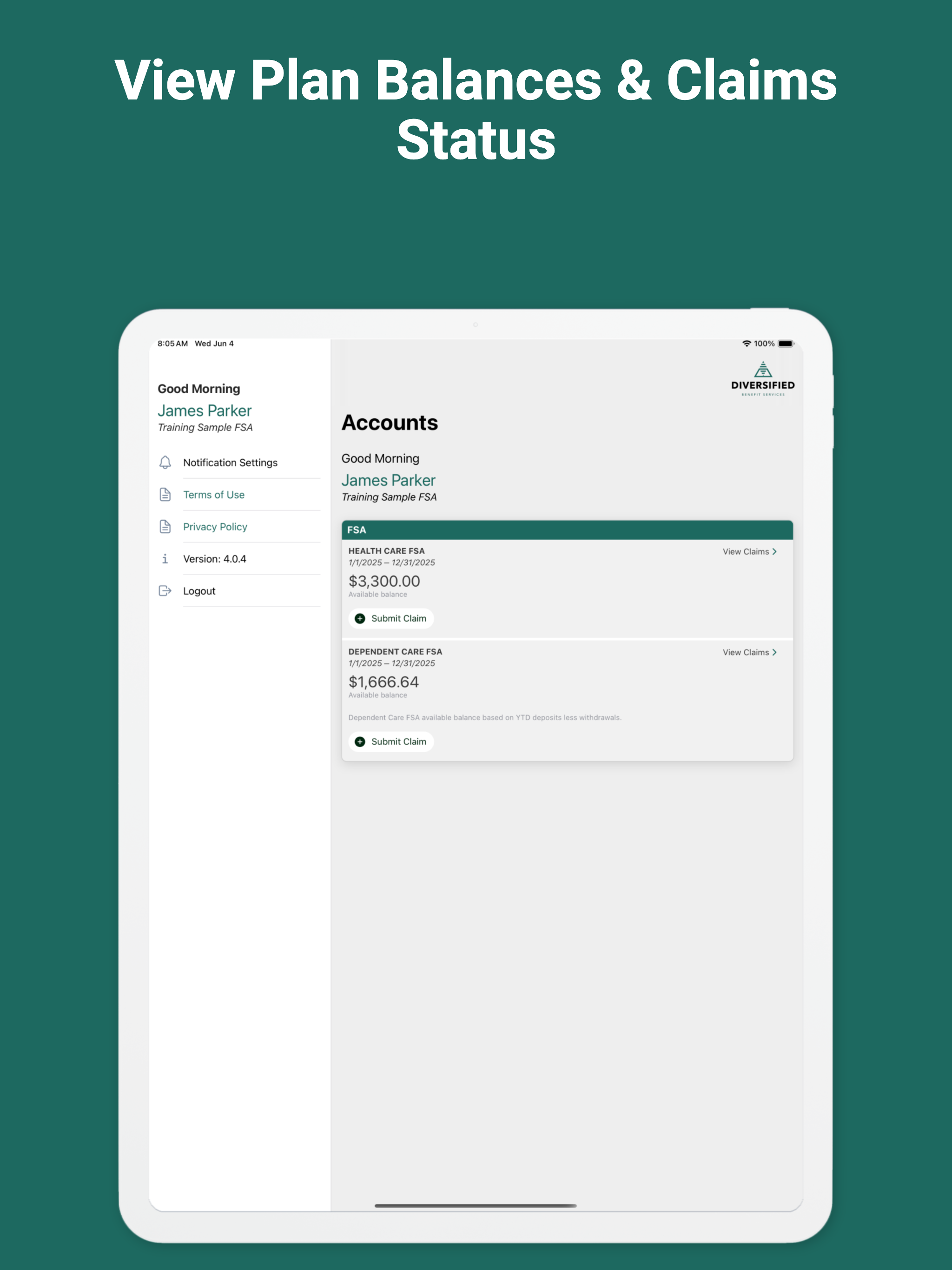
Diversified Benefit Services, Inc. · iOS
Explore the ad evidence, study the storefront, and build your next acquisition hypothesis.
01 / Creative research
Read the store headline, screenshots and description. What problem is the app promising to solve?
Study the storefront ↗Explore apps with direct store-link matches. Compare their hooks and formats without assuming the same approach works here.
Browse observed advertisers ↗Store rankings and revenue estimates describe market context. They do not establish ad spend, conversions or ROAS.
Review the market context ↗02 / Storefront & product
Study the product story and store experience behind the acquisition funnel.



03 / Market context
Keep revenue, downloads and store rankings separate from advertising performance.
This app would be great except you can’t upload anything but photos, which is not helpful when all EOBs are in PDF form
The previous version of the app was clunky, but it worked. The new version pushed to my iPhone in October 2024 does not allow you submit a claim. The app either logs you out after submitting a picture of your statement, or it takes you to an empty submit claim page after your pictures have been uploaded. This app was obviously designed by people who don’t use it, and it was pushed to production by people who didn’t test it. Please rollback to your previous version ASAP. The new version might have a slightly better UX, but it is little more than vaporware. As someone who relies on this app, this is unacceptable. Please remove this version from the App Store immediately.
Wow. This was a really bad app in terms of uploading a file for a claim. It wouldn’t accept PDFs or allow me to browse to the location of my file, a jpg. I did see that it required you to select exactly which files to share in the settings on my phone, but once in the app I only got a white screen. The only way I was able to submit, was to take another picture of the document through the app. Fine. But my other document was an email, not a jpg. Sigh. So I either have to print out the email on my printer and take a picture of it through their app to upload (really, dbs?), or take a picture of the email displayed on my iPad with my phone, which I did. I hope they accept it. How stupid! Once the files were uploaded, all else was easy. But, just...wow. Didn’t anyone test this before release?
File claims on the go! It’s easy, convenient and secure. Submit your claims online 24/7 using DBS’s exclusive A.S.A.P.® (Advanced Strategic Administ...


