Check the acquisition promise
Read the store headline, screenshots and description. What problem is the app promising to solve?
Study the storefront ↗
Program Executive Office for Enterprise Information Systems, Sea Warrior Program · iOS
Explore the ad evidence, study the storefront, and build your next acquisition hypothesis.
01 / Creative research
Read the store headline, screenshots and description. What problem is the app promising to solve?
Study the storefront ↗Explore apps with direct store-link matches. Compare their hooks and formats without assuming the same approach works here.
Browse observed advertisers ↗Store rankings and revenue estimates describe market context. They do not establish ad spend, conversions or ROAS.
Review the market context ↗02 / Storefront & product
Study the product story and store experience behind the acquisition funnel.


03 / Market context
Keep revenue, downloads and store rankings separate from advertising performance.
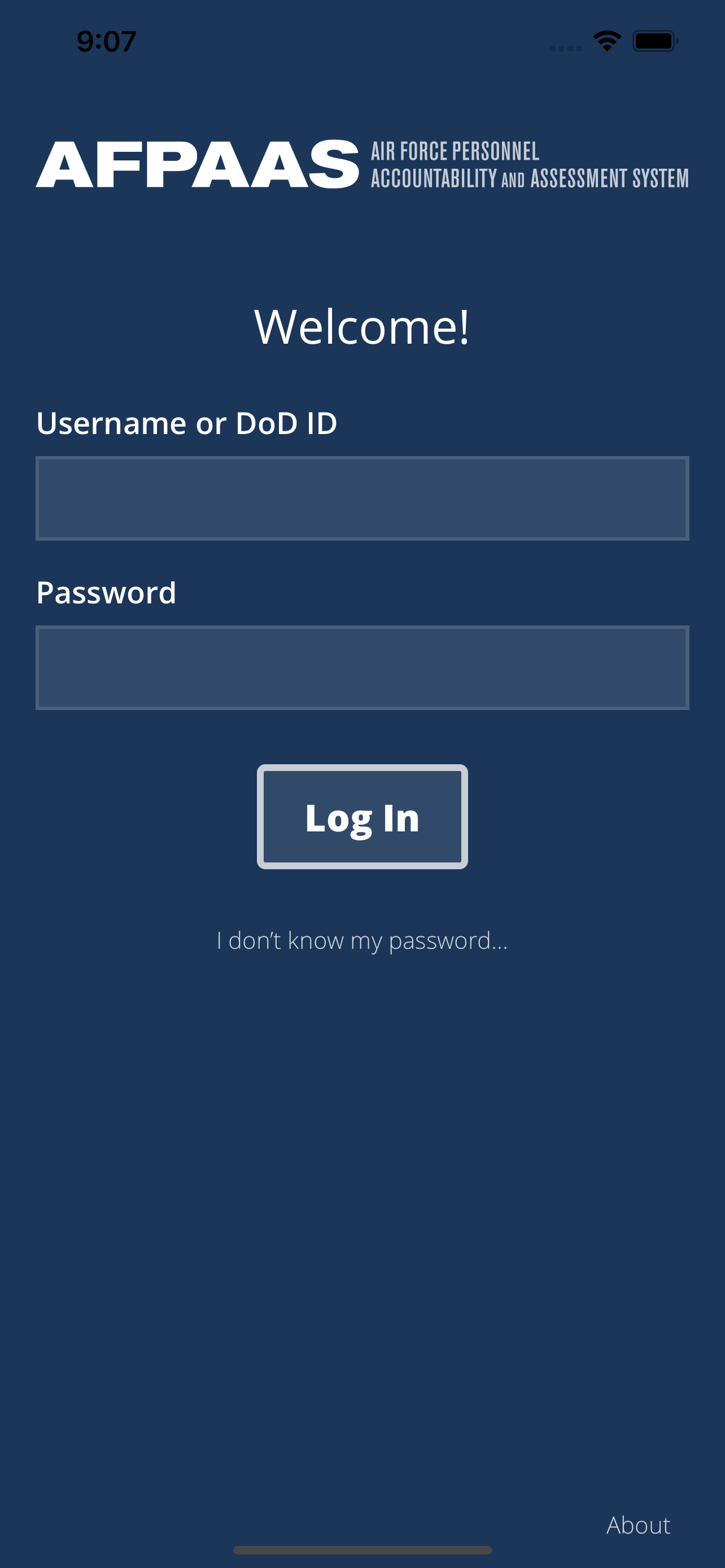
It would be nice to be able to update your status while not having to be on a government computer. Whenever I login it does not get past the screen to load the actual interface.
Tried to login and was able to input all the required login information and get to the user agreement, but upon clicking accept it would load for a moment before stopping. I’d click the “accept” button and it’s saying “loading” for a second before reverting back to “accept” I can’t get past the user agreement screen.
I log into the website often to demonstrate to people how to access AFPAAS. I logged in the first time on the app and now have Face ID capability which is much better than the website interface. Ran through all the steps and actually saw the section where you can request help if needed. I never saw that online. Log in through the website first before trying the app.
The AFPAAS mobile app allows account holders access to verify and/or update information as stored on the Enterprise DoD web application, referenced he...