Check the acquisition promise
Read the store headline, screenshots and description. What problem is the app promising to solve?
Study the storefront ↗
AARP · iOS
Explore the ad evidence, study the storefront, and build your next acquisition hypothesis.
01 / Creative research
Read the store headline, screenshots and description. What problem is the app promising to solve?
Study the storefront ↗Explore apps with direct store-link matches. Compare their hooks and formats without assuming the same approach works here.
Browse observed advertisers ↗Store rankings and revenue estimates describe market context. They do not establish ad spend, conversions or ROAS.
Review the market context ↗02 / Storefront & product
Study the product story and store experience behind the acquisition funnel.




03 / Market context
Keep revenue, downloads and store rankings separate from advertising performance.
I’ve been retired almost one year and swimming upstream, trying to learn about Medicare, social security, taxes, discounts, insurance programs, relevant legislation, information for caregivers, medications that affect dementia patients (positively or negatively), financial products, the latest consumer cyber security, etc. The useful information in AARP publications via mail and the app has amazed and delighted. Totally worth the time.
I have an IPad Air with OS 16.3.1. I’ve tried everything to log into this darn app without success. I’ve tried deleting the app and reinstalling. I changed my password but it won’t let me update it because all I get when I hit the login button I get an error message. I keep getting the same error message no matter what I try: Error 15. Other people have been complaining about this in the reviews for a long time yet it seems to still be happening. It’s very frustrating not to be able to read the publications that come with my membership. And it is a waste of my time to be trying every method I can think of to log in. Is this ever going to fixed?
I can log in using my iPhone 12 Pro Max. BUT the app will not allow me to log in using any of my iPads - get an "Access Denied" "Error 15" "This Request was blocked by the security rules" Went to website and reset password - same problem. Deleted the app, rebooted, reloaded, and still no luck. From the other reviews, I'm not the only one having this problem. AARP please fix this as many of your members need to use their larger devices to read the publications. UPDATE: After multiple tries getting the error message = the moving letters to enter for security is a terrible idea for older eyes = was finally able to log in and view the publications. It should really not be this hard to login into an app that is supposed to support the older generation.
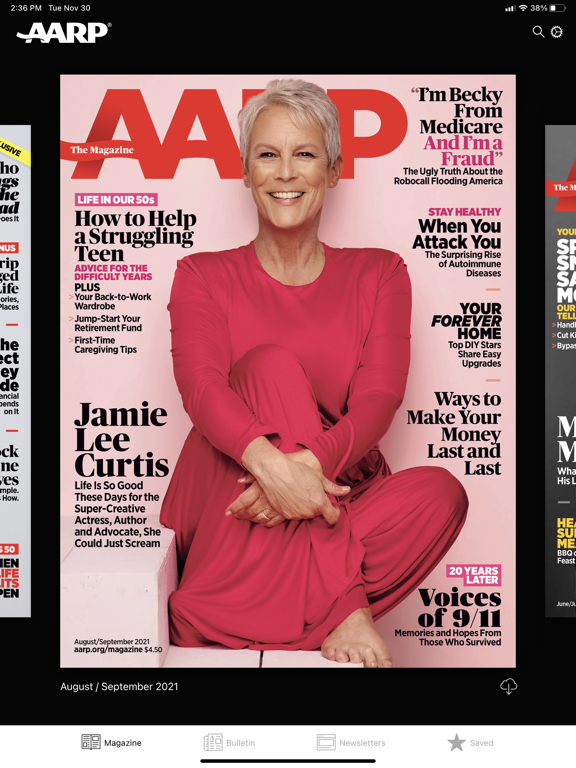
AARP publications help people 50 and older live their most fulfilling lives. AARP The Magazine — the world’s largest-circulation magazine, with more t...