
Check the acquisition promise
Read the store headline, screenshots and description. What problem is the app promising to solve?
Study the storefront ↗
Anthony Durbin · iOS
Explore the ad evidence, study the storefront, and build your next acquisition hypothesis.
01 / Creative research
Read the store headline, screenshots and description. What problem is the app promising to solve?
Study the storefront ↗Explore apps with direct store-link matches. Compare their hooks and formats without assuming the same approach works here.
Browse observed advertisers ↗Store rankings and revenue estimates describe market context. They do not establish ad spend, conversions or ROAS.
Review the market context ↗02 / Storefront & product
Study the product story and store experience behind the acquisition funnel.


03 / Market context
Keep revenue, downloads and store rankings separate from advertising performance.
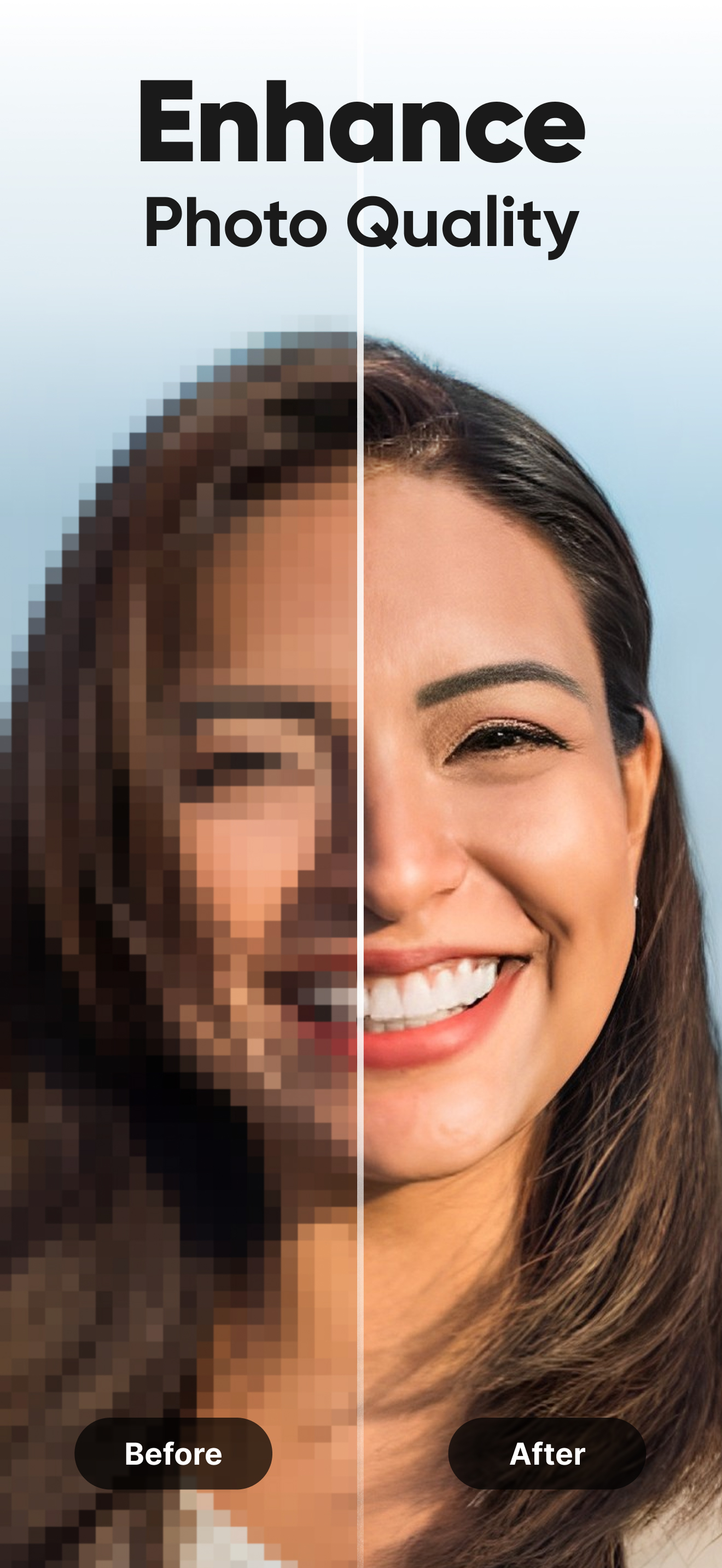
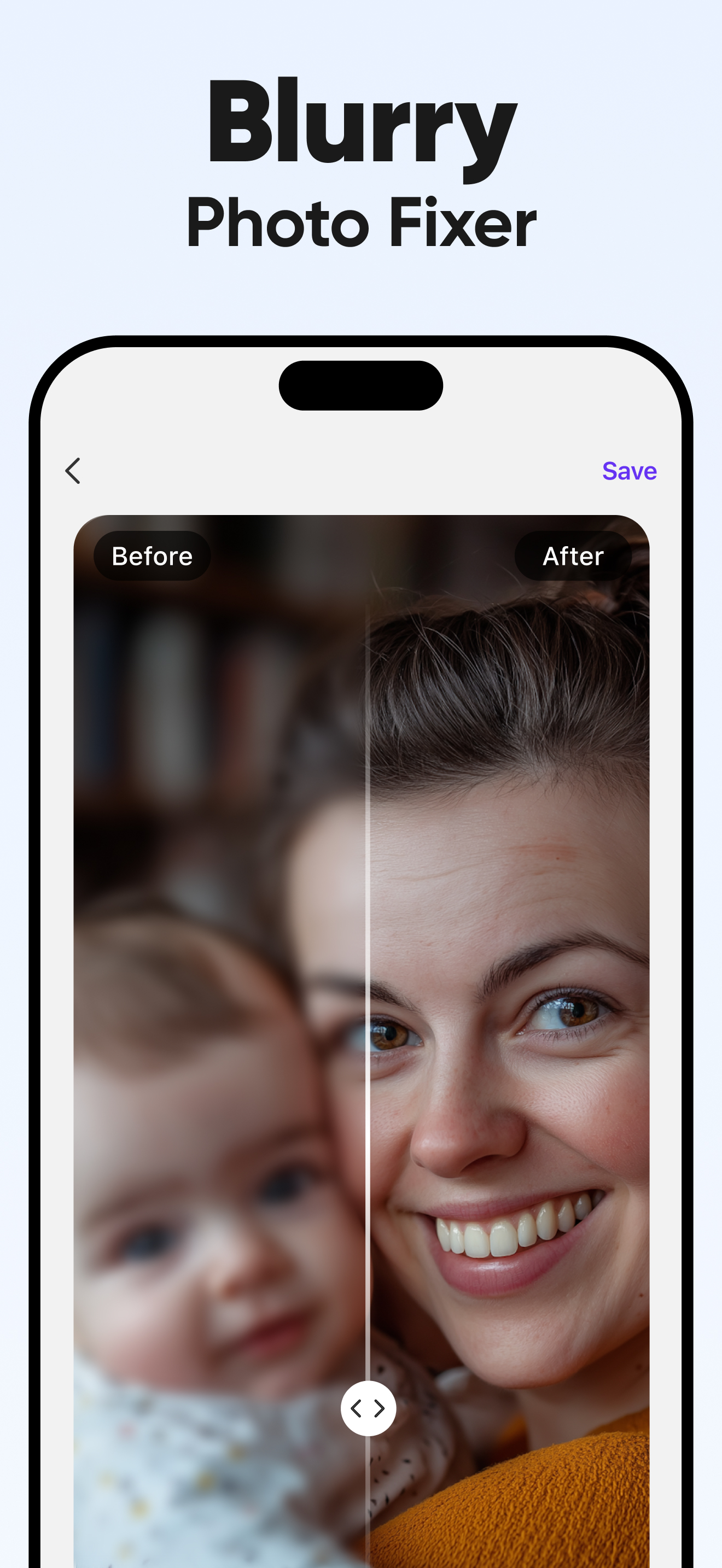
It’s a miracle, it does work, but too well. 1-not every image comes out tack sharp. It’s a bit hit and miss, but overall amazing. 2-unbluring does something that I’m not keen on. Every time In unblur, it takes away all the work I put into the image and wipes out details like grain, freckles, and the realism I put into the image. It takes all that away, as if unblur is too strong. The logical question is, why can’t you improve unblur to JUST unblur, without taking the realism out of the image where it looks close to the edge of plastic after I’ve taken the trouble to make it undetectable from the realism I crave. Very encouraging to use this app, but I’m scared to wipe out all the human detail I put into to make it realistic.
Has a new AI un-blurring choice that makes some renditions that are amazing, but with faces, you’ll need Photoshop or its equivalent to fix them. Sometimes you can crop the photo into just a head shot and un-blur that separately, then paste it onto the new copy. Sometimes you have to sharpen the head shot separately, color it separately, then paste it onto the new version at some level of transparency. Still my favorite app for restoring old photos though.
I can't believe this app isn't free! I mean, seriously, what's the deal? It's so frustrating to see all these other apps offering their services for free, while this one expects us to pay. It's just not fair. I've been using this app for a while now, and I've invested so much time and effort into it. I feel like I deserve to have access to all its features without having to pay. It's like they're trying to squeeze every penny out of us. And to make matters worse, they keep bombarding us with ads! It's like a never-ending cycle of annoyance. I'm really disappointed in the developers for not considering the needs and expectations of their users. They should really reconsider their pricing strategy and make this app free for everyone.
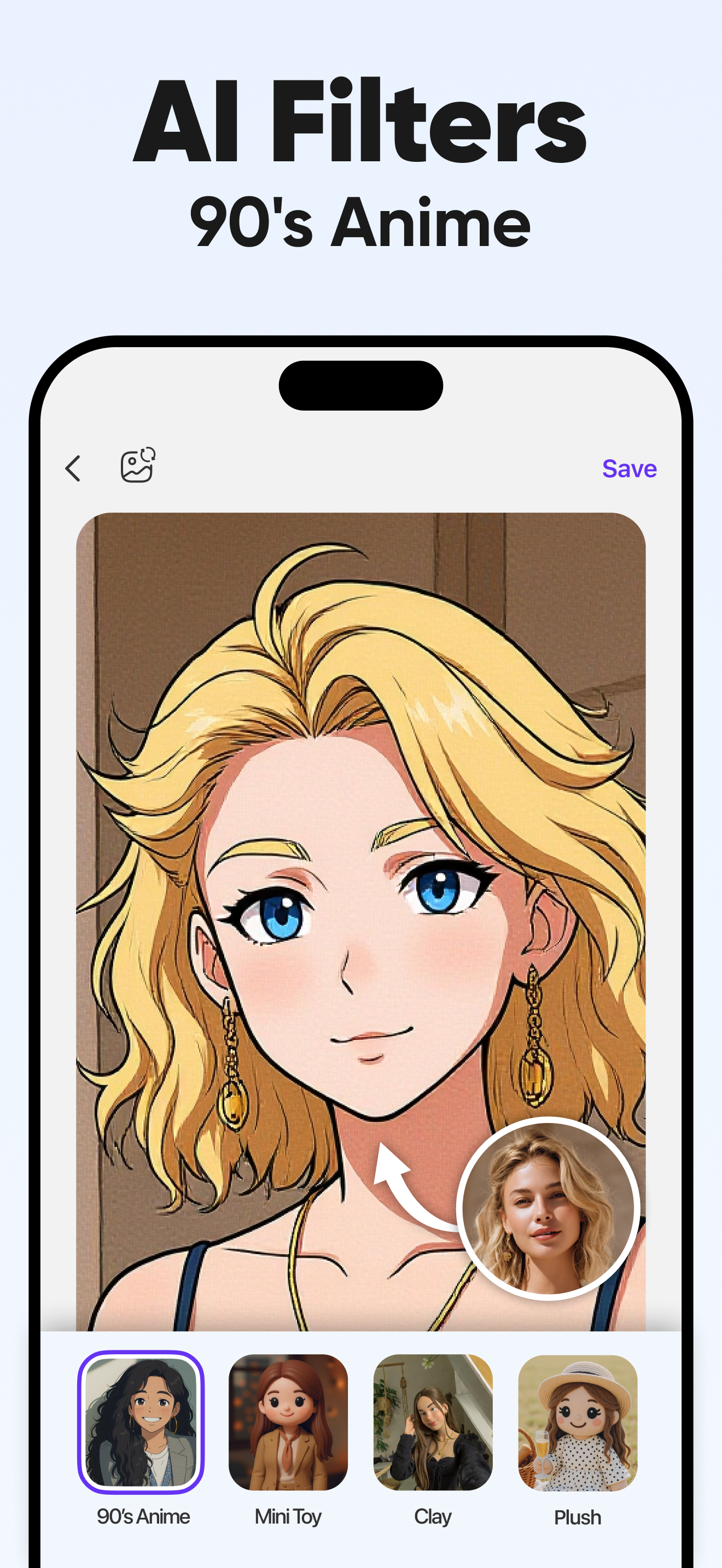
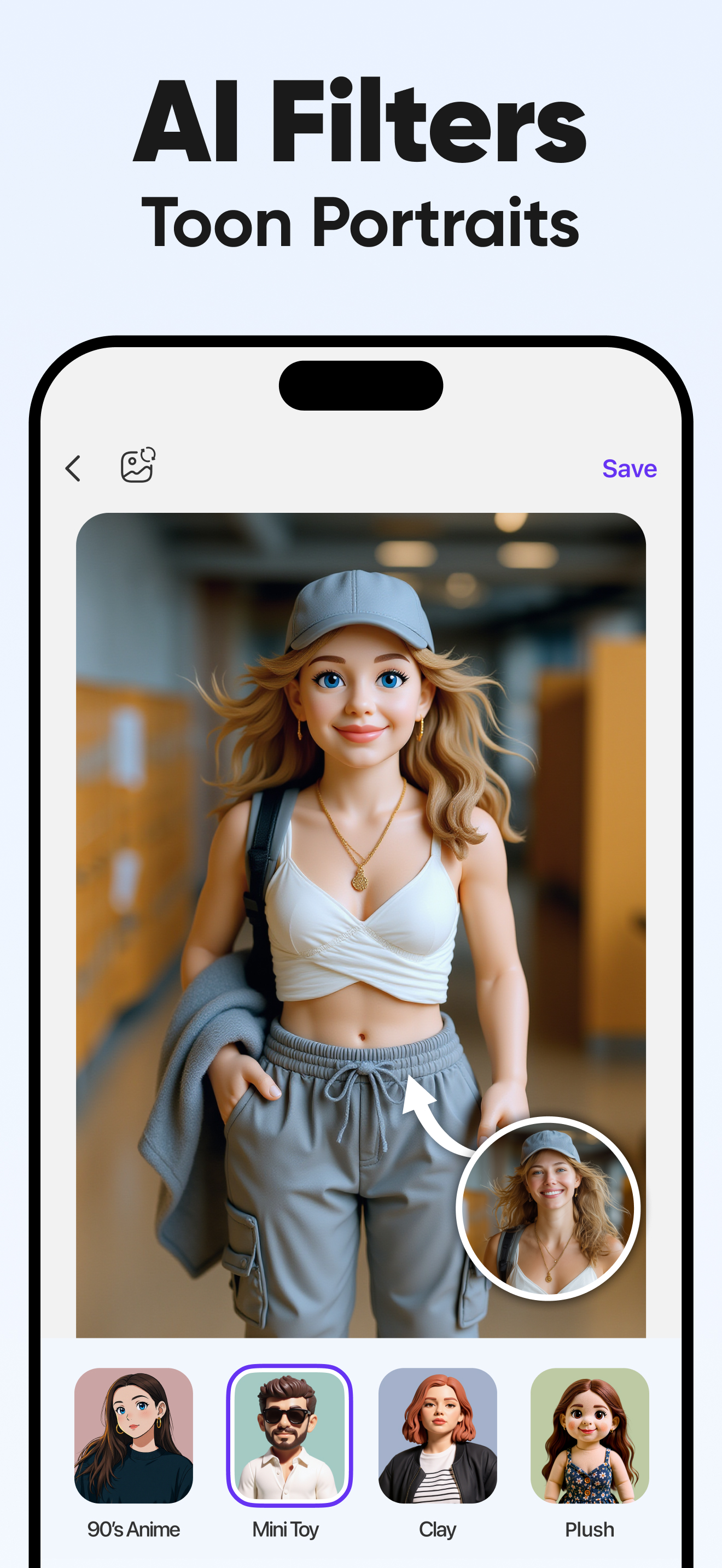
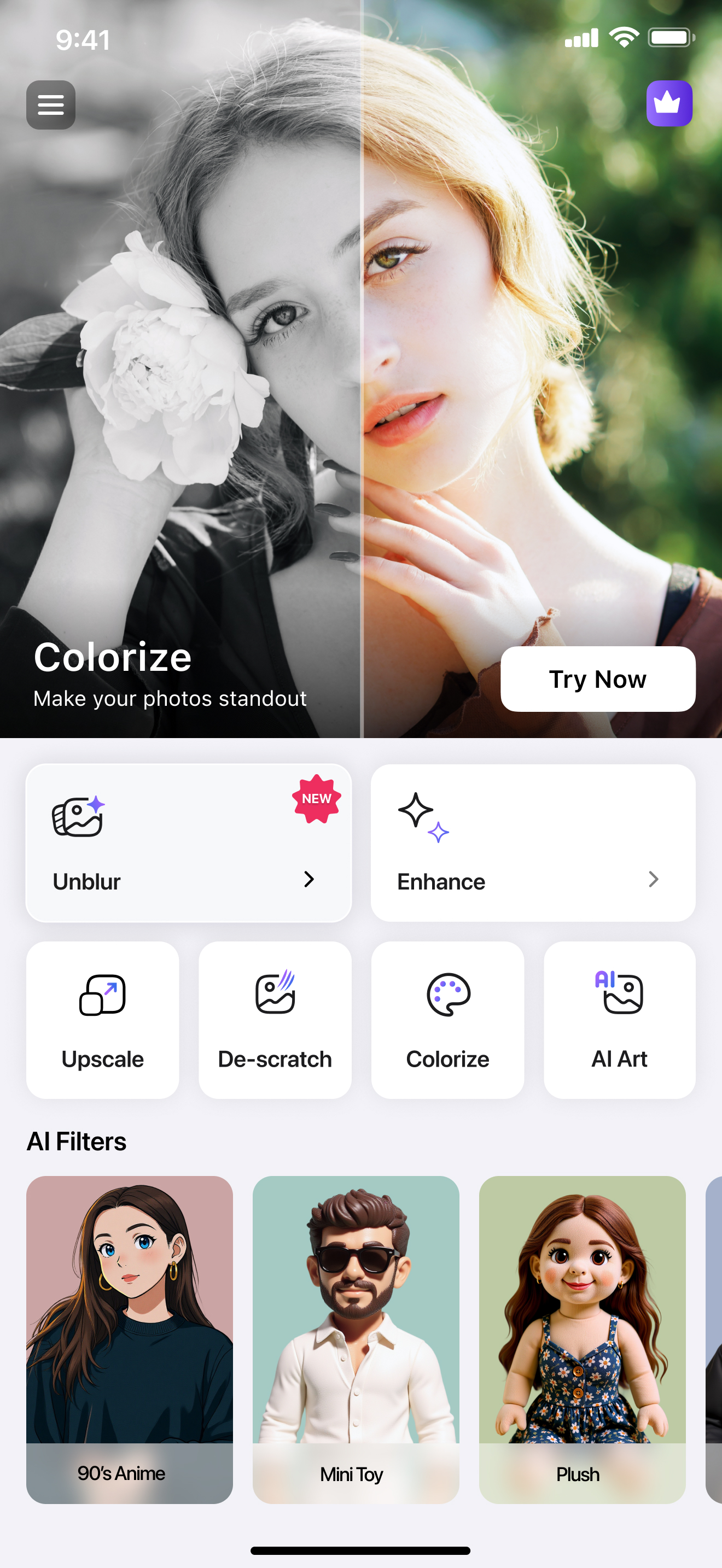
Fix blurry photo, enhance quality and restore old photos instantly. This unblur photo enhancer app turns your old, blurry, low resolution photos into...
| Name | Price | Type |
|---|---|---|
| Unblur Pro Weekly | $5.99 | Weekly |
| Unblur Pro Weekly with Trial | $5.99 | Weekly |
| Enhance Photo Quality | $39.99 | One-time |
| Unblur Pro Yearly Promotional | $49.99 | Yearly |
| Unblur Pro Yearly | $49.99 | Yearly |
| Unblur Pro Yearly with Trial | $49.99 | Yearly |
| Unblur Pro Upfront Payment (Annual) | $49.99 | Yearly |


