Check the acquisition promise
Read the store headline, screenshots and description. What problem is the app promising to solve?
Study the storefront ↗
Resideo Technologies, Inc. · iOS
Explore the ad evidence, study the storefront, and build your next acquisition hypothesis.
01 / Creative research
Read the store headline, screenshots and description. What problem is the app promising to solve?
Study the storefront ↗Explore apps with direct store-link matches. Compare their hooks and formats without assuming the same approach works here.
Browse observed advertisers ↗Store rankings and revenue estimates describe market context. They do not establish ad spend, conversions or ROAS.
Review the market context ↗02 / Storefront & product
Study the product story and store experience behind the acquisition funnel.
03 / Market context
Keep revenue, downloads and store rankings separate from advertising performance.
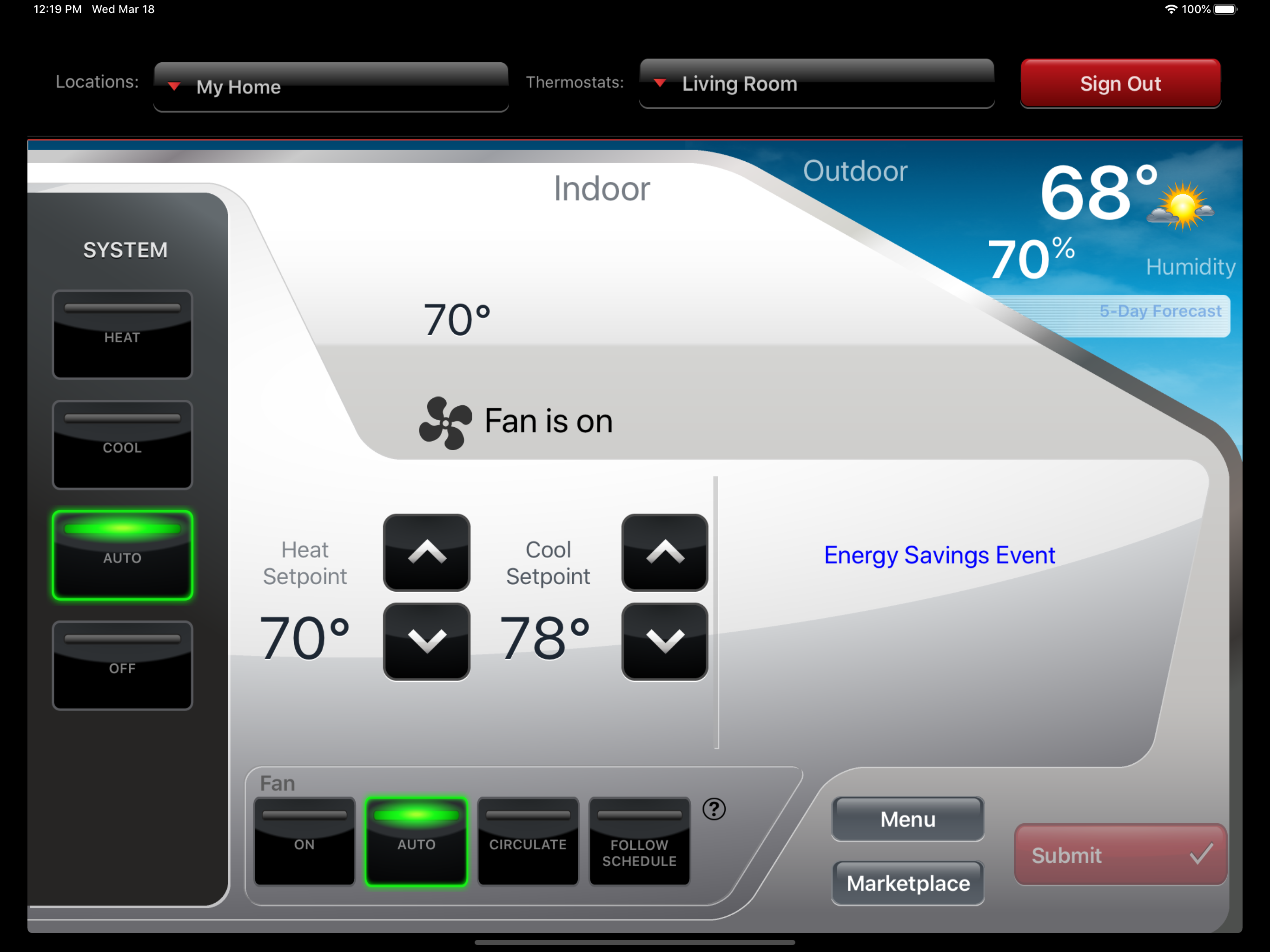
App works great. Would be 5 stars if you could export and import schedule. Ability to export normal schedule before editing for vacation or other event. Also very much needed for sites that have more than one thermostat. I will keep asking for this till someone listens. Give us option to not even show microphone, who is that lazy? Last update has caused latency with app, was spot on before. Very nice to be able to see if fan is running now. After icon update, app is buggy when changing temp or time, I see a lot of communication errors that were not there before icon update. Now, app does not notify of WiFi disconnect, at all. Why not allow time input for hold times? Very annoying to scroll for hours of time when you could just dial in a time and be done. Is anybody out there? Update App runs better now. Smooth like before they “updated it”. Still would like ability to save certain schedules for different events. Pain to redo schedule when different needs arise. At a church setting, we have Bible School in summer, revival in fall, and other times when weekly schedule needs changed. If we could save these changed schedules, we could just call them back up into service and not have to manually edit these schedules. We have 5 of these thermostats within our church. No more stars until someone actually reads this and does something to enable this much needed feature.
Purchased a Honeywell “Smart Home” color thermostat to replace a builder installed Honeywell thermostat on our hi-efficiency (95%) gas furnace/AC unit. The original thermostat worked well, but the display was just too small to comfortably read, and programming, with no WiFi feature was extremely(emphasis on extremely)difficult. The large color display on the new thermostat is excellent. The app seems to work well, however after only a few days of use, I’ll reserve total judgement for now. I have noticed that the outside temperature reading does not seem to update very often, and the displayed outdoor temperature rarely is even close to three remote reading thermometers we have in our home. I have noticed that the furnace cycles more often than it did with the previous system, and the thermostat has no choice of temperature differential settings. There is a conventional/hi-efficiency setting, which I have set to the hi-efficiency setting. It would be my choice to have a couple of degrees differential between on and off, so the unit didn’t cycle so often. I do plan on contacting my HVAC supplier to find out if there are any adverse effects from the more frequent cycling. At this writing, I am about 3 months from using the AC part of my system, so may add to this review at a later date. Summary, to thermostat manufacturer, or app developer, this really need a differential choice.
I replaced another brand of wi-fi thermostat with this one after the original failed. I bought the Honeywell partly because of the reviews and partly because of the company reputation. It works, but I am a little disappointed at this point. The thermostat does not update the indoor temp properly or often enough so it gets cold in the house before it turns the furnace on and then it overruns the set temperature so it gets too hot inside before the furnace turns off. I thought it was a problem with the unit so I returned it and got another. No difference. I called the support number and got someone overseas who had no idea how to understand the problem or tell me how to fix it. In addition, the unit does not have a function to give me daily unit run times. On the plus side, it is easy to set up and the display is easy to read. I would give this unit 5 stars if it would work correctly and give me some idea of how much the furnace runs on a given day. Update, one year later. The unit has settled in as far as holding temp goes, and I like the feature where it anticipates the heat time needed to meet the temp setting at a given time. Especially useful given that we reduce the house temp to 60 degrees overnight in winter. The unit senses temp drop during the night apparently and calculates the time needed to meet the warm up time in the morning. I would give it 5 stars but there is still no function to view actual run times.
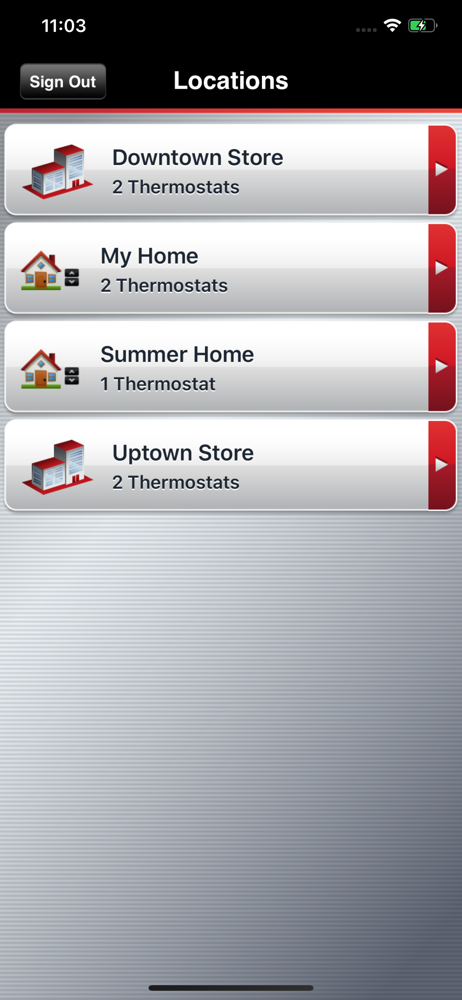
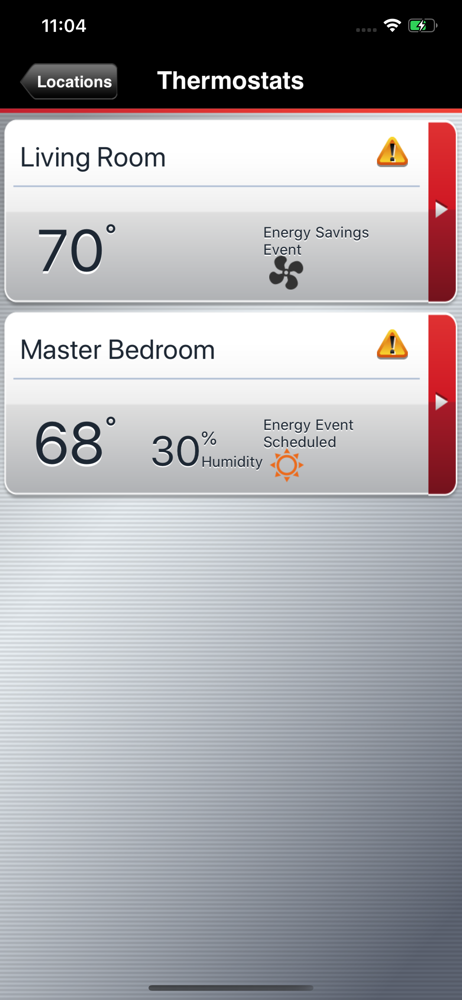
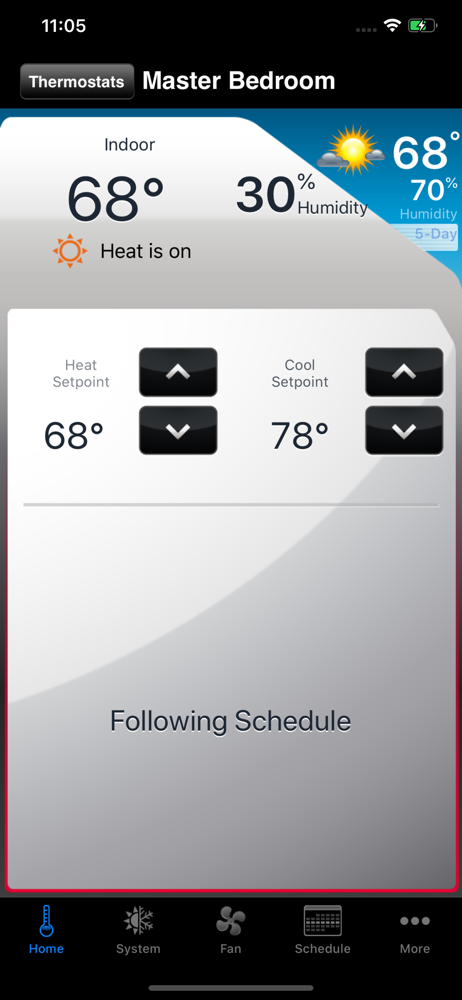
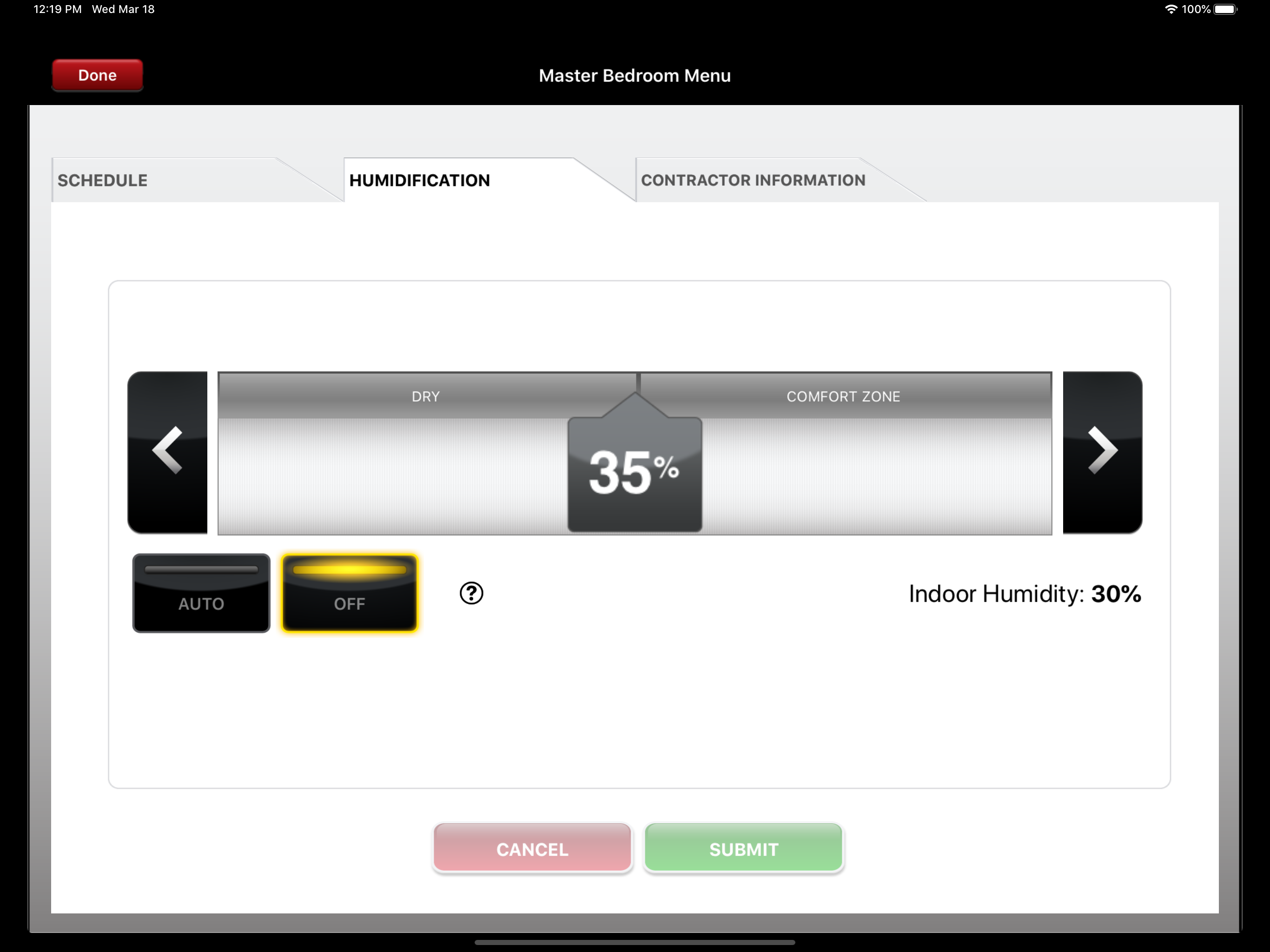
The Total Connect Comfort app allows users to remotely monitor and manage their heating and cooling system – at anytime, from anywhere. Total Connect...