
Check the acquisition promise
Read the store headline, screenshots and description. What problem is the app promising to solve?
Study the storefront ↗
ecobee Ltd. · iOS
Explore the ad evidence, study the storefront, and build your next acquisition hypothesis.
01 / Creative research
Read the store headline, screenshots and description. What problem is the app promising to solve?
Study the storefront ↗Explore apps with direct store-link matches. Compare their hooks and formats without assuming the same approach works here.
Browse observed advertisers ↗Store rankings and revenue estimates describe market context. They do not establish ad spend, conversions or ROAS.
Review the market context ↗02 / Storefront & product
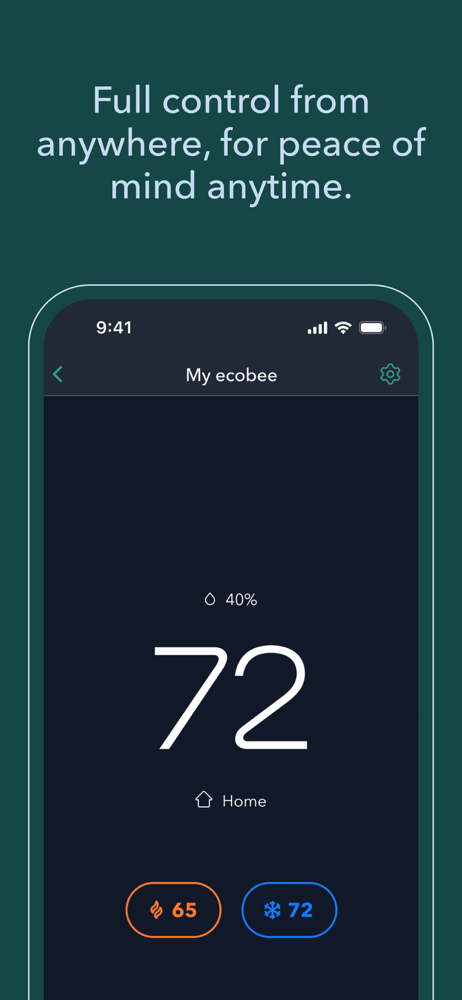
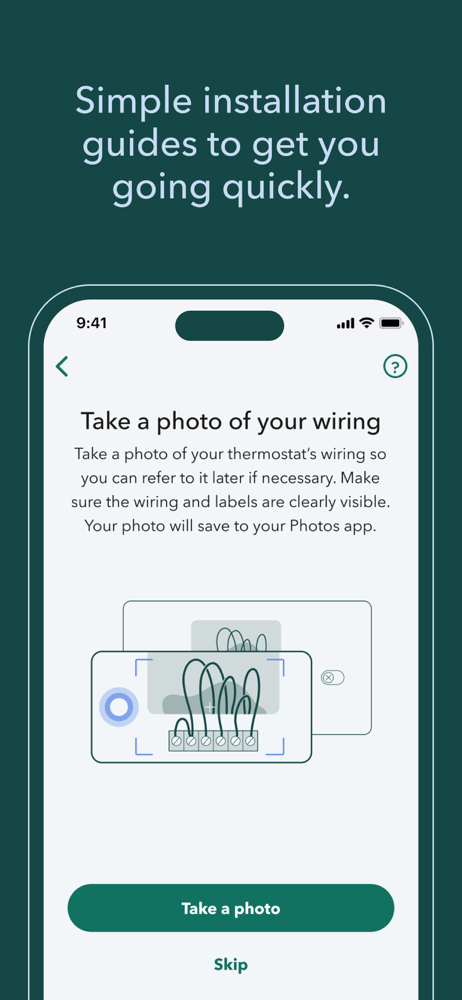
Study the product story and store experience behind the acquisition funnel.




03 / Market context
Keep revenue, downloads and store rankings separate from advertising performance.
When I first got ecobee in our new home, it worked flawlessly. Whatever we changed on the app, it instantly updated and changed on the thermostat. However, over the last two months since in app update, it’s like it takes several minutes before the changes I make will even be sent to the thermostat (that’s if they don’t revert back to the settings that I had prior — if I tab out of the app and go back, it reverts back to the settings as if I never changed anything). I’ve been on the go from home, went to adjust settings via the app, and the changes will not stick. It just reverts back to what setting it was using prior. I use Comfort Settings and have a schedule set, but it’s always allowed me to change at will to be temperatures we want. Even after removing them temporarily and restarting the thermostat, it’s like there is a massive delay with the app and having the thermostat respond. It’s not our internet connection. All other items we have that works off of our internet does well with an instant response. Anymore, I’m finding myself having to get up and adjust the settings manually at the thermostat when we don’t want to use the scheduled/fixed settings… which defeats the purpose of having a Smart Thermostat in terms of convenience via an app by doing it on the go/not near the thermostat. It’s something that’s been changed in an update over the last 2 months that’s causing us issues.
The homeIQ feature is buggy. I try to see reports but it says I need to add my home details so I click that button to enter them. But the screen with the form to fill out just blinks on the screen and then is gone. So I can't enter the data they want. Updated app, ipadOS 17.7.2 (not the latest OS) ... There's lots of useful reminders and alerts that can be sent to any mobile device with the app installed and registered so you can be aware of any problems or needs to attend to even when away. And location tracking can turn on your a/c or heat as you get near home so it's already started to become comfortable by the time you arrive. Very nice! ... Glad the temp adjustment method has been revised. For a couple years now there has finally been a way to manually change the temp in single degree increments without needing Alexa. So much better! ... (Before the revision, it was very inconvenient to try to precisely change temperatures. There was no up or down button so you have to drag the slider and hope it only moves 1 degree. And since the indication of what temperature it was being set to lagged, you couldn't be sure if you went too far or not until you let go. just a bad design. Glad it was changed.) ... Also, I had bought this thinking i could get a rebate from my power company. Find out it takes a month before the setting to enable power manager shows and isn't available out of box. This means you could miss out on energy saver rebates if that is your plan.
Update from original. They apparently fixed whatever problems and app is working fine again although I haven’t tried to reinstall the sensor. Still, I have a lot of smart home devices and apps. This product is the must troublesome. Biggest heartburn is that whenever there is a hiccup with my wifi, the ecobee products don’t reconnect automatically like all the others. I have to manually reconnect using device. Other than that happy with product. My app starting popping up a screen that says one of my sensors is low on battery. I click ok and it says reconnected them comes right back and says low battery again. Changed the battery twice with no luck. The worst part is that I can’t get past that screen to do anything else. Can’t remove the sensor, change temp or anything, just see a screen with low battery warning. I went to desk top version and I can change temps and all, I removed that sensor from any thermostat setting on the desktop version but app still keeps popping up that screen. Freakin annoying as hell. Finally figured out how to unpair the sensor but that didn’t fix the problem. App still says low battery. The apps are totally worthless at this point as all I can do is see a screen that says sensor battery low. Infuriating to say the least. I wonder if the Nest product had these kind of issues
Imagine what your home can be. An ecobee home learns and adapts based on your needs, behaviours, and preferences, offering comfort when you’re there,...


