Check the acquisition promise
Read the store headline, screenshots and description. What problem is the app promising to solve?
Study the storefront ↗
Pioneer Research · iOS
Explore the ad evidence, study the storefront, and build your next acquisition hypothesis.
01 / Creative research
Read the store headline, screenshots and description. What problem is the app promising to solve?
Study the storefront ↗Explore apps with direct store-link matches. Compare their hooks and formats without assuming the same approach works here.
Browse observed advertisers ↗Store rankings and revenue estimates describe market context. They do not establish ad spend, conversions or ROAS.
Review the market context ↗02 / Storefront & product
Study the product story and store experience behind the acquisition funnel.


03 / Market context
Keep revenue, downloads and store rankings separate from advertising performance.
I was testing my new sport diver ultra case. Because we’re always doing 2 tank dives, I wanted to test the software and case to see that there wouldn’t be a battery issue over probably 4 hours for a 2 tank dive. Opening the case up to turn off the phone in between dives could be problematic. During my testing keeping the iphone 16 pro in the case and on over a 4 hour period, 2/2 times, the live view locked up. Showed a static image. I could access all the functions of the app, changing modes, settings, etc, but it would not take photos and the live view would still show the static image. Whatever image was showing when it locked up. This would happen about an hour and a half or two hours into my testing. I did turn off the power save function to create a worst case scenario, but that shouldn’t have any bearing on the app. My phone was still at over 50% when these lock ups occurred. Something is funky with the app. I don’t know if I can trust that this will function correctly while I’m under water and won’t lock up.
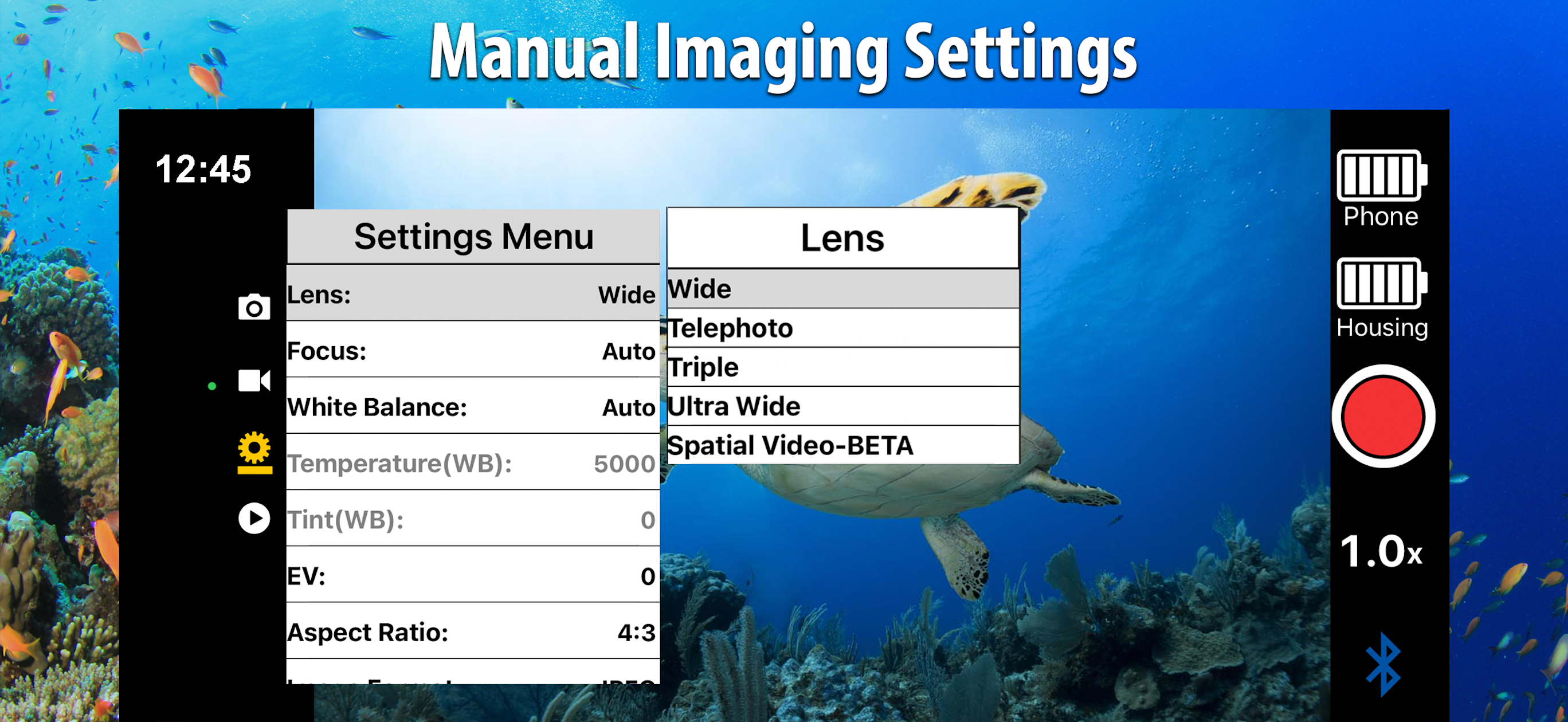
I recently used this app with the housing for an iPhone 15 Pro Max. The nice thing is my photos, having been taken with my promax, are absolutely astounding. I do find that the software was somewhat glitchy, sometimes my iPhone would lock the screen at half a picture, my iPhone got incredibly hot in the housing because I could not get phone to go into standby. I was actually diving with someone that had an iPhone 13 and did not have this issue, I could not get my settings to allow my phone to go into standby (could be user error but could not find any documentation) Also, it would be really nice if you could use the portrait mode on the iPhones so that you could use the bokeh feature (blurred background) this is one of the incredible features of iPhones that can take portraits and it would really enhance this app. There has been an update since I used this, so I can’t speak to whether anything has been changed. I did try to adjust the white balance through the app, but found that it really washed out the pictures and decided that it would be easier to adjust those settings using third-party software program or actually even the Apple edit photo feature. Also, if I read the documentation correctly, you use the 1xzoom, the 2x zoom, and the 5x zoom to use the optical lenses on the iPhone 15 promax while in photo mode and any other settings utilize the digital lenses, I would appreciate a little more documentation in this, specifically for the newest iPhone. How does that apply to movies? Or does it???? Better documentation and perhaps some tutorials?
I’ve been using the SeaLife camera housing for 5 months with my iPhone 7+. Now suddenly the camera function in the app has turned itself off. The phone still takes photos fine but the SeaLife photo function is simply not responding. This happens even when I use the app by itself without the phone being inside the housing. The camera icon remains grey and unresponsive. I can’t find any reference to this problem in the helpline and no human being to contact. I’m very disappointed! Best regards Penny Johnson, Barbados. Update - the iPhone 7+ needs to update to iOS 16. However iOS 16 is only available for iPhone 8 and upwards so I suggest the Developers either change their software to accommodate iOS 15 or change their advertising for this item. Once this is done, I’ll change my Star rating to 5, as my experience with the equipment prior to iOS 16 was fantastic. I thank them for taking the time to respond to my issue. Penny Johnson, Barbados. 2nd update: the Developer has indicated that they will change their advertising, so I have gone ahead and changed my rating accordingly. Penny Johnson
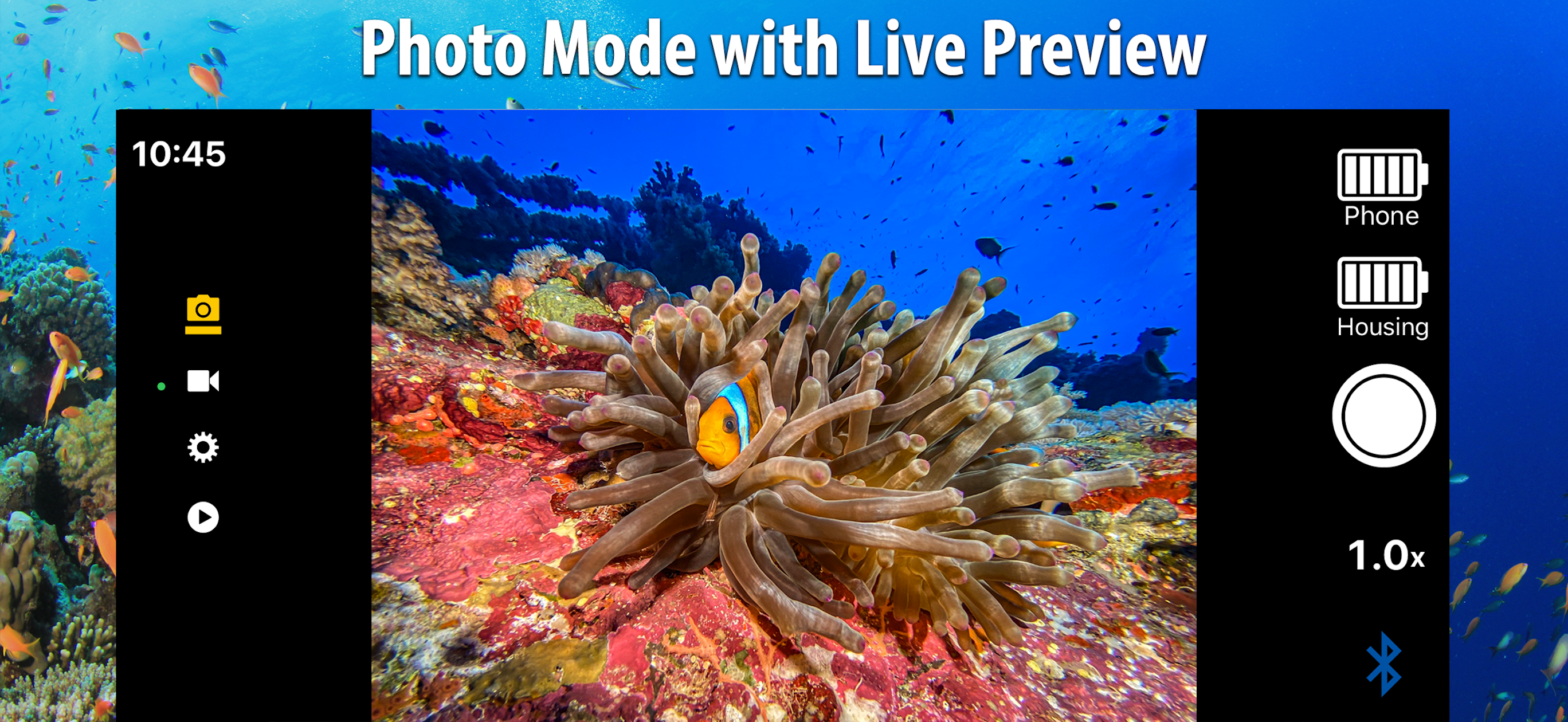
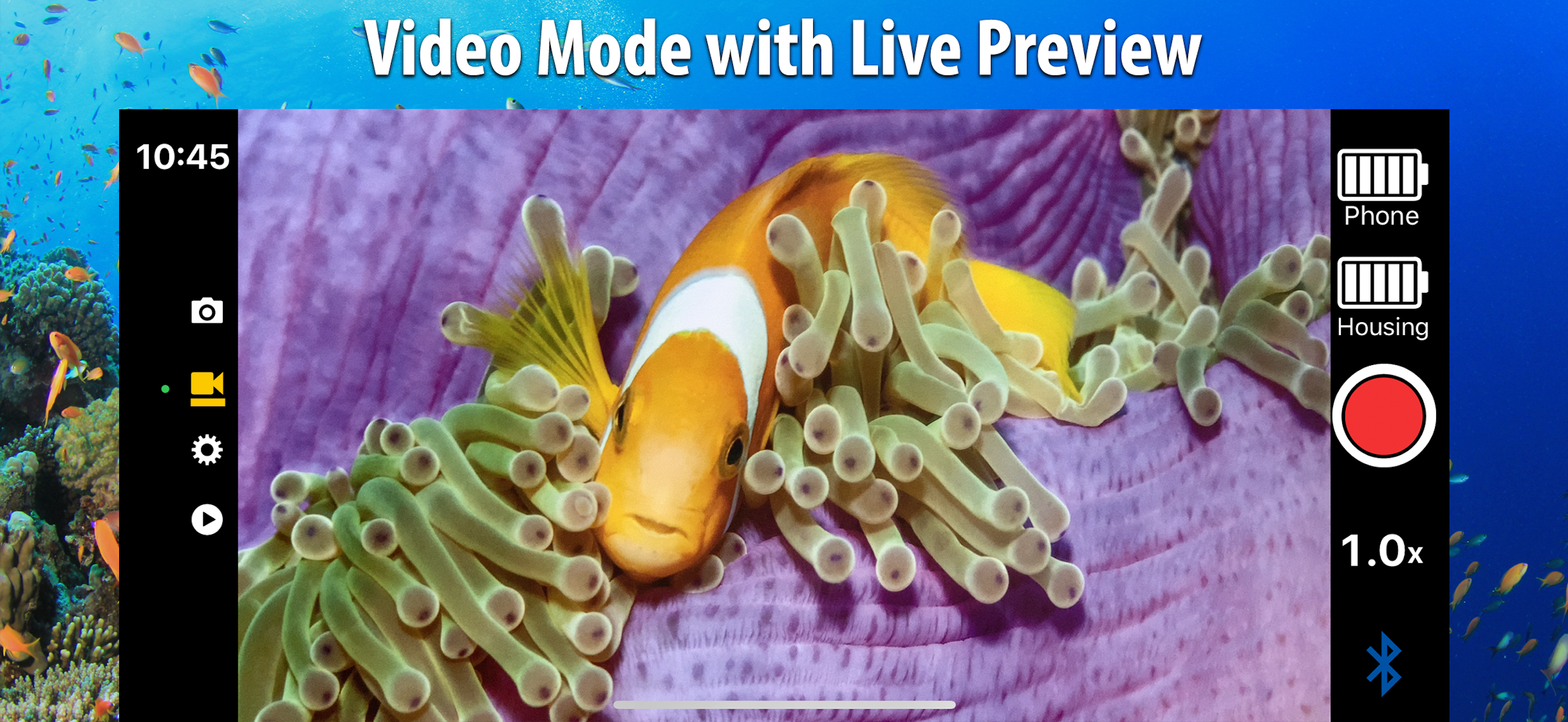
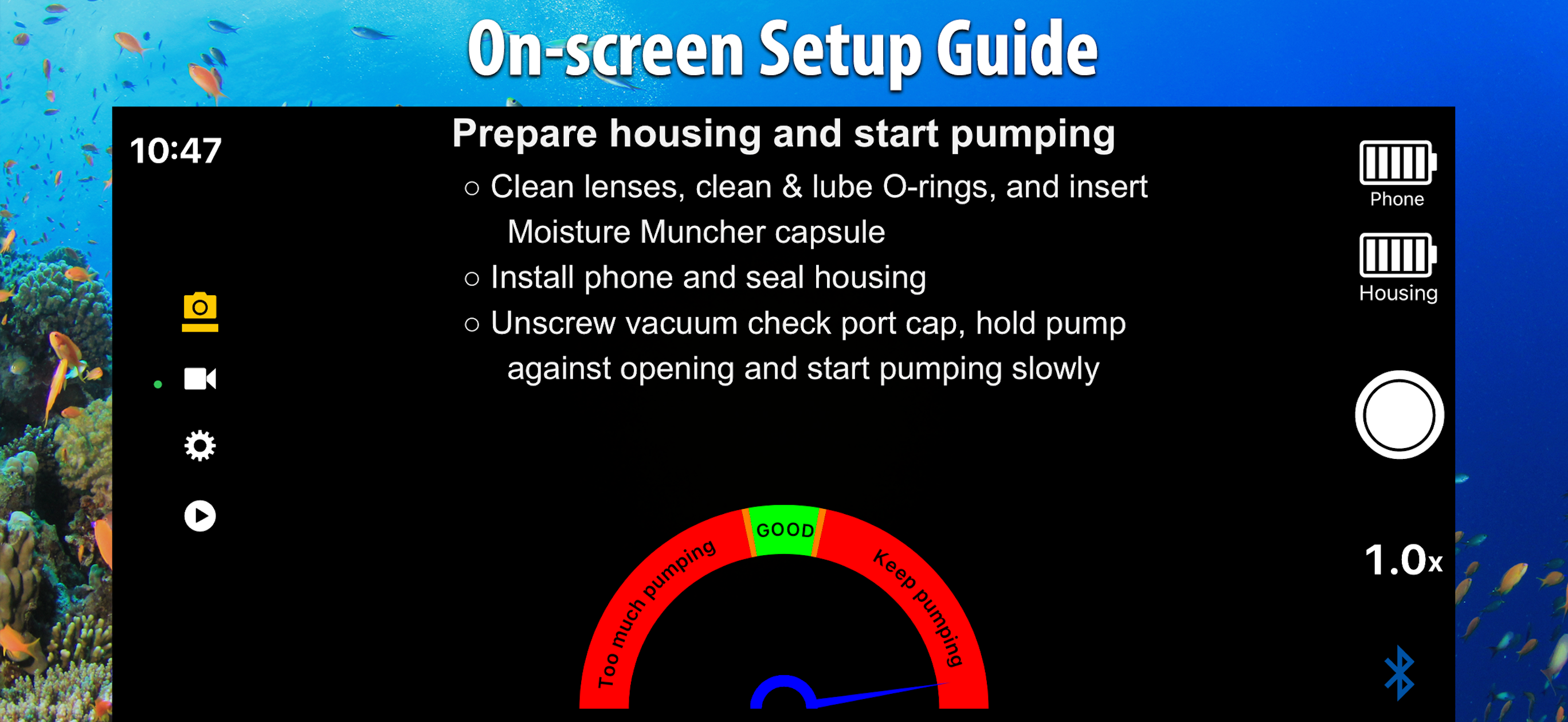
Camera app for SeaLife SportDiver underwater smartphone housings. Capture ultra-high-quality photos and videos using your smartphone. Easy-to-use wi...