Check the acquisition promise
Read the store headline, screenshots and description. What problem is the app promising to solve?
Study the storefront ↗
Ability Enterprise Co., Ltd. · iOS
Explore the ad evidence, study the storefront, and build your next acquisition hypothesis.
01 / Creative research
Read the store headline, screenshots and description. What problem is the app promising to solve?
Study the storefront ↗Explore apps with direct store-link matches. Compare their hooks and formats without assuming the same approach works here.
Browse observed advertisers ↗Store rankings and revenue estimates describe market context. They do not establish ad spend, conversions or ROAS.
Review the market context ↗02 / Storefront & product
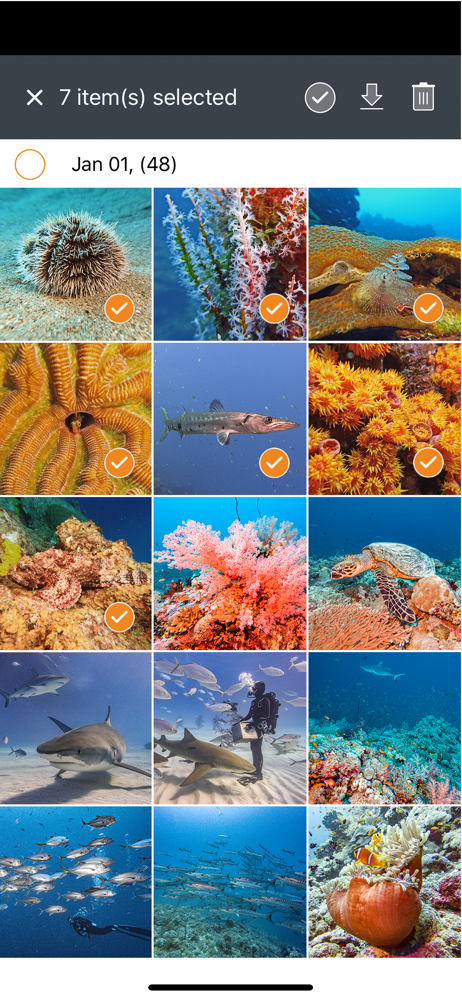
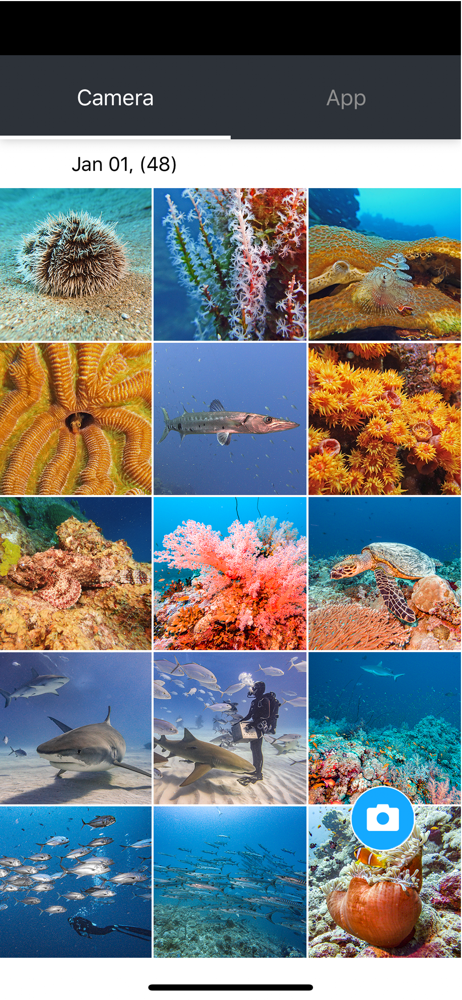
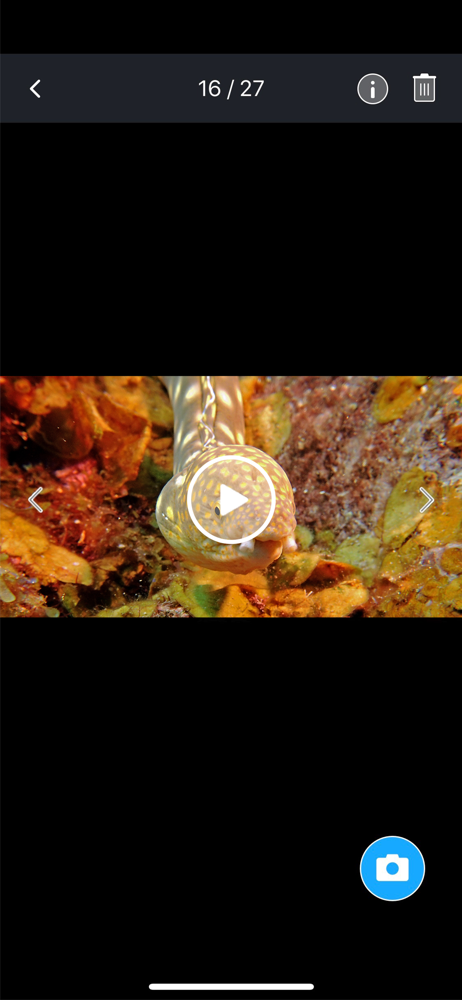
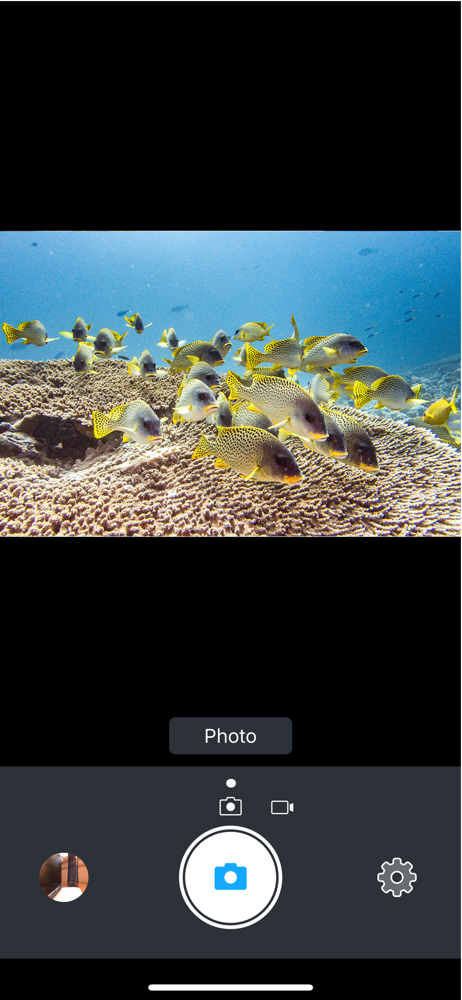
Study the product story and store experience behind the acquisition funnel.


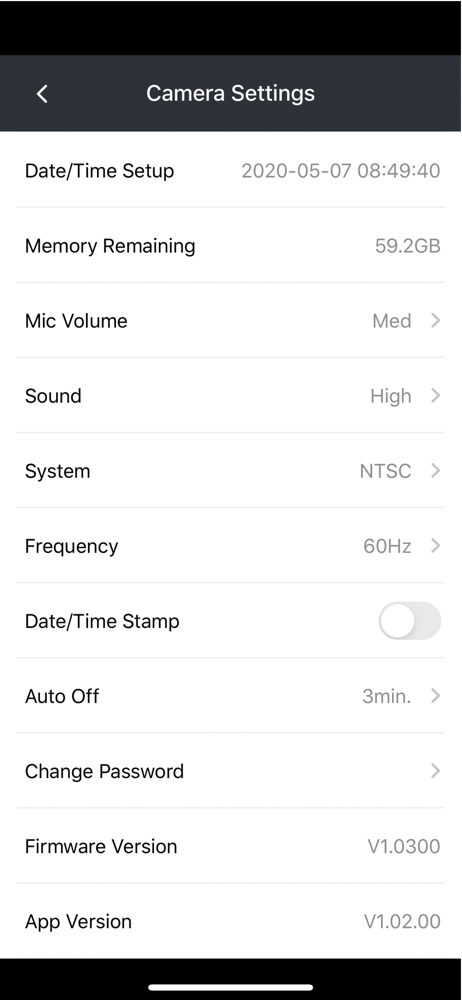

03 / Market context
Keep revenue, downloads and store rankings separate from advertising performance.
I just downloaded this app after a dive trip to Bonaire. I followed the instructions of my SeaLife manual to upload my images to the app so I did. Only uploads one image at a time. It was painful. Completely wasted a couple hours of my time doing so!!! What is the point of this app anyway if you can’t do anything with the photos?!?!?! Thank God my iPad saved the photos under my own personal album.
You can only download on pic at a time, and when I say download I am being generous. It is so slow it’s basically useless. If your old enough to remember what it was like using a modem to download a file, well, that was faster.
I had real trouble getting this app to connect to the camera on my iPhone (app on iPad worked fine). The issue on iPhone is that if cellular data is a active (my iPad does not have cellular) then the app tries to use the cellular data to reach out to the camera instead of the camera’s WiFi. Turning off Cellular Data in the settings for the SeaLife Micro 3.0+ app. But there was another issue that the settings for the app don’t always show up in the iOS settings app. My iPad, for instance has this issue (even though everything works on iPad as it is the WiFi only model). And on iPhone I had to delete and reinstall the app to get the settings in the Settings app. Other than that, the app does what it is supposed to do, though the UI is not great looking, but functional.
Works with SeaLife Micro 3.0 underwater cameras. The SeaLife Micro 3+ app wirelessly connects the camera to your iPhone or iPad and includes the fol...