
Check the acquisition promise
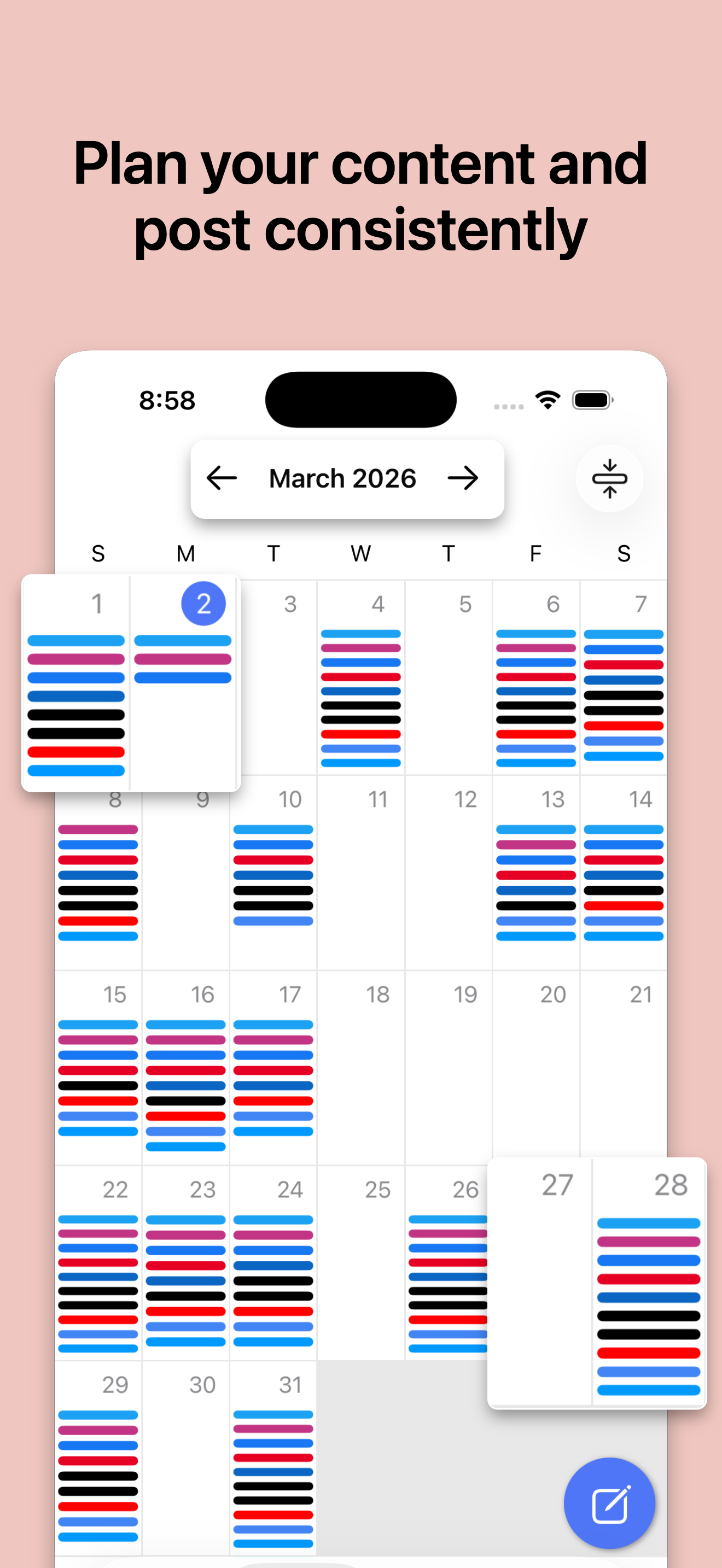
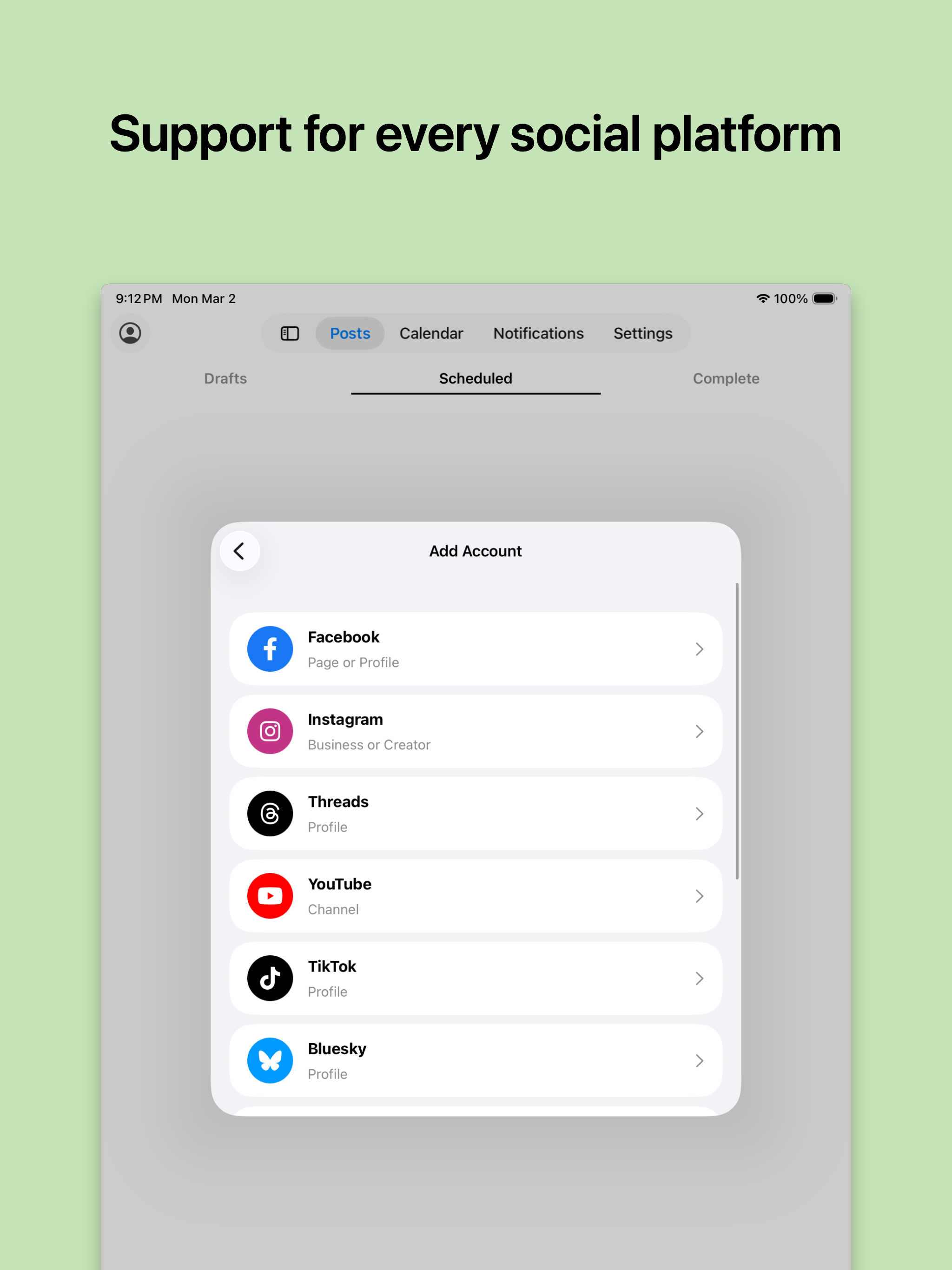
Read the store headline, screenshots and description. What problem is the app promising to solve?
Study the storefront ↗
Smart Post App, LLC · iOS
Explore the ad evidence, study the storefront, and build your next acquisition hypothesis.
01 / Creative research
Read the store headline, screenshots and description. What problem is the app promising to solve?
Study the storefront ↗Explore apps with direct store-link matches. Compare their hooks and formats without assuming the same approach works here.
Browse observed advertisers ↗Store rankings and revenue estimates describe market context. They do not establish ad spend, conversions or ROAS.
Review the market context ↗02 / Storefront & product
Study the product story and store experience behind the acquisition funnel.



03 / Market context
Keep revenue, downloads and store rankings separate from advertising performance.
I have been using Smart Post app for approximately five weeks. I use it to post daily memes for one of my business pages. Before I committed to loading the app to use, I reached out to the developers with a couple of questions regarding the functionality of the app. I was astonished, in a good way, when they replied within an hour of sending my inqury! That is a rarity in the world of apps, and it impressed me. I had been using FB Pages Manager for my scheduling of posts needs, and had to find an alternative when that app suddenly became unusable with no explanation. Smart Post app provides the same scheduling functionality, with the added benefit of a truly nice group of people on their development and customer service teams. They go the extra mile with response time to any issues or buggy problems. I had been experiencing a minor glitch with the app, wrote to them today with a description of the issue, and they responded, again, within an hour. They requested further details, which I provided, and they replied that they have isolated the issue and are working on a fix. In the meantime, they suggested an easy work around solution for me. If you’ve found this app, I encourage you to load it and begin using it! The Smart Post app team is head and shoulders above any competitor I have researched, and their dedication to their customers is top notch!
The app mostly works, and if it’s a little fussy, I wouldn’t normally complain. I wish I could thread scheduled posts on Twitter, to make an easy to follow chain of tweets for my followers (my project is a page-a-day calendar), but I can just hashtag it, fine. It doesn’t allow me to schedule a retweet of a post from one Twitter account to another, okay, that’s just too much to ask I guess. This app limits you to 50 posts loaded per day. Fine. But it also limits how far out you can post. It seems to be 2 months. This is annoying. I’d like to load a whole month as I finish the pages for the month, but I’m stuck having to remember to go back and post later, which is the entire point of the app.
This app meets my needs with the exception of the photo glitch. I edit a photo but it reverts right back to the original every. single. time. I can’t use photos for that reason. Multiple photos are great-except for when I can’t use them the way I need or want to. Overall the app is easy to use and I didn’t have this issue until the recent update. Please help!
SmartPost: Your Ultimate Social Media Scheduler Grow Your Following, Save Time SmartPost is designed to elevate your social media game with powerful...
| Name | Price | Type |
|---|---|---|
| Premium (Monthly) | $6.99 | Monthly |
| Premium (Monthly) | $6.99 | Monthly |
| Pro (Monthly) | $14.99 | Monthly |
| Premium (Yearly) | $66.99 | Yearly |
| Premium (Yearly) | $66.99 | Yearly |
| Pro (Yearly) | $144.99 | Yearly |


