
Check the acquisition promise
Read the store headline, screenshots and description. What problem is the app promising to solve?
Study the storefront ↗
跃欢 王 · iOS
Explore the ad evidence, study the storefront, and build your next acquisition hypothesis.
01 / Creative research
Read the store headline, screenshots and description. What problem is the app promising to solve?
Study the storefront ↗Explore apps with direct store-link matches. Compare their hooks and formats without assuming the same approach works here.
Browse observed advertisers ↗Store rankings and revenue estimates describe market context. They do not establish ad spend, conversions or ROAS.
Review the market context ↗02 / Storefront & product
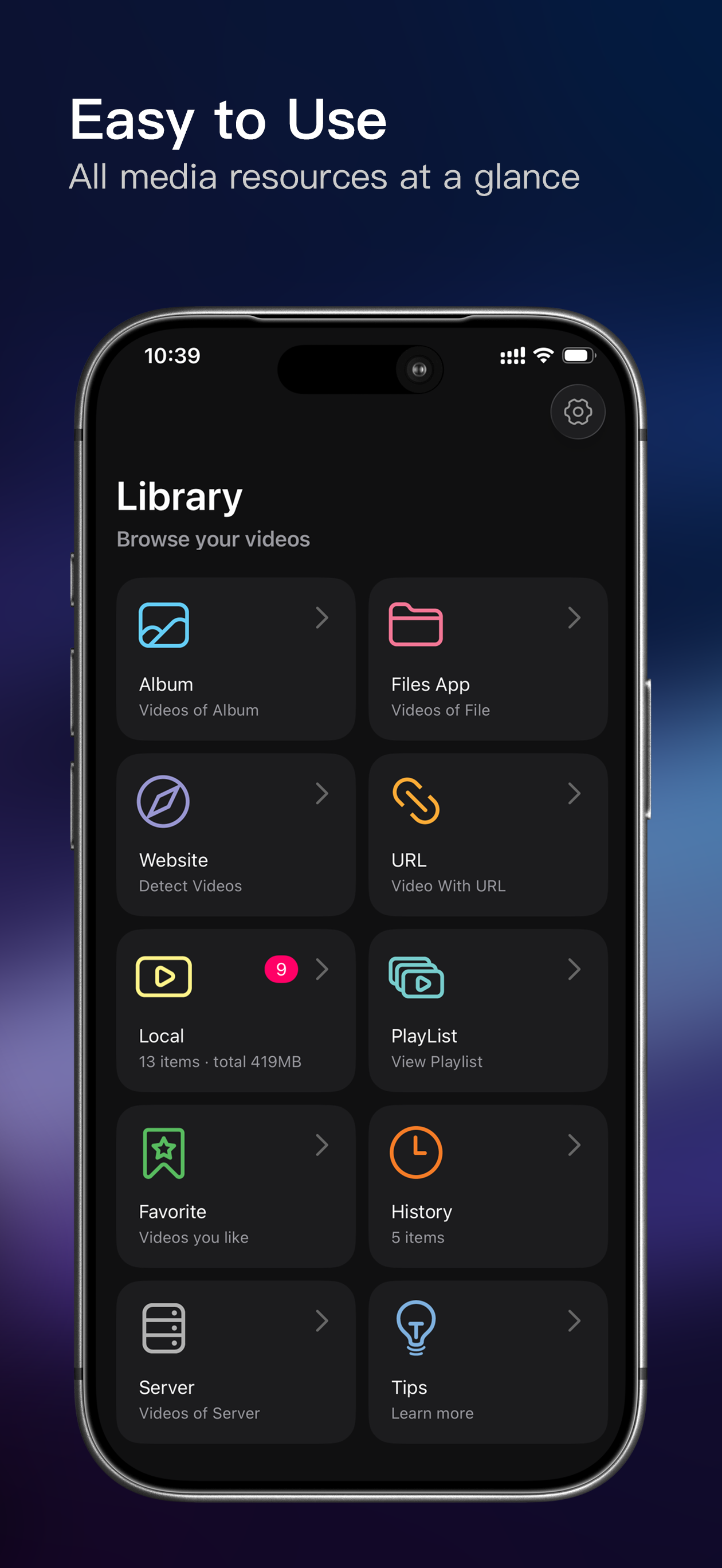
Study the product story and store experience behind the acquisition funnel.



03 / Market context
Keep revenue, downloads and store rankings separate from advertising performance.
Update: The developer got back to me and helped me fix the issue! Thanks! Just needed to adjust the screen zoom ratio and it works like it did before. If anyone else has the problem I did below just go to settings on the left and adjust them to your screen. Only issue I have now is playback failures upon initially starting a video but I just exit and keep clicking into it until it starts normally. Do wish it would start the first time though! Feels like trying to start up a lawnmower haha So the VR headset I use works with phones up to 6.5’ which my phone is 6.1’, however it doesn’t account for phone screens that are the entire length of the phone which mine is. It expects there to be bars at the top and bottom of the phone so that if the phone is 6.5’ the screen would be 5’, but with no physical home button anymore iphone did away with that and made the screen the whole phone length. Now the media player in the web browser doesn’t play videos in fullscreen, it still has those bars, because the video wasn’t made with those dimensions in mind. But in this app because it’s converting the video it just defaults to my entire screen which is now why it is unusable. Please add an option to add those bars so that the screen on full screen phones is essentially shorter so that it can fit VR headsets and not cut off part of the video with the camera (another blunder of fullscreen I hate). This is the only app that allows conversion directly from web browsers, I’d like to use it again but right now it’s impossible to visualize a complete picture without overlap on the headset due to this issue. If you added different screen adjustments for different phone sizes (so say a fullscreen 6.1’ phone would shorten the screen by 1.5’ or something and a fullscreen phone that’s 6.5’ would shorten the screen by 1.7’, etc.) to fix this problem that would be really great. I will change my rating when this is fixed
You should add a feature where I can change pupil distance. If you want to charge 35 dollars, it should be an easy feature to find and use for people who use google cardboard Also the audio is broken for me. A
This use to be awesome. But for some reason when they added the useless head control update awhile back it started having issues. Now for the last few months it’s basically useless on my iPhone 13 pro max. It plays slower than half speed no matter what speed you put it on. It seems only the programming could be causing the issues as per all my troubleshooting. It doesn't matter if you download the video first or if your streaming straight from the website. It’s only playback function is a stuttering 1/3 the speed video that seems like your just watching a sequence of pictures very slowly. Please fix this piece of garbage I actually paid for.
● Supported Video Modes: ・360° Panoramic Video (Stereo) ・180° VR Video (Stereo) ・360° 3D Panoramic Video (Top-Bottom and Side-by-Side Split Screen) ・2...
| Name | Price | Type |
|---|---|---|
| Monthly subscription | $6.99 | Monthly |
| Yearly Subscription | $19.99 | Yearly |
| Yearly subscription | $24.99 | Yearly |
| One-time purchase | $24.99 | One-time |
| Yearly Subscription | $24.99 | Yearly |


