Check the acquisition promise
Read the store headline, screenshots and description. What problem is the app promising to solve?
Study the storefront ↗
军 王 · iOS
Explore the ad evidence, study the storefront, and build your next acquisition hypothesis.
01 / Creative research
Read the store headline, screenshots and description. What problem is the app promising to solve?
Study the storefront ↗Explore apps with direct store-link matches. Compare their hooks and formats without assuming the same approach works here.
Browse observed advertisers ↗Store rankings and revenue estimates describe market context. They do not establish ad spend, conversions or ROAS.
Review the market context ↗02 / Storefront & product
Study the product story and store experience behind the acquisition funnel.
03 / Market context
Keep revenue, downloads and store rankings separate from advertising performance.
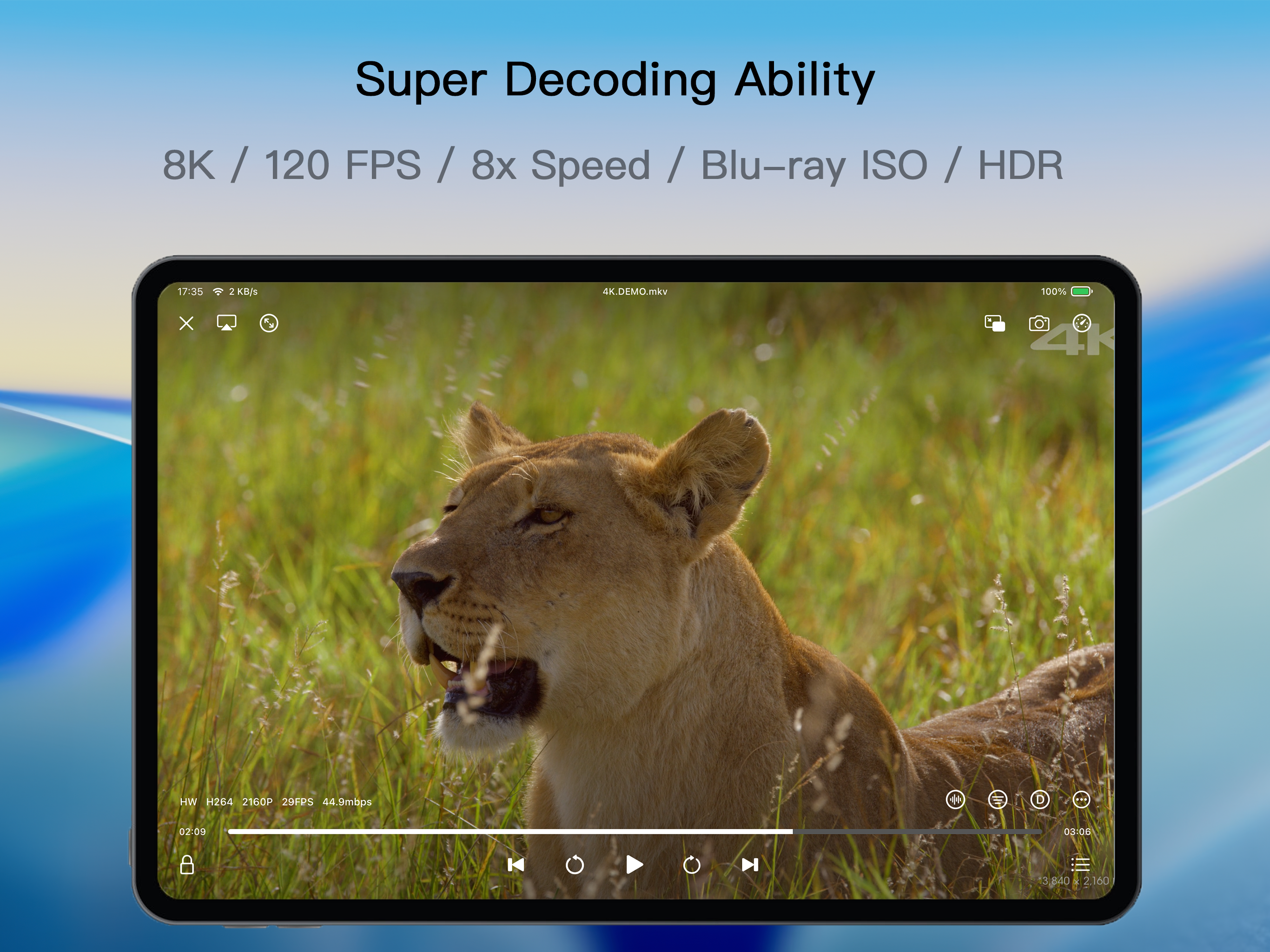
Update: Absolutely well worth the purchase they finally added a download feature for server applications! I just wish they allowed you to still have the user interface of your server with the displayed artwork and metadata of your downloaded shows and movies. If it could then resync the watch time with your offline watch time compared to having to switch modules to your downloads folder, then finding the episode you left off on when you reconnect but regardless still happy that it’s an available feature and it works incredibly well! Absolutely love the playback fully utilizes HDR content in 4K video. Only thing comparable would be infuse and this is much more understandable price. Also, I would really appreciate if they added a section within your seasons and movies to display featurettes/extras. Currently, it only shows specials or features that are separated in the seasonal folders so you’re missing a bunch that you content you classified differently with the seasons in JellyFin. I’m hoping they can make these changes and make the app perfect :)
I love this player. I was using Outplayer which I thought was the best video player for iOS, but SenPlayer is better. For one, SenPlayer keeps track of content that you play so you can more easily watch videos where you left off. (It’s under the section called Record.) The player is very stable and does a nice job of showing you exactly what you need. It also gives you control over how the player caches video from remote sources. The player also does a great job of syncing it’s state using iCloud. If I could request a few features: Keyboard shortcut to enable/disable subtitles. Plex support. Video poster support (similar to Infuse.)
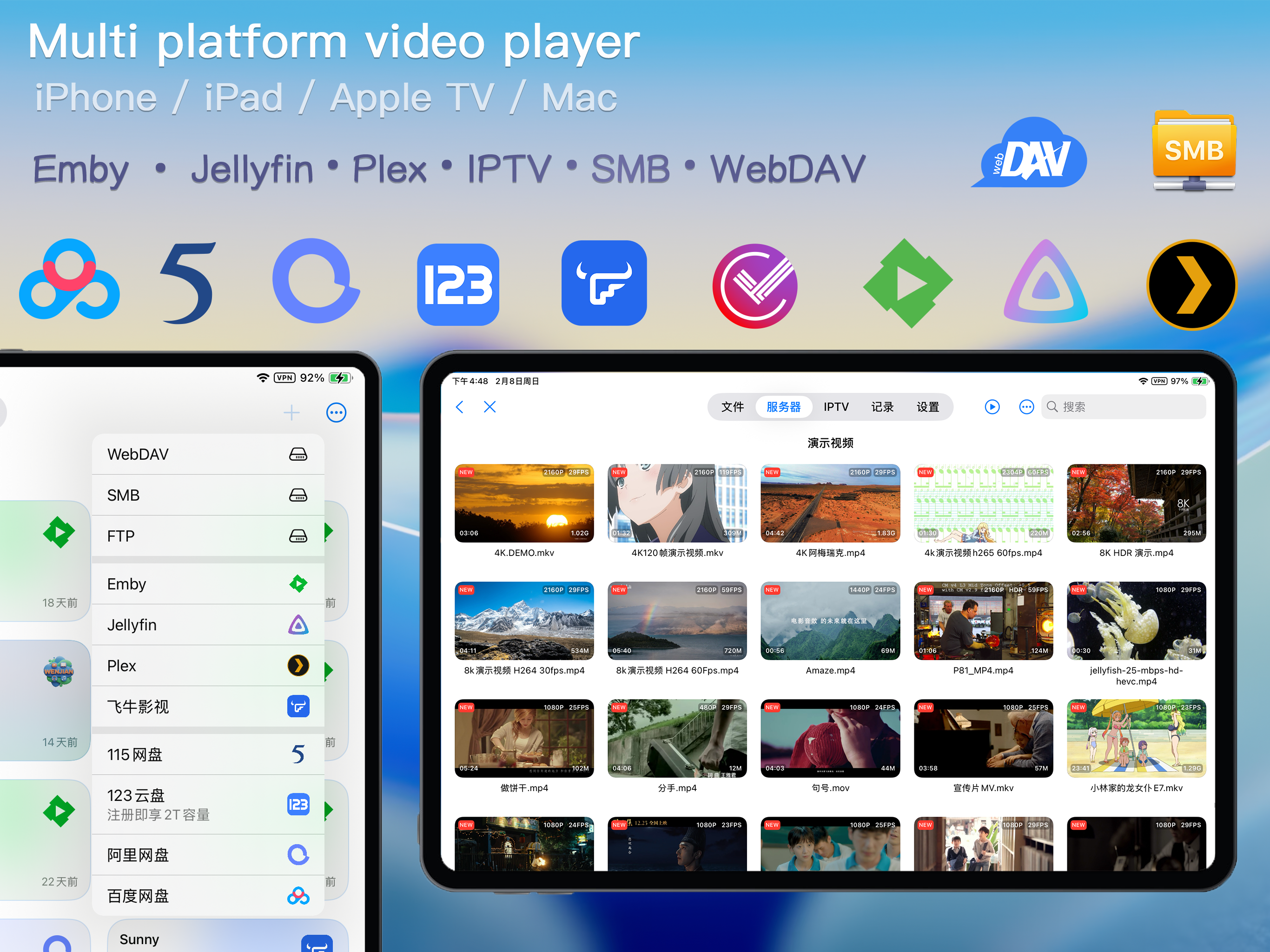
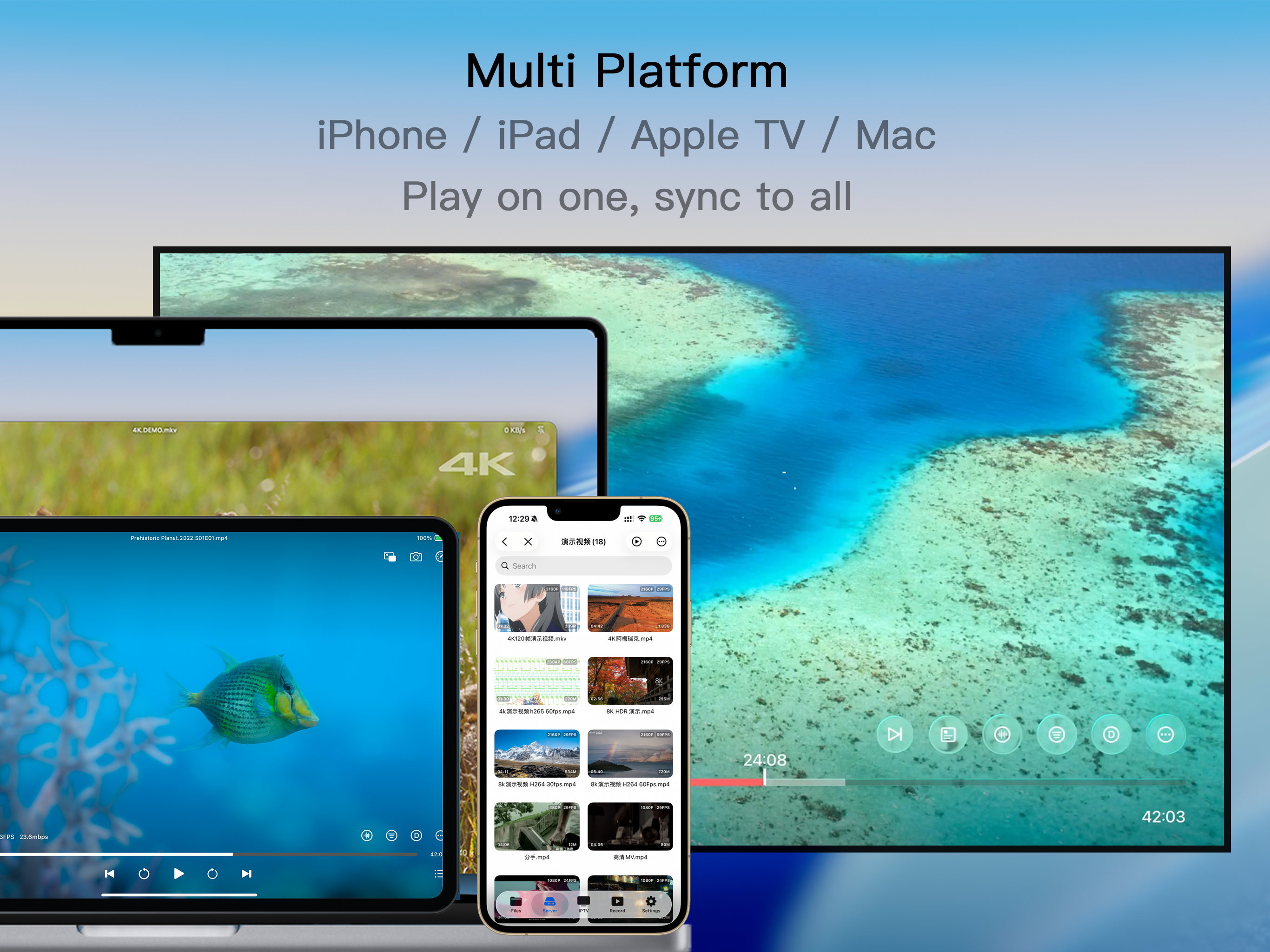
This is a full featured video player that can play anything from a network or locally. It supports many servers such as Jellyfin in addition to iptv via a url or local import. I first installed the app on my vision pro and then on my ipad. I was surprised to find out that it somehow all my vision pro settings were exported to the ipad and I started using the app right away with my iptv and Jellyfin servers that were set up on the vision pro. The is a professional application with many nice features I am sure developed by a seasoned software developer that is very familiar with the echo system. Excellent job. It looks like it will replace all my video players into a single app accommodating all my needs.
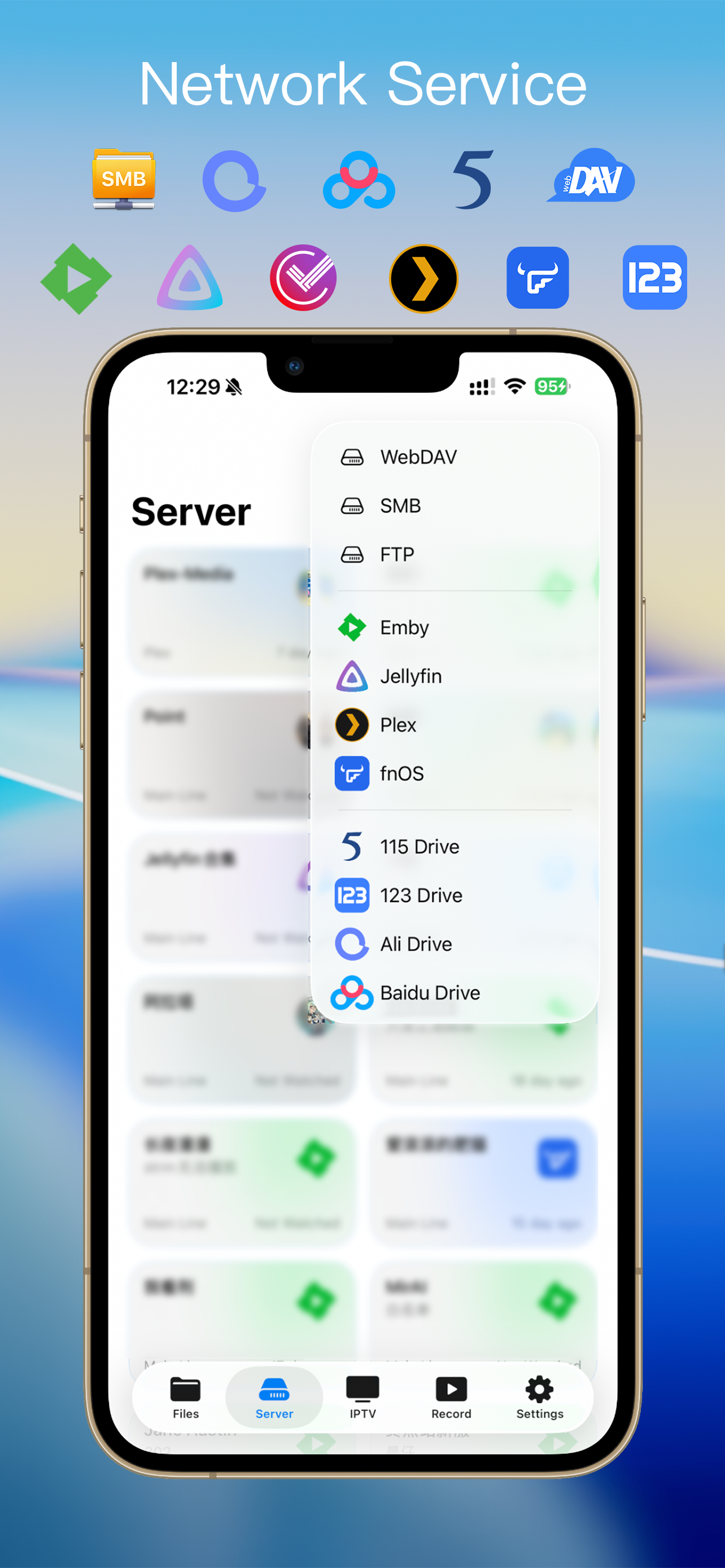
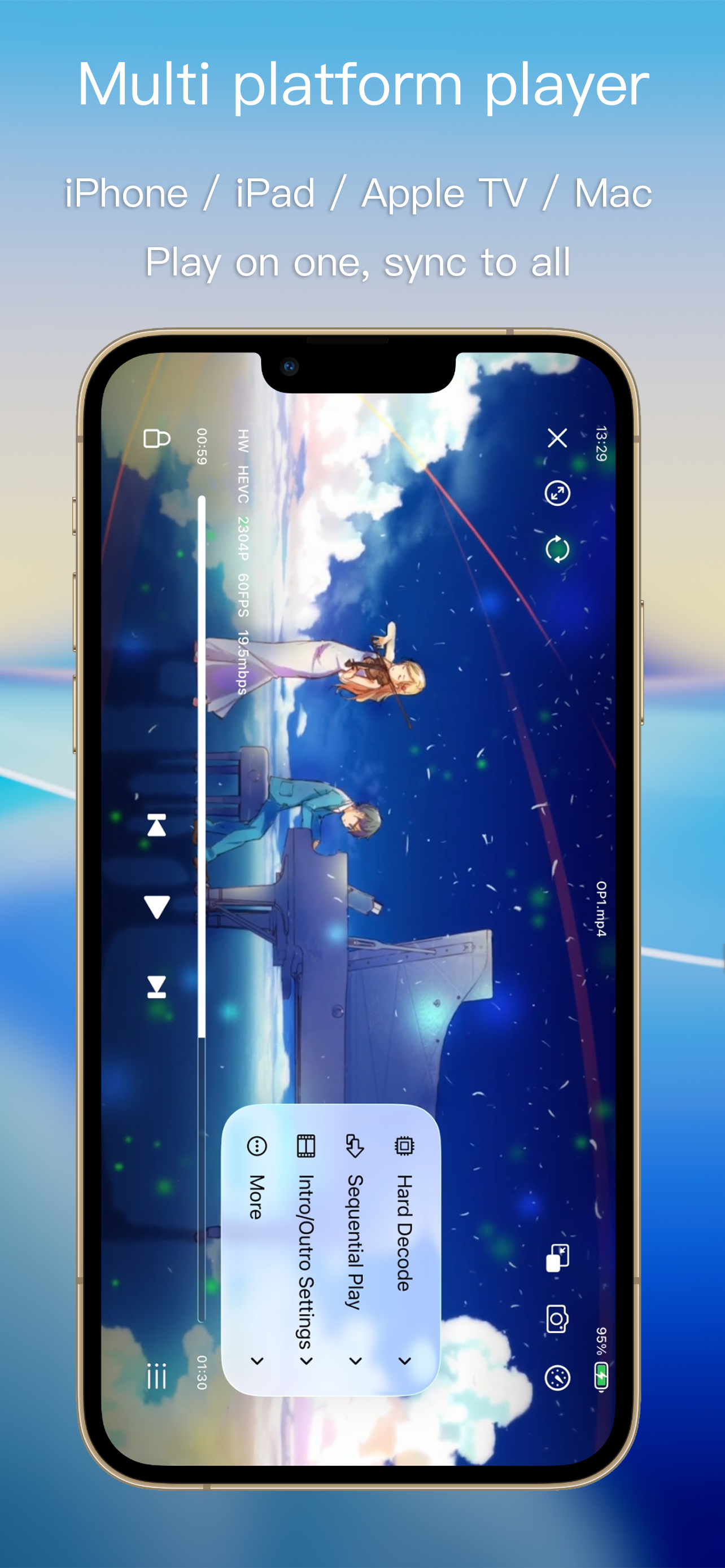
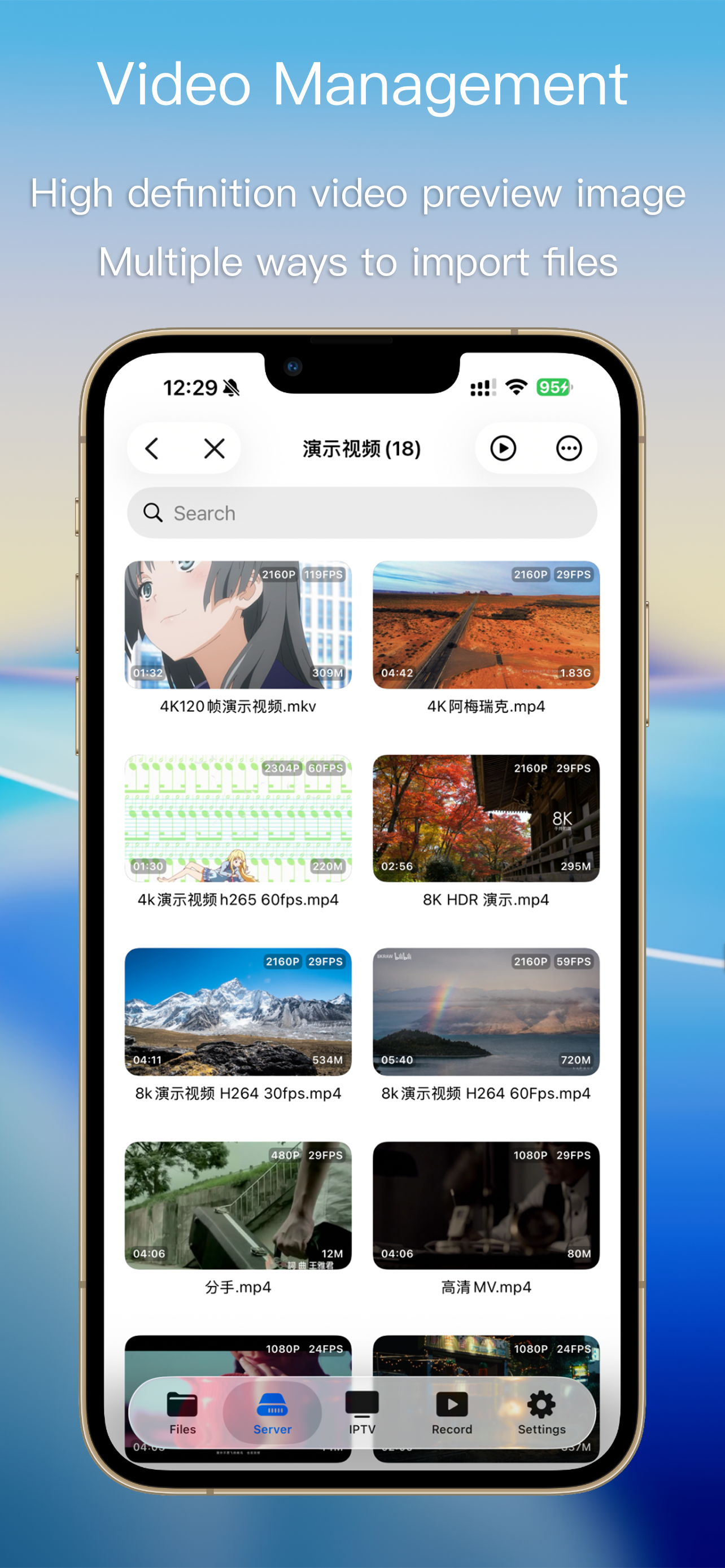
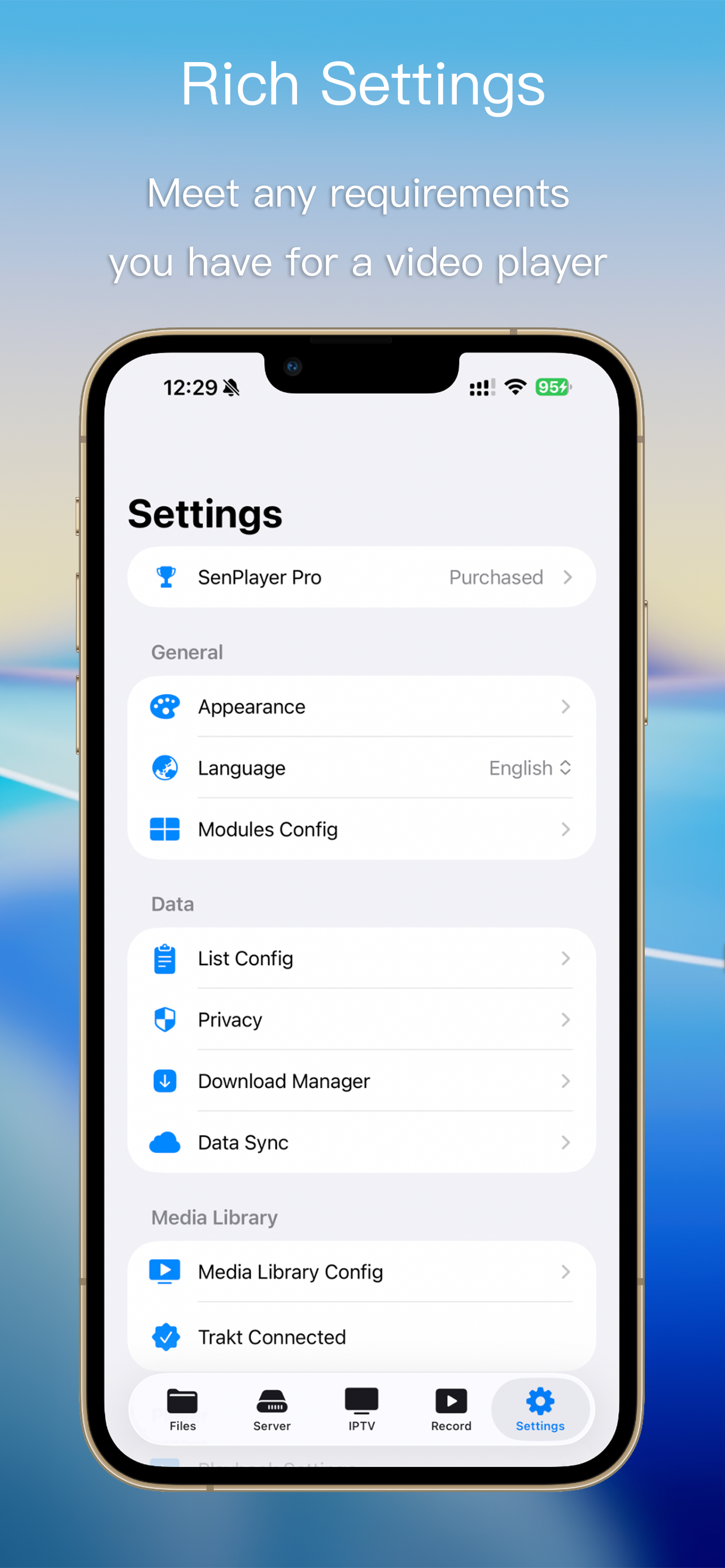
SenPlayer is a powerful all-in-one multimedia player featuring Apple's native rendering engine. It supports 4K/8K ultra-HD video, 120fps high frame ra...
| Name | Price | Type |
|---|---|---|
| Lifetime Pro(Upgrade to Suite) | $6.99 | One-time |
| Lifetime Pro(AppleTV) | $9.99 | One-time |
| Lifetime Pro(iPhone+iPad) | $9.99 | One-time |
| Lifetime Pro(Mac) | $9.99 | One-time |
| Lifetime Pro(multi-platform) | $12.99 | One-time |