Check the acquisition promise
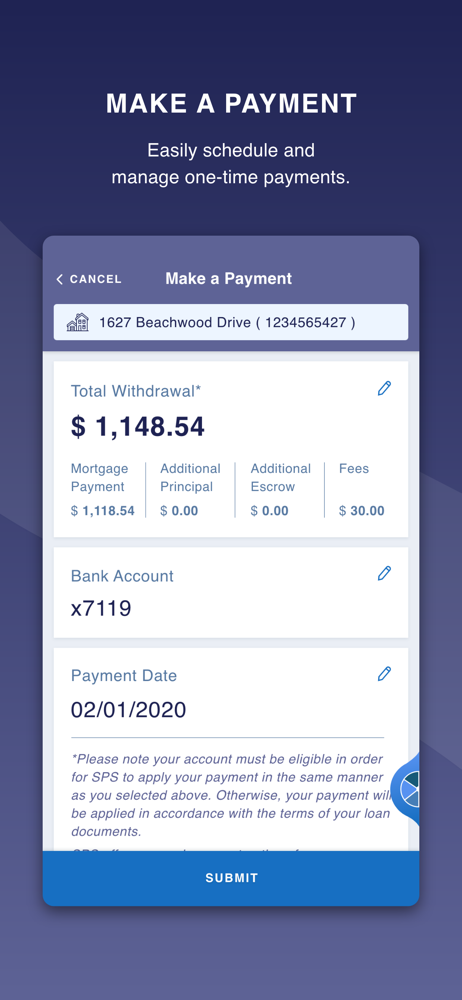
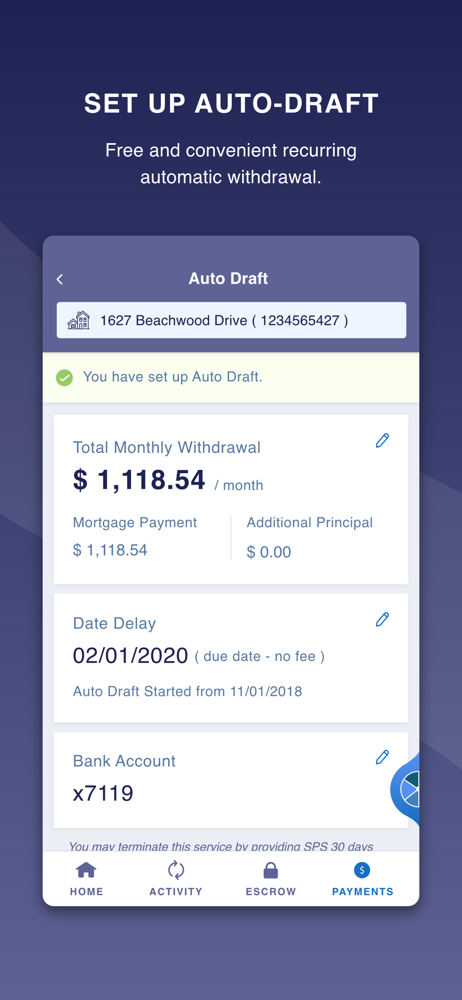
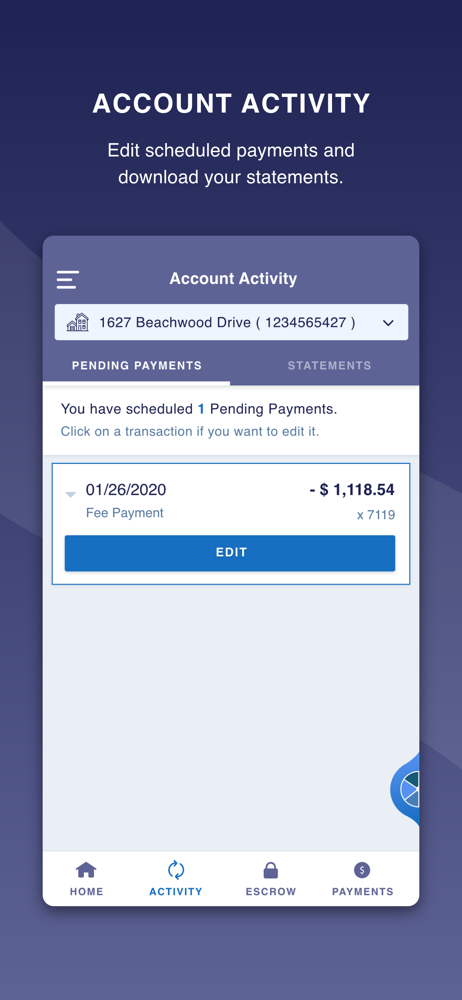
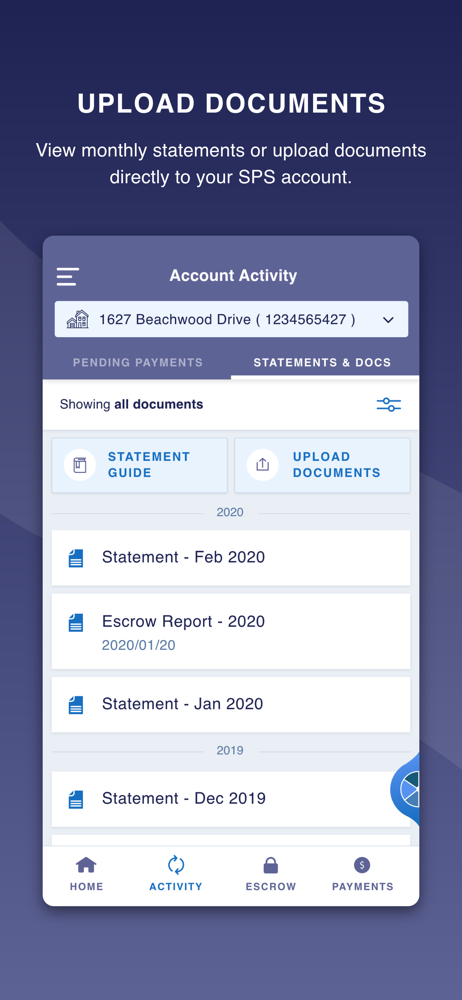
Read the store headline, screenshots and description. What problem is the app promising to solve?
Study the storefront ↗
Select Portfolio Servicing, Inc. · iOS
Explore the ad evidence, study the storefront, and build your next acquisition hypothesis.
01 / Creative research
Read the store headline, screenshots and description. What problem is the app promising to solve?
Study the storefront ↗Explore apps with direct store-link matches. Compare their hooks and formats without assuming the same approach works here.
Browse observed advertisers ↗Store rankings and revenue estimates describe market context. They do not establish ad spend, conversions or ROAS.
Review the market context ↗02 / Storefront & product
Study the product story and store experience behind the acquisition funnel.


03 / Market context
Keep revenue, downloads and store rankings separate from advertising performance.
You can’t download documents, at least without major difficulties. I’m also unable to enlarge them when on the app in order to read them. I finally downloaded a document from the website (not the app), but it gave me an error when trying to open it from the place I downloaded it to. This has created a whole lot of major hassles and headaches for me, as I am not even able to take a screenshot of anything.
The companies recent release of new privacy policy terms causes an overlay screen to appear immediately after log-in. The “accept” button that allows you to move on past those terms is not active. I have scrolled through the entire policy., multiple times, and waited several minutes in case the company had certain qualifiers to make that button work. I’ve also tried uninstalling and reinstalling the app and had the same result. I’m on the latest production (non-beta) version of iOS and have no issues with any other applications. It is difficult to imagine how the “accept new terms” feature made it through any kind of QA process before release since it prevents access to the entire apps.
I read reviews from 2021 where it said the app was unusable and figured hey it’s 3 years later so that’s probably fixed - well nope it is not fixed!!! I wish customer service would stop telling customers to go to the app when you can’t even register as the Terms of Service still won’t let you accept even after scrolling through. I thought I got past this by exiting the app and restarting which finally made the terms of service button live, then as the next screen I’m asked for my email and I put it in and get ‘Invalid Argument’ message. Could not go any further. Come on app developers and SPS - get it together!!! Fix and test or take the app offline and customer service, please stop wasting customers time telling them to go to the app which is broken!!!
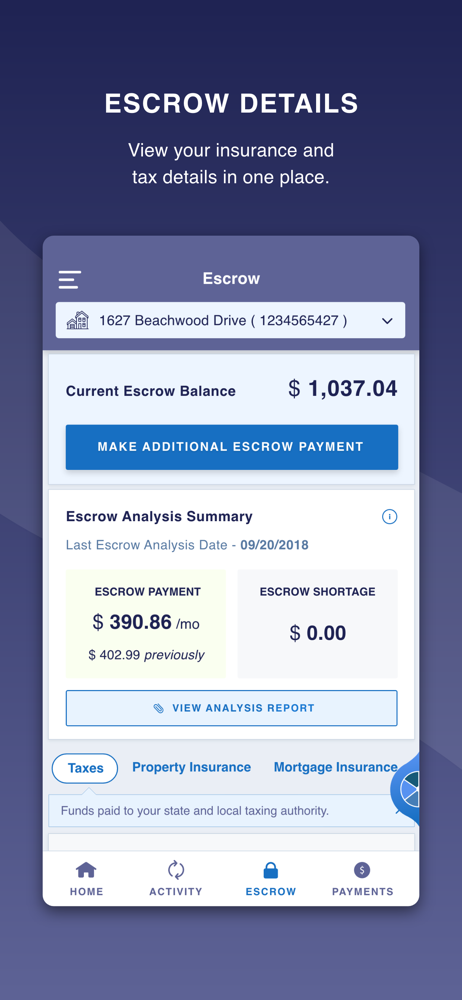
My SPS mobile app is a fast, secure way to manage your mortgage account 24/7. Make payments, set up and make changes to monthly auto draft, view stat...