Check the acquisition promise
Read the store headline, screenshots and description. What problem is the app promising to solve?
Study the storefront ↗
90 Degree Benefits, LLC · iOS
Explore the ad evidence, study the storefront, and build your next acquisition hypothesis.
01 / Creative research
Read the store headline, screenshots and description. What problem is the app promising to solve?
Study the storefront ↗Explore apps with direct store-link matches. Compare their hooks and formats without assuming the same approach works here.
Browse observed advertisers ↗Store rankings and revenue estimates describe market context. They do not establish ad spend, conversions or ROAS.
Review the market context ↗02 / Storefront & product
Study the product story and store experience behind the acquisition funnel.



03 / Market context
Keep revenue, downloads and store rankings separate from advertising performance.
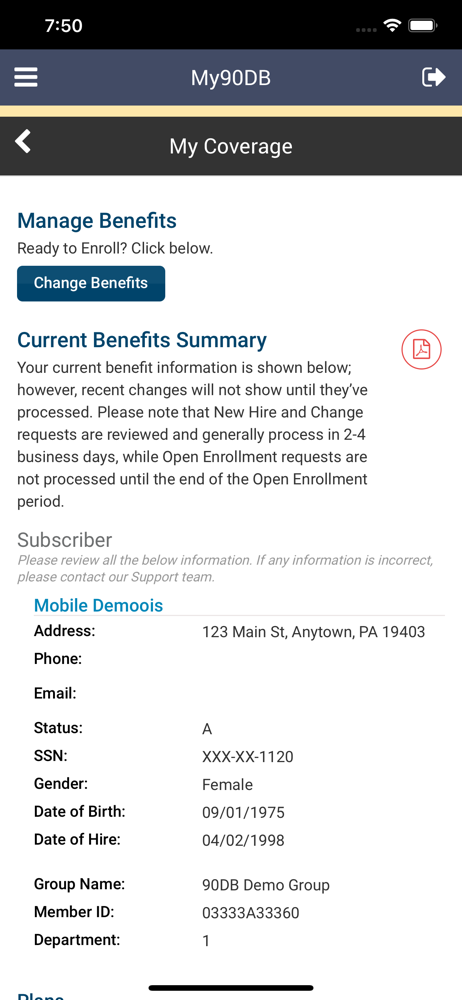
I need to find out if something is covered under my benefit plan and this app provides ZERO help. It will tell me which plan I am signed up for, it will download a summary document of THAT screen, but it will not tell me anything else about the plan. I dug through the menus for almost an hour, trying every link on the screen…useless! The link for recertification is an example. It says: “you may need precertification”. No way to do a specific search for the plan. Don’t waste your time!
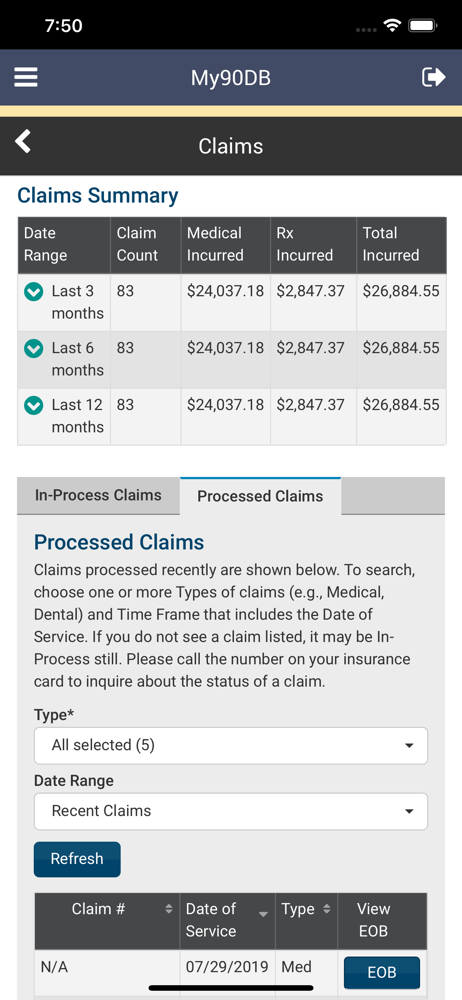
Every time I try to log into this thing, it requires me to reset a password even though I’ve done it previous times. I also cannot find explanation of benefits anywhere, and when I get to pages that look like they might be it, they will not scroll up or down. It’s just frozen, I deleted the app and re-download it and I tried updating and all of the things that you’re supposed to do and none of them work for this app.
Trying to access this on my iPhone 11 because I have FaceID and don’t have access to my password at this time. Thought I’d download my EOB in the 5 minutes I have before work. The app asks me, once AGAIN, to set my preference as to how to receive my EOBs, either by downloading it from their site or by getting it mailed. I want to download it and save trees. But it requires my email address in 2 fields and the pop-up keyboard completely blocks the address fields so I can’t see what I’m typing. I also can’t type it in my Notes app, for instance, and paste it in those fields because once again, the keyboard blocks that whole area and I can’t get the paste option to pop up. This is ridiculous. I’ve ALREADY set my preferences for EOBs, confirmed by the email I received yesterday letting me know that I had one ready for my review!!! Stop wasting my time and holding my information hostage to your stupid design, fix your app.
*** IMPORTANT: If you do not yet have an account with a username and password on your member benefits portal, you must have your Registration ID in or...