
Check the acquisition promise
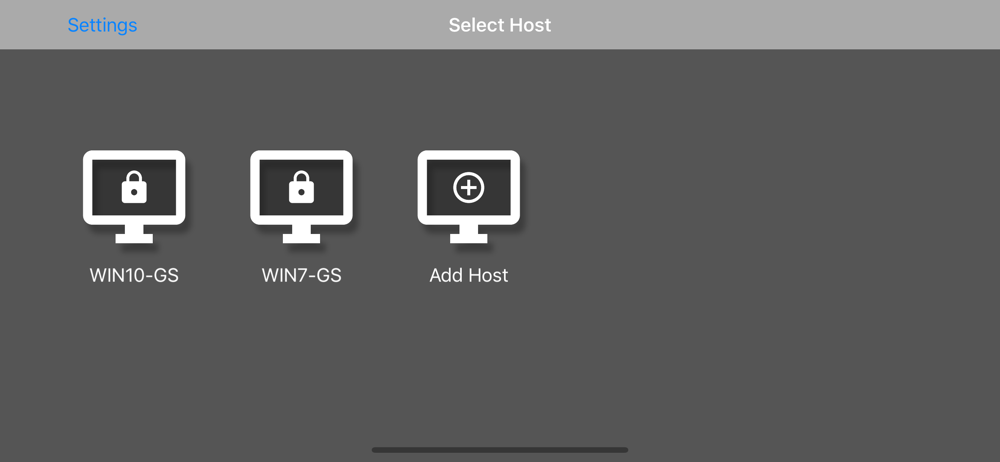
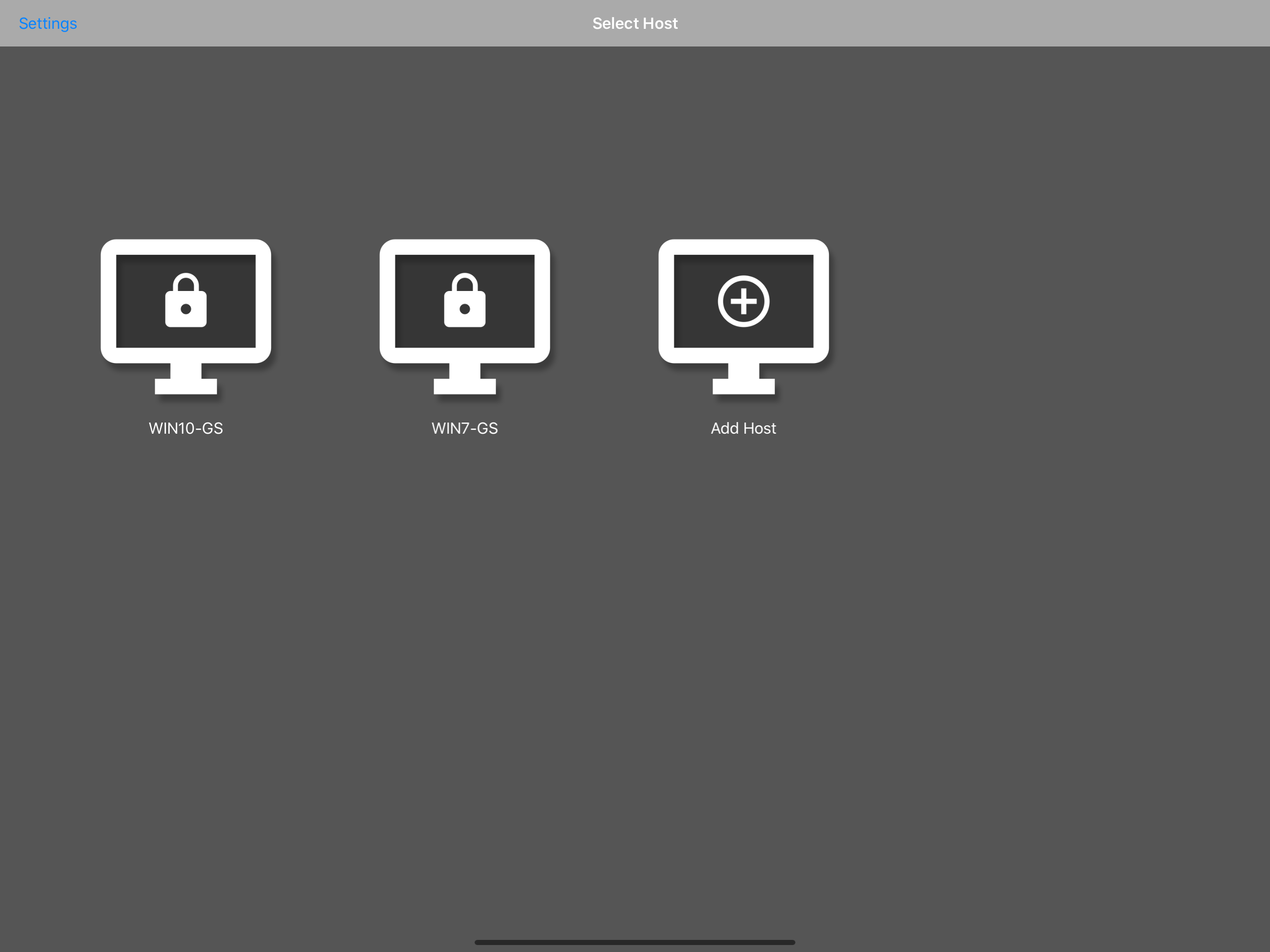
Read the store headline, screenshots and description. What problem is the app promising to solve?
Study the storefront ↗
Diego Waxemberg · iOS
Explore the ad evidence, study the storefront, and build your next acquisition hypothesis.
01 / Creative research
Read the store headline, screenshots and description. What problem is the app promising to solve?
Study the storefront ↗Explore apps with direct store-link matches. Compare their hooks and formats without assuming the same approach works here.
Browse observed advertisers ↗Store rankings and revenue estimates describe market context. They do not establish ad spend, conversions or ROAS.
Review the market context ↗02 / Storefront & product
Study the product story and store experience behind the acquisition funnel.
03 / Market context
Keep revenue, downloads and store rankings separate from advertising performance.
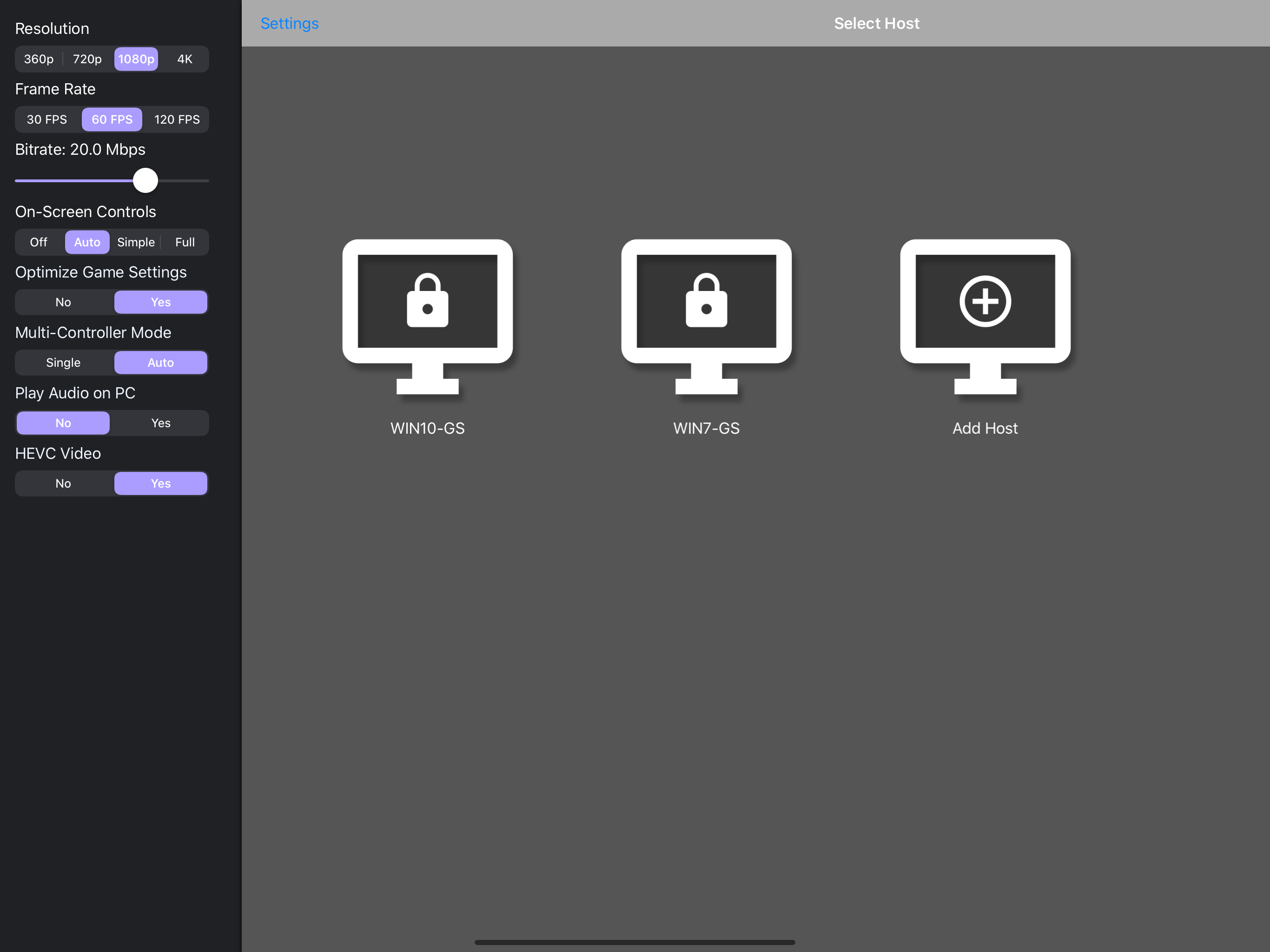
First, the app is so simple to use, if you have nvidia gamestream and are connected on the same network, it works seamlessly, also happy that they’ve included a lot of windows functions like a keyboard, right click functionality, scrolling, dragging, I basically dont even have to turn on my monitor to unlock my pc and get to gaming. Only thing I would like to see now is support on iOS for 120hz and maybe a 1440p resolution, 1080p looks fine but I usually stream a tad higher, and 4k looks sharper but it takes too much bandwidth when I’m not even displaying 4k on my games.
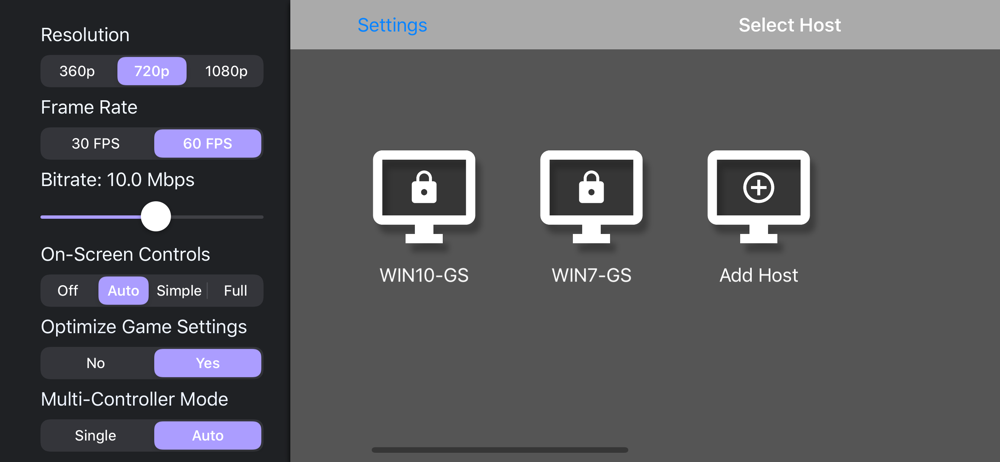
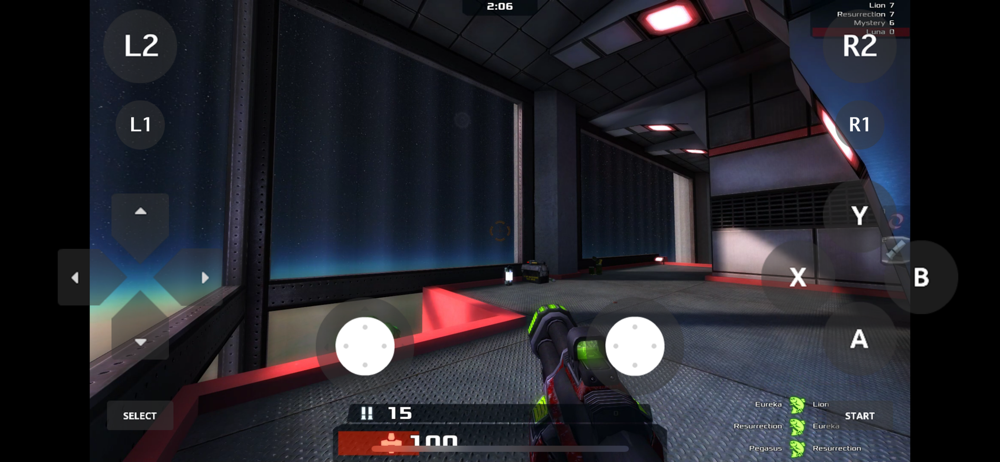
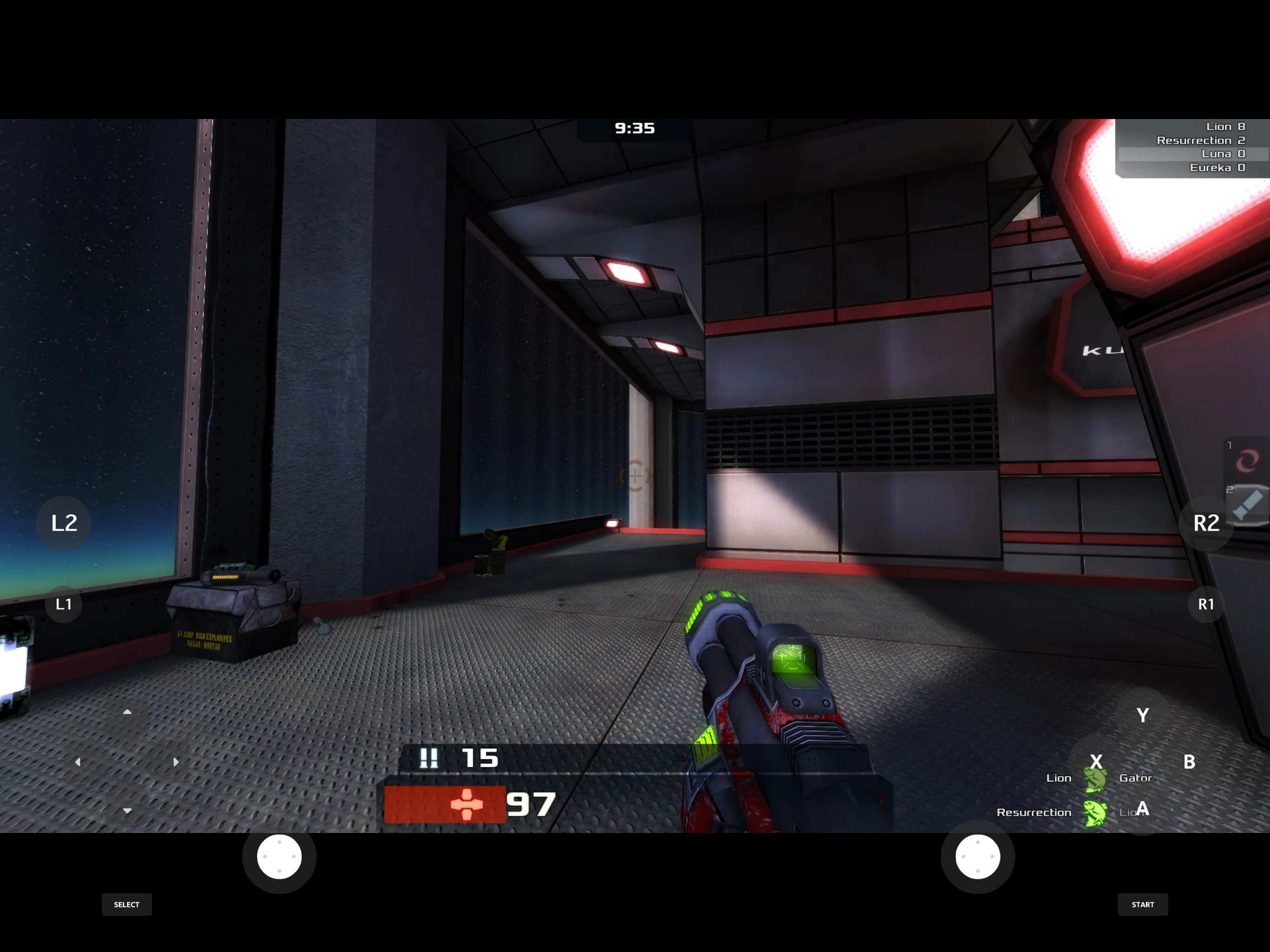
This is an awesome app for when you don’t feel like getting out of bed to play some PC games, but it could be better. For instance, the controls are very restricted. It’s either NO controls (you move your finger around to move the cursor), SIMPLE controls (just 6 buttons, in the RB LB configuration, seen on the top of controllers, plus two other buttons), and FULL controls (freaking PS D pad, shoulder buttons and bumpers, TWO thumb sticks, an XYAB button configuration, and start/select near the bottom edges). In my opinion, it’s either not enough or WAY TOO MUCH, as in a lot of cases only need two thumb sticks, XYAB, and start/select (ok, maybe the bumpers and shoulder buttons). The rest is just covered up screen space. Please add an option to set custom button layouts and sizes, and to choose what buttons you need. It would greatly increase the usefulness of this app. Other than that, that’s pretty much the only complaint I have. It’s responsive, but I probably wouldn’t use it for FPSes, and tweakable bitrates from 0.5 mbps to 50 mbps (default 10 on 720p, 20 on 1080p), and framerates either 30 Hz or 60 Hz. I would recommend 20 Mbps at 1080p 60Hz, but you could go for a lower setting. Overall pretty OK app, let down by the controls. By the way, it works pretty well on my laptop: Inspiron 15 i5577 i5 7th gen 3500hq GTX 1050 8 GB ram 2.4 GHz 20 MBPS down / 5 MBPS up Although you probably want 5 GHz.
This is an overall great app. It lets me play PC games from anywhere on my phone at a Somewhat low delay (depending on the service/WiFi) which is a great convienence. However, aside from this being a great app, there are a few things to be improved. First of all there is no customizable control scheme. There is no customizing for the on screen controls whatsoever, rather than it displaying on the screen or not, also having a simple option with only l3 and r3, there is just a ton of useless buttons. Who needs a dpad that takes half the screen when you never need it. I’d say 90% of all emulators have an option to set the size of certain buttons, which is disappointing that this app doesn’t have that. Also I’d be nice to rebind the controls for mfi controllers. The WOL feature also doesn’t work when I made sure to port forward all the ports nessisary. Including the WOL one. Anyway this app is great, and I hope the dev implements more to it because it has great potential.
Stream games and other apps from your gaming PC on your local network with Moonlight. Use your touchscreen or an iOS-compatible gamepad to play your P...


