Check the acquisition promise
Read the store headline, screenshots and description. What problem is the app promising to solve?
Study the storefront ↗
Valve · iOS
Explore the ad evidence, study the storefront, and build your next acquisition hypothesis.
01 / Creative research
Read the store headline, screenshots and description. What problem is the app promising to solve?
Study the storefront ↗Explore apps with direct store-link matches. Compare their hooks and formats without assuming the same approach works here.
Browse observed advertisers ↗Store rankings and revenue estimates describe market context. They do not establish ad spend, conversions or ROAS.
Review the market context ↗02 / Storefront & product
Study the product story and store experience behind the acquisition funnel.




03 / Market context
Keep revenue, downloads and store rankings separate from advertising performance.
Steamlink is by far my number 1 go to for remote streaming of my pc. Its better then Alot of competition and is by far the MOST easiest to set up again compared to others such as Moonlight. The only issues I had are the green screen which I fixed which I believe was due to resolution and video settings but most recently I had lost all audio in app it can pick up my mic but no sound can be heard BELIEVE ME yes I tried everything in steam, on pc, sound settings, audio inputs etc etc hours spent and I cant for the love of me fix this issue its not my pc because it works using other applications only steam-link I come to believe this is a actual bug which im not surprised too because yall do have issues when it comes to the microphone making audio sound distorted but this is a whole new issue please address yall issues and I hope to see Steamlink improve in the future for now I have a work around by opening up remote desktop to get audio while letting Steamlink capture my mic but please I hope to see this issue fixed in the future thank you so much for offering Steamlink again it is a life changer!
When it does work. It keeps defaulting to a drag and click method, which isn’t terrible, but also isn’t really that intuitive with a touch interface. You can change this in the settings (the icon with the touchpad/mouse buttons; there’s a couple different options in there) The real problems come when you try to play games with this. I’ve run into WAY to many where their virtual controller has the wrong key mapping for the game, yet there’s no options in their settings (and none for the game being played) to change it to the correct setup. Now, the controls CAN be moved around the screen, which helps slightly, but doesn’t change the fact that the key mapping is messed up. Your internet pretty much has to be really great for it to work (or you have to be like me and play pretty much only JRPGs or vns) because it lags CONSTANTLY. I have pretty decent internet and it still hits lag spots every time, even when I’m only doing basic stuff (not even playing video games, either. Just sitting on my computer’s desktop can cause lag somehow when there’s nothing else open or going on)
So in the last year I have found myself hopelessly addicted to a little pc game called Kenshi, it quickly surpassed all other titles in total play hours. I came across the steam link app and thought “why not let this game run my life completely, even when I can’t be around my laptop? I surely have nothing better to do.” So I set out to get this working. For those who don’t know Kenshi is a game you can essentially play on pause so perfectly suited to this very high latency format. It was about two days of being impressed by how nicely their editor lets you set up a control scheme, triple checking that I had saved it in every way I could think, and finding my setup gone on returning to the app before… Some glorious serendipity of overlapping bugs allowed me to recall my settings! I was off! Also thrilled to find that it is workable even streaming across town over cell. In fact performance seems inconsistent no mater what network setup I've tried, even with a cable in the computer sitting next to the router. However, it has always worked well enough to get my fix in various levels of blurriness. Unfortunately the app also crashes when taken out of focus and sometimes randomly. But still, pretty wild the ways we can waste our time these days, this must be meta. .? Keep trying valve, you are somewhat appreciated. Ken heads check my layout, I think it’s the only one
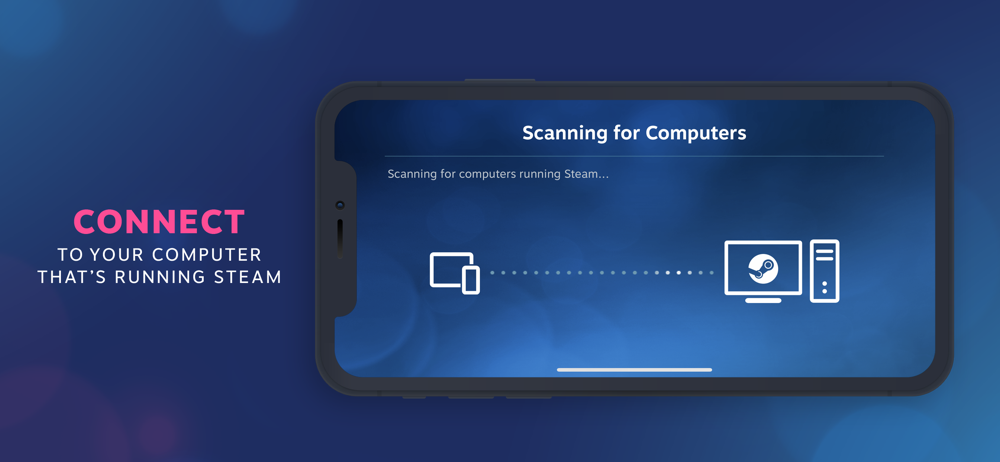
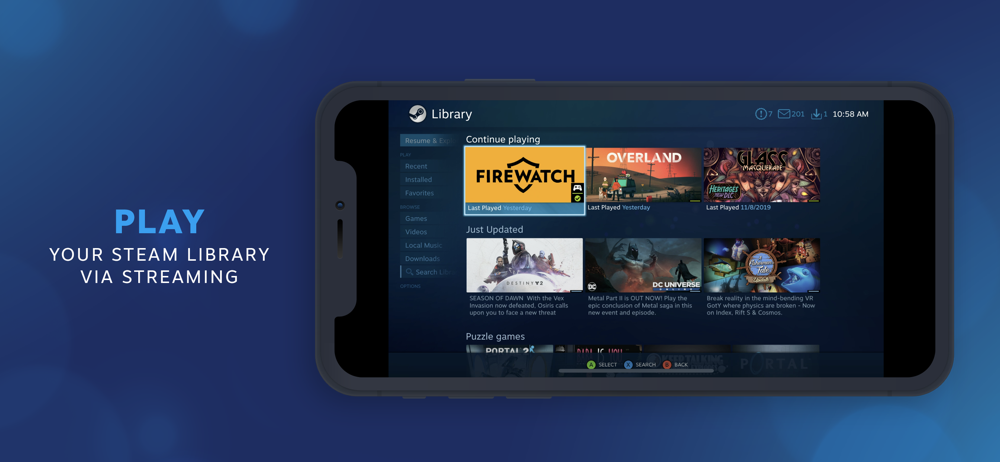
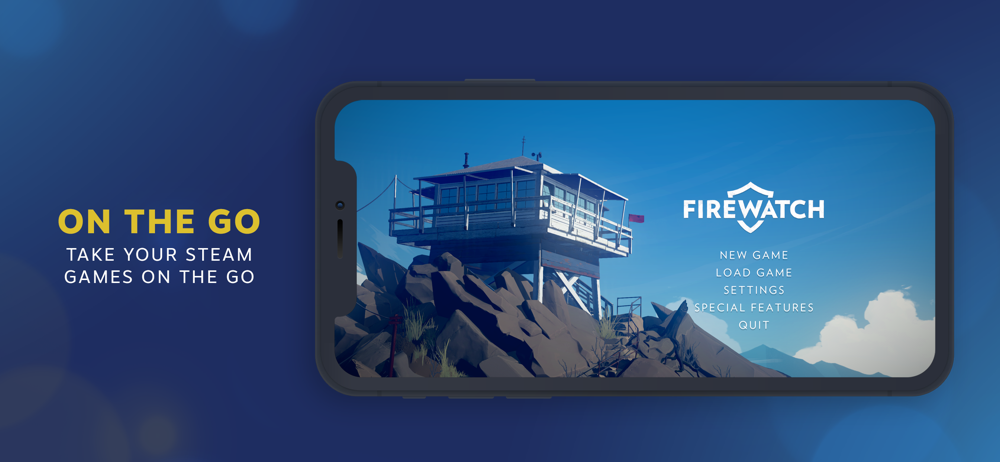
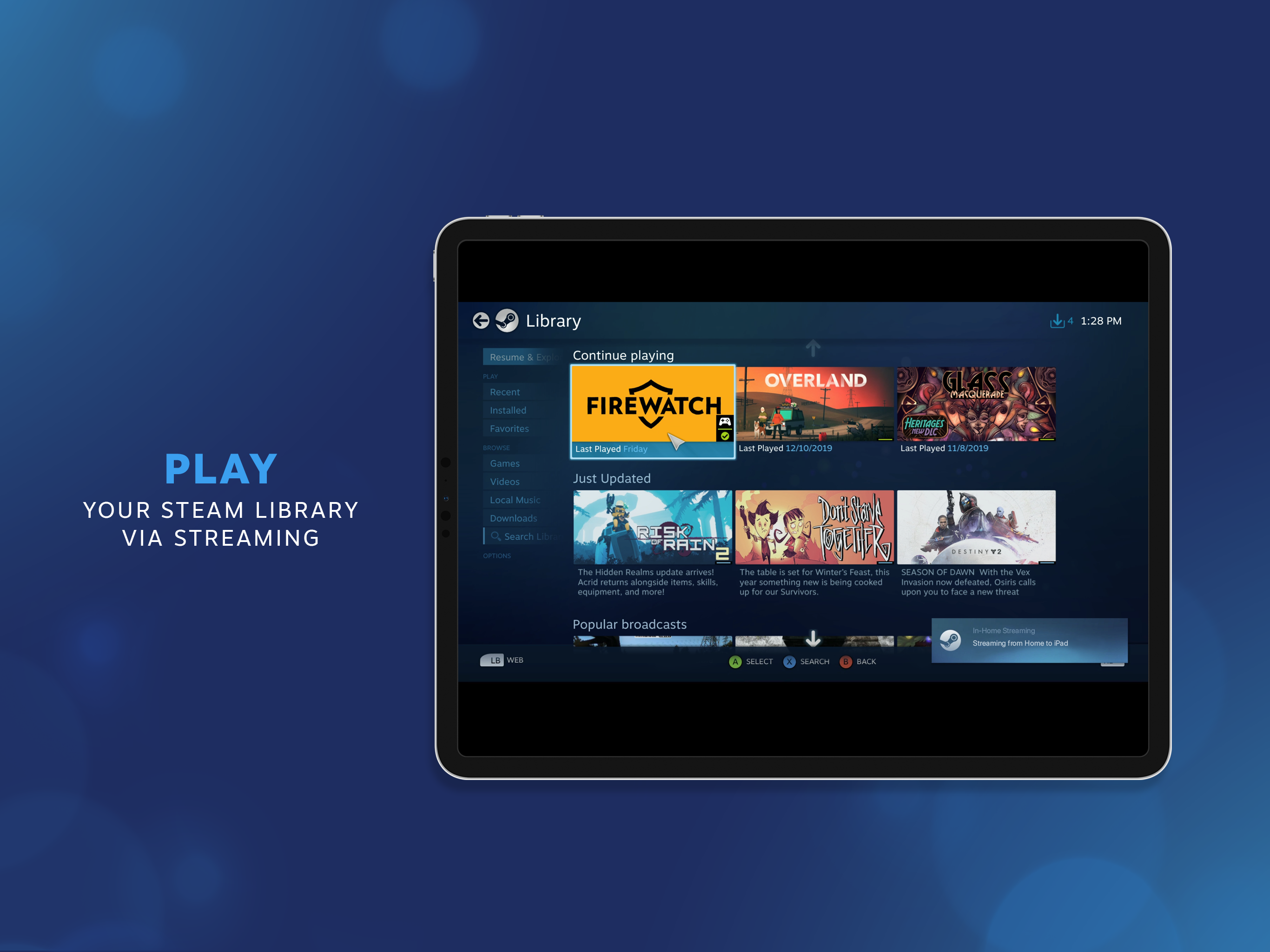
The Steam Link app brings desktop gaming to your iPhone or iPad. Just pair an MFI or Steam controller to your device, connect to a computer running St...