
Check the acquisition promise
Read the store headline, screenshots and description. What problem is the app promising to solve?
Study the storefront ↗
Loom, Inc · iOS
Explore the ad evidence, study the storefront, and build your next acquisition hypothesis.
01 / Creative research
Read the store headline, screenshots and description. What problem is the app promising to solve?
Study the storefront ↗Explore apps with direct store-link matches. Compare their hooks and formats without assuming the same approach works here.
Browse observed advertisers ↗Store rankings and revenue estimates describe market context. They do not establish ad spend, conversions or ROAS.
Review the market context ↗02 / Storefront & product
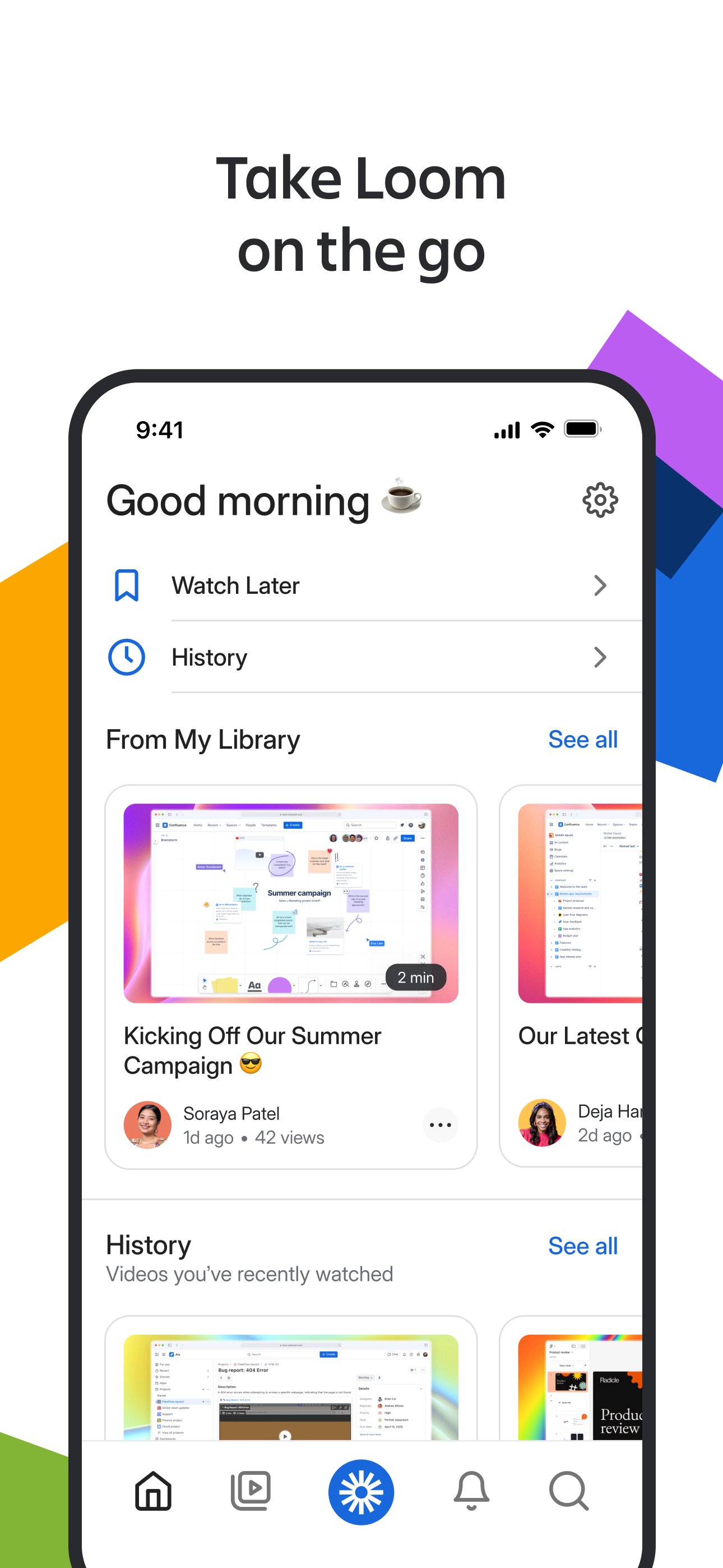
Study the product story and store experience behind the acquisition funnel.


03 / Market context
Keep revenue, downloads and store rankings separate from advertising performance.
Signed up for an account. Pretty familiar with how to use from previous job. Made my first video from desktop app saw the preview on the website after it uploaded. Went on to do 4 more videos over the course of a few hours to train the new hires at my small business. The more videos I did, the slower and glitchier it seemed to get. I didn’t think anything of it until I went to my library after I was done to upload to my team workspace. Received an error message. Followed all the steps about uninstalling, reinstalling. The desktop app allows me to create more videos but no matter where I try to sign into to view them, it won’t let me view. Tried to download the app, and I can’t get past the log in page. It seems as though it’s going to sign me in and then it doesn’t. Takes me back to the first app welcome screen to log in or sign up again. The app and website are totally useless. But yet the chrome extension and desktop app let me waste my time just fine
I’ve been using Loom for awhile now. Huge fan of the platform. When it comes to the iOS application though . . . it appears that it was designed only for content creation? When members of my team send me a loom and I open the link on my iOS device it opens in chrome (the whole interface works in safari but chrome is my default browser) and in the chrome mobile version there is no ability to respond (no option to open in loom). When I open the app, there is no ability to search for the shared video or even paste a link to the shared video (even though we are in the same business account). The business account folders do not even show on the iOS app. Great that you can record and quickly share but you loose a significant power of the platform without the collaboration piece and access to all your content.
Been using Loom for about a year now. When I started using it didn’t think it would be as useful/ how excited about video recording could I get? But now I use it a dozen times a day for trainings, quick video messages (esp for something special like bday or work anniversary), giving an overview of a project to someone not in my time zone, or even recording a screen conversation between me and someone. Now with the transcription feature, documentation creation from training videos is so fast and easy!! Is a top 3 productivity tool for me that I now can’t work without.
LOOM FOR iOS Record your screen or camera with one tap. Share that content in an instant with a link. Loom for iOS is the fastest, easiest way to r...


