
Check the acquisition promise
Read the store headline, screenshots and description. What problem is the app promising to solve?
Study the storefront ↗
Mango Technologies, Inc. · iOS
Explore the ad evidence, study the storefront, and build your next acquisition hypothesis.
01 / Creative research
Read the store headline, screenshots and description. What problem is the app promising to solve?
Study the storefront ↗Explore apps with direct store-link matches. Compare their hooks and formats without assuming the same approach works here.
Browse observed advertisers ↗Store rankings and revenue estimates describe market context. They do not establish ad spend, conversions or ROAS.
Review the market context ↗02 / Storefront & product
Study the product story and store experience behind the acquisition funnel.
03 / Market context
Keep revenue, downloads and store rankings separate from advertising performance.
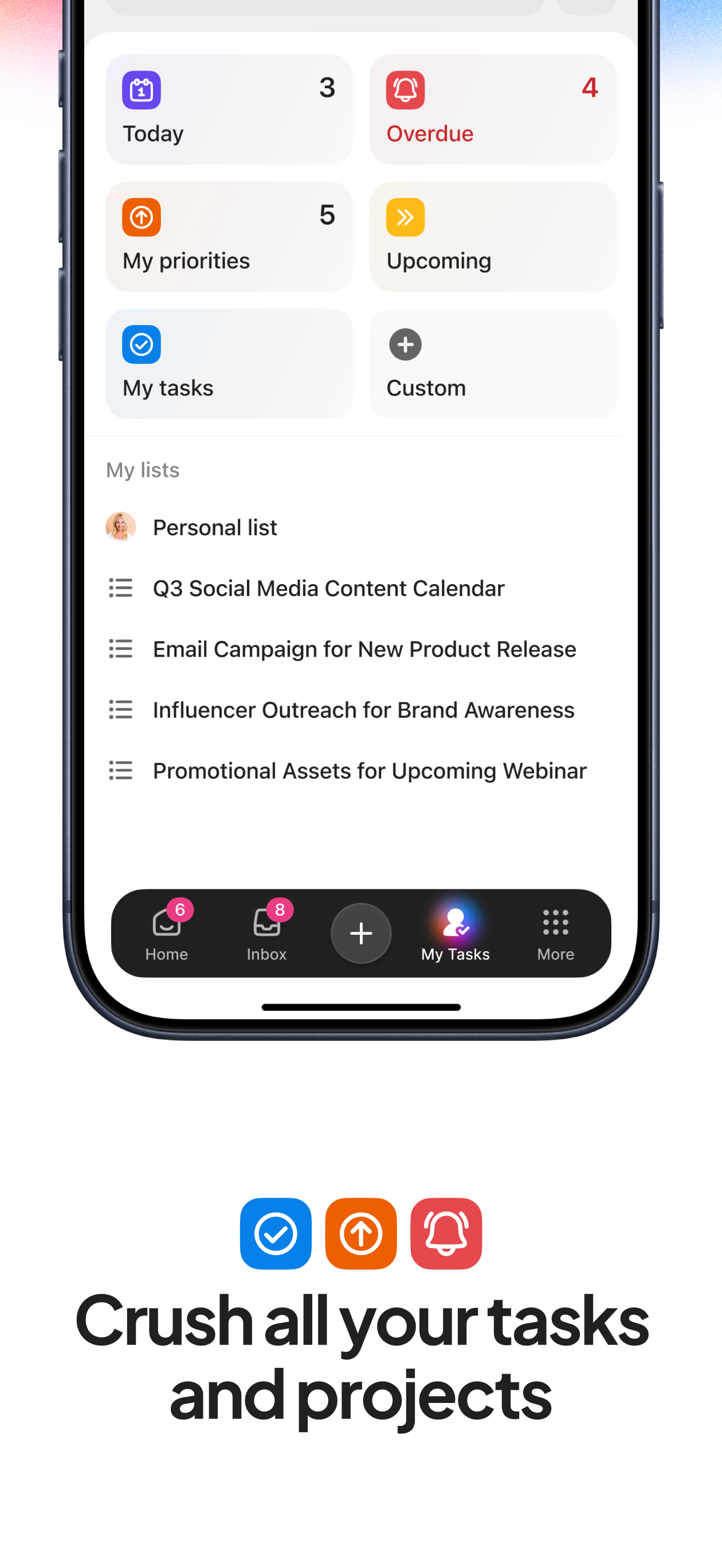
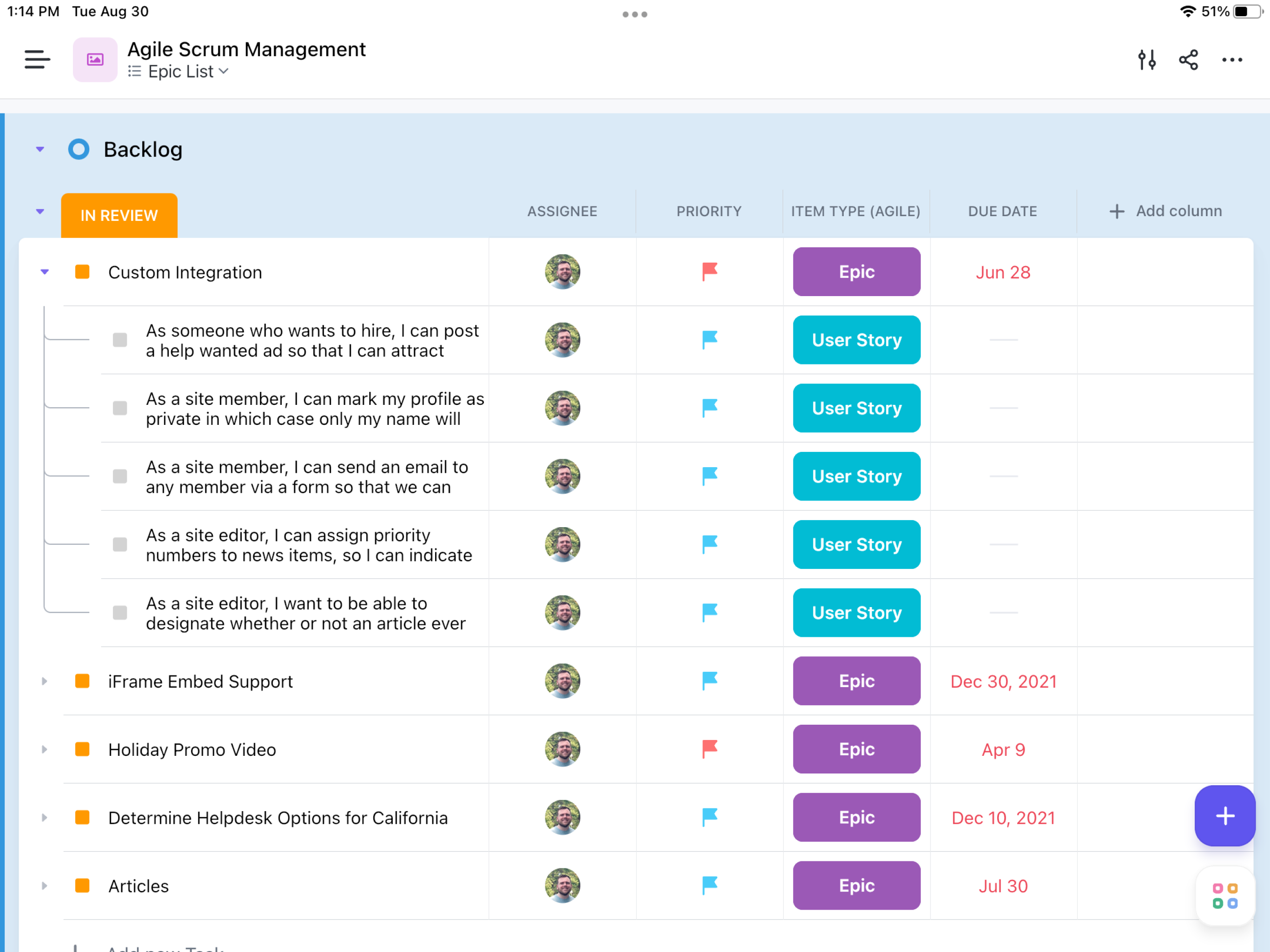
I use ClickUp every single day for two different businesses and I bought an iPad so that I would be able to work when away from my desk/computer. I have tried endlessly to access ClickUp on my iPad for over a month and it’s been a waste of time. I pay for it, and it’s something that I genuinely have never had an issue with on a desktop or even my phone, but nothing I have done has worked on this tablet. I have downloaded, removed, re-downloaded, tried using it in Safari, tried using it in Chrome, everything. It “requires iOS 16.4 or later” - my brand new iPad is completely up to date but the app doesn’t let me get past the error pages stating I need to update the app. I’ve tried accessing and signing in using a browser; the second I hit “Log In”, I’m redirected to the “Sign Up” page. I have completely wiped and reset my iPad, thinking that would fix it, but it’s the same garbage every time. ClickUp works great on desktop. It even works on my phone. But to be paying for a platform and not even being able to find a work-around is the most infuriating experience, I’m contemplating just finding a completely new software for myself and my team. If you only need to utilize ClickUp on a desktop or laptop, it’s fine, but the fact that you can’t use the app or even try to work around that and use it in a browser is absolutely insane.
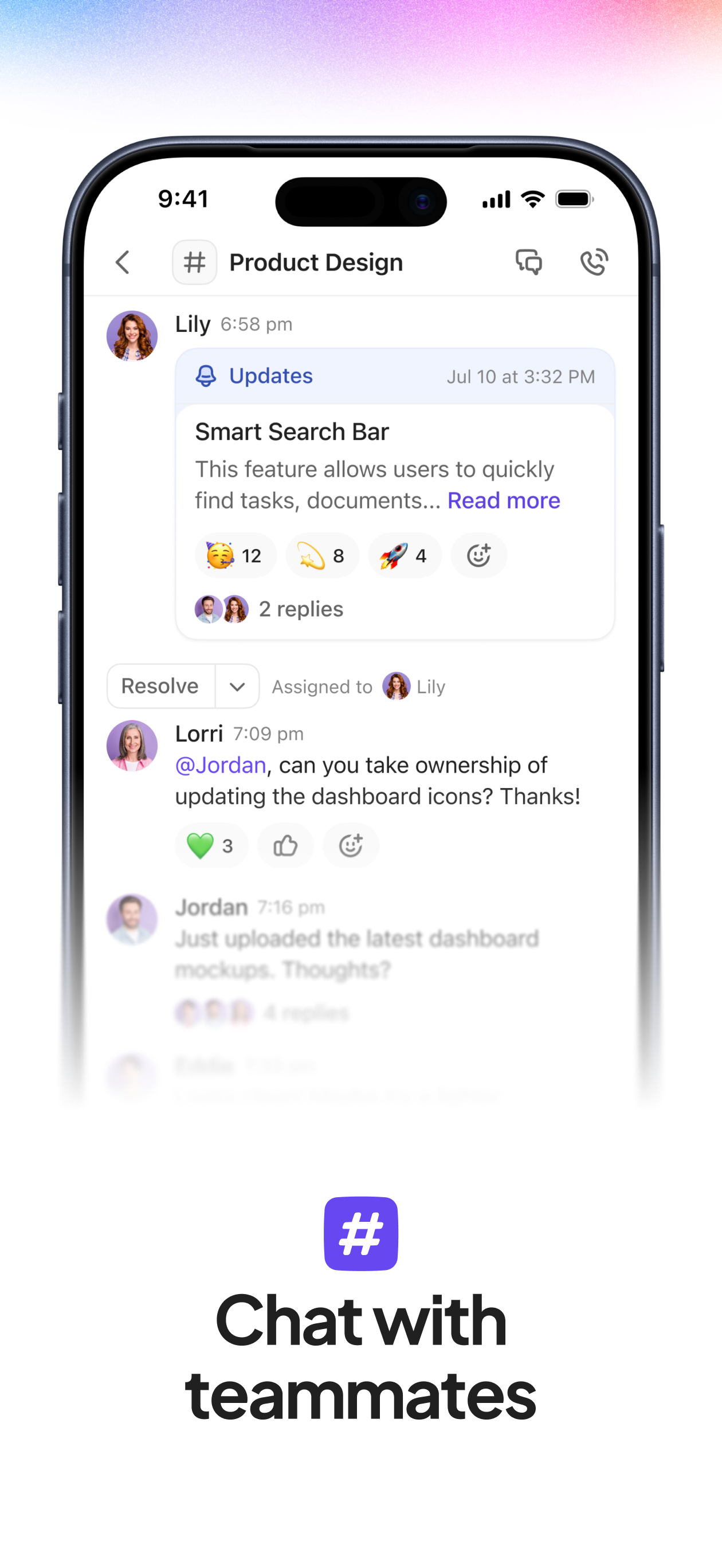
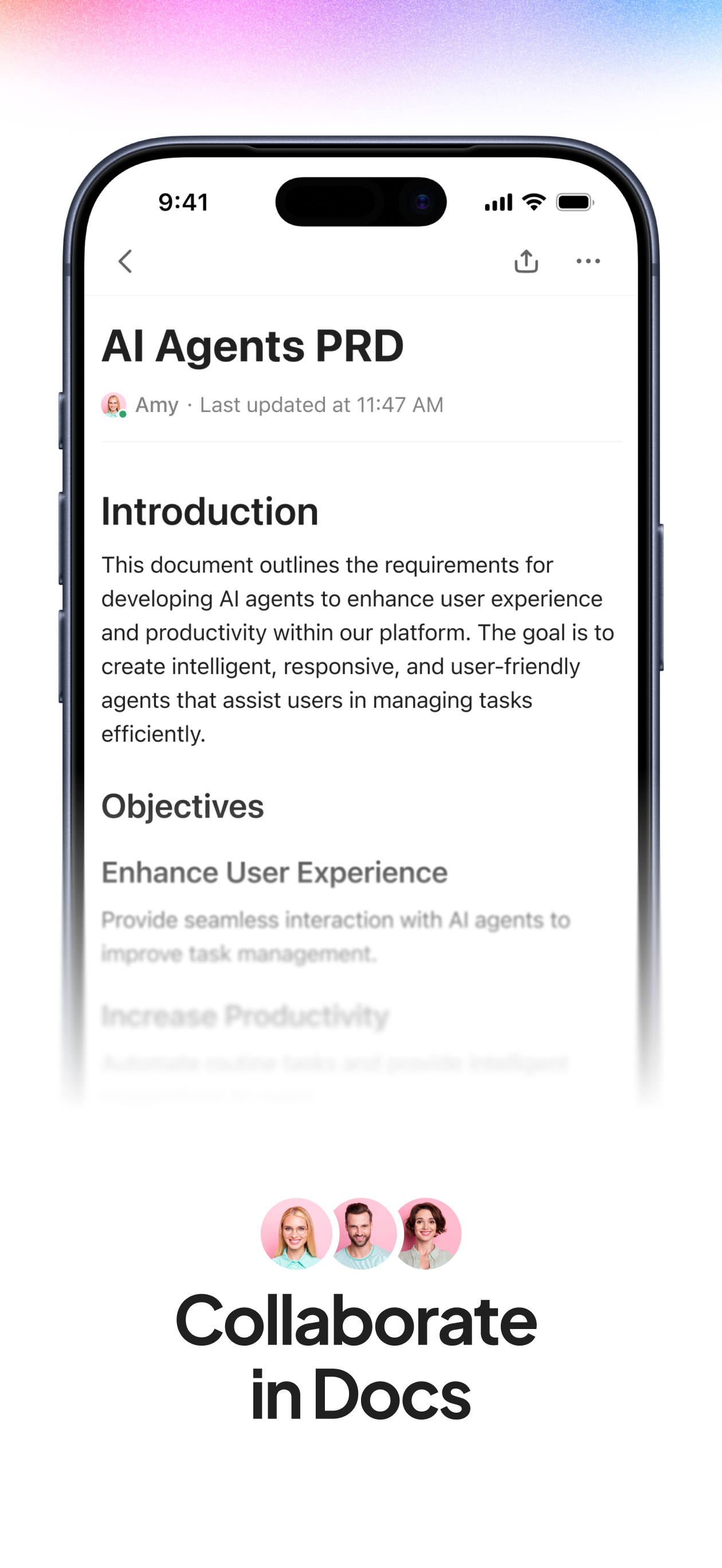
This mobile app isn’t great… It feels like someone started building an app, then slapped a web window into the parts they didn’t have time for yet. Things take a long time to load and it just lacks polish and refinement (especially as seen with the widgets looking like an iFrame embed on my Home Screen, with large dark borders around the content). For now, I’ll use the workaround of adding tasks to another app, then maybe automate them getting imported into ClickUp that way. Or use a ClickUp form. Either way, this app isn’t really useful to me. Hoping for more updates and improvements in the future! I LOVE ClickUp on desktop and think that the app is so well thought-out and executed there. 👏🏻 Update: They responded and thixed the iFrame embed look on the widget! Looks so much more at home now to get a quick glance at tasks. I’m realizing my issue with the app is the “My List” tab. The fact it removes the app nav from the bottom is frustrating, and it doesn’t seem to match the rest of the UI. Specifically, the column layout (for every view) doesn’t seem to make much sense. I’d rather the ability to add columns be added to the view settings, than at the end of every item. Ultimately, a simple list, with the ability to change statuses like the desktop app would be fantastic.
What’s 20 years working in corporate America, I have operated on a numerous number of platforms like Asana, meister task, and Base Camp, just to name a few. I will admit I did try downloading this once, but I looked kind of complex from the mobile app. But after wanted to try something new to manage my personal and professional tasks and goals, I gave it a whirl and dove into it had first and it’s mind blowing how many features you get even with the free version! It gives you a few automations, which is really nice for like auto assigning tasks to yourself, the web browser is very easy to navigate and I like the idea that you can tag all your favorites at the top to quickly navigate where you want to go. For an enterprise or an organization, needing a robust project management software, I could imagine any of the page versions being a ton of horsepower. For me personally the free version does more than I needed to do manage my own tasks. Thanks ClickUp you’re at the head of the pack.!
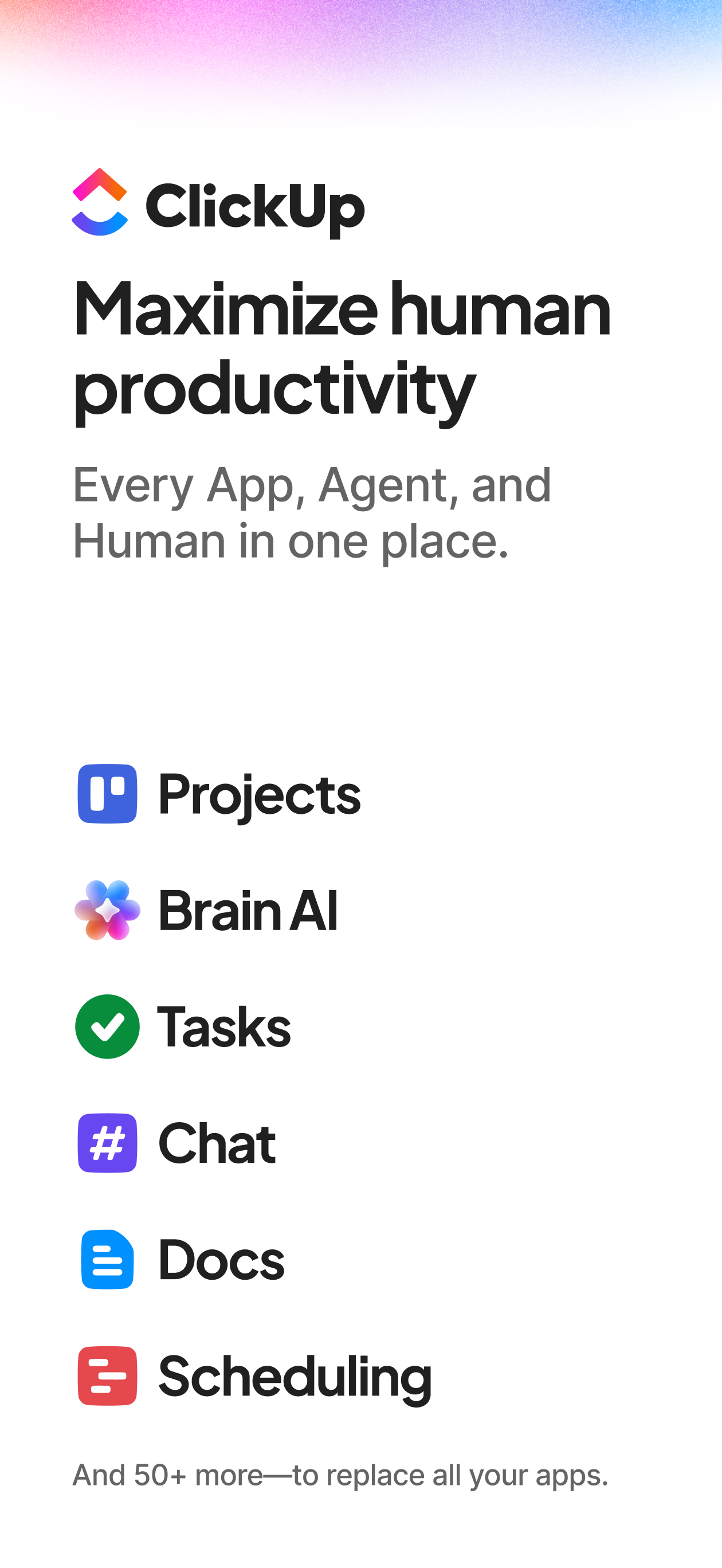
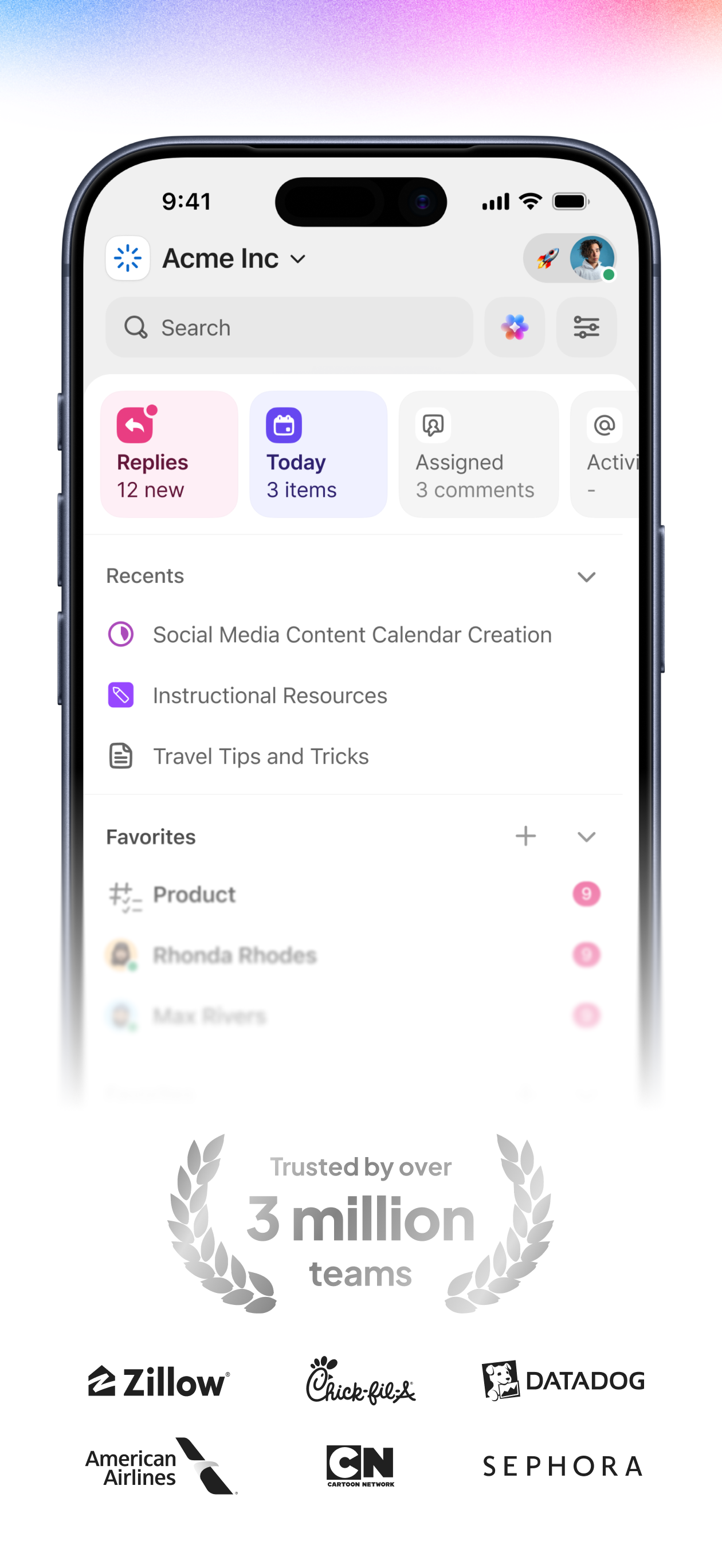
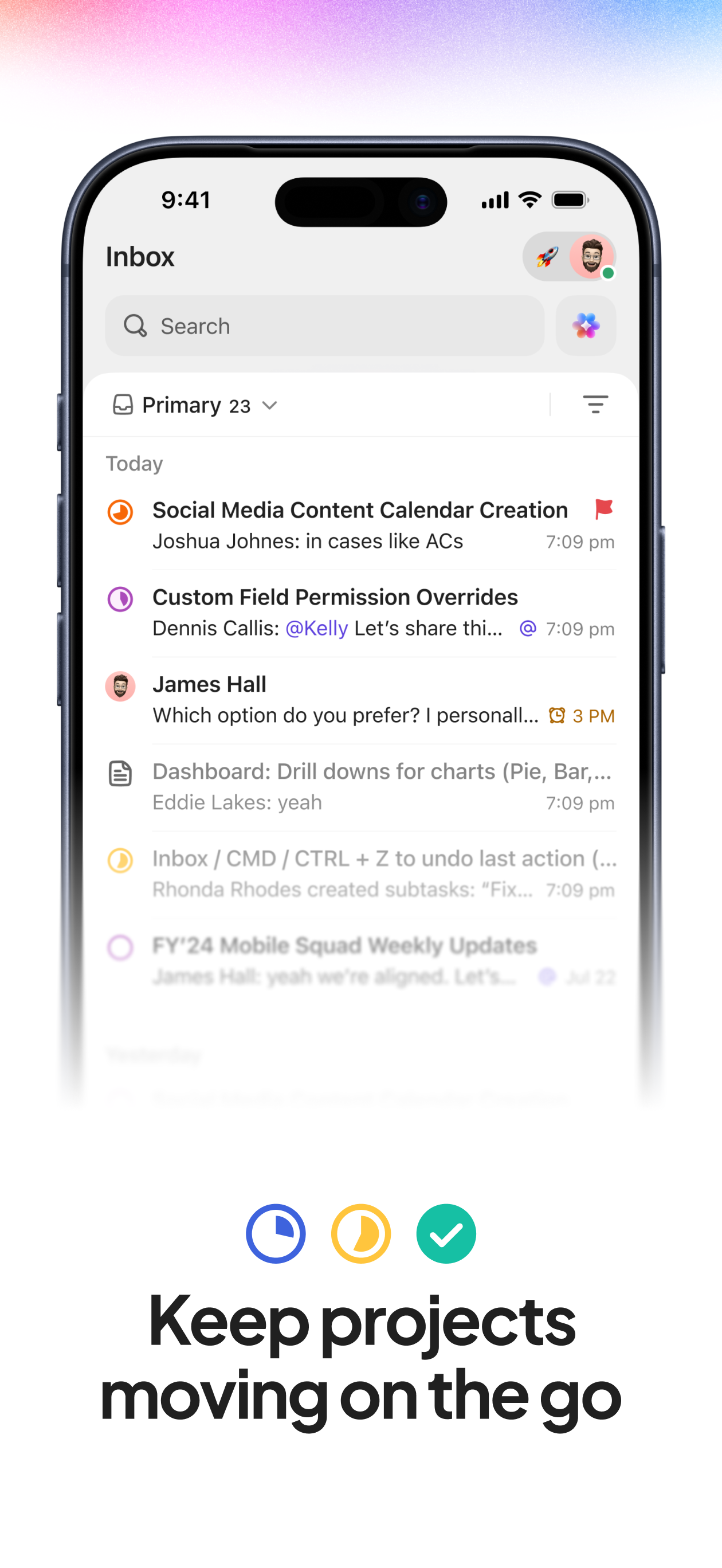
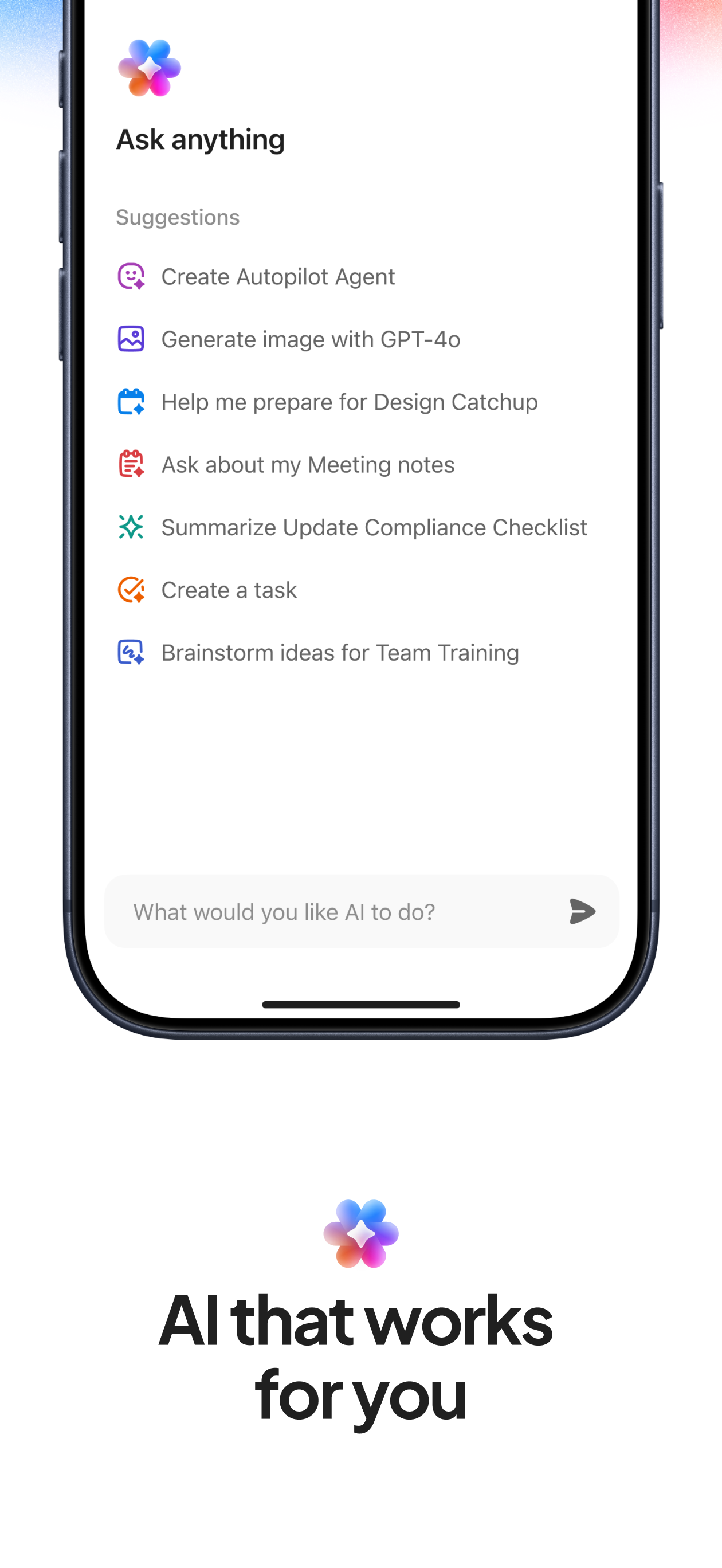
ClickUp is the world's most productive platform: all software, humans, and AI Agents - in one place. Maximize productivity by replacing all softwar...


