Check the acquisition promise
Read the store headline, screenshots and description. What problem is the app promising to solve?
Study the storefront ↗
Shiny Things · iOS
Explore the ad evidence, study the storefront, and build your next acquisition hypothesis.
01 / Creative research
Read the store headline, screenshots and description. What problem is the app promising to solve?
Study the storefront ↗Explore apps with direct store-link matches. Compare their hooks and formats without assuming the same approach works here.
Browse observed advertisers ↗Store rankings and revenue estimates describe market context. They do not establish ad spend, conversions or ROAS.
Review the market context ↗02 / Storefront & product
Study the product story and store experience behind the acquisition funnel.




03 / Market context
Keep revenue, downloads and store rankings separate from advertising performance.
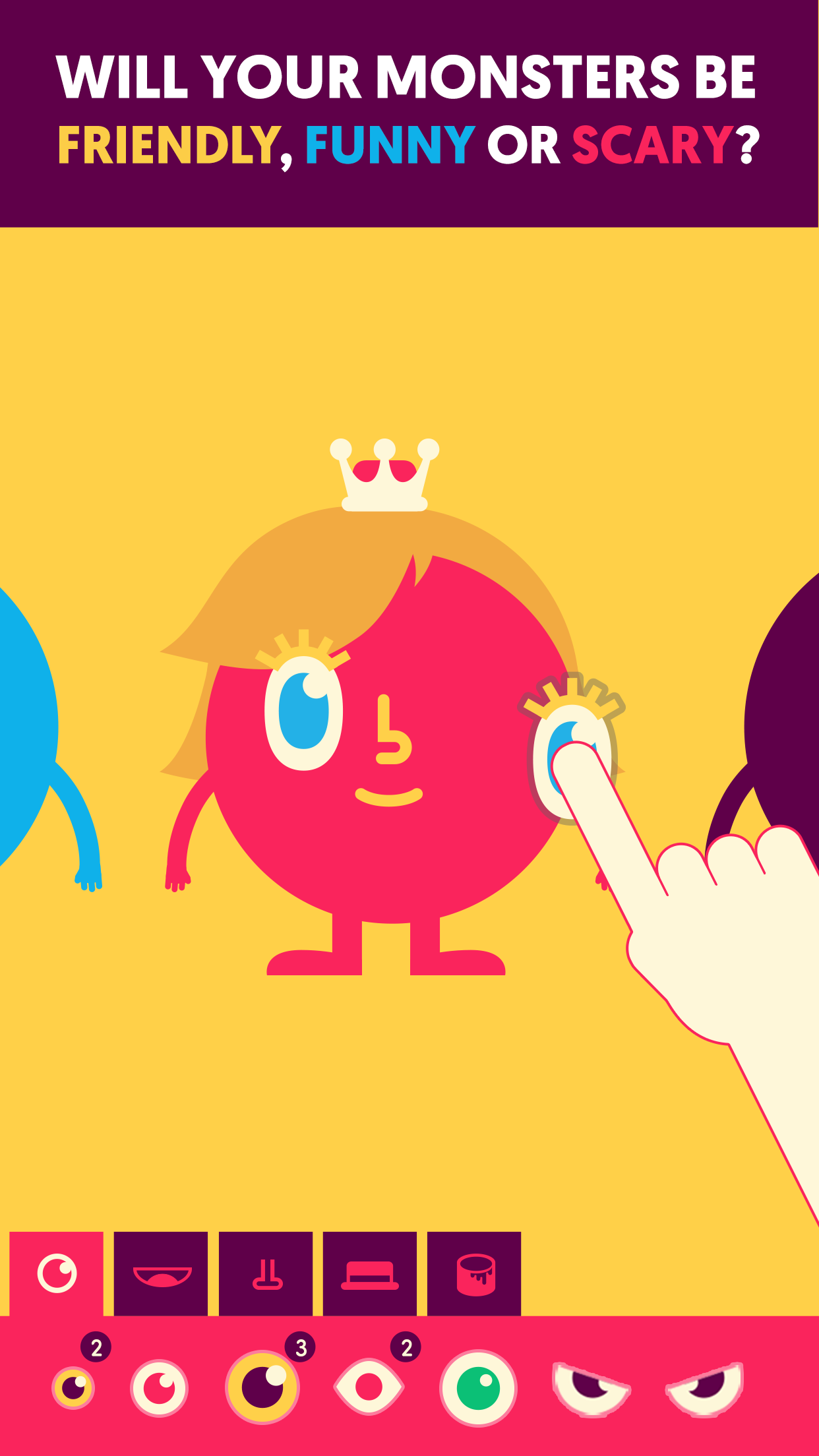
So basically my child plays this like its a normal game, just because of the little monsters that she finds cute and funny! Even though she is a lot older than expected for kids who use this to learn aka 10, almost 11, that doesn’t stop her from learning! But I have one problem with this, I don’t wanna spend money on this to help her learn any type of multiplication or division and I think it should just be free to help them learn how to multiply and divide, but overall, I really suggest this app for anyone looking to help their kiddo learn!
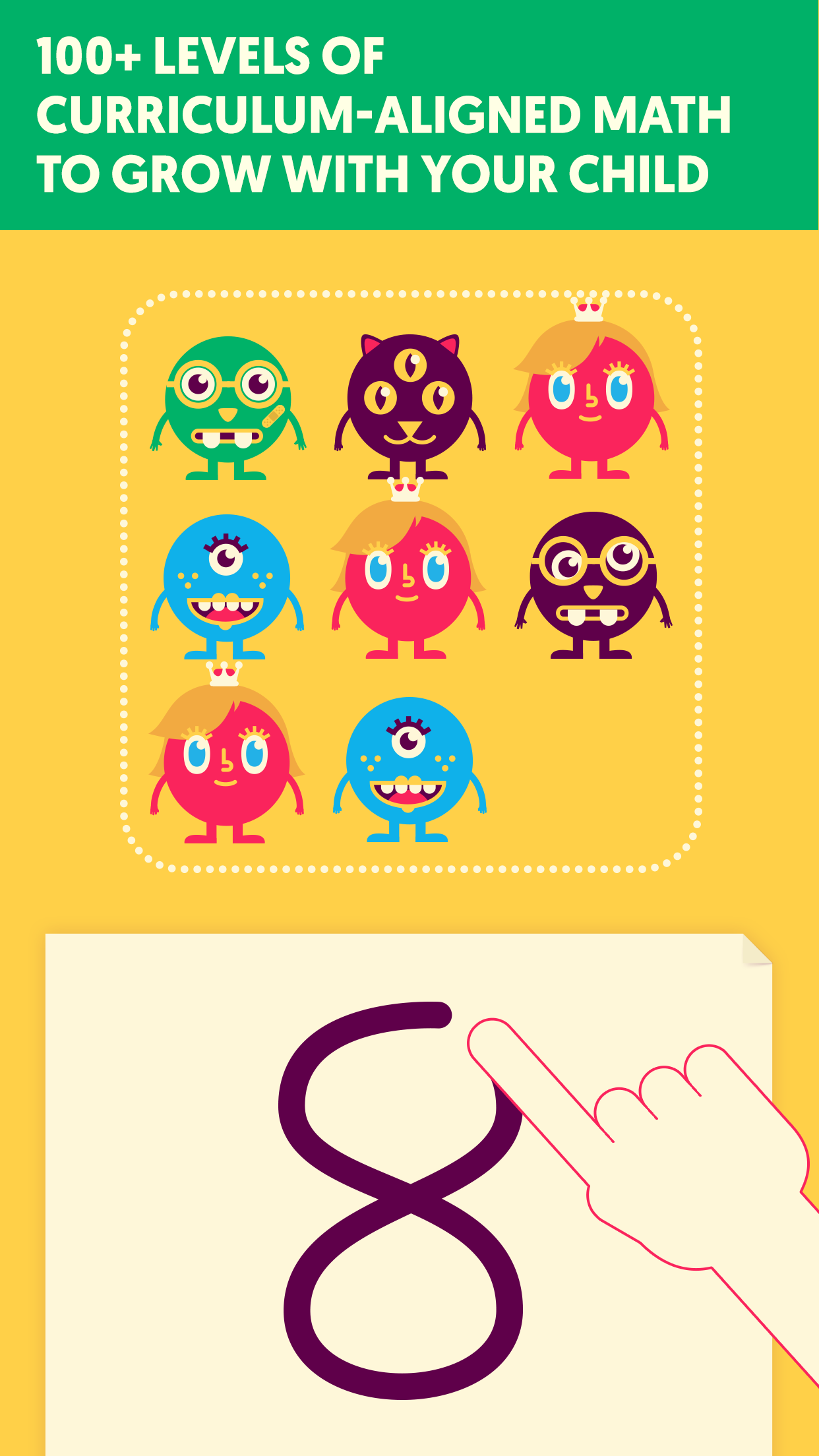
My 3 year old was getting 1/2 way through a lot of the areas and deleted his account. I don’t know how he’s going to react when he finds out but he won’t be happy. He had a bunch a bunch of monsters. Please lock this with some kind of parent action required for entering. Also he can go in the parents section and I don’t see the faded progress if he does.... There are a few minor things I notice. Maybe the monsters could point at numbers, balls or monsters that are already on screen. Such as the machine game where you are practicing addition. My son will sometimes put the whole number in the second part of the machine.....if he makes a mistake maybe a reminder that the left tub has something. He can add, count, compare and do some subtraction....writing is tough....maybe a keypad for children that cannot write or an option to toggle on learning writers so after choosing a right answer they are helped to draw the number.
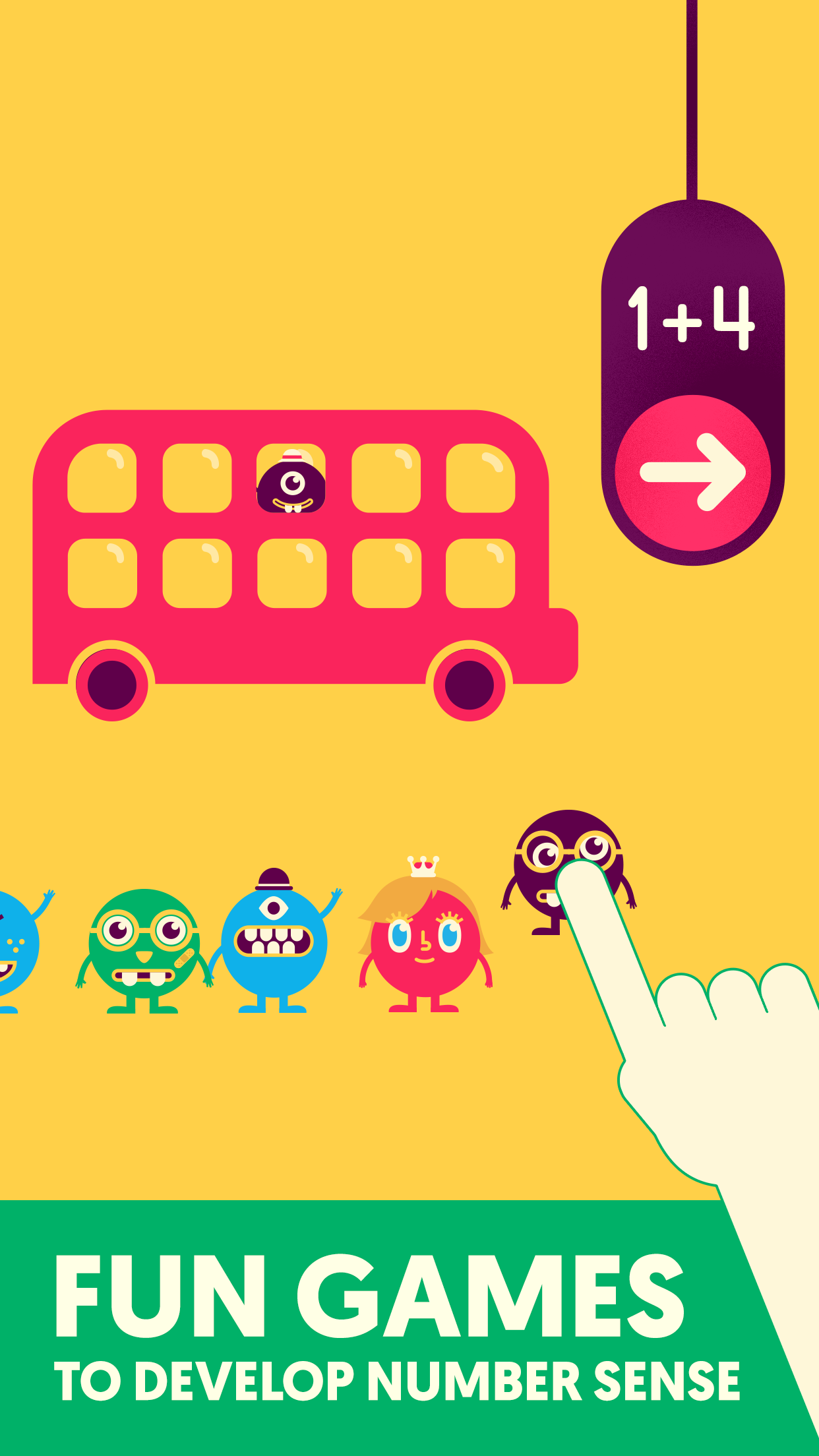
We have a 4&6 year old with completely different levels of learning and math skills, this helped both ages. Our four year old needs more help with number recognition and through its algorithms it saw her lack in certain areas and gave her more repetitive ways to learn and master. Our 6 year old is more advanced and the app quickly saw that and adjusted to his skill set quickly. They both start with the same questions but how they answer and how accurately they answer helps the system know what the next question should be. It's an amazing app, we purchased the full set because I know both kids will enjoy this for a while and get good use out of it for sure!!! Recommending to all friends!!!
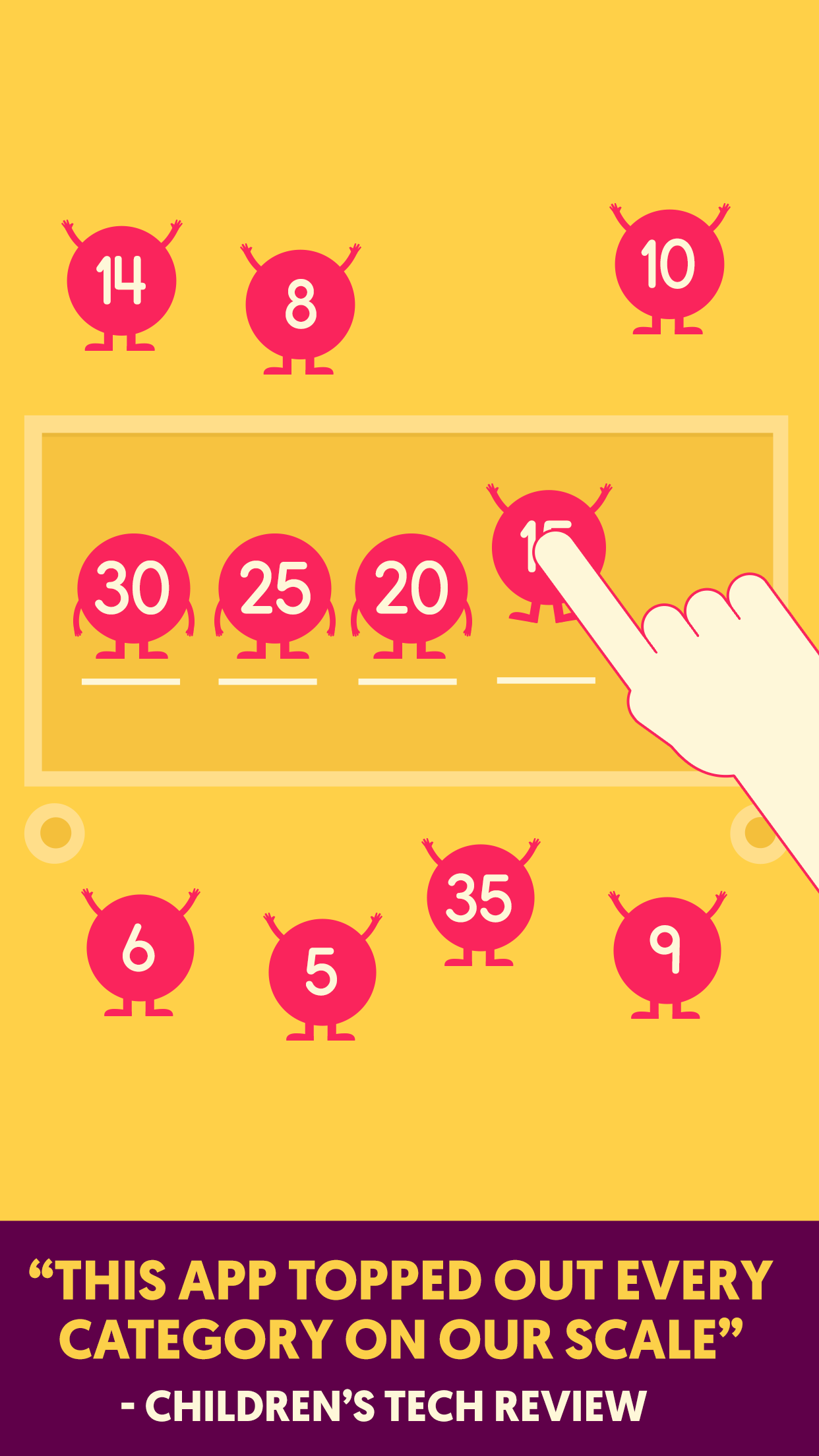
*Featured on the App Store* *Children’s Tech Review Parents’ Choice Award* *Top Rated by Balefire Labs* *REVERE Awards Finalist* Loved by teachers......
| Name | Price | Type |
|---|---|---|
| Spooky Town | $4.99 | One-time |
| Mad Science Island | $4.99 | One-time |
| Medieval Island | $4.99 | One-time |
| Unlock All Islands | $9.99 | One-time |