
Check the acquisition promise
Read the store headline, screenshots and description. What problem is the app promising to solve?
Study the storefront ↗
Lead the way, vl. Sebastijan Grabar · iOS
Explore the ad evidence, study the storefront, and build your next acquisition hypothesis.
01 / Creative research
Read the store headline, screenshots and description. What problem is the app promising to solve?
Study the storefront ↗Explore apps with direct store-link matches. Compare their hooks and formats without assuming the same approach works here.
Browse observed advertisers ↗Store rankings and revenue estimates describe market context. They do not establish ad spend, conversions or ROAS.
Review the market context ↗02 / Storefront & product
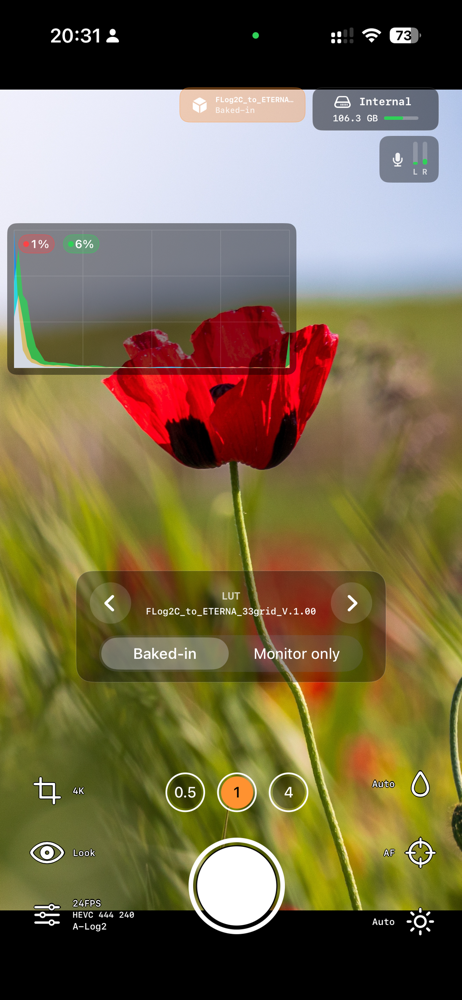
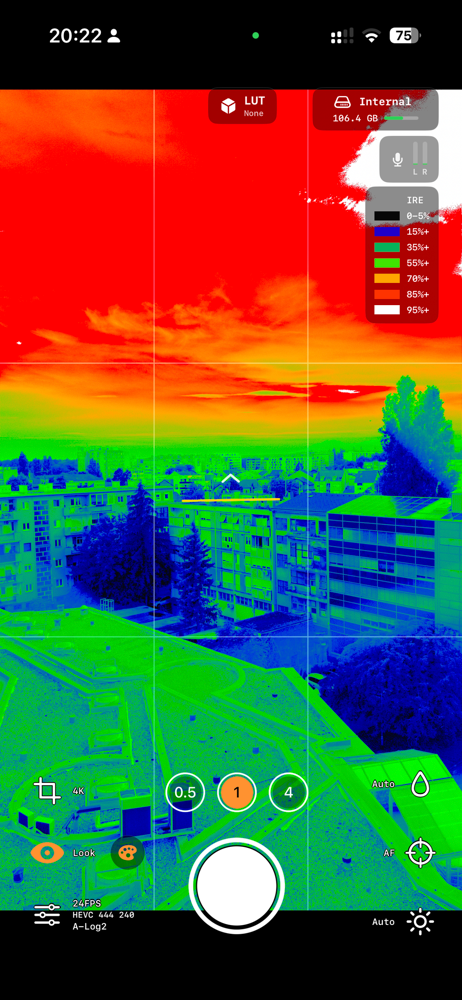
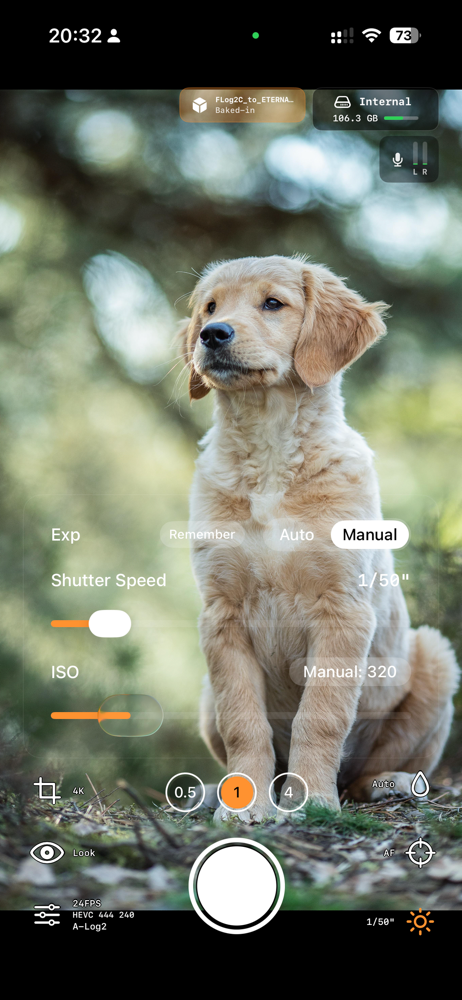
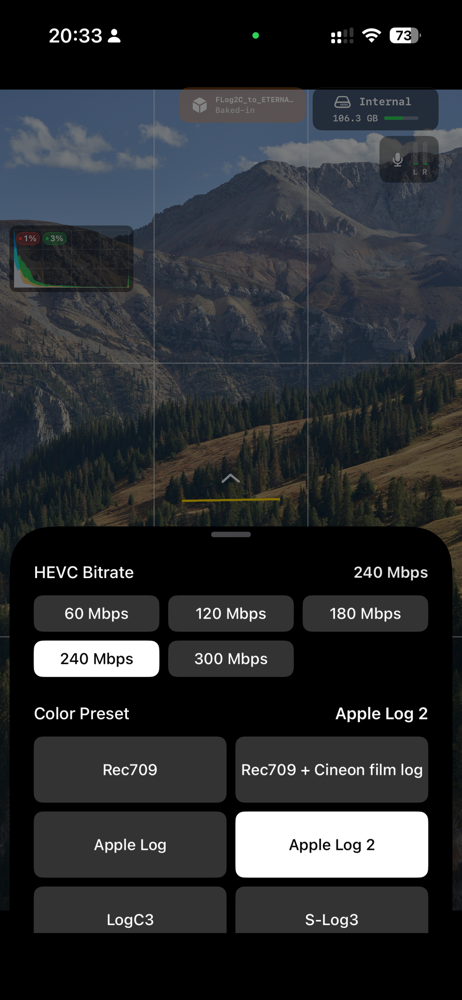
Study the product story and store experience behind the acquisition funnel.

03 / Market context
Keep revenue, downloads and store rankings separate from advertising performance.
iPhone 11 user: Ever since the newest update, I haven’t ran into the video processing error once! My biggest gripe with this app seems to have disappeared, and that has earned another star from me! This version feels so much more stable and I’m so proud of the developers and what they’ve created/are creating. Keep going!
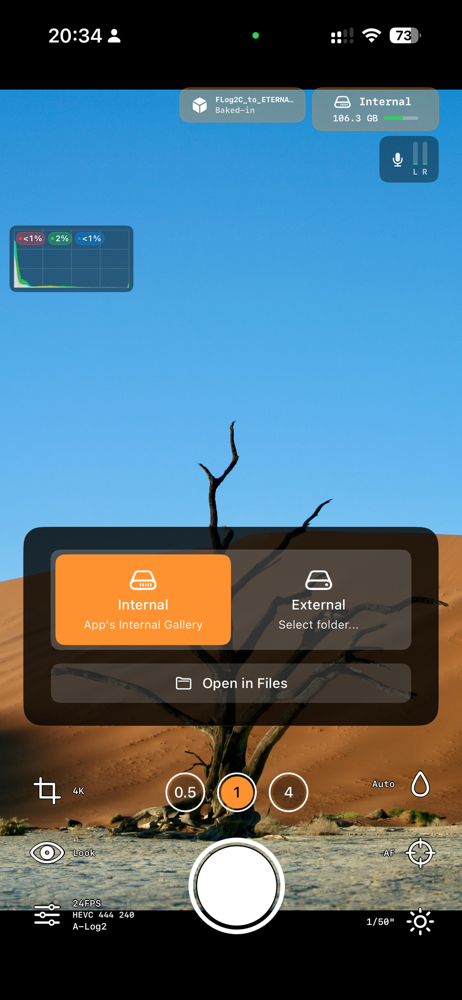
So firstly, I wanna say that the app is actually really really really rough. The UI is a far cry from something like mavis camera. There’s no exposure comp, audio meters, etc. And the cherry on top is that there’s no autofocus during recording. But what you get in return for all of that is the cleanest open gate image you’ll ever get on your iPhone and a whole hoist of features that simply makes me giddy. The fact that HEVC 444 is here, plus gyroflow, and that you can customize the bitrate and set the whole thing to slog 3 if you wanna match with your Sonys - mwah. Chefs kiss. Developer you’re definitely a camera nerd and I salute you for doing something so audacious for iOS. I bought the subscription and I’m leaving you a five star because I hope you continue this project, it seems like it’s in early days. Some feature requests: Auto exposure compensation slider Metering modes (wishful thinking) Being able to choose drop frame or non drop frame on 24 and 30 fps modes And the biggest thing that’s stopping me from recommending this the most - autofocus during recording Godspeed
Just wow, its amazing what this app opens your iphone up to. Bypassing all the apple processing and turning each frame into a video format for log is insane. Just that alone deserves 5 stars but it does need more stability and bug fixes and other features that are missing for filmmaking. A desqueeze would great for external anamorphic lens, better focusing so it doesnt crash the app. My only bug so far is when adjusting exposure using the built in false colors the app either crashes or the preview mode(zebras or false colors) just turns off and crashes and the app wont recorded after it. I gotta close the app and launch it back up again and try to adjust exposure again and hope it doesnt crash so i can hit record and film my scene. I’m on Iphone 15 base model if that helps.
Log Cam is a professional video camera app built for filmmakers who want more control from their iPhone. Pay once, own it FOREVER. The 10-day trial s...
| Name | Price | Type |
|---|---|---|
| Donation level 1 | $5.00 | One-time |
| Donation level 2 | $10.00 | One-time |
| Unlock Full App | $13.49 | One-time |
| Donation level 3 | $15.00 | One-time |
| Donation level 4 | $25.00 | One-time |
| Donation level 5 | $50.00 | One-time |
| Donation level 6 | $100.00 | One-time |


