
Check the acquisition promise
Read the store headline, screenshots and description. What problem is the app promising to solve?
Study the storefront ↗
ZHI QI · iOS
Explore the ad evidence, study the storefront, and build your next acquisition hypothesis.
01 / Creative research
Read the store headline, screenshots and description. What problem is the app promising to solve?
Study the storefront ↗Explore apps with direct store-link matches. Compare their hooks and formats without assuming the same approach works here.
Browse observed advertisers ↗Store rankings and revenue estimates describe market context. They do not establish ad spend, conversions or ROAS.
Review the market context ↗02 / Storefront & product
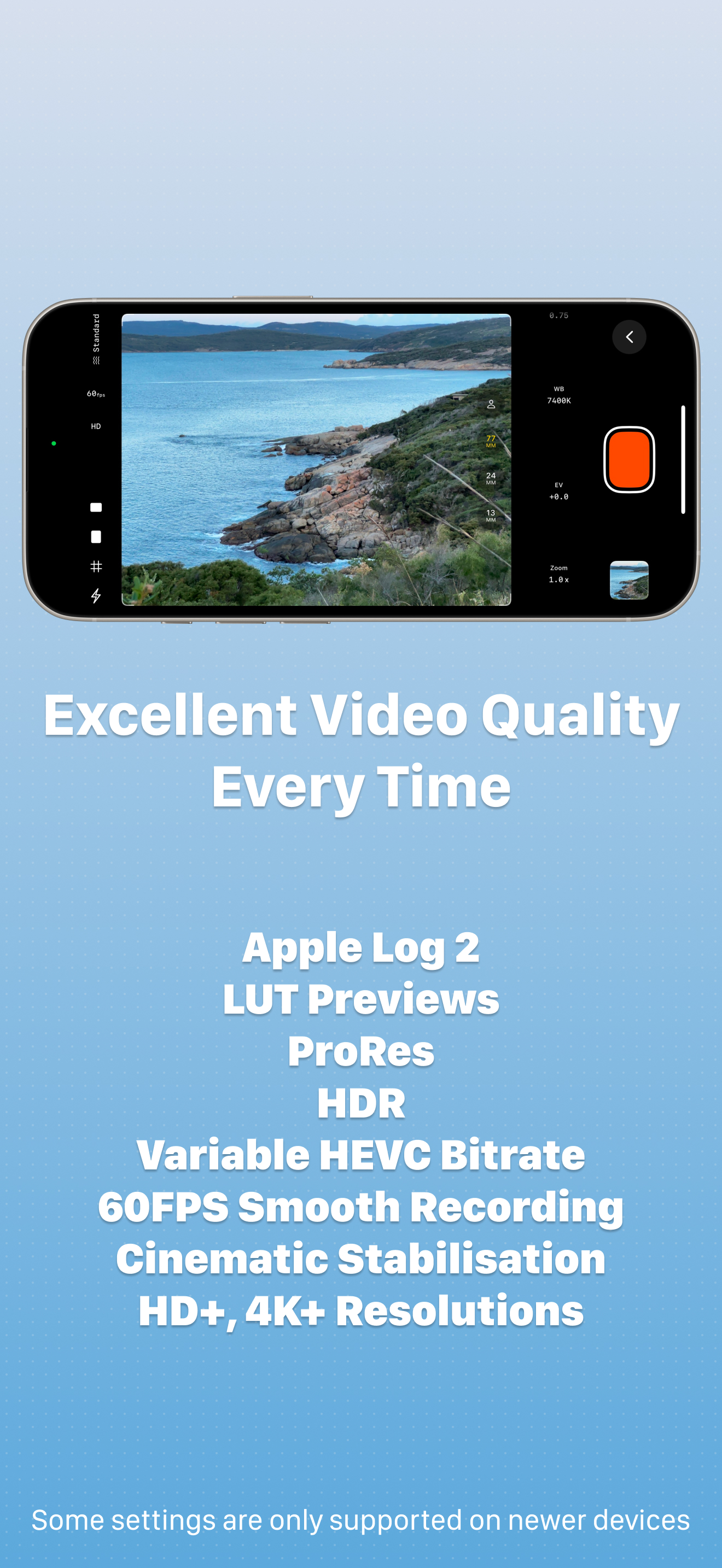
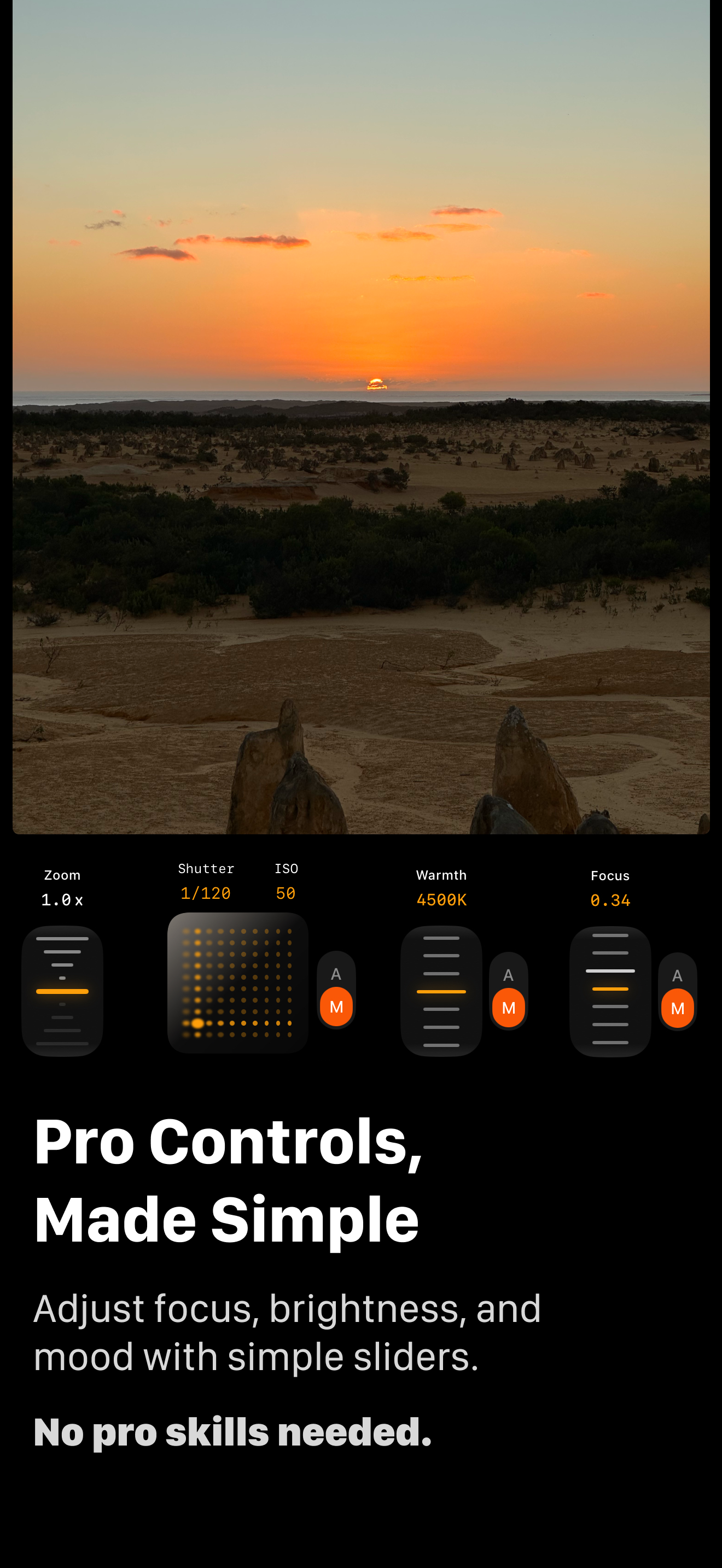
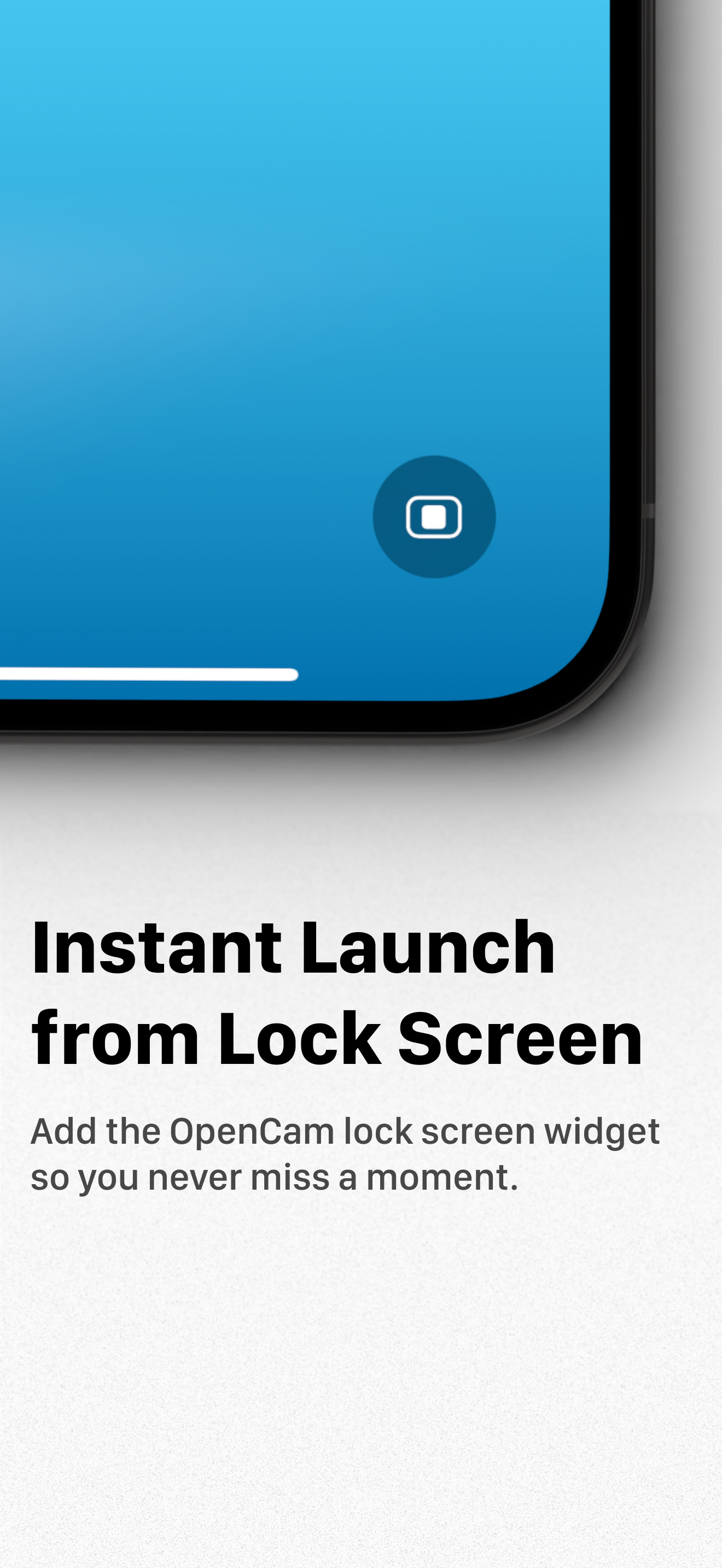
Study the product story and store experience behind the acquisition funnel.


03 / Market context
Keep revenue, downloads and store rankings separate from advertising performance.
I've seen others say there are alternatives, but if you actually want the whole sensor, this is the only video app I've seen to actually expose full sensor 4k video. even the built in quicktake video feature, at least for 15 gen and below iphones, can do full sensor video but only at 1440p in sdr. so despite having that feature that I have really been looking for in a camera app; all the other stuff people have said about the payments, and the fact that it wants access to my whole camera roll just to save anything is crazy. and makes this app not worth it for me. the 4k 4:3 video on here doesn't have any option for stabilization either, which I get might require a bit of a crop in, but I think that should be an option. idk, this app is too greedy and shady for me. it's probably trying to harvest your camera roll if you let it. especially since it holds saving any video at all hostage behind allowing it that full access. reply to the dev reply: okay, assuming nothing about this app has changed since I wrote the original review (I think a couple months ago), I don't remember what I was referring to by log in, so I'll take that specific piece out since you say it now as if you never asked for that. but downloading this app again now, it does still look like you want way more money for basic features that I am interested in spending, and it does still look like you require full camera roll access to save anything. for me this is not cool. you could save video with just add only permissions, or at the very least accept limited access with no photos selected like a lot of other 3rd party camera apps accept currently. I'm actually surprised this app distinguishes between full access and empty limited access granted and I see no reason to require my actual full camera roll to be shared with you unless you actually want to do something with my preexisting photos. maybe this is something you haven't considered, or some glitch in the permission check implementation in this app, but from my perspective this behavior looks weird.
I really like the simplicity to record open gate
I’m curious as to why I can’t shoot in 4k with the apple log colour space. I imagine that if it’s true open gate, shouldn’t it cover a sensor surface area that can resolve more than 4k if needed? I’m not an expert, so I’m curious. As for requested features, I’d love to have the ability to lock in my 180° shutter with a variable ISO that automatically compensates changing exposure. I’d also love some sort of tool to ensure correct exposure (like histogram or my favourite: false colour) I’d also like to see more aspect ratios with horizontal and vertical overlays you have at the top left-hand corner. I’d love to be able to punch in my wide screen, cinematic aspect ratio while recording. I’d also love to be able to rearrange the recording tools at the bottom of the screen (I’m a right hander and I would love to have the zoom button closer to my right side which I would use more often…instead of the focus button which I rarely use) Great app overall folks. Keep it up.
OpenCam is the Open Gate video camera app built for creators, filmmakers, and everyday users. Capture cinematic, immersive videos that’s easy to edit...
| Name | Price | Type |
|---|---|---|
| Pro Monthly (1 Month) | $2.99 | Monthly |
| Pro Yearly (1 Year) | $17.99 | Yearly |
| Pro Lifetime | $24.99 | One-time |


