
Check the acquisition promise
Read the store headline, screenshots and description. What problem is the app promising to solve?
Study the storefront ↗
Bitwise Solutions Limited · iOS
Explore the ad evidence, study the storefront, and build your next acquisition hypothesis.
01 / Creative research
Read the store headline, screenshots and description. What problem is the app promising to solve?
Study the storefront ↗Explore apps with direct store-link matches. Compare their hooks and formats without assuming the same approach works here.
Browse observed advertisers ↗Store rankings and revenue estimates describe market context. They do not establish ad spend, conversions or ROAS.
Review the market context ↗02 / Storefront & product
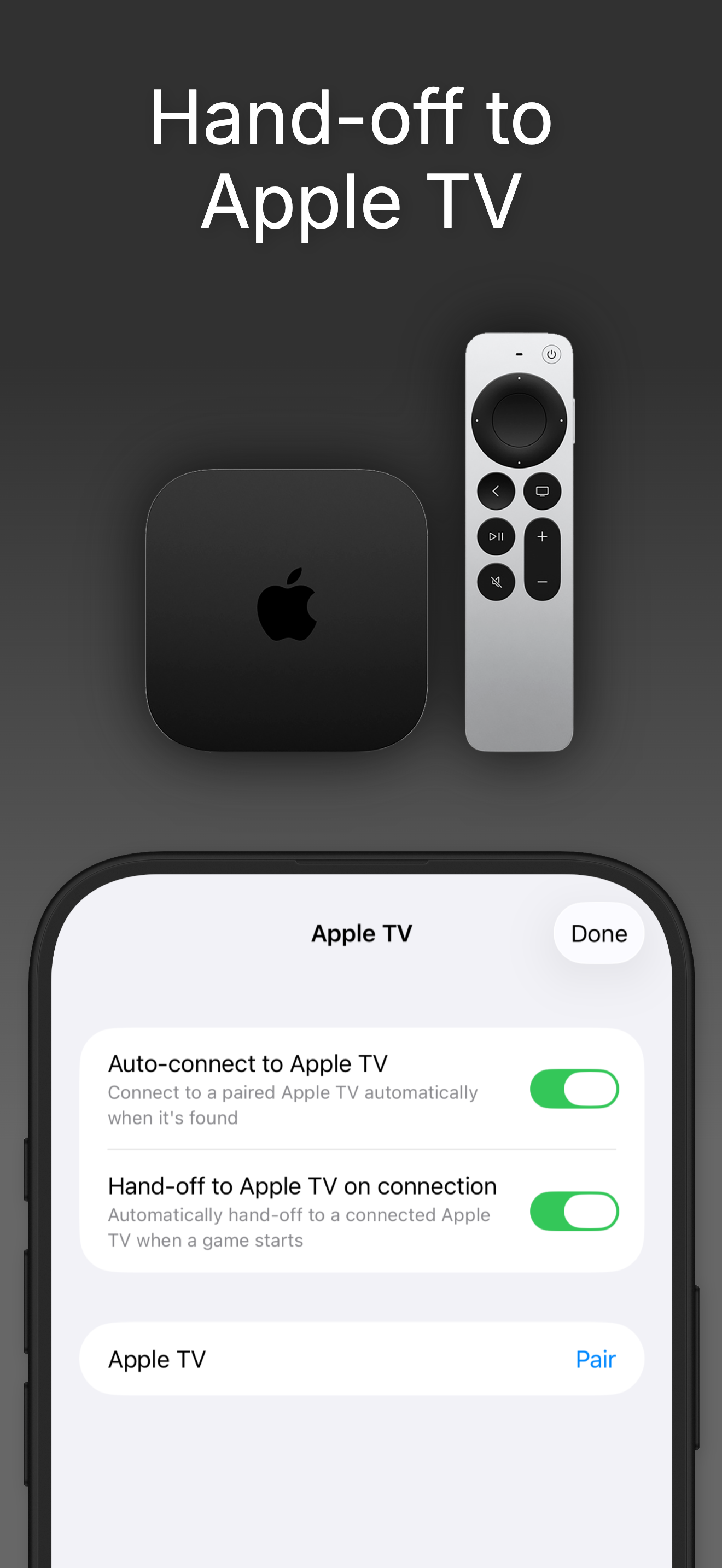
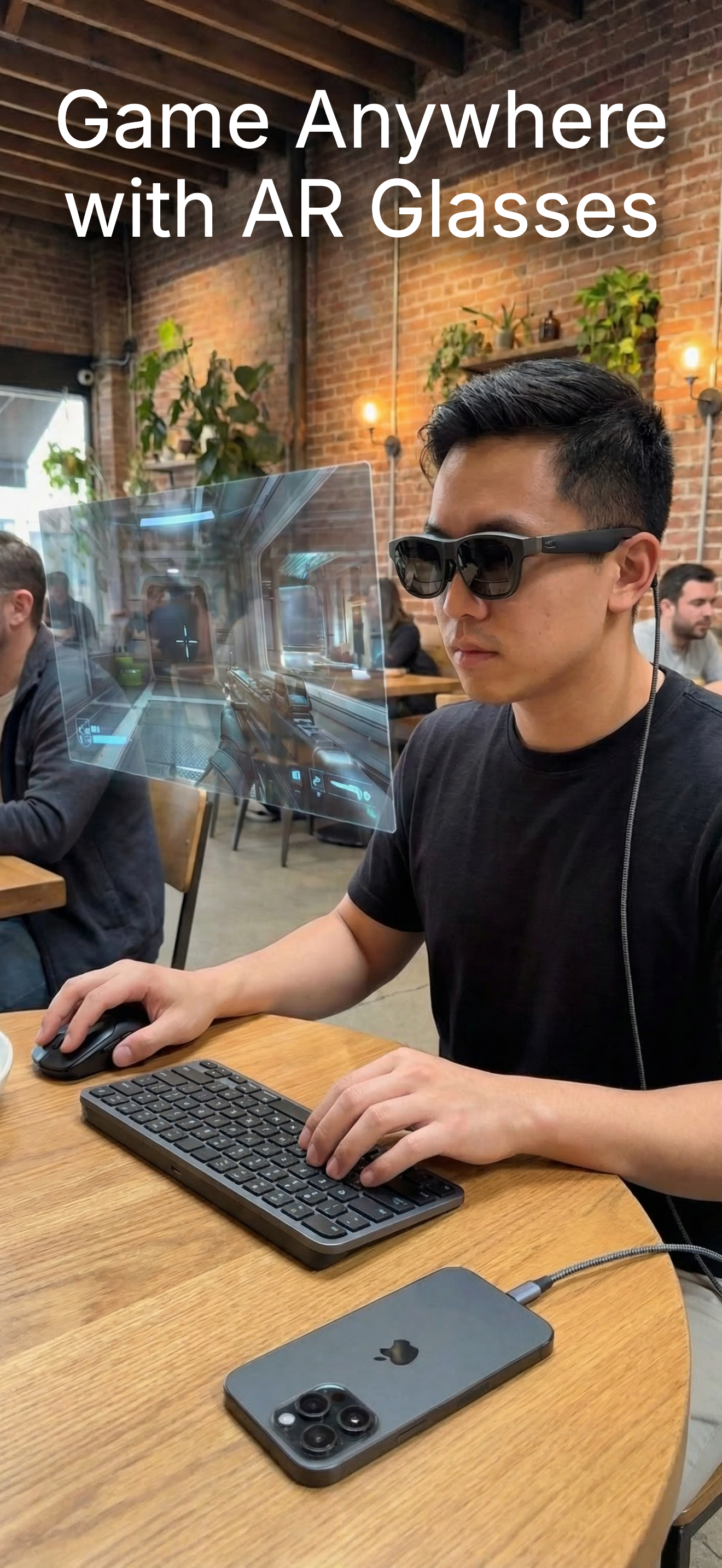
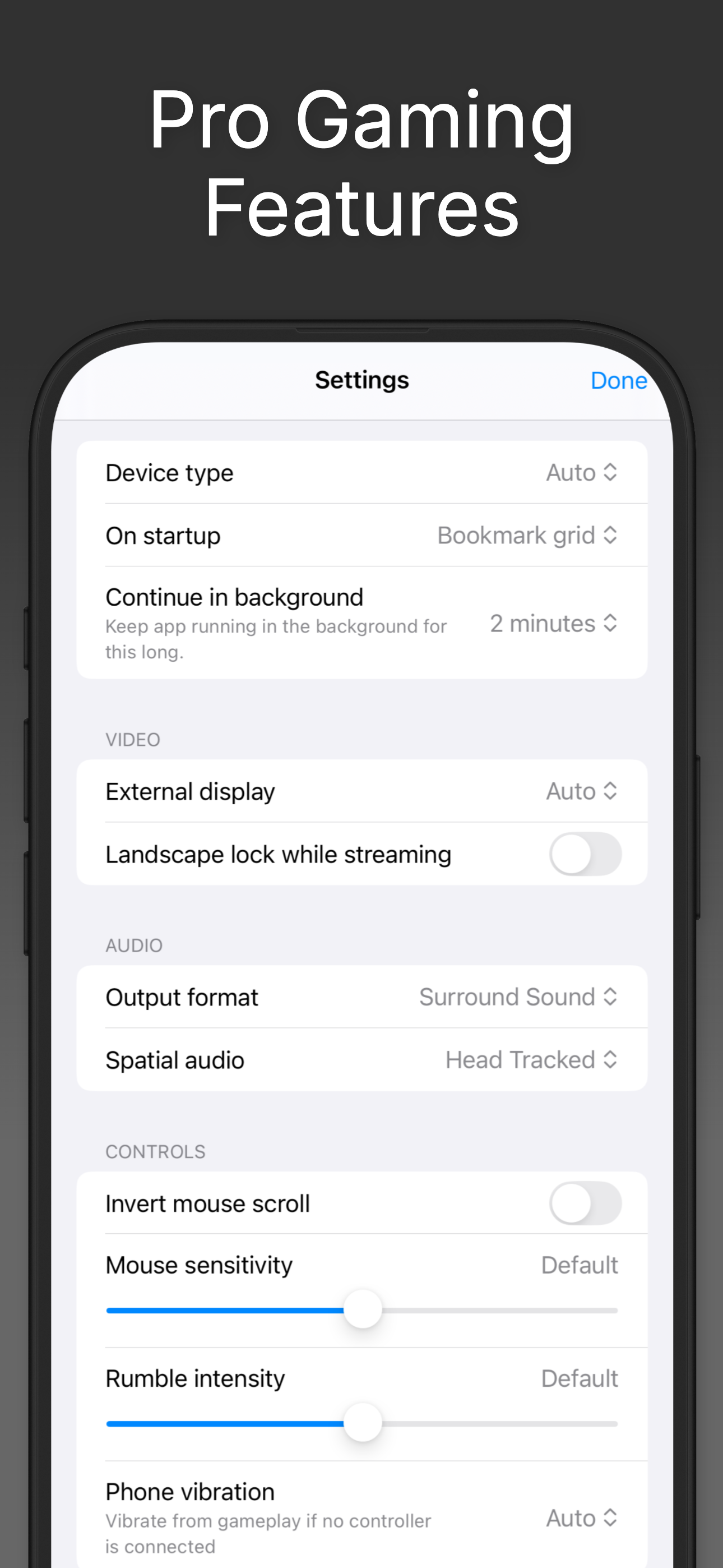
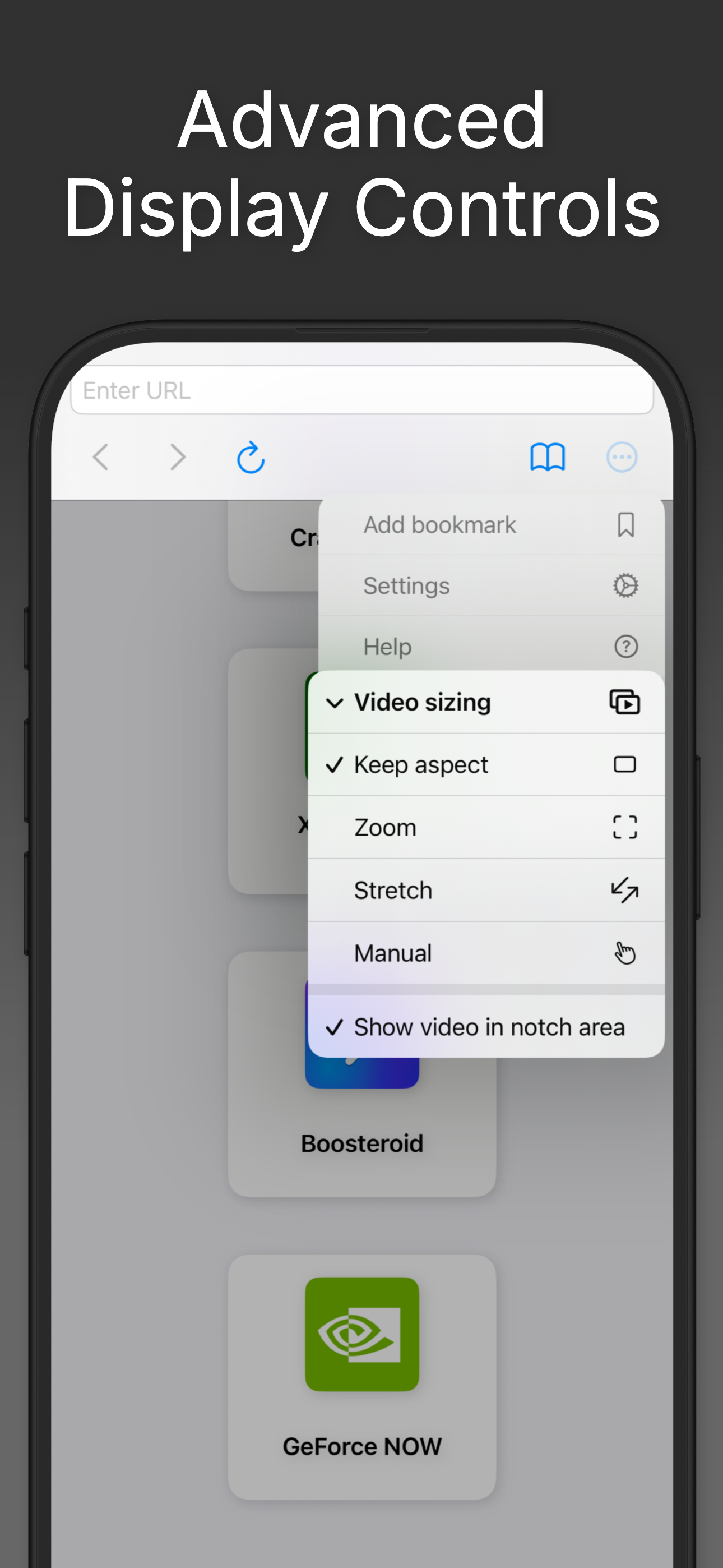
Study the product story and store experience behind the acquisition funnel.



03 / Market context
Keep revenue, downloads and store rankings separate from advertising performance.
I’ve been using nexus+ for a long time. Decided to give this app a try considering it’s made specifically for cloud gaming. The 7 day free trial is all you need to see how great this app is in comparison. I use GeForce now and I have to say it not only looks better than any others I’ve tried but it performs noticeably better. Playing on controller all of my inputs are more responsive which is a huge deal. I also really like that I can put GeForce now in the background and not have to worry about it closing my game randomly unlike the others I’ve used. Now I don’t take advantage of all the bells and whistles but this is the best app for cloud gaming I’ve ever used. Thank you guys, and I look forward to any improvements.
If you are looking for a browser app that can play modern non-mobile games, like anything on Xbox or PlayStation or Steam, this is the app for you. Using the web versions of any cloud gaming service, CloudGear allows you to use the iPad pointer to play PC games from basically any service. The iPhone app also allows you to automatically change screen orientation without unlocking it from the iPhone settings, like you would need to do in normal Safari. This is a game changer for me, and totally recommend using this app and joining the Discord for updates. If you are an Xbox user, this also has the ability to install Better xCloud natively without installing additional apps, and has a way to manually check for updates from the Better xCloud team, which is a plus. With your iCloud account, all of your bookmarks are saved to your account, which is transferable to a different device, like in sync with your iPhone and iPad. Buying the app outright is worth it or subscribing for a year also worth it.
Let me start by saying yes I gave it five stars but it is not perfect but it is very close if I’m being honest. I got this app for the soul purpose being I don’t have a PC to be able too play games on steam and this app makes that possible! I can just run this app and gforce through it and stream my phone too the t.v and there’s very minimal input lag and the games run pretty smoothly even on ultra settings for some games. Some of the down sides are the longer loading times for the app itself and some U.I issues being the icon too use the keyboard in game won’t appear sometimes. And sometimes when it does appear certain keys will not work.
CloudGear is the browser designed for gamers - custom-engineered to deliver the speed, visuals, and control that other browsers can't. Stream from GeF...
| Name | Price | Type |
|---|---|---|
| Full Unlock - 1 Month | $1.99 | Monthly |
| Full Unlock - 1 Year | $14.99 | Yearly |
| Full Unlock - Lifetime | $39.99 | One-time |


