
Check the acquisition promise
Read the store headline, screenshots and description. What problem is the app promising to solve?
Study the storefront ↗
Jannik Wortmann · iOS
Explore the ad evidence, study the storefront, and build your next acquisition hypothesis.
01 / Creative research
Read the store headline, screenshots and description. What problem is the app promising to solve?
Study the storefront ↗Explore apps with direct store-link matches. Compare their hooks and formats without assuming the same approach works here.
Browse observed advertisers ↗Store rankings and revenue estimates describe market context. They do not establish ad spend, conversions or ROAS.
Review the market context ↗02 / Storefront & product
Study the product story and store experience behind the acquisition funnel.


03 / Market context
Keep revenue, downloads and store rankings separate from advertising performance.
most of the bugs seem to be not understanding what version of the card it seems. For any of my Dalmatian puppies, even though I was adding it, it was adding the wrong number to include any of the puppies, so none of them were included. No idea what happened. for a handful of regular cards, it would detect the enchanted, and I would try to add it, but it was still not showing off the import for enchanted or regular. meaning it was just not taking inventory when I was scanning it no matter how many times I added it. I think this has something to do with numbers in the system and numbers on import for a dream born. and finally, many of the cards would show the wrong artwork, but it would show the correct title. It was a bit confusing, but those cards seem to be added just fine.
Would love to be able to have an auto add to collection without the need to touch the phone
I love how easy it is to scan cards, but find myself getting very frustrated at the scanner switching images right when I click the add button, then have to go back to the collection, and since I may not know the card it accidentally added, I have to try to guess which one it is. Having the collection view by most recently scanned would be fabulous. There are some cards that are mismatched, and the Dalmatian Puppy Tail Wagger does not differentiate between a, b, c, d, e which is a bummer. Because this app exports to csv, I am hopeful that I can make these changes directly in a spreadsheet. I LOVE that feature, and really think the official Lorcana app is missing out by not including that, so kudos to you for being smart, lol. The scanner is quick, and easy to read. One more suggestion would be to have the ability to modify an entry that has multiple rarities. There is a Namaari card that was only coming up as the Enchanted version, which is not what I have. There are also several promo cards I have that scan in as the regular version. I have high hopes for this app, and have really enjoyed being able to scan my collection in. Thank you so much!
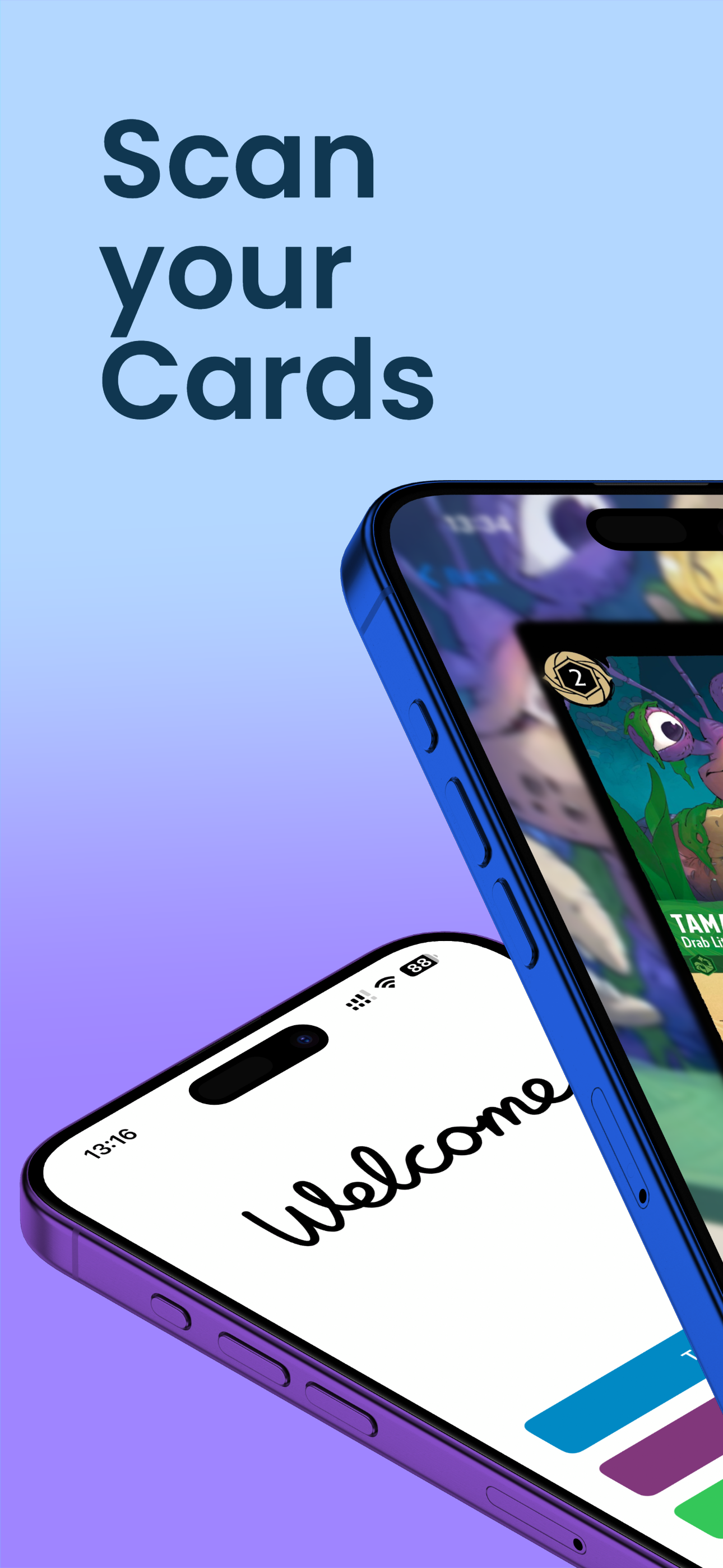
Glimmer.Ink: The Ultimate Disney Lorcana Trading Card Game Scanner Effortlessly scan and catalog your Disney Lorcana Trading Card Game collection wit...


