
Check the acquisition promise
Read the store headline, screenshots and description. What problem is the app promising to solve?
Study the storefront ↗
Harvard University Employees Credit Union · iOS
Explore the ad evidence, study the storefront, and build your next acquisition hypothesis.
01 / Creative research
Read the store headline, screenshots and description. What problem is the app promising to solve?
Study the storefront ↗Explore apps with direct store-link matches. Compare their hooks and formats without assuming the same approach works here.
Browse observed advertisers ↗Store rankings and revenue estimates describe market context. They do not establish ad spend, conversions or ROAS.
Review the market context ↗02 / Storefront & product
Study the product story and store experience behind the acquisition funnel.



03 / Market context
Keep revenue, downloads and store rankings separate from advertising performance.
--> second review/update great design, intuitive facilitates planning get it done on the couch or the throne! -------> my first review From opening the account to calling w random question HUECU is an anomaly bc of their brilliance. Systems are well thought out and programmed it seamlessly. No glitches to speak of and if anyone starts w them can’t see any reason to leave period. Bank of America, Citizens, Webster can’t hold a stick to HUECU and this old saying is a perfect reflection how HUECUs service, products, and paperwork make it truly a benefit to help manage life’s challenges a little easier. Thank you for reading and “no” I was not paid to write this. Best Brian
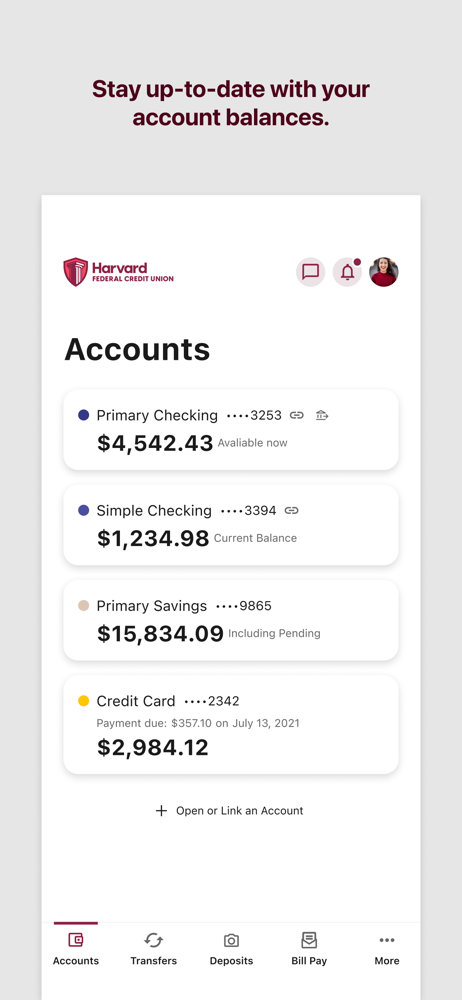
I love how easy it is to use this app. I can get account information on the go and is super convenient. I like how I am able to get up to date account balances with a few clicks.
For the most part the app works reasonably well for my purposes—seeing my balances and transaction history in detail is nice but I would like to see some improvements. My ipad is set up for face recognition, and so it’s nice that the huecu app uses this as a convenient way to log-in. Howver, since the app only works in landscape view, my hand is usually blocking the camera and so sometimes I have to enter credentials manually. It would be nice to correct this problem, perhaps by allowing the app to be used in portrait orientation. I often find it difficult to find the logout button. I see where it is now, but the placement of it all alone on the opposite side from a long array of other buttons seems really odd and unexpected to me.
Harvard FCU Digital Banking is a quick, easy, and secure solution to banking anywhere, anytime. With Harvard FCU Digital Banking, you can: • Deposit...


