Check the acquisition promise
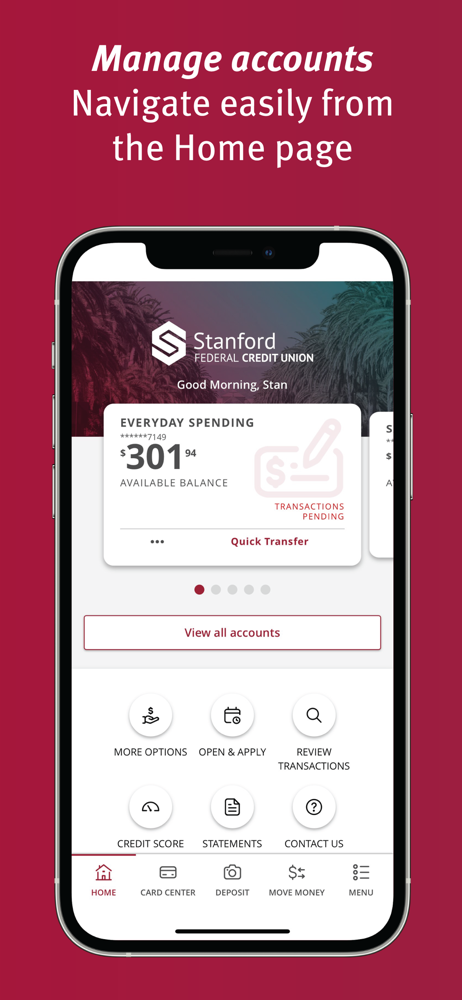
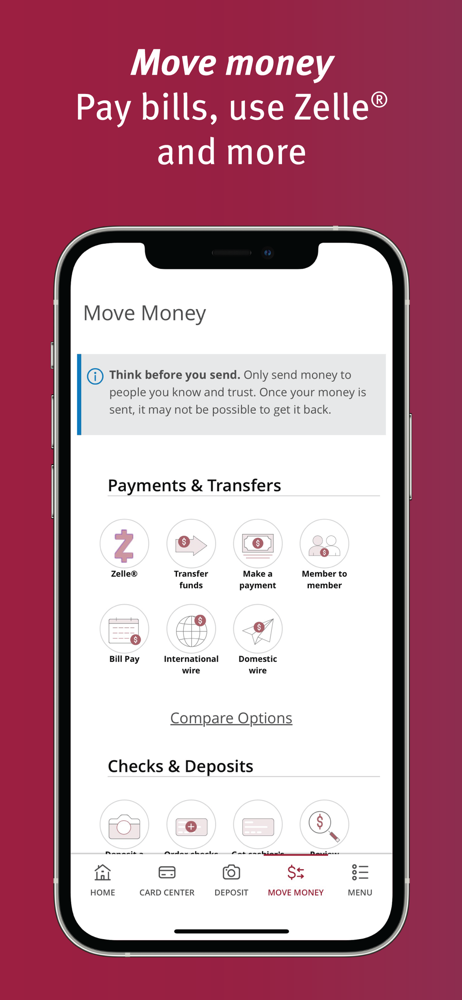
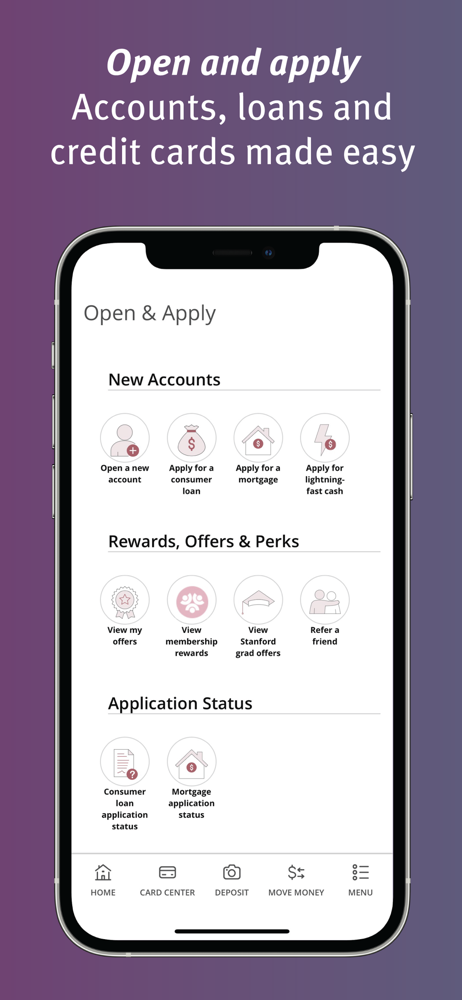
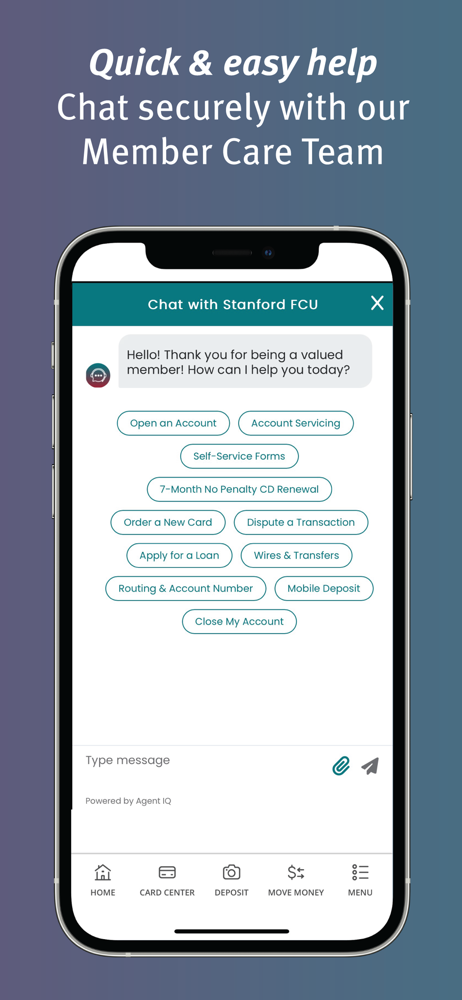
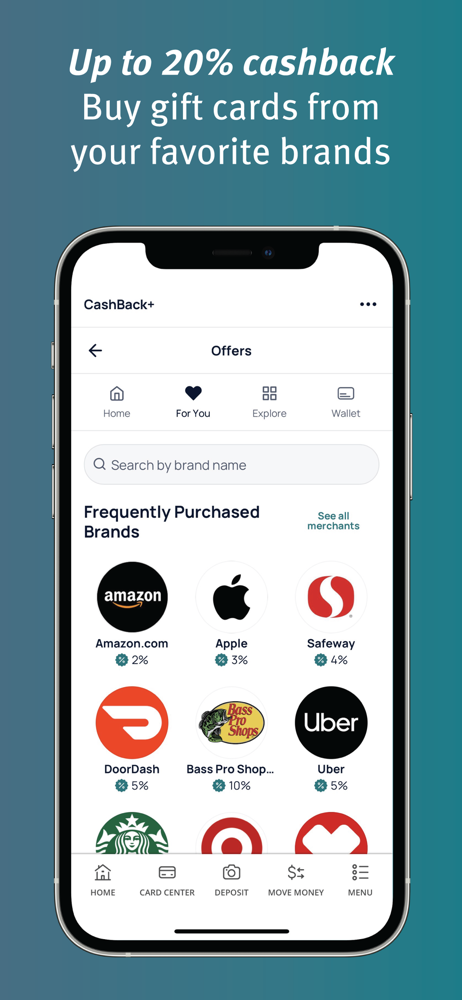
Read the store headline, screenshots and description. What problem is the app promising to solve?
Study the storefront ↗
Stanford Federal Credit Union · iOS
Explore the ad evidence, study the storefront, and build your next acquisition hypothesis.
01 / Creative research
Read the store headline, screenshots and description. What problem is the app promising to solve?
Study the storefront ↗Explore apps with direct store-link matches. Compare their hooks and formats without assuming the same approach works here.
Browse observed advertisers ↗Store rankings and revenue estimates describe market context. They do not establish ad spend, conversions or ROAS.
Review the market context ↗02 / Storefront & product
Study the product story and store experience behind the acquisition funnel.



03 / Market context
Keep revenue, downloads and store rankings separate from advertising performance.
I love this bank. The app is cool (I haven’t gone through all the features and functions yet … 🤷🏾♂️). I love this bank for many reasons (too many to name). For starters, I came out here from Georgia. I ran out of cash, so I needed a credit union that ‘sister-traded’ … I was almost destitute … my debit card was severely compromised and had purchases that I didn’t make, so I disputed the charges. My bank in Georgia cancelled the card and refunded/restored my money. I had to wait at least 10 days to receive a new card from them. I desperately needed a bank to get me some cash from my account across the country. SFCU was the ONLY credit union in the Bay Area that would ‘sister-trade’ with other states’ credit unions. Even without a debit card, they got me some cash from my Georgia Credit Union account. Once the woman at the bank handed me $1000 cash from my out of state bank account, I IMMEDIATELY opened an account with SFCU. I’m a licensed electrician here and SFCU took care of me. Every time I go to a SFCU location … i am treated with sheer excellence … even in humor (really). So, the app can’t be too far behind the excellence that they have shown me thus far … 👍🏾
Sorry for being critical, but this is an honest opinion, and I believe by hearing it you will be able to improve it. When comparing sfcu’s app to chase’s or capital one’s, it falls quite below in terms of user experience and speed. It seems to me it isn’t a native application, it feels it was bulto on top an old framework; that’s why you experience a quite slow response when clicking on call-to-actions. Making payments isn’t a quite straightforward flow, it requires too many steps: visiting the payments tab, click the account etc; a better UX would have been to have the payment button right on top of the account transactions details. Also in the account transactions, a parenthesis isn’t a clear cue to tell the user it’s a credit (+) on the account. Rather than using parenthesis, I would use colors to distinguish between a charge and a credit on the account. Two features I love are the ability to group accounts by name and the details tab, right next to transactions, it gives you a quick snapshot of your account details. Most banks usually have this feature hidden two to three levels down. I appreciate you guys made it quite accesible. Credit card rewards, this I can’t find in the portal or if it’s there it’s not very discoverable. I suggest that you put how much the user has accumulated and a link to the rewards page as well as the number of transactions. I would find useful to know I have swiped my card at least 20times to keep my ambassador status. I usually have to count the transactions manually. I hope this helps
I have always preferred logging on to my desktop computer to handle banking matters so when an SFCU encouraged me to get the app, I was hesitant. I figured I’d give it a chance just in case. That was 2 years ago. Who knew that since then, I’d deposit checks, apply and get approved for a loan, make credit card payments, and transfer funds completely on the app! It’s incredibly easy to use and very intuitive. There have been a few times I couldn’t find a feature so I’d ask an SFCU rep and they’d tell me how to find what I was looking for! Overall, I’d say that I use the app more than logging into my account on my desktop computer. I love the app and am so glad I have it. I encourage you to get it on your phone!
Stanford Federal Credit Union says YES to our member’s financial success with lots of cash bonuses, great rates and minimal fees. Our Digital Banking...