Check the acquisition promise
Read the store headline, screenshots and description. What problem is the app promising to solve?
Study the storefront ↗
Empatica · iOS
Explore the ad evidence, study the storefront, and build your next acquisition hypothesis.
01 / Creative research
Read the store headline, screenshots and description. What problem is the app promising to solve?
Study the storefront ↗Explore apps with direct store-link matches. Compare their hooks and formats without assuming the same approach works here.
Browse observed advertisers ↗Store rankings and revenue estimates describe market context. They do not establish ad spend, conversions or ROAS.
Review the market context ↗02 / Storefront & product
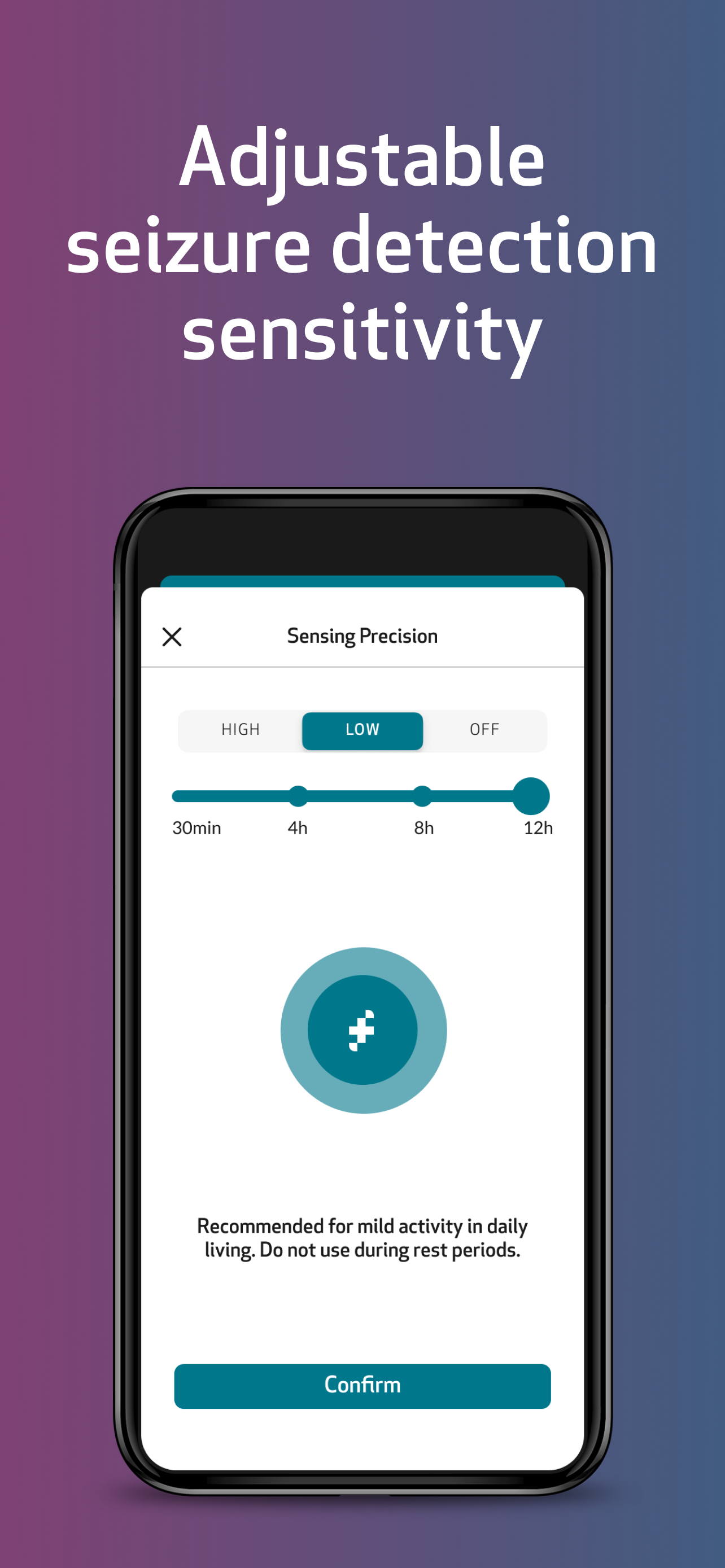
Study the product story and store experience behind the acquisition funnel.



03 / Market context
Keep revenue, downloads and store rankings separate from advertising performance.
I use this for my 8 year old. There are several areas of improvement needed. (1) There needs to be a caregiver version of the app for my phone. (2) There should be the ability to set a schedule for things. Example: Set the sensing to LOW every day at a certain time and back to HIGH at a certain time. I try to remember to turn it to low for school, but sometimes forget which leads to false alerts while she is at school and panic for me waiting for the nurse to send the all clear. (3) The sleep info isn’t very accurate or useful. (4) For the watch only- my daughter has had it for about a month and the band loosens constantly and is falling apart already. (5) Ability to mark multiple false alerts at once. When she has a hard day, she gets quite frustrating and can sometimes set her watch off several times. It’s time consuming to mark each individual alert as a non-seizure, then wait for it to clear. (6) Bluetooth range isn’t great. (7) In future models, a touch screen to cancel alerts. My daughter struggles to get them cancelled accurately on the watch. And she’s not quick enough to get her phone out of the pouch. (8) Some way to make the app stay open or auto reopen. She closes it out completely all the time without realizing.
I recently began utilizing the EpiMonitor trading in my Embrace 2 Seizures Watch. While I appreciate the various features offered by these devices, I have faced some challenges when logging additional triggers during manual seizure recordings. At times, the experience can be somewhat disorienting, and there are instances where the device does not successfully detect a seizure event. Nonetheless, this product holds considerable value and has been a beneficial tool for my needs.
Bought this for my 9 year old who suddenly had a major seizure and almost died. It has to be near a phone (super close, upstairs it won’t work). He doesn’t have a phone because he is a child. Therefore it is absolutely worthless. I had to google the best things to detect seizures and this is one of them. I cannot imagine this working for kids though and they did not tell me he would have to have his own phone for it to work it’s. It makes no sense as a monitor because if he is more that 30 feet from my phone it stops working. And the levels of basing, standard, and premium are drastically different things you get. With the basic you only get the high level sensor which is for sleep only. The standard gets you the option to change the levels and the premium gets the data collection they state they have. Hoping to get the refund as I am not buying a phone for my son at 9 with downloading the app that charges more than the Apple Watch will. The Apple watch allows him to call me and also can download an app to track for half the price.
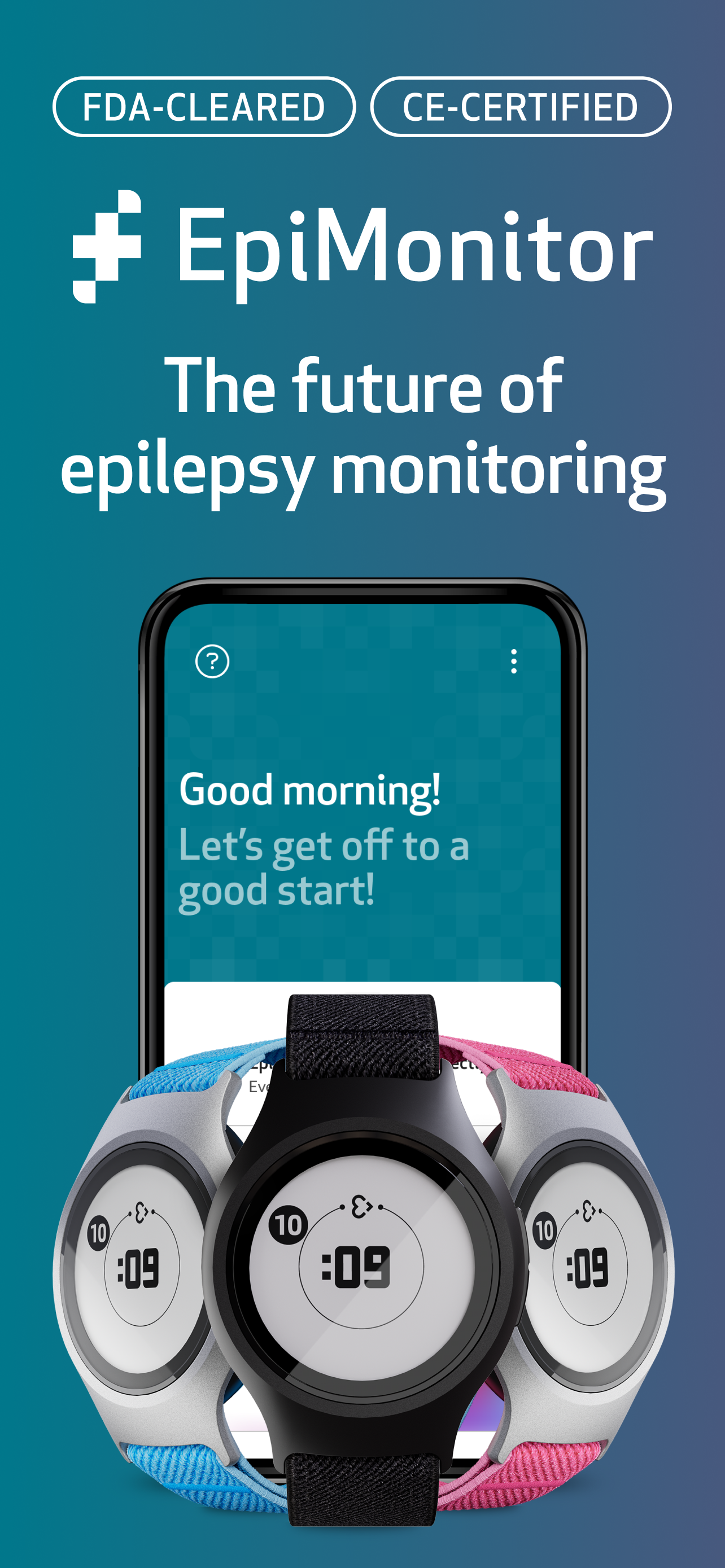
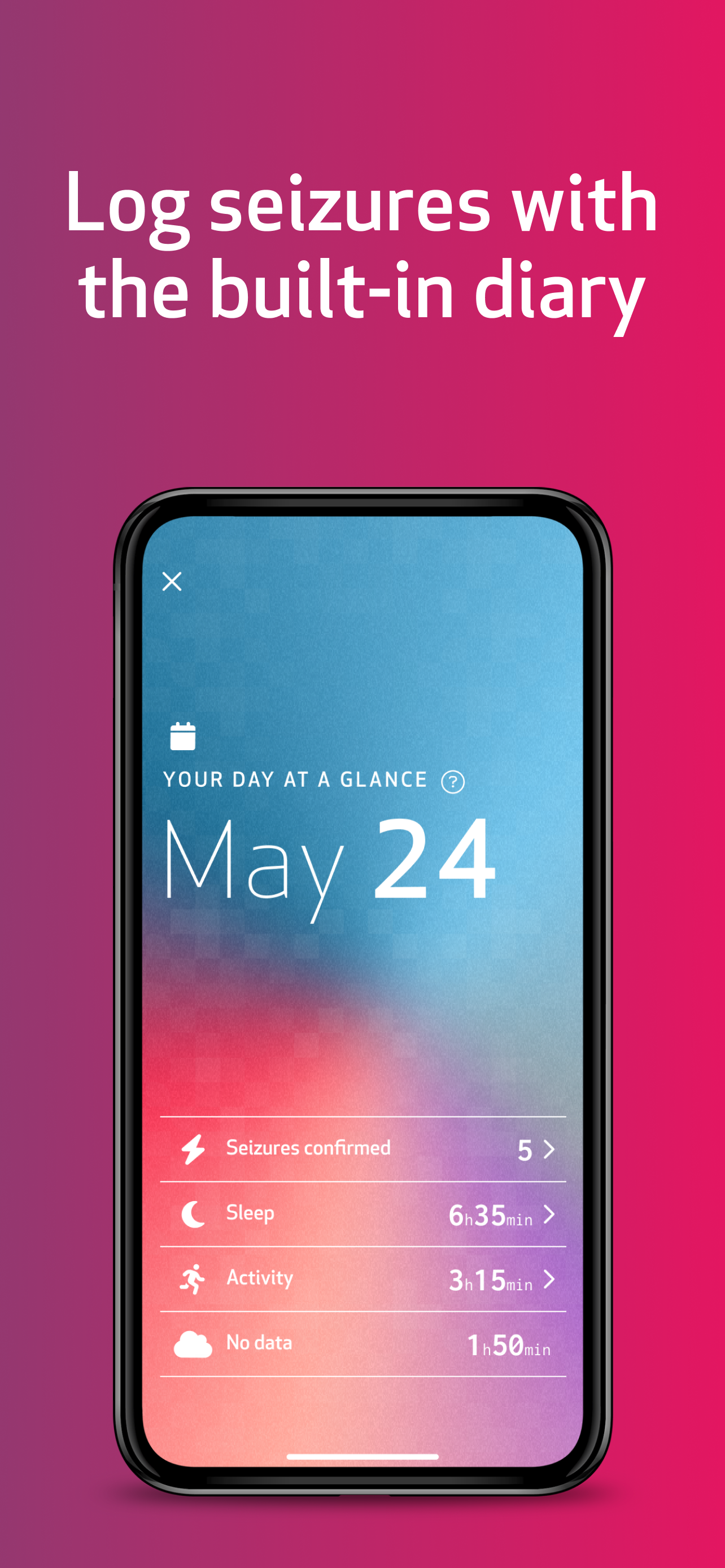
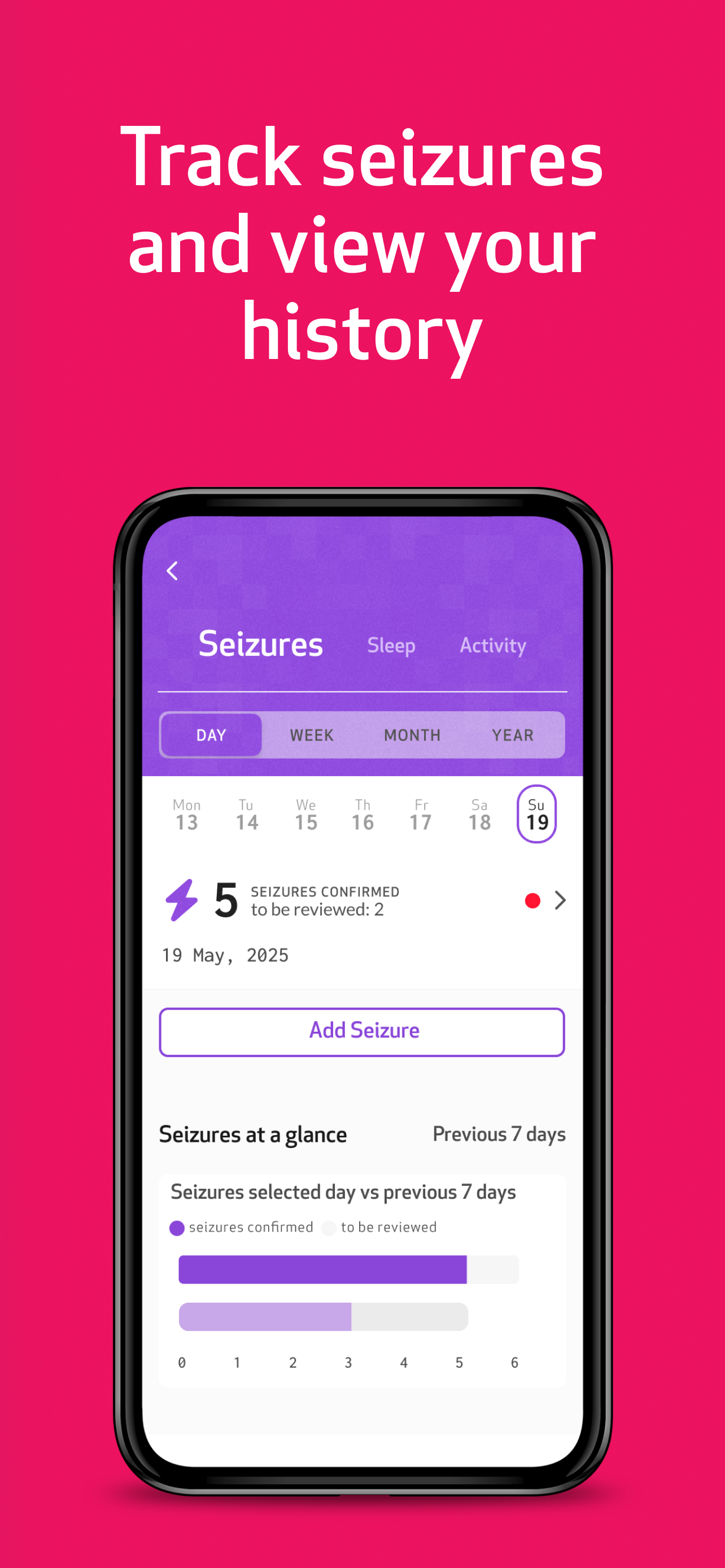
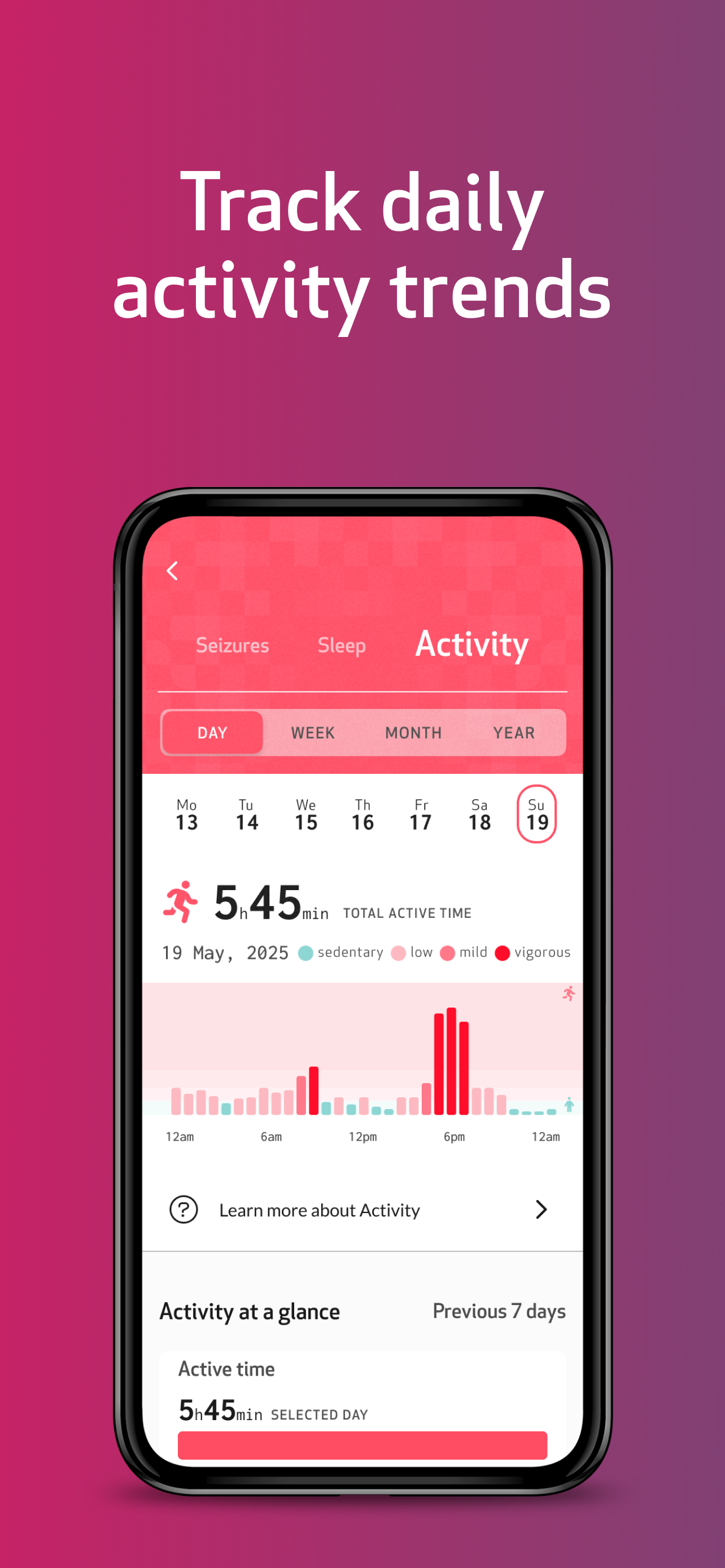
EpiMonitor is a seizure monitor and seizure alert system designed to keep people with epilepsy safe. The only device and app combination fully cleare...