Check the acquisition promise
Read the store headline, screenshots and description. What problem is the app promising to solve?
Study the storefront ↗
KWANG YEOUL YOO · iOS
Explore the ad evidence, study the storefront, and build your next acquisition hypothesis.
01 / Creative research
Read the store headline, screenshots and description. What problem is the app promising to solve?
Study the storefront ↗Explore apps with direct store-link matches. Compare their hooks and formats without assuming the same approach works here.
Browse observed advertisers ↗Store rankings and revenue estimates describe market context. They do not establish ad spend, conversions or ROAS.
Review the market context ↗02 / Storefront & product
Study the product story and store experience behind the acquisition funnel.




03 / Market context
Keep revenue, downloads and store rankings separate from advertising performance.
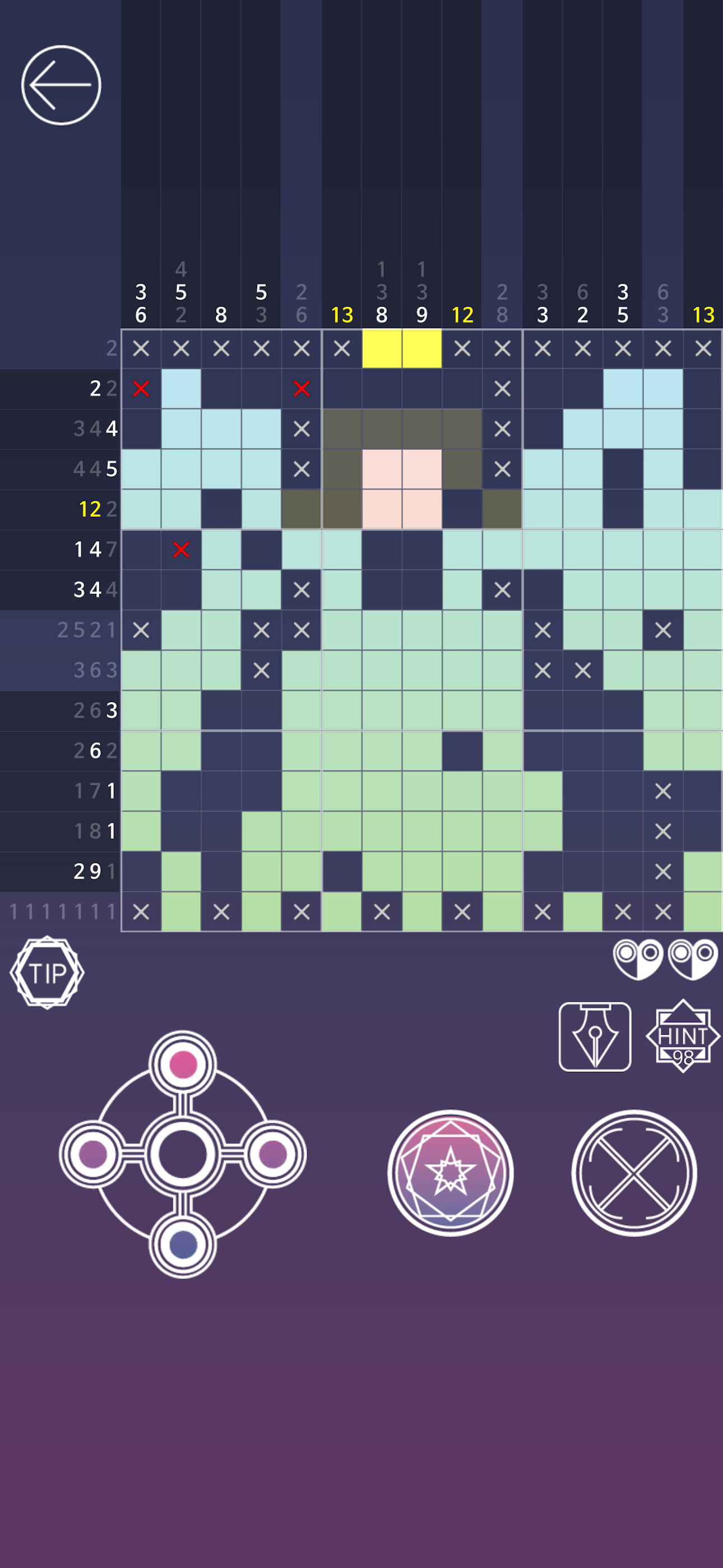
I’m a big fan of nonogram and logic games in general, and I’ll actively shout from the roof top that this genre of puzzles is underutilized first off, and second, they typically have a million ads when they ARE actually pretty fun. This is the first newish app I’ve found that does everything right, as far as all of the above goes. It’s fun, addictive, and the ads happen when you THINK they will, but they’re pretty skippable for the most part (at least in my experience). I literally paid for the ad free version because I wanted to support the developers of this game for doing such a good job with it because the ads in this game are minimal and usually pretty quick to skip. I hope this company keeps up exactly what they’re doing!!
I love nonograms and play several other similar apps so I really wanted to love this game, but it’s so buggy that it’s unplayable. The tutorial text doesn’t disappear when you hit “next” so I can’t even watch the tutorial as the text just layers and obscures what’s underneath. I don’t like playing where the x’s fill in automatically, but if I turn off autofill, I cannot fill in spaces at all. If I accidentally fill in my own x in an incorrect spot, the auto check marks it as a red x rather than a filled in space, so I can never correct the mistake and fix the puzzle. I also cannot figure out how to erase what I’ve put in a box which is a huge oversight. I have no idea what the pen vs finger feature is that brings up that little menu bar, but every time I move the bar to highlight a different area, it duplicates itself. If the game was playable, I’m sure I’d enjoy it, but all of these bugs made it tedious to attempt an otherwise easy 10x10. If they’re fixed later on, I’d certainly play and reassess.
Finished 19 of 24 big puzzles on iPad now using Apple Pencil works great. Following comments relate to iPhone. Game is best of class either way. Luna Story 1 has the unique feature of providing the option to use a cross shaped controller to select a square to be marked. This makes it possible to choose the exactly correct spot every time with zero errors. On other iPhone based Nonogram games I almost always touch at least one or more wrong squares just because as the grid size increases, the size of a square is smaller than the finger tip you use to touch and select it, so this Luna controller works great. You can use left and right thumbs to move the selection point and choose whether to fill or mark as empty simultaneously. If you’re near the edge, you can navigate to the opposite side just by moving one square past the end. So this feature alone is great. Plus the artwork and music are very nice. I paid the fee on day one to remove ads and support the developer. Also, multiple colors appear without having to manually select them, so even the smaller, simpler puzzles have a more recognizable image when complete. I learned to play Nonograms on a 15” MacBook Pro, and this is the best, most polished, beautiful and enjoyable implementation I’ve found for the iPhone. The only improvement I’d like to suggest is whether the number dimmed for squares already filled could be a bit more legible.
Why don’t you travel to a sentimental and beautiful story hidden in the puzzle? This is a story that has come down since long ago. It is said a cur...