
Check the acquisition promise
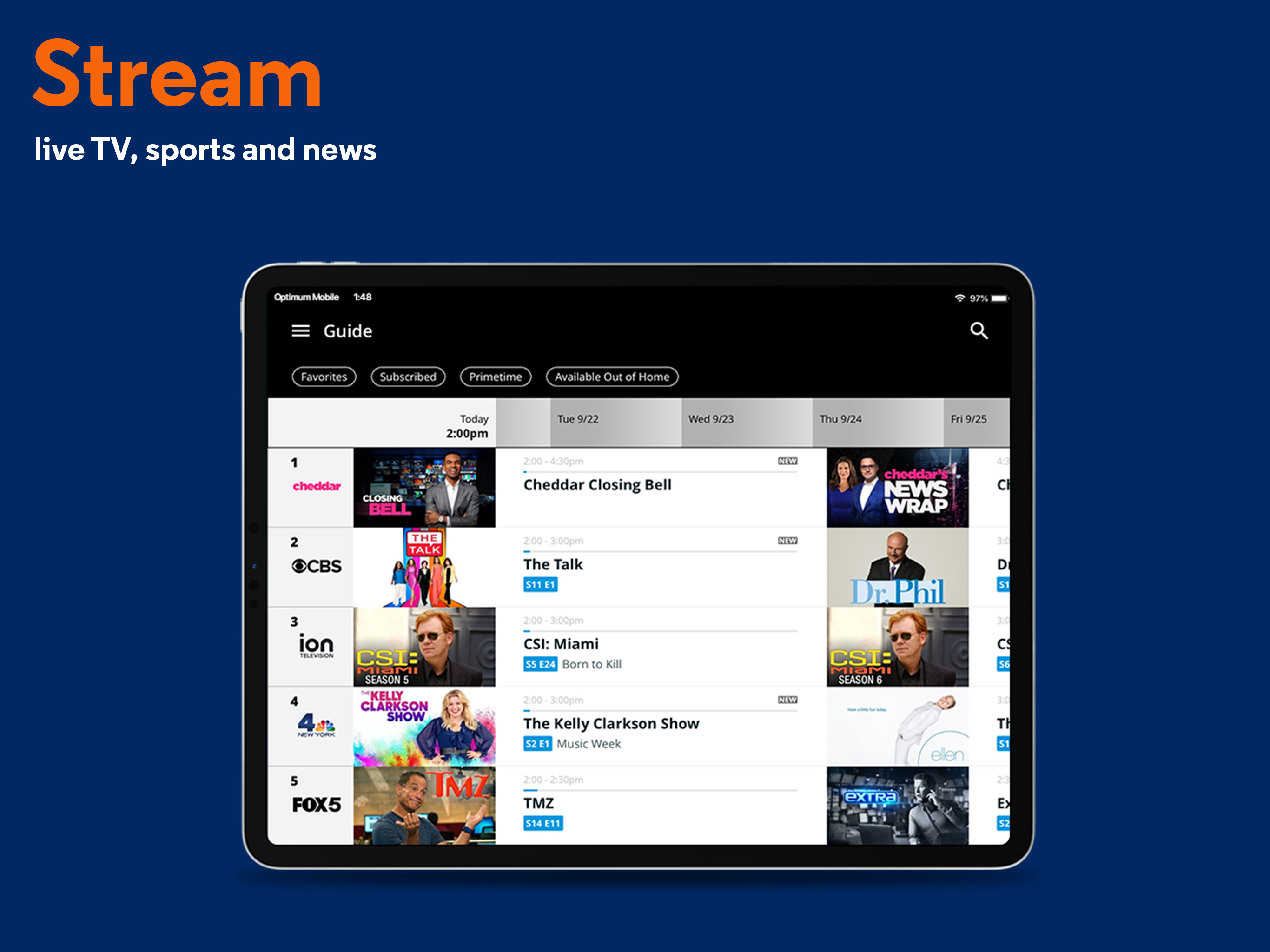
Read the store headline, screenshots and description. What problem is the app promising to solve?
Study the storefront ↗
CSC Holdings, LLC. · iOS
Explore the ad evidence, study the storefront, and build your next acquisition hypothesis.
01 / Creative research
Read the store headline, screenshots and description. What problem is the app promising to solve?
Study the storefront ↗Explore apps with direct store-link matches. Compare their hooks and formats without assuming the same approach works here.
Browse observed advertisers ↗Store rankings and revenue estimates describe market context. They do not establish ad spend, conversions or ROAS.
Review the market context ↗02 / Storefront & product
Study the product story and store experience behind the acquisition funnel.


03 / Market context
Keep revenue, downloads and store rankings separate from advertising performance.
I went from using Optimum TV on my phone without much difficulty to receiving a message to upgrade (I couldn’t do so as that would make it an older version than the one I have been using). Now the app won’t open at all. I can’t imagine a company like Optimum being unable to offer online services. After all it is 2021. For those of you who are conserving this update well, DON’T bother. It's now 2024 and Optimum TV is working 90% of the time. On occasion I can't log on but it usually is only for a short period of time and then it works. I wish the web site layout was a bit more intuitive but it's usual. Anyway back to my show.....
After many months of struggles to get my Wi-Fi working, Cablevision finally reached the decision that the Cablevision modem and router were old and outdated. I made so many calls, rebooted countless times, was constantly being told that they found everything was working. The calls were frustrating. The automated service line should be called the no service line. After many months they finally sent a service person to check inside my home and they said everything is fine and they would check outside. Still, WiFi was constantly shutting down. They said they had to fix a cablevision problem outside. More weeks went by and the problem persisted. Finally they said they needed to give me a new modem and router. They wanted me to go find a Cablevision store and exchange my modem and router myself and then install it myself. I explained I am 76 years old and I do not drive and I cannot install the modem and router myself and they said they would come and install it. I said there’s no charge right? They said correct. They installed the new router and modem . Finally the Wi-Fi was working perfectly. Unfortunately I received a bill for the service charge. I called and explained that I was promised there would be no charge. They agreed to remove the charge. Then, about a month later, I received another bill I called and they did work very hard to remove the charge. My service has been absolutely perfect since receiving the new modem and router and the bill is finally gone. Why did it take so long for them to figure this out? Why did they expect me to go to a store, make the exchange, and then hook up the modem and router myself? The service man had many steps to do involving making sure the Wi-Fi and router were working for my two televisions, my Echo Shoe and my iPad. I definitely would not have been able to do that myself. Why did they try for so many months to put the burden on me? Everything is perfect now !! Now, can anyone figure out how I can get Verizon to fix my service?
There is for me one design flaw that spoils one otherwise useful function of this app for me. That is sound in the Program Guide: I can't silence it in a convenient or practical way. The iPhone silence button doesn't stop the program audio. I really like this app. I now use it as a remote control more than I do the original remote. However, there's one function that ruins one of my used of it: the inability to silence it when using the Guide and selecting a current program title to view information / cast. My iPhone silence button doesn't stop it, and using the volume control buttons is not only inconvenient, if I use it to quiet the sound, my preferred sound level will be gone when I'm done. I'm aware that when using the Guide there's a mute button in the video view, but by the time I can find it, the damage has already been done, since the unwanted noise has started, and I and other TV viewers in the room have been disrupted by the sound. Why "muted" isn't the default setting for this feature (or the app) I can't comprehend. At minimum there could be an app user option for mute. It's possible that Optimum sees the app as mainly a way of watching programs, rather than the way I use it as a reference and utility to help while watching programs on my TV. This limitation is frustrating, and my only reason to dislike the app. With the simple option to mute the app without silencing the phone, I'd give the review 5 stars. I can't understand the reasoning why the app wasn't designed to use the Guide in silence, and opt into sound when and if wanted. Thanks.
Turn every screen into a TV with the Optimum app, designed for Optimum Video subscribers. Enjoy your favorite live TV while on the go plus, manage you...


