
Check the acquisition promise
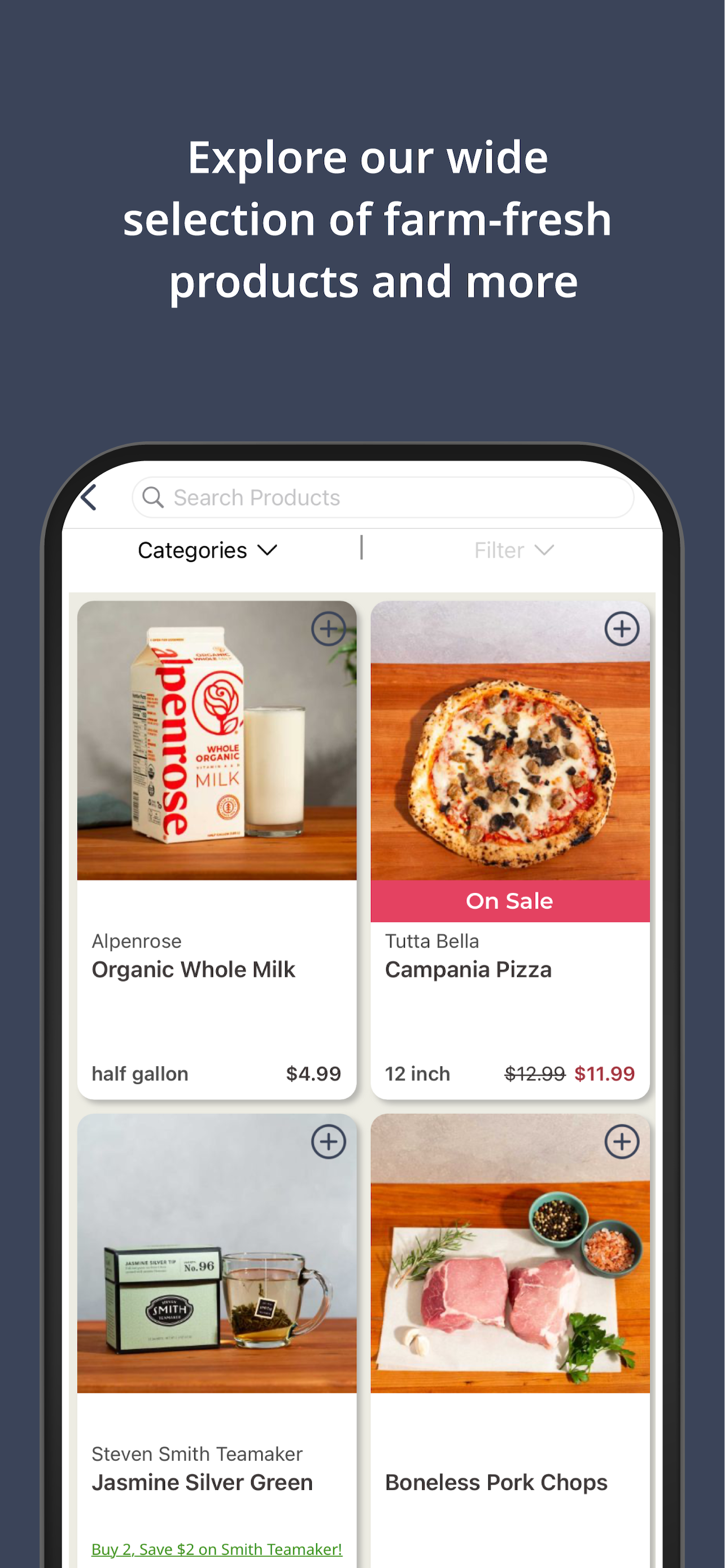
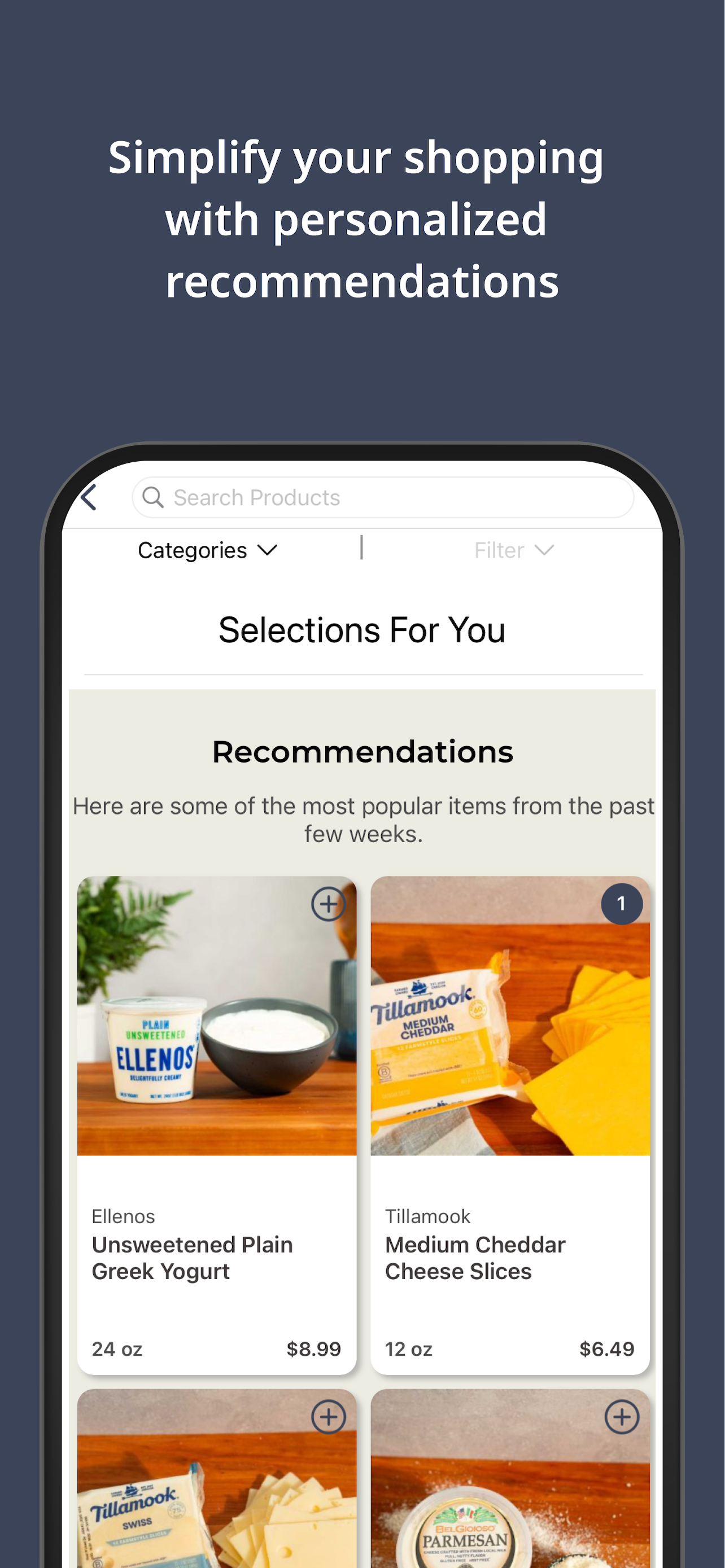
Read the store headline, screenshots and description. What problem is the app promising to solve?
Study the storefront ↗
Alpenrose · iOS
Explore the ad evidence, study the storefront, and build your next acquisition hypothesis.
01 / Creative research
Read the store headline, screenshots and description. What problem is the app promising to solve?
Study the storefront ↗Explore apps with direct store-link matches. Compare their hooks and formats without assuming the same approach works here.
Browse observed advertisers ↗Store rankings and revenue estimates describe market context. They do not establish ad spend, conversions or ROAS.
Review the market context ↗02 / Storefront & product
Study the product story and store experience behind the acquisition funnel.




03 / Market context
Keep revenue, downloads and store rankings separate from advertising performance.
I’ve been using the Alpenrose app on and off for a few years now to manage my deliveries. It’s easy to use and I’ve never encountered any major bugs or difficulties. The overall delivery service is amazing and I’m so happy we’re able to get it here in Camas.
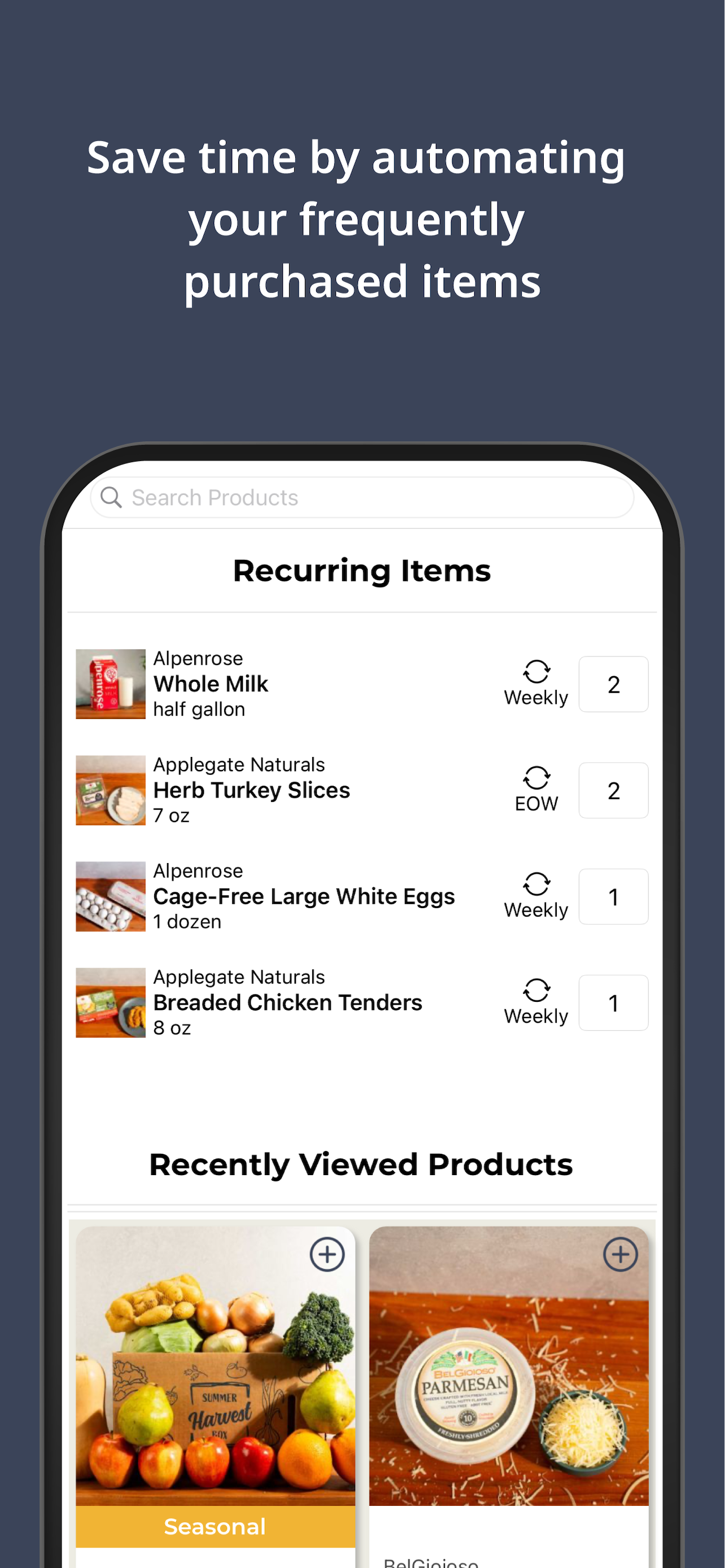
The latest update to the app makes it much harder to place a one-time order and much easier to accidentally place recurring weekly orders. For example, selections now default to "every week," and once a selection has been added to your "every week" order, you can't change the item to "next order only." You have to remove the item from your cart and re-add it. Imagine my surprise when I placed what I thought was a one time order for muffins and bread and whipped cream for guests, and next week, I found even more muffins and bread and cream in my delivery box! I like this service, but I have other options for milk delivery if they continue to make it hard to place one-time orders.
Sorry to say that Alpenrose delivery service is not the wonderful service I had hoped it would be and, after only 2 weeks I am cancelling. I learned today that the chosen delivery schedule of every other week (EOW)means every week to the delivery team, unless I go on the site and choose to skip a week. This confusing format also means that items I have selected for EOW delivery come on the dairy’s determination. To make this even harder to understand is that items added the day before will come promptly but items placed on the “standing order” get shuffled to the following week The customer service was nil. E-mail communication was scripted and, even the eventual human contact was scripted, leaving no room for the employee to state understanding of the confusing order scenario. Never thought I would be attaching a negative review to anything Alpenrose. Here’s hoping they can clean up the ordering confusion and keep the name synonymous with good memories.
The Alpenrose app lets you browse our catalog, add products to your order, and manage upcoming deliveries to optimize your weekly grocery needs. Home...


