
Check the acquisition promise
Read the store headline, screenshots and description. What problem is the app promising to solve?
Study the storefront ↗
Great Detail Ltd · iOS
Explore the ad evidence, study the storefront, and build your next acquisition hypothesis.
01 / Creative research
Read the store headline, screenshots and description. What problem is the app promising to solve?
Study the storefront ↗Explore apps with direct store-link matches. Compare their hooks and formats without assuming the same approach works here.
Browse observed advertisers ↗Store rankings and revenue estimates describe market context. They do not establish ad spend, conversions or ROAS.
Review the market context ↗02 / Storefront & product
Study the product story and store experience behind the acquisition funnel.

03 / Market context
Keep revenue, downloads and store rankings separate from advertising performance.
This is a truly great app, yes, the graphics are not state of the Art but I have learned that those graphics actually have a trade-off, and that is performance and efficiency. For the price, this truly cannot be beat. Yes it is expensive and I purchased one of the lifetime license, and I truly believe it’s been a great investment. Golf is an expensive sport, and depends a lot on the weather. I use awesome golf with my Garmin R1 and I don’t even purchase the expensive RCT balls, I just use a little piece of aluminum tape and it has been extremely accurate. I’ve even taken it to the range to compare and it’s pretty mind-boggling how it can do all those calculations so well. Yes this is expensive, right until you compare it all the others. If you truly love golf and plan on using this, the lifetime license is an amazing deal.
Big fan of the app, been using it quite a bit the past month. Suuuuper accurate on my garmen r10, better than their software by a wide margin in that regard. But it’s not without its issues. Have had problems with getting it to connect on a few occasions and have had to unpair and re-pair the r10 to my iPad to get it to work. I also keep having an issue where randomly sessions won’t be saved to the awesome golf database, making it impossible for me to download the stats from the community app after my session. Is this a common issue with any known fixes? And honestly the clunkiness of the experience post-session is extremely aggravating. It would be FAR more convenient to be able to auto-save session stats locally, rather than hope it saves to your cloud database, and then be forced to open up another proprietary app to download a CSV, to then have to upload that to a third party web app to be able to make any sense of the spreadsheet packed with numbers. It would be fantastic to as be able to open those sessions within the base app to better understand the session and analyze each shot without having to stare at a spreadsheet. Are there any plans to address these shortcomings?
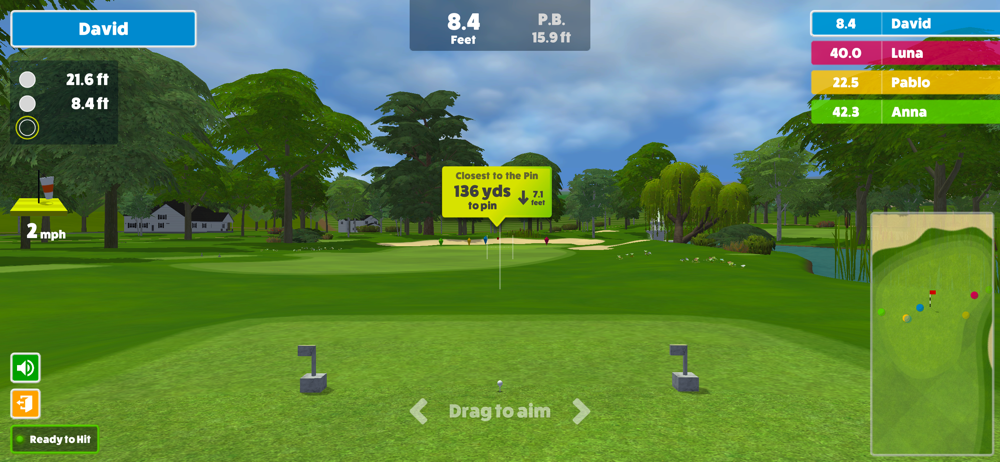
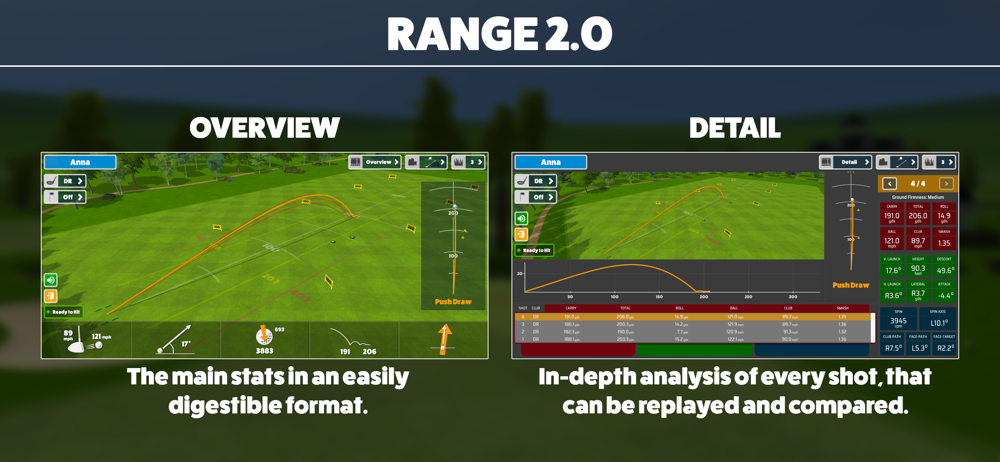
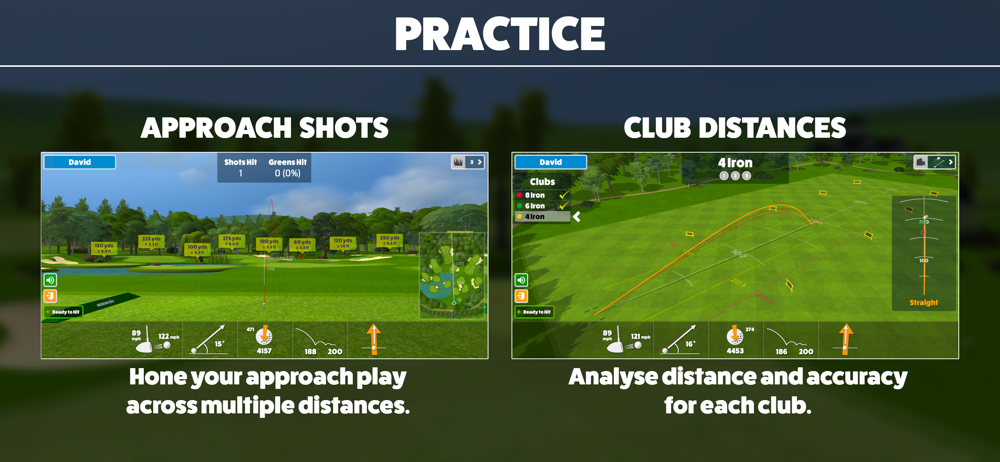
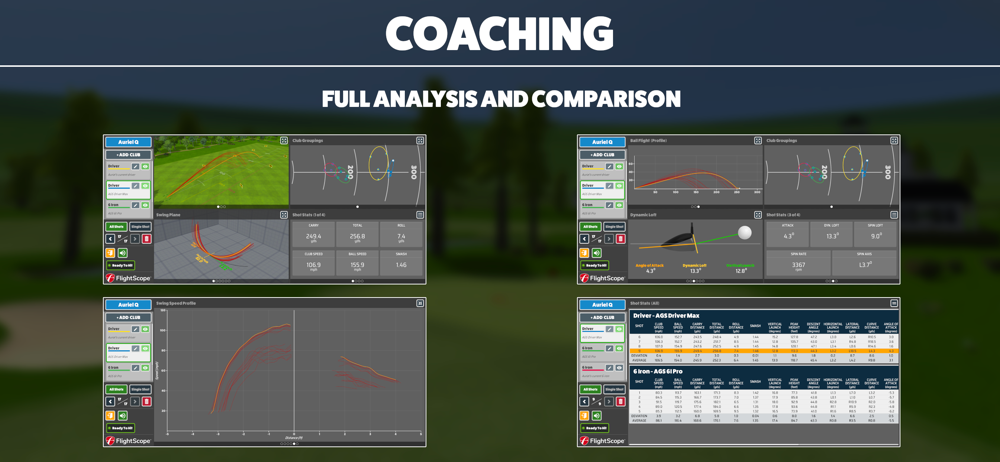
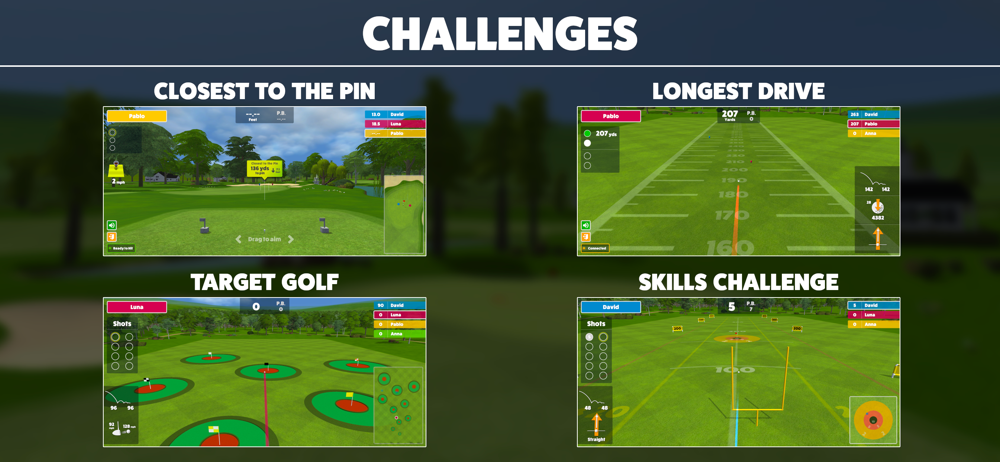
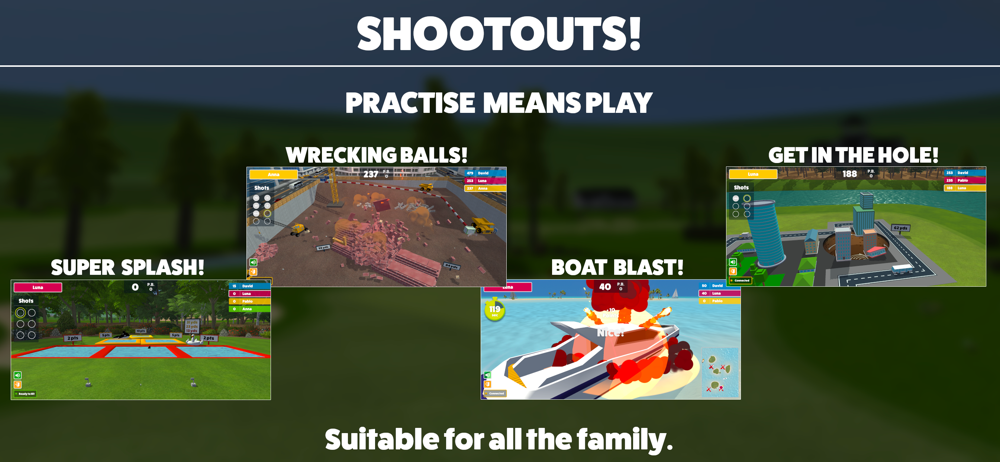
I recently purchased a Mevo+ (which comes bundled with five included courses on the IOS version of E6 Connect.) I thought that was all I would need to get the most out of my Mevo+. I was wrong. The problem is that the game play and graphics on the IOS version of E6 Connect are terrible. Even on the latest generation iPad Pro, it was terrible! That’s when I discovered the Awesome Golf Suite. Awesome Golf game play and graphics are straightforward and clean. The interface is easy and intuitive. The driving ranges and “coaching mode” combines all the stats you need to improve your game in an easy-to-understand package which makes practice a joy. Awesome Golf also includes several “Challenges” and “Shootout” mini-games which are addictive and fun to play against friends and the world at large. (Awesome golf keeps track of your stats and displays your best scores against the rest of the world on an International Leader Board.) Finally, the suite includes two 9 hole golf courses. The physics engine and game play on these courses is great. Even my wife enjoys playing them (and she’s a tough critic). My only complaint is that I wish there were a few more courses to play. All in all, Awesome Golf is a home run! It is well worth the money and my “go to” app for playing on my Mevo+.
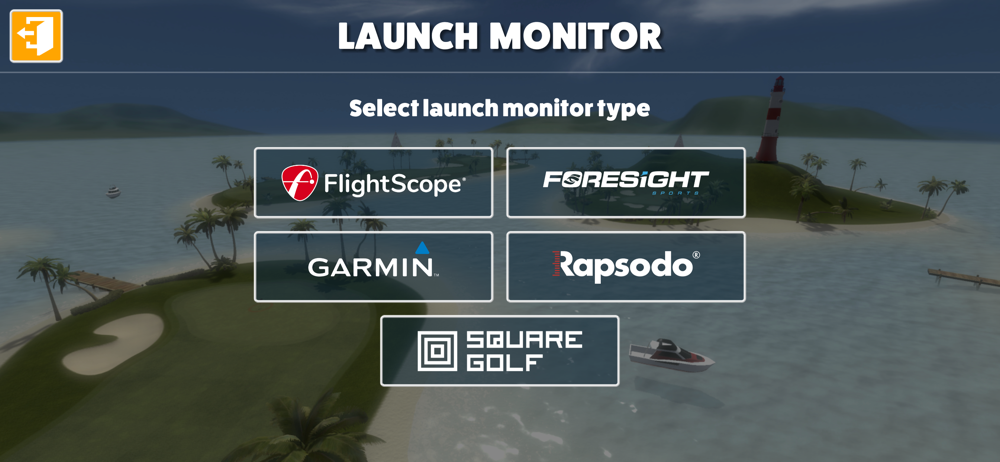
**** Supported Launch Monitors **** - Bushnell Launch Pro and LPi - FlightScope Mevo Gen2, Mevo Plus and above - Foresight GC3, GC3S, GCQuad, QuadMA...
| Name | Price | Type |
|---|---|---|
| Monthly Subscription (Legacy) | $9.99 | Monthly |
| Monthly Subscription | $14.99 | Monthly |
| Annual Subscription | $159.99 | Yearly |
| Subscription License (Legacy) | $199.99 | One-time |
| Lifetime License | $349.99 | One-time |


