
Check the acquisition promise
Read the store headline, screenshots and description. What problem is the app promising to solve?
Study the storefront ↗
Blue Yonder, Inc. · iOS
Explore the ad evidence, study the storefront, and build your next acquisition hypothesis.
01 / Creative research
Read the store headline, screenshots and description. What problem is the app promising to solve?
Study the storefront ↗Explore apps with direct store-link matches. Compare their hooks and formats without assuming the same approach works here.
Browse observed advertisers ↗Store rankings and revenue estimates describe market context. They do not establish ad spend, conversions or ROAS.
Review the market context ↗02 / Storefront & product
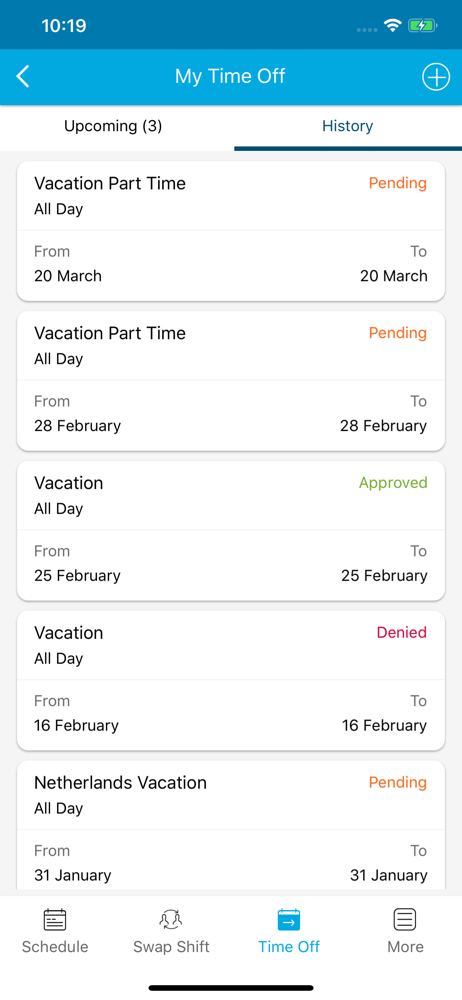
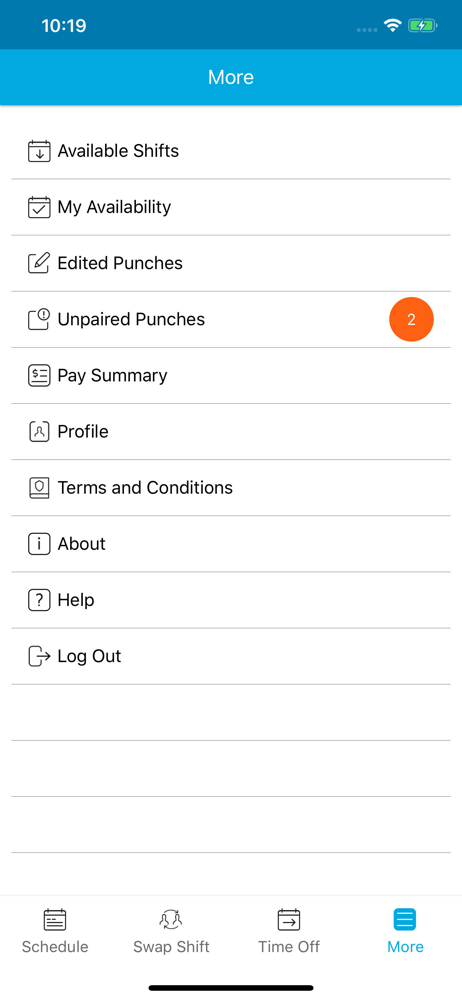
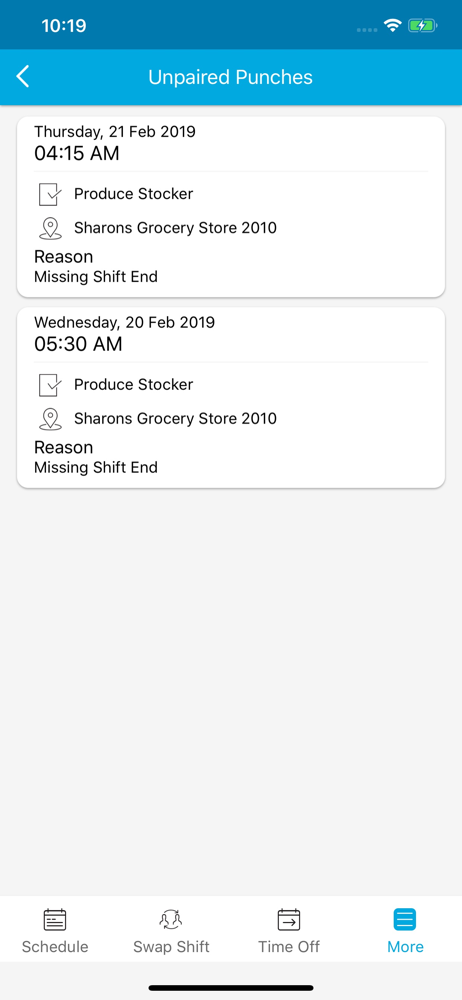
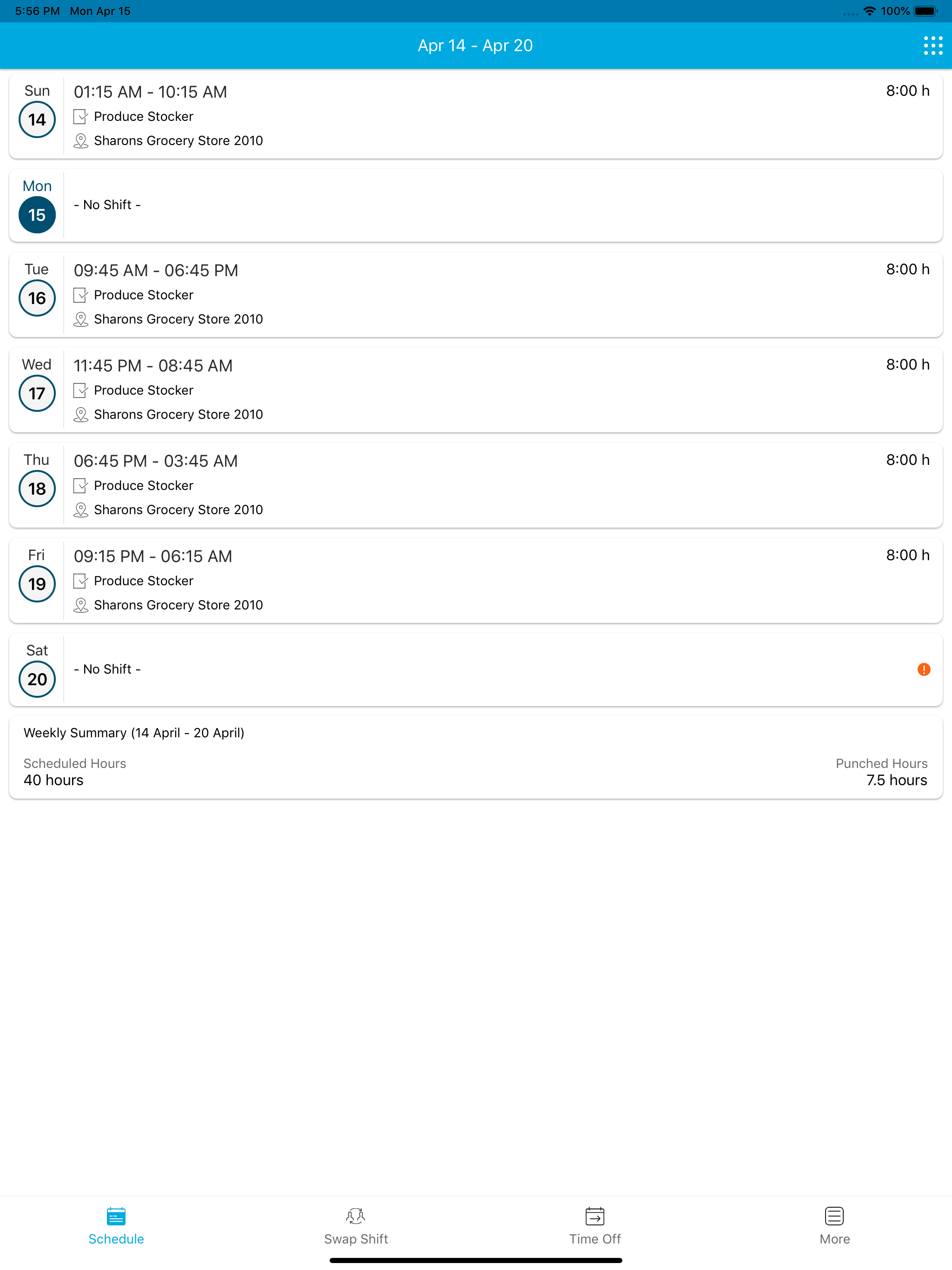
Study the product story and store experience behind the acquisition funnel.



03 / Market context
Keep revenue, downloads and store rankings separate from advertising performance.
Your app doesn’t allow anyone to access the scheduling feature for what ever reason without any reasonably available solution. I have been trying to log in to my account for about 5 hours trying anything that pops into my mind to address the problem, like refreshing the page, restarting the app from Home Screen, uninstalling and reinstalling the app of my phone over and over again and nothing worked and so far nothing has worked except me using a different device to try to access this app. Again let me reiterate, I had to use a different device to access my work schedule through this app, an app who’s purpose is to tell me when I need to go to work. This situation is very simply unacceptable. I’ve had to stare at a screen that says over and over again say “the page you are trying to reach is no longer available”. This app isn’t the worst but it seriously needs some work, to allows it’s users to do more then just try the same thing over and over again to no avail. Just at the very least let us have more options.
Hey, I have an idea... do not highlight the current day. I know what day today is, if not I consult this thing called a calendar. When you highlight the day, I think that day is today. When the next day comes, that highlight does not change. It only changes when I logout and log back in. I do that everyday now. I have been late twice due to this. Luckily, I figured out what was tripping me up with the app. The entire display does not change until you logout. Lets say today is Tuesday, and I have been logged into the app since Monday. When I look, Monday times are highlighted. If Tuesday's start time is 30 minutes prior to Monday's start time, I will see Monday highlighted and go to work at Monday's time. I have been late with a write-up one time. Luck has been on my favor. I have been early many times, and that's fine. My problem is the highlight. If everyday was the same font and color, I would use my eyeballs to scan the screen to the right day. Unfortunately, you use a different color to highlight "today." That highlight does not change until you close the app and logout. If I don't logout, the highlighted day remains the same. I understand it would be hard to change this sequence in the back-end. Just do me a favor: do not highlight the day. Then, my eyes will scan the screen for the correct day, everyday, and do the correct thing. Just do that and your app will be perfect. From an employee's point of view, that would fix it. Some of my manager's have noted that the start-time updates are only sent to about 90% of employees. I have no idea how that happens, but those are the reports I have been hearing. Other than that, I support my company using the app. Every app had their flaws and there is always room for improvement.
At the time using this app, I haven’t gotten into any troubles since my first day of working. However, it seems like the app doesn’t go well as before as time flies because I can’t log in to my account. It just makes me spend a lot of time waiting, but I don’t even know how it’s gonna be like. Although I’ve tried all the ways I can to log in like delete and redownload the app or just waiting for so long, but it still doesn’t work. I am confusing enough for this app!!!
Blue Yonder Workforce is a new mobile offering intended to provide Employee Self Service (ESS) Desktop parity and includes: * Schedule * Shift Offer...


